File Commander
How to open two folders side by side in your browser
Open a folder in each File Commander panel, allow editing once, and come back to the same folders next time. Works in Chrome, Edge and Opera on a computer.

Screenshots and sample files
Learn to merge PDFs, resize images, convert MP4 to GIF and export color palettes. Follow worked examples with screenshots and downloadable sample files.
Open a folder in each File Commander panel, allow editing once, and come back to the same folders next time. Works in Chrome, Edge and Opera on a computer.
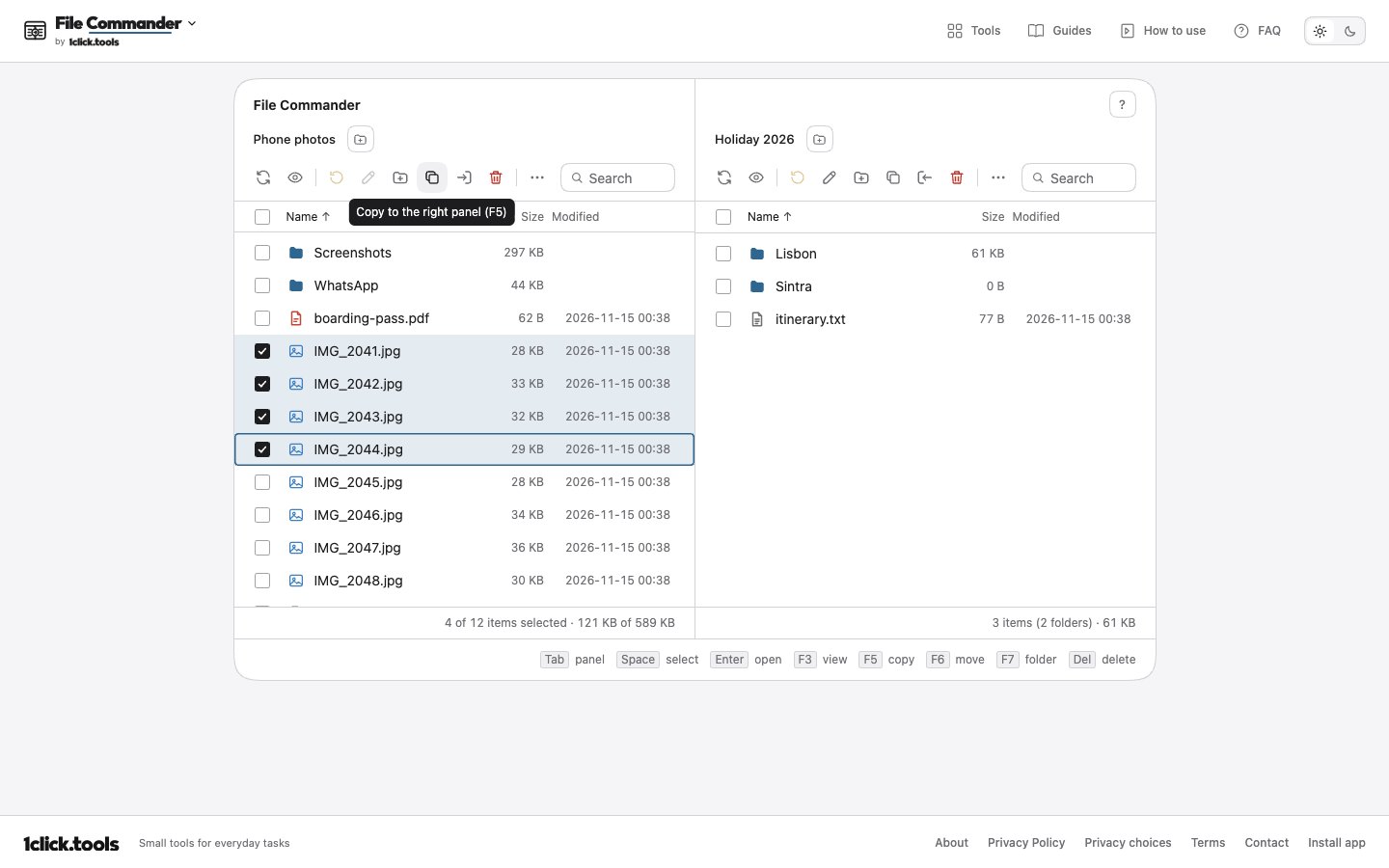
Select files in one File Commander panel and copy them into the folder open in the other panel. Existing files are never overwritten.
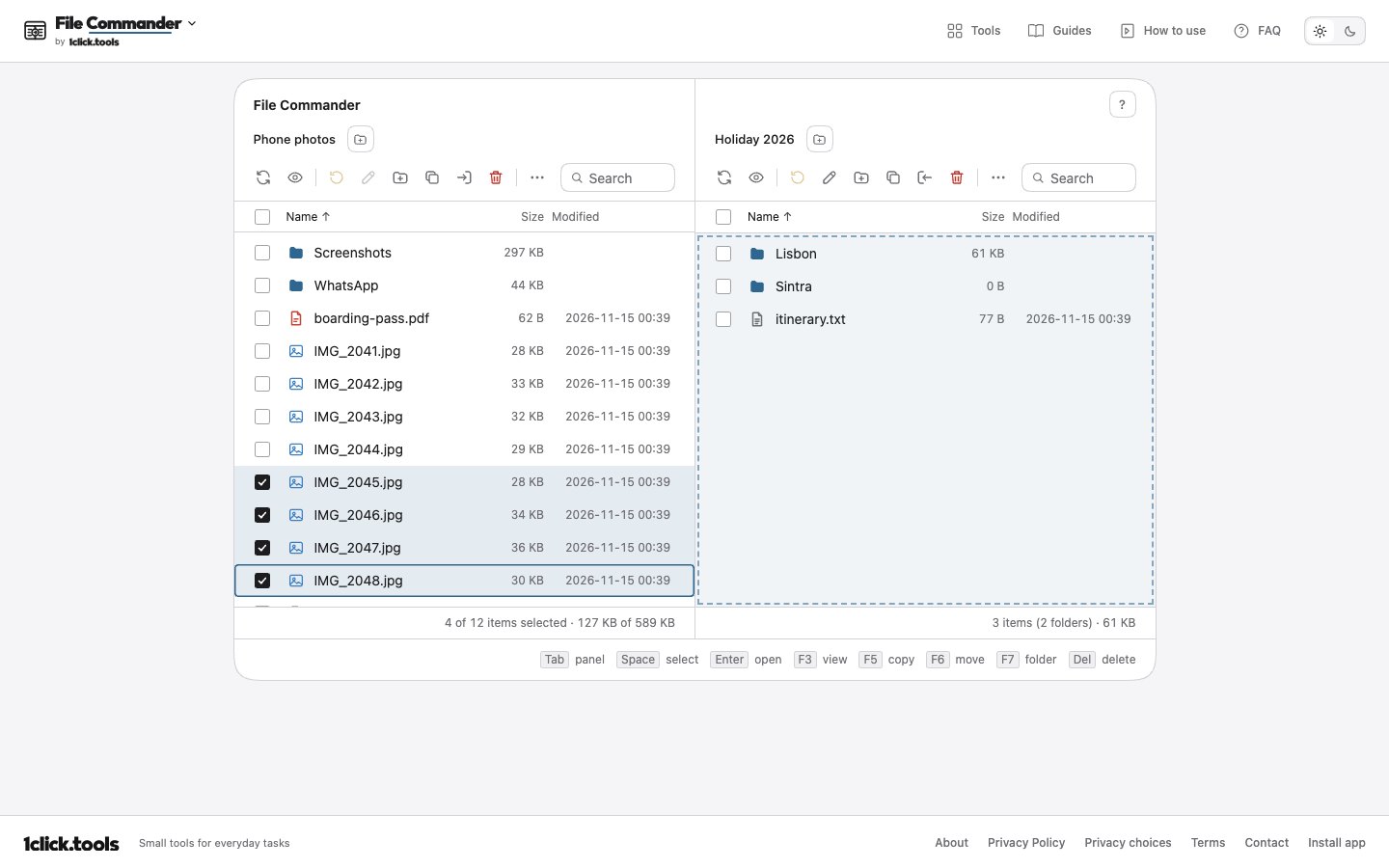
Drag files from one File Commander panel to the other to move them, or hold Option/Alt to copy instead. The Move icon does the same without dragging.
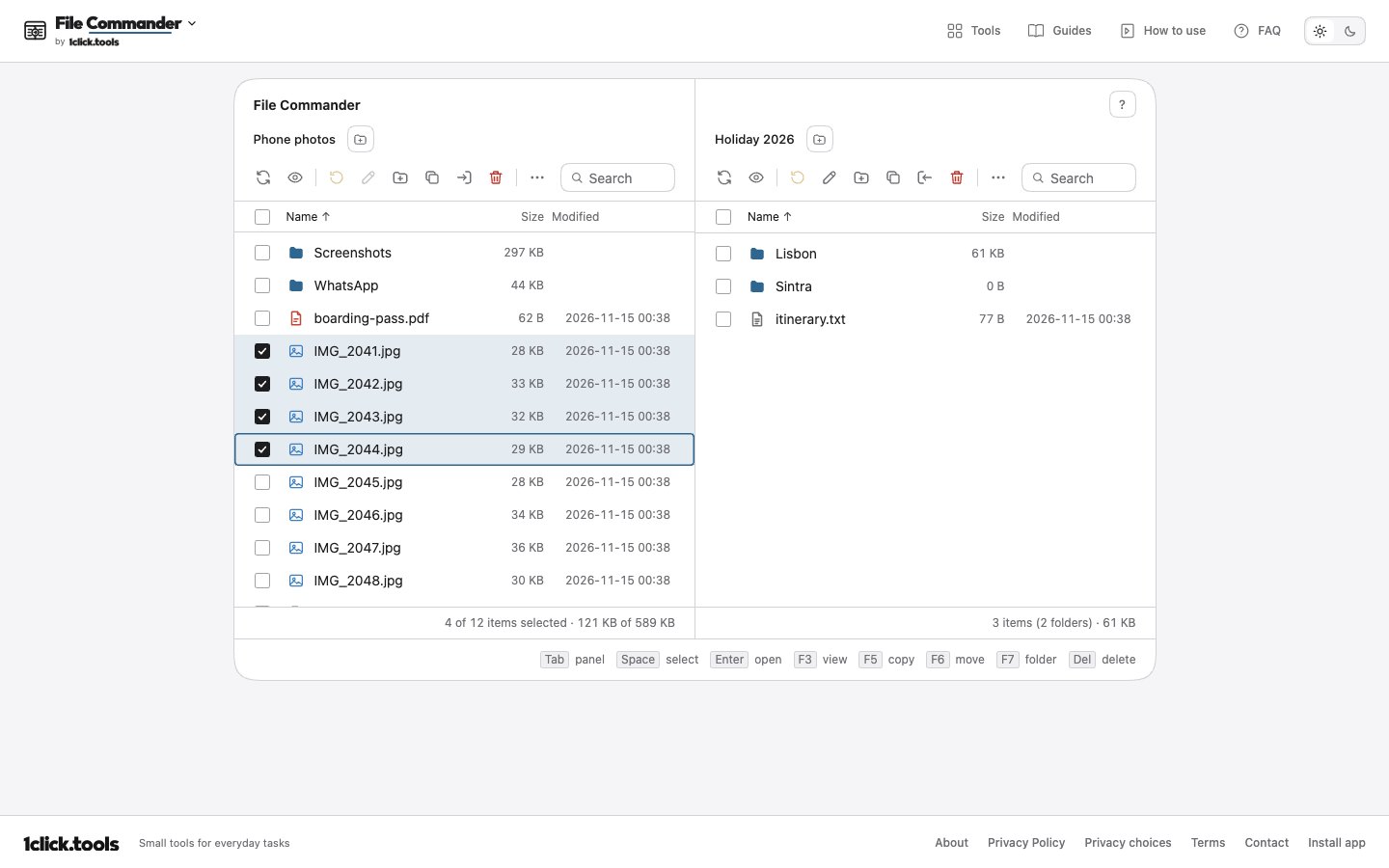
Use clicks, Shift, Ctrl/Cmd, checkboxes and Select all to pick exactly the files you want before copying, moving, deleting or converting them.
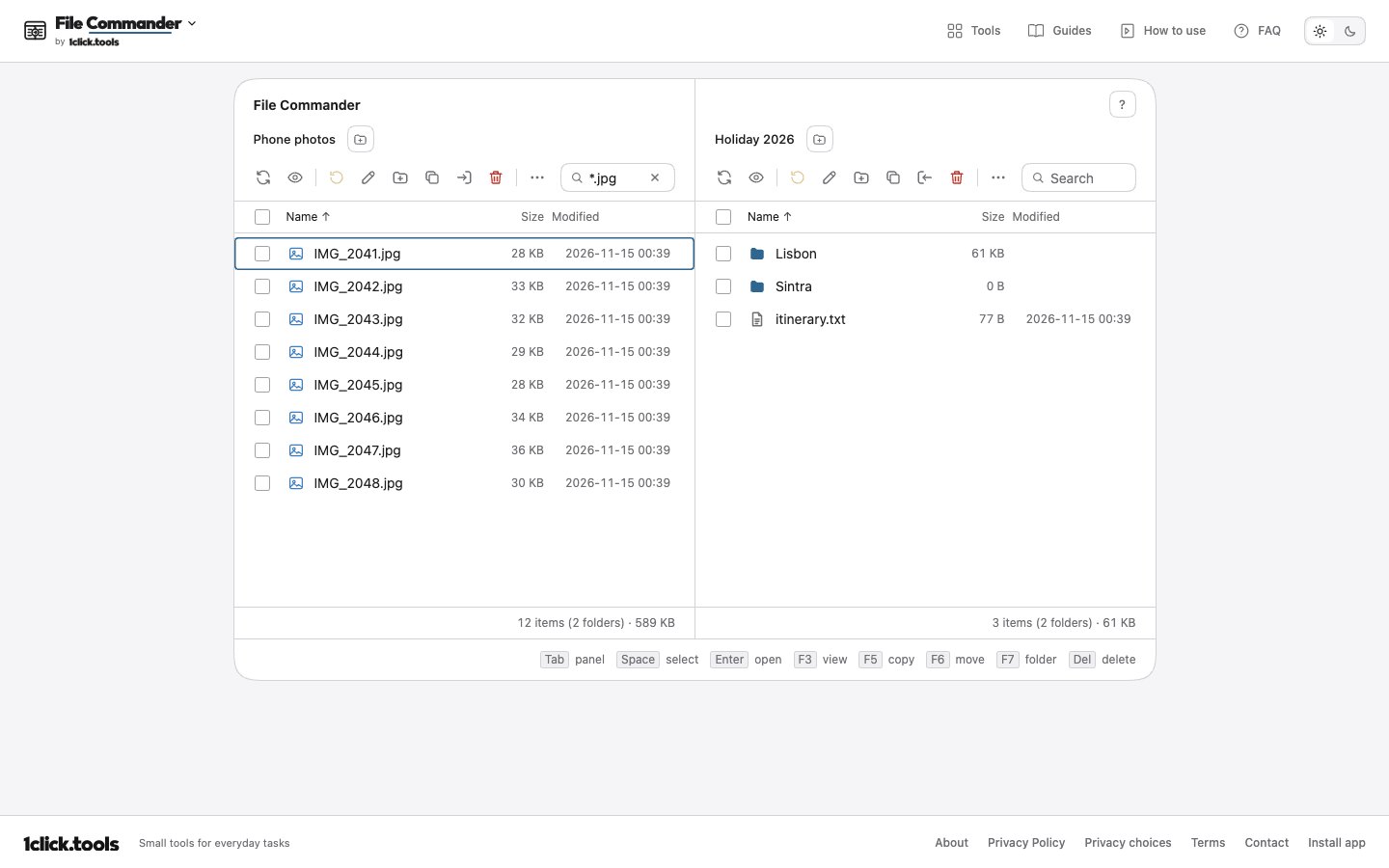
Use the search box in each File Commander panel to narrow a folder to matching names or masks such as *.jpg or *.jpg *.png.
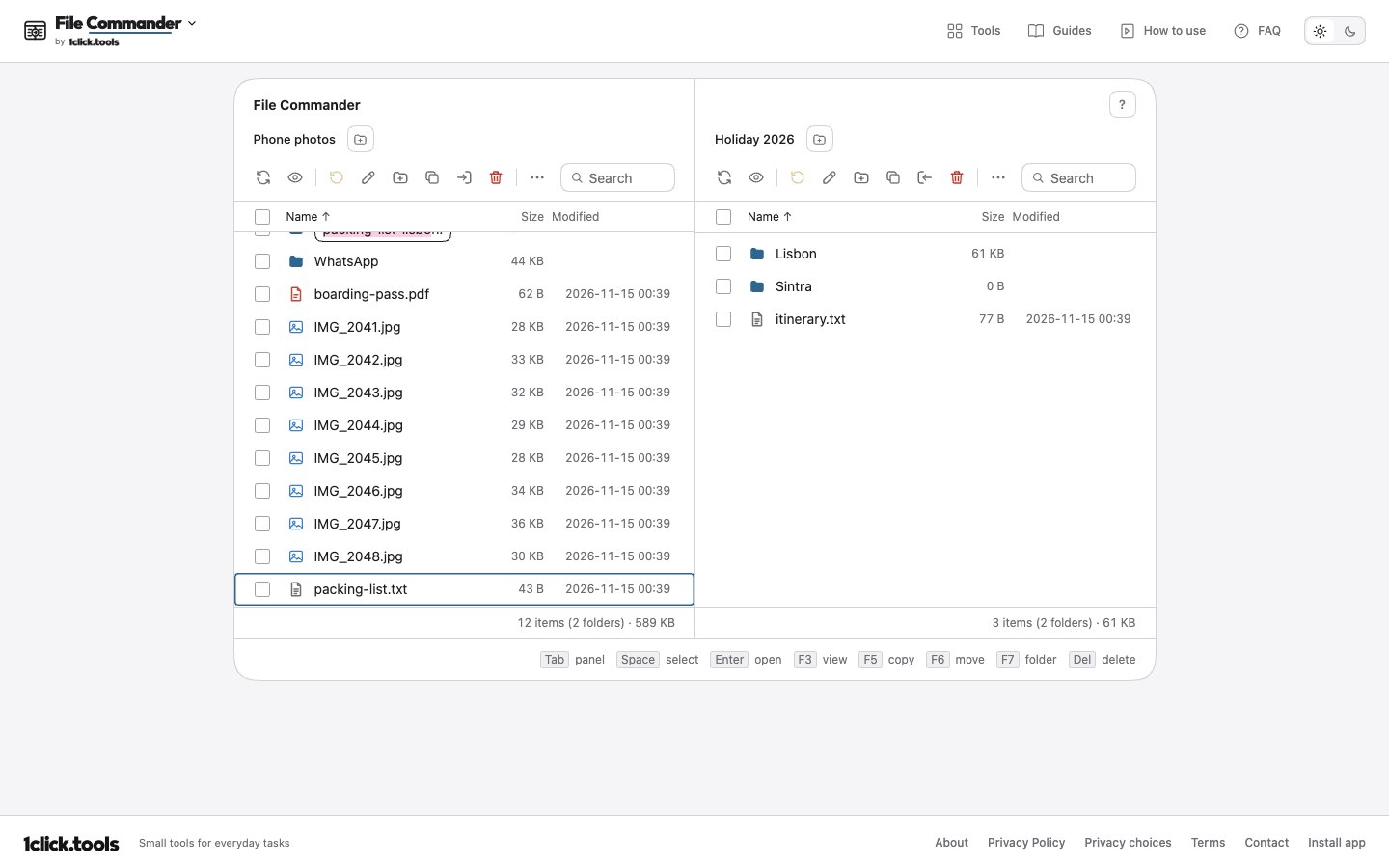
Rename files and folders in place in File Commander: click a selected name again after a short pause, or use the Rename icon.
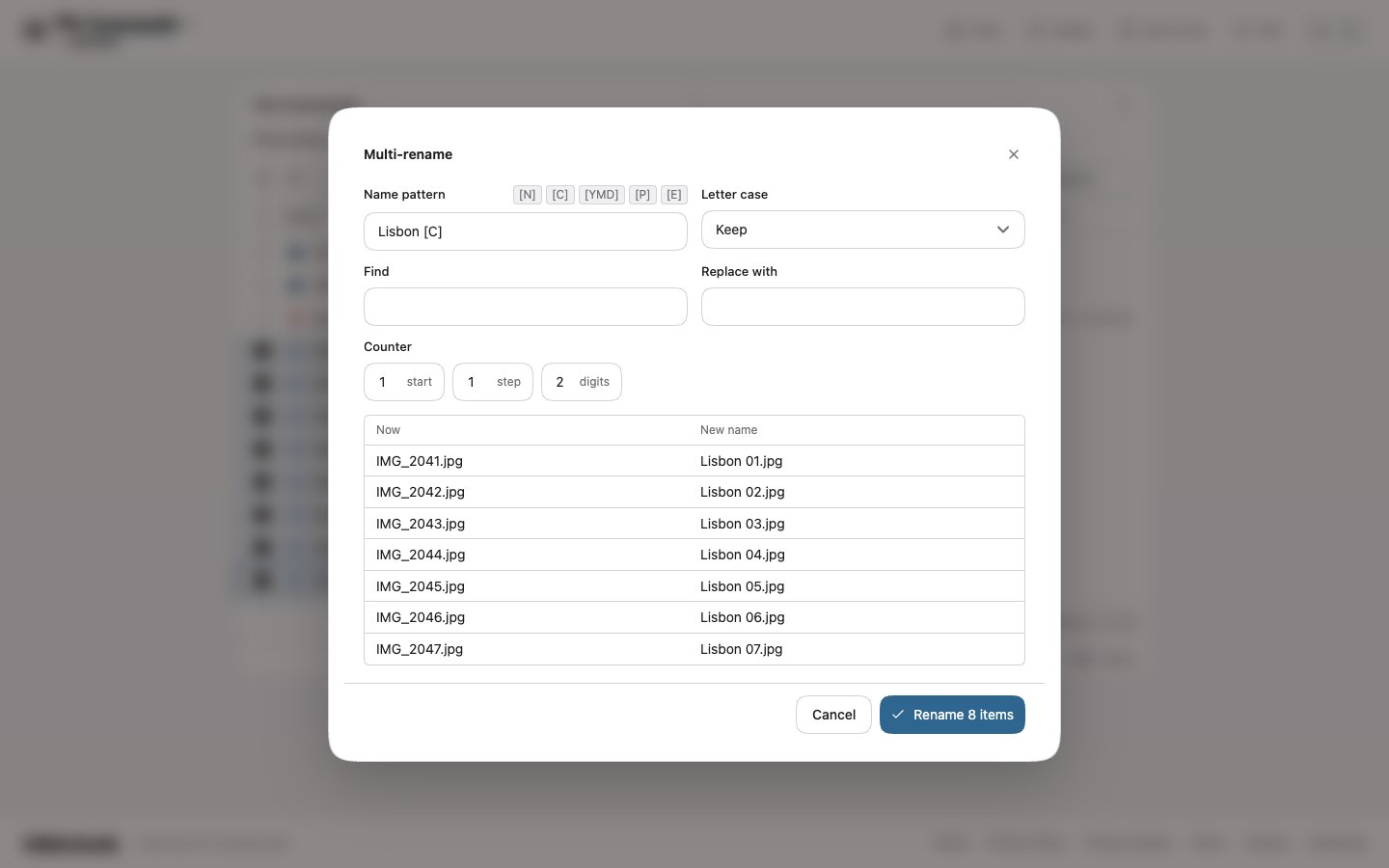
Rename a whole selection at once in File Commander with a name pattern, numbering, find and replace and letter case, and see every new name before anything changes.
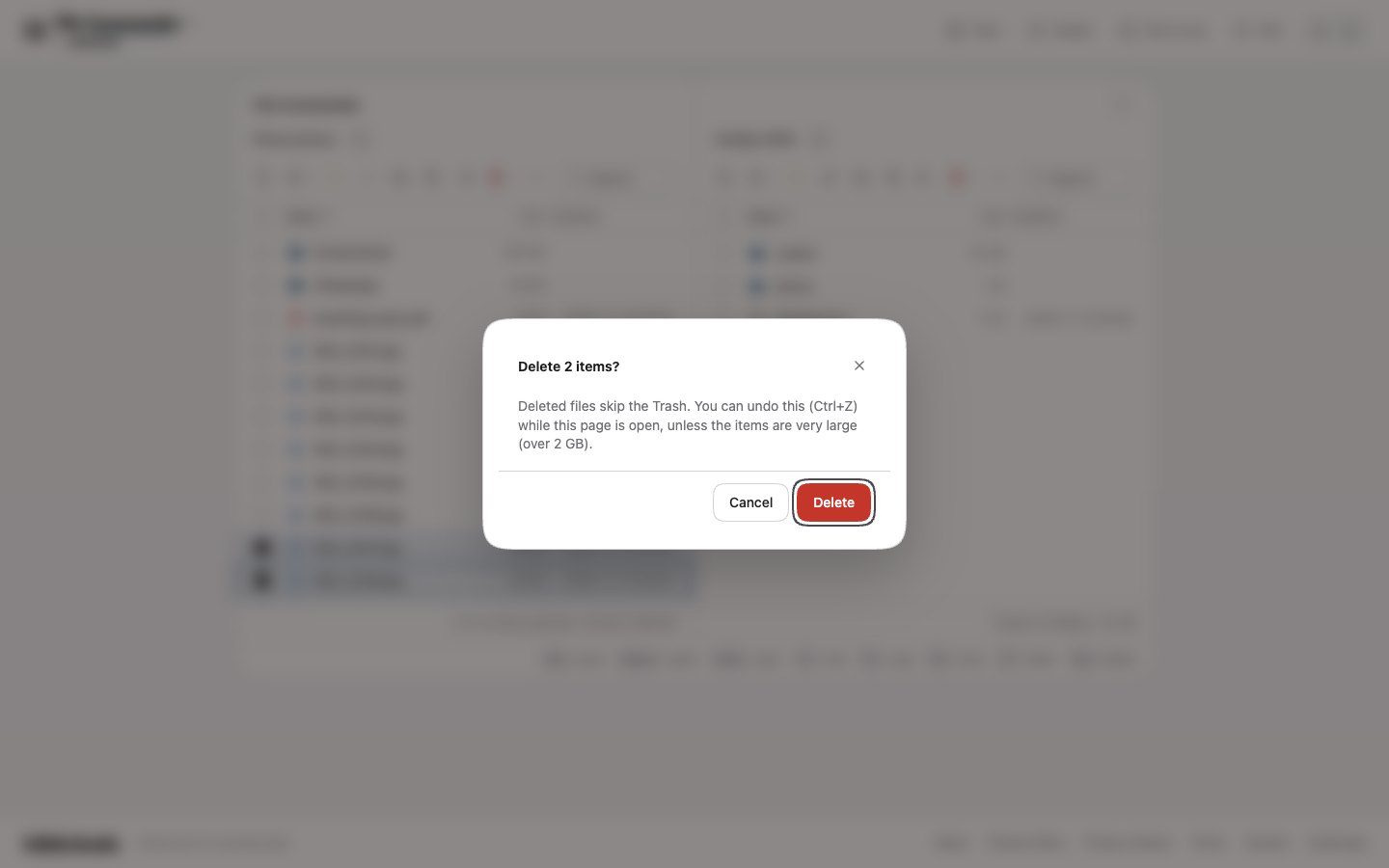
Delete files and folders in File Commander with a confirmation, and restore them with Undo while the page is open.
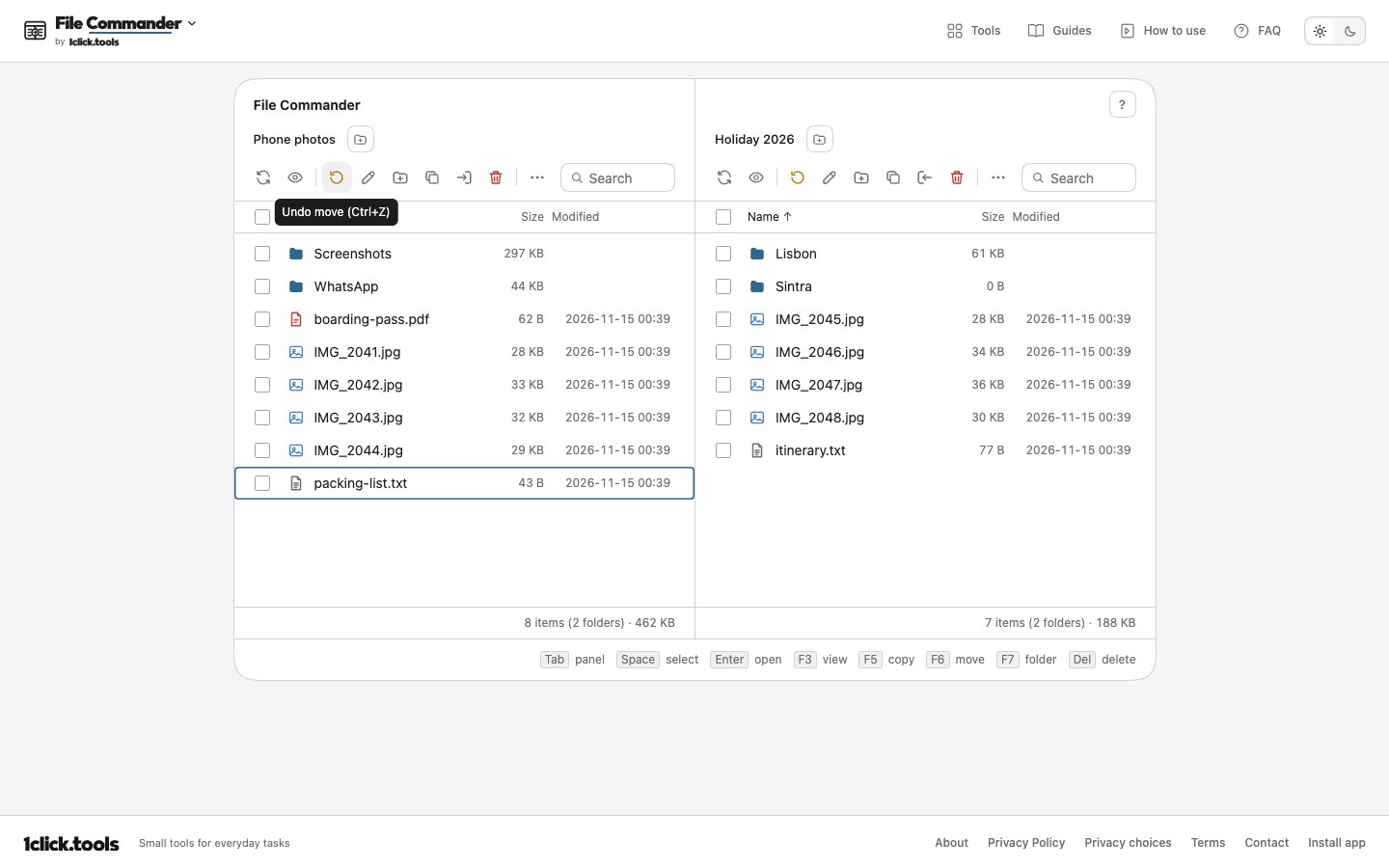
File Commander’s Undo reverses your last file actions, from a mistaken move to a whole multi-rename, up to 20 steps back.
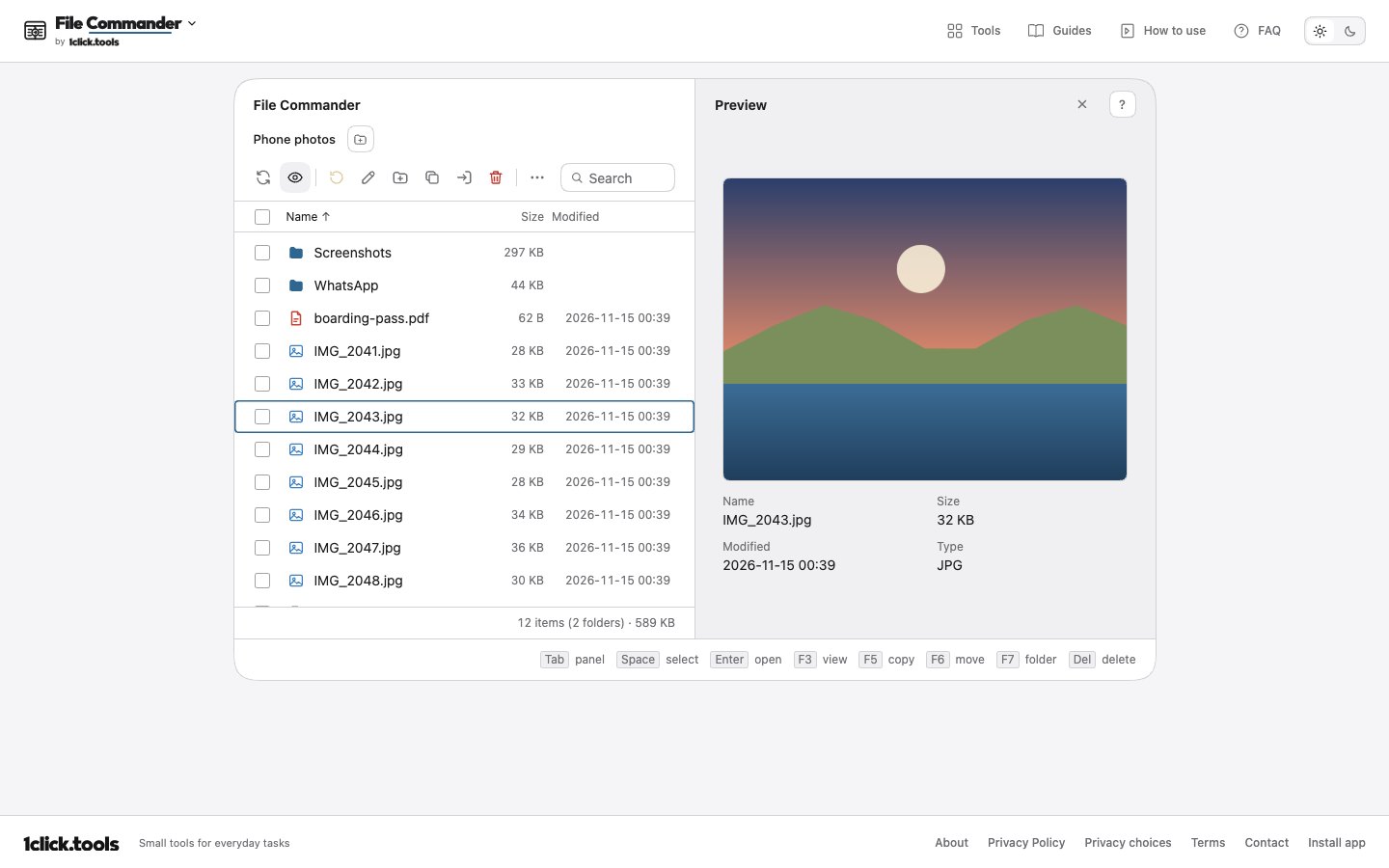
Quick view in File Commander shows the file under the cursor beside the list: pictures, PDFs, video, audio and text, with size and date.
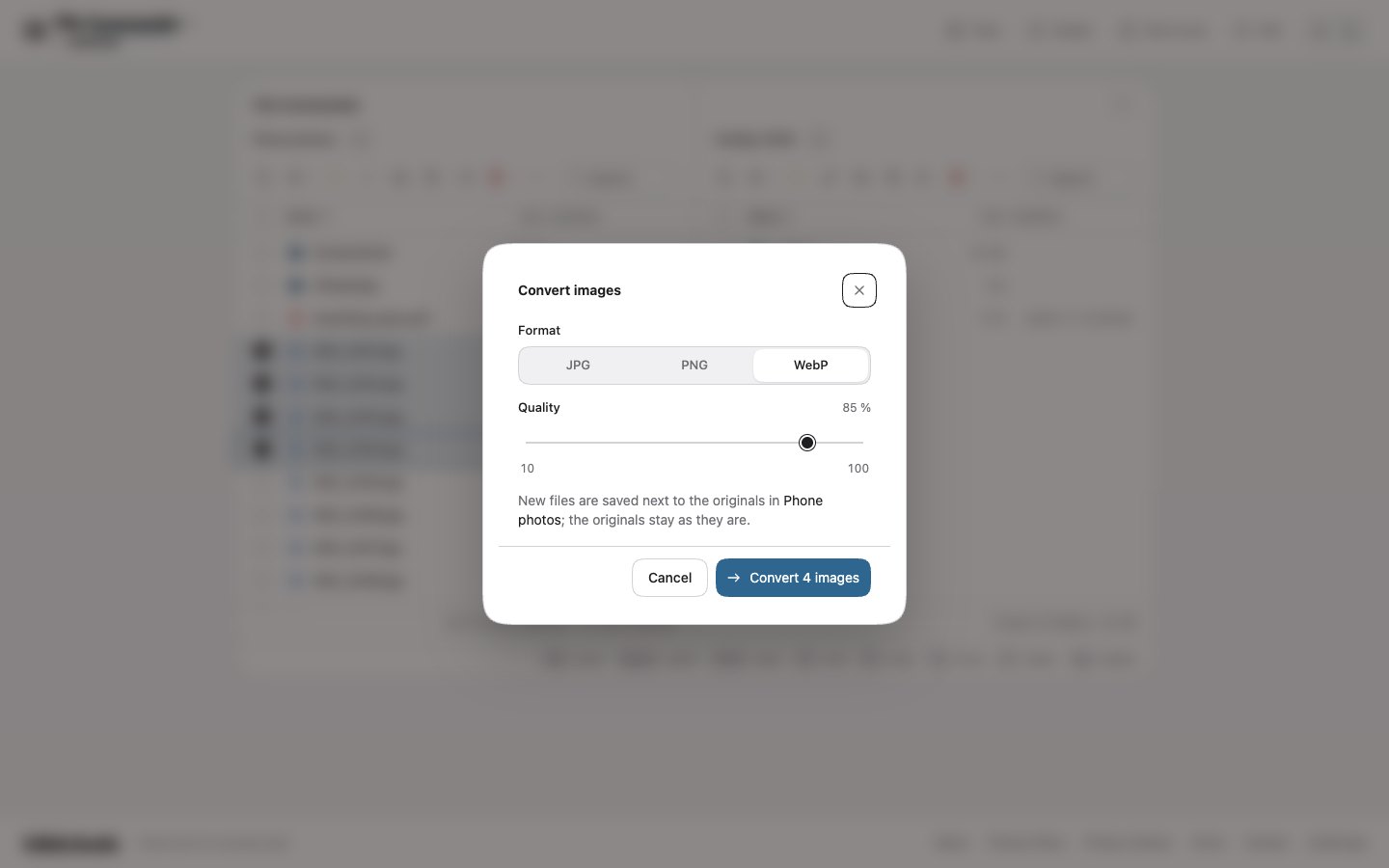
Select photos in File Commander and save converted copies next to the originals, with a quality setting. Nothing is uploaded.
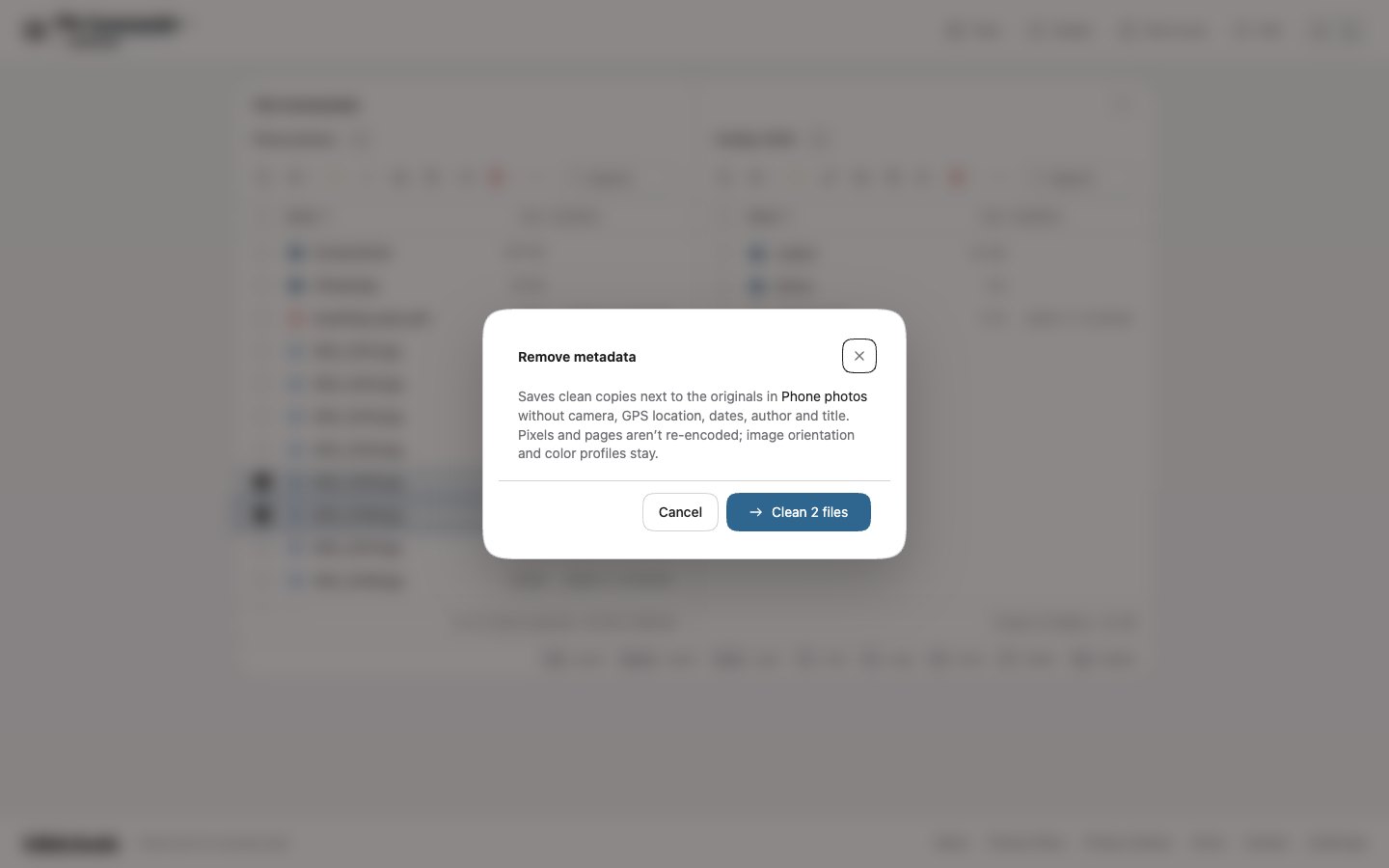
Save clean copies of JPG, PNG, WebP and PDF files without GPS location, camera details, dates, author or title, right in File Commander.
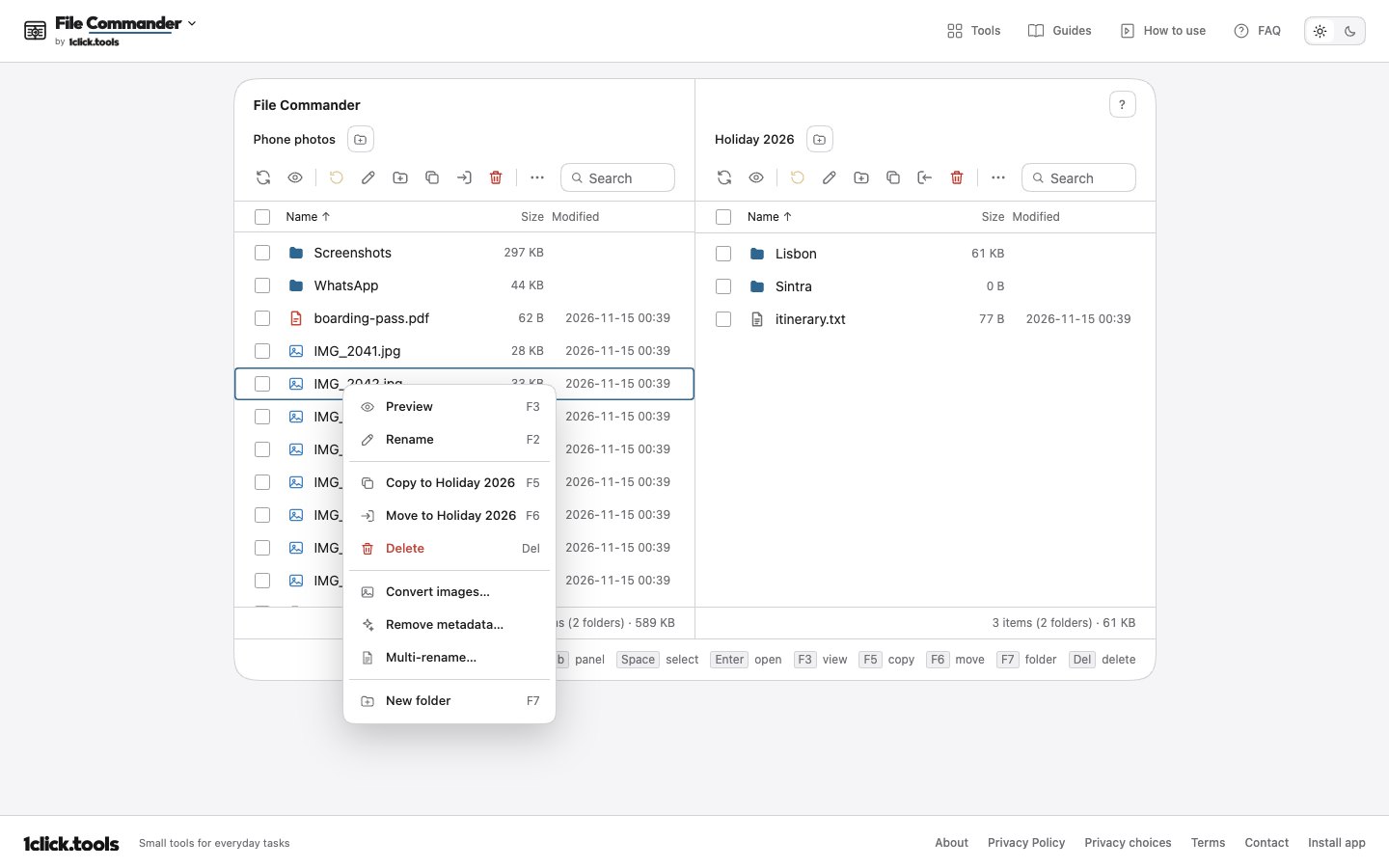
Right-click a file or an empty part of a File Commander panel for every action, or use the … menu in the toolbar.
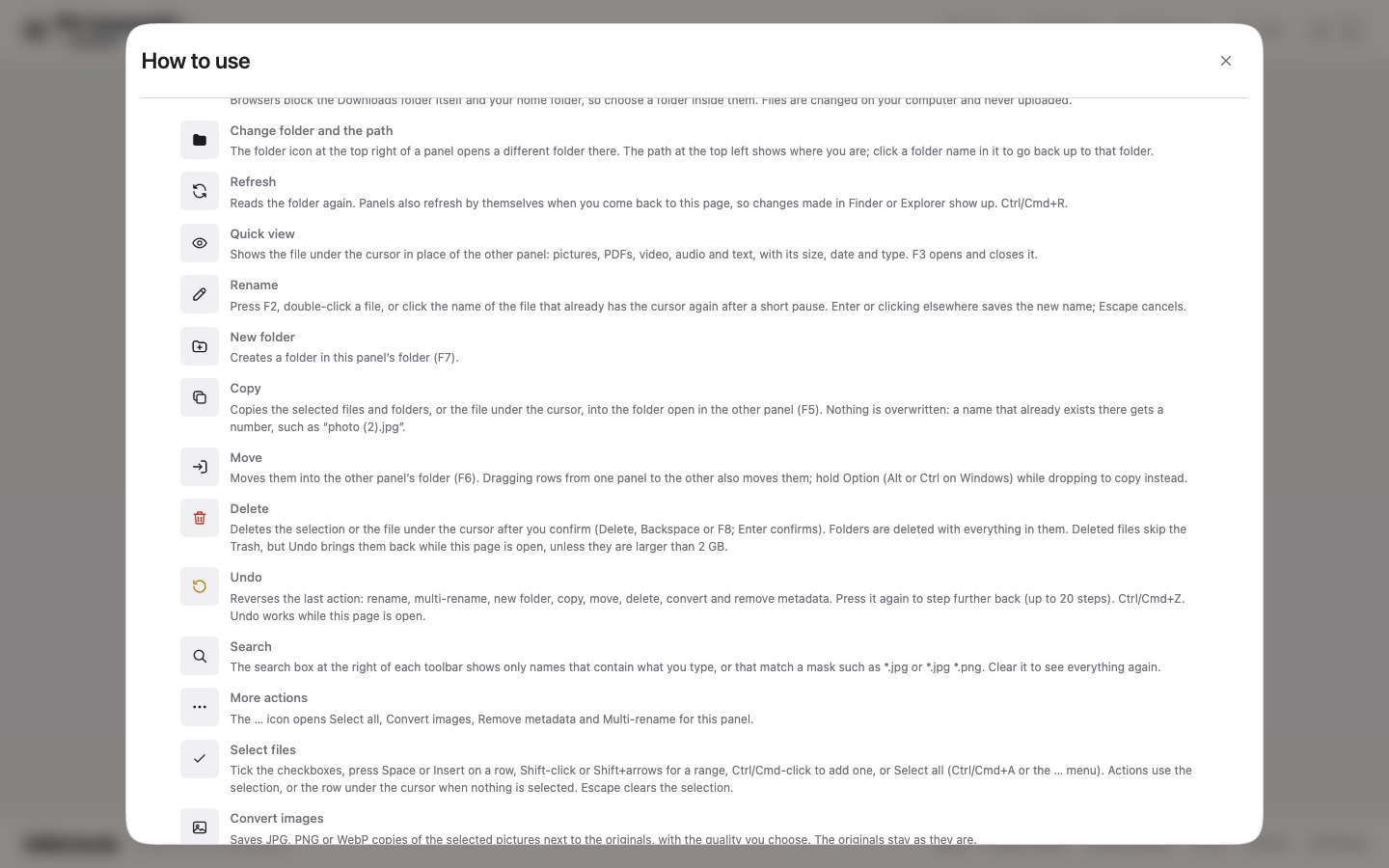
Every key in File Commander, from moving between panels to copying, renaming and undoing, plus where to find the full list in the tool.
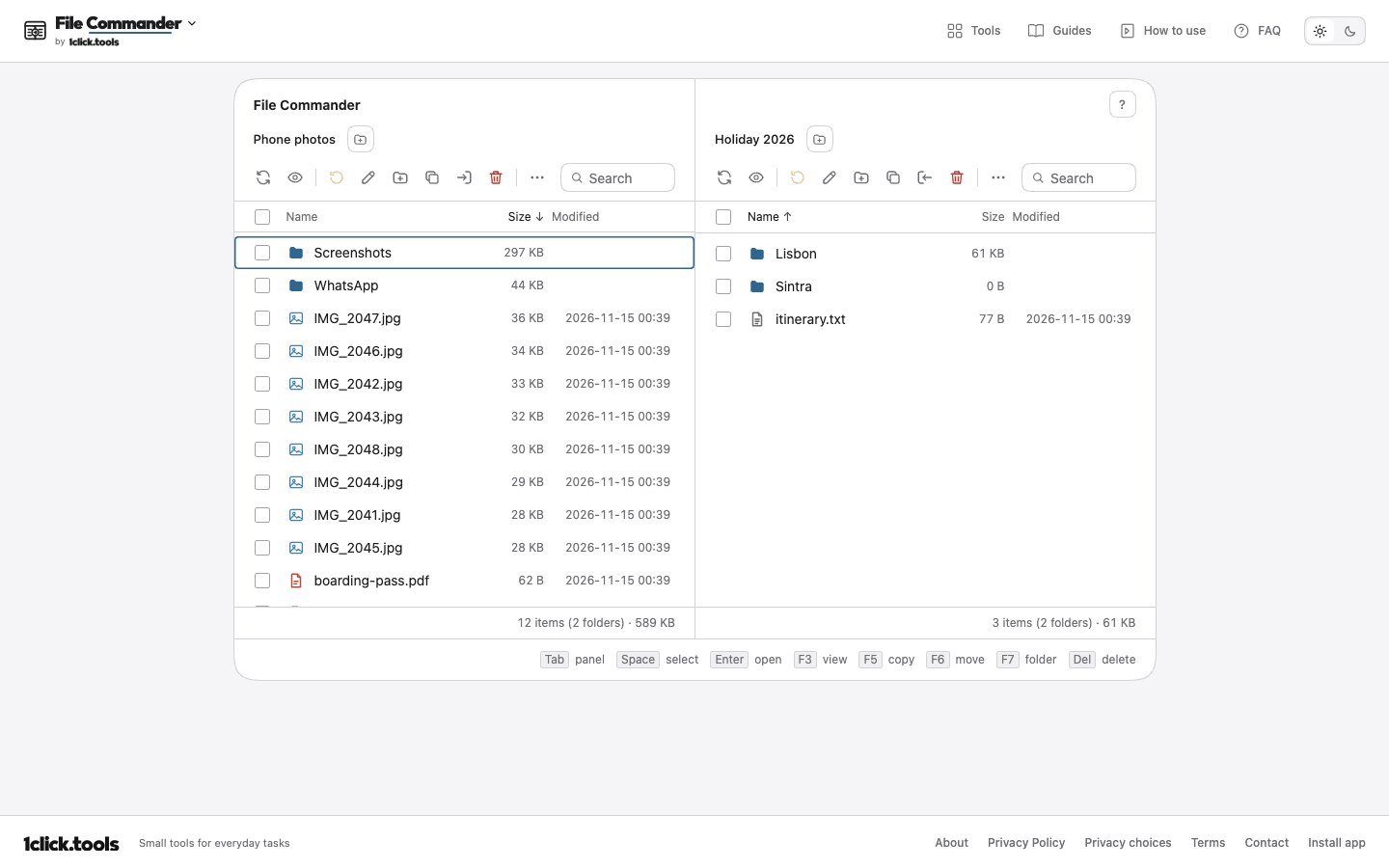
File Commander adds up the size of every folder, including subfolders, and sorts by size, name or date, so you can find what fills a drive.
Chrome and Edge block web pages from editing your whole Downloads or home folder. Here is why, and how to work with those files in File Commander anyway.
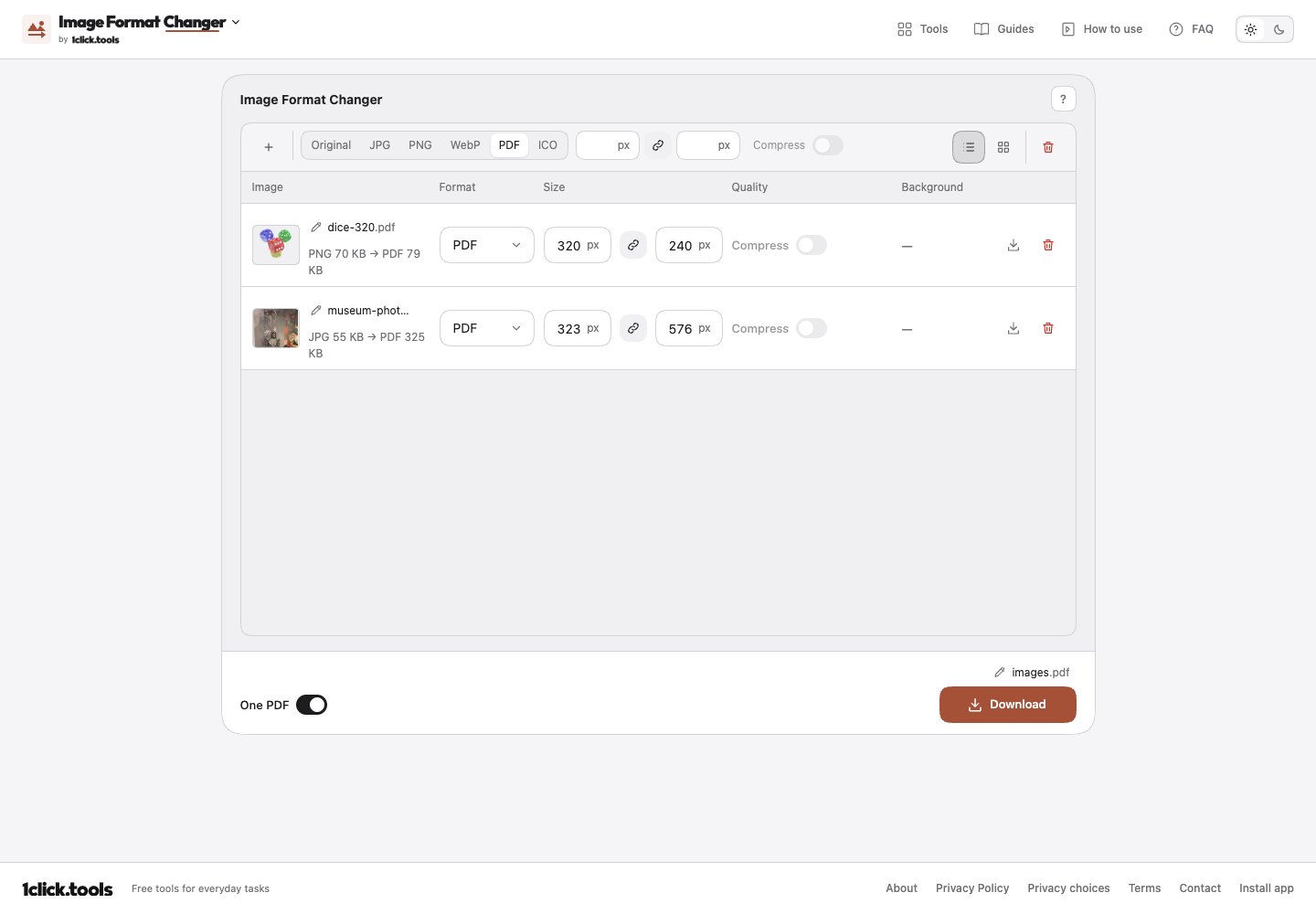
Turn JPG, PNG or WebP images into one PDF, or save separate PDFs. Follow a two-image example with mixed page sizes, transparency and a real download.
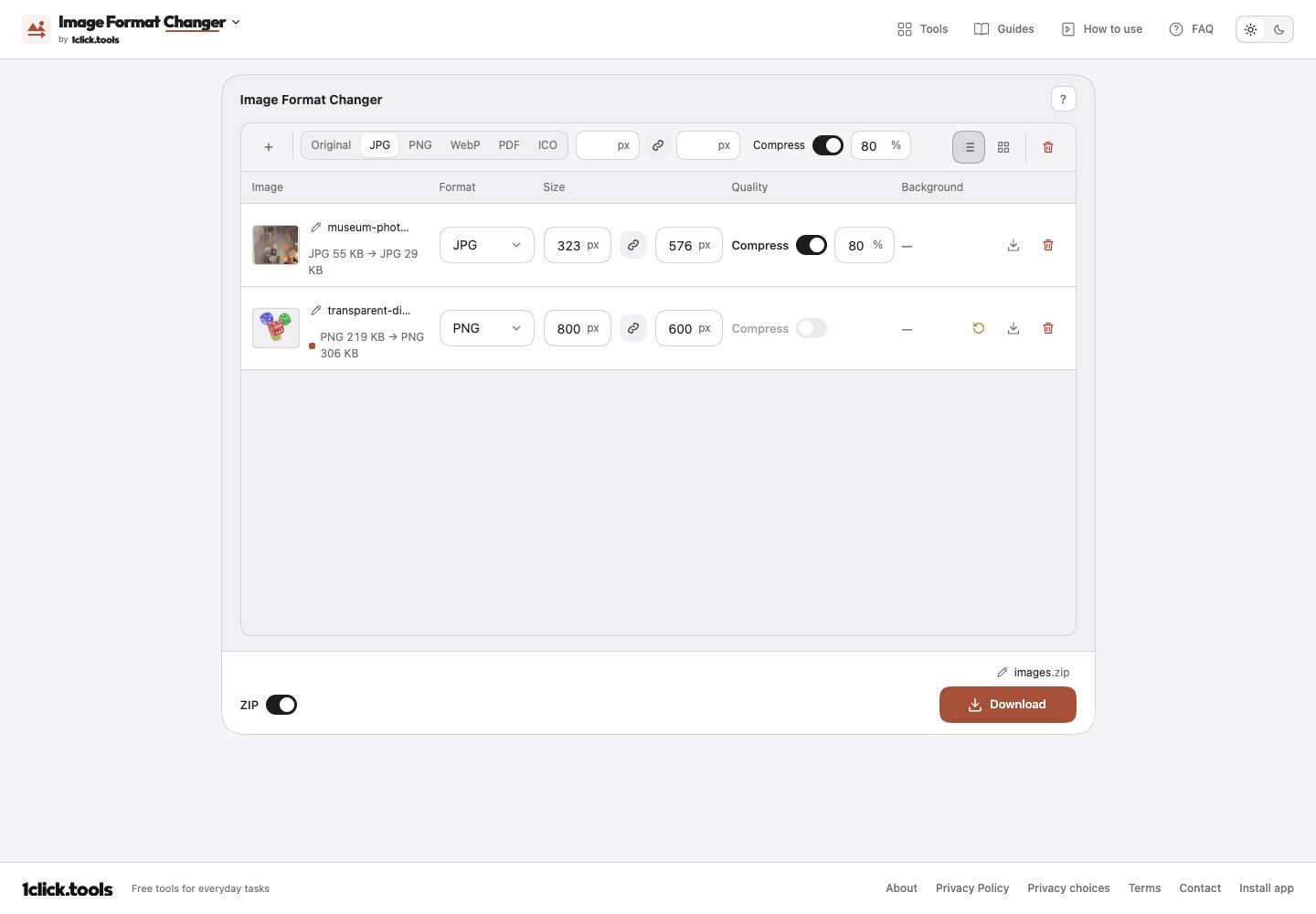
Convert images in batches on your device. Compare JPG, PNG and WebP, export ICO icons, set individual file options and follow a practical conversion example.
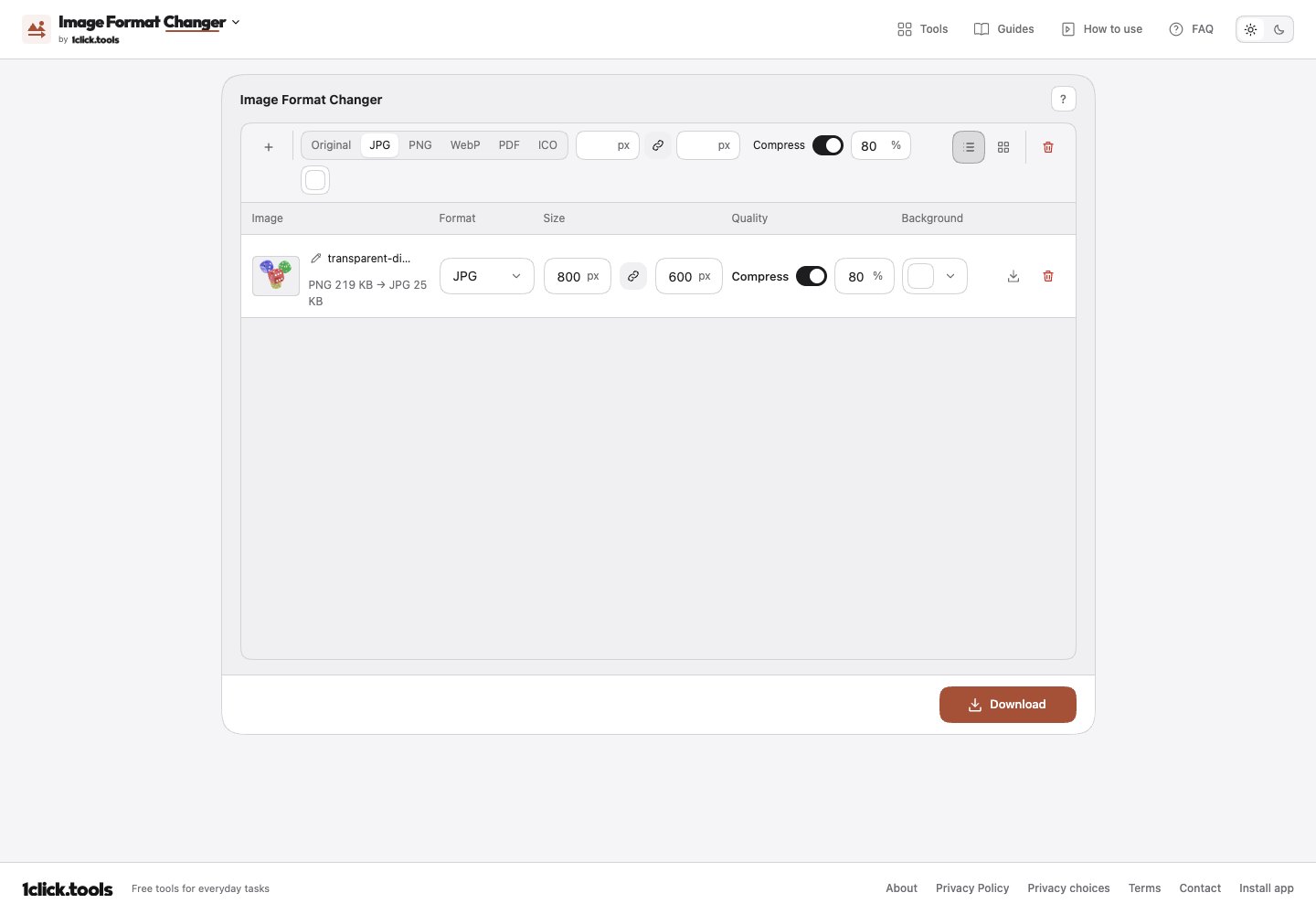
Convert a transparent PNG to JPG with a white or custom background. See how transparent edges change and when to keep PNG or WebP instead.
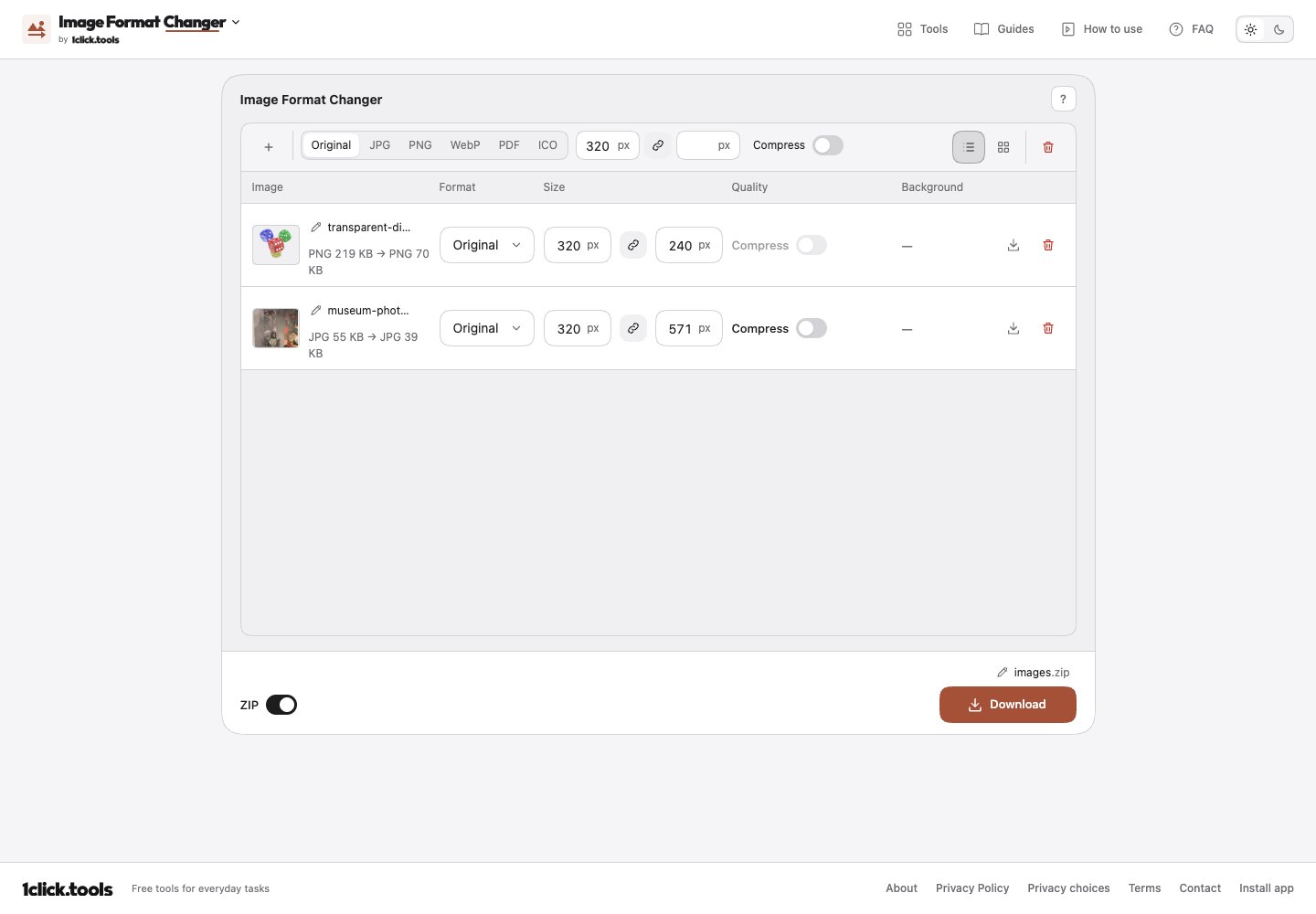
Batch resize images while keeping their proportions. Follow landscape and portrait examples, set a shared width or fit images inside a bounding box.
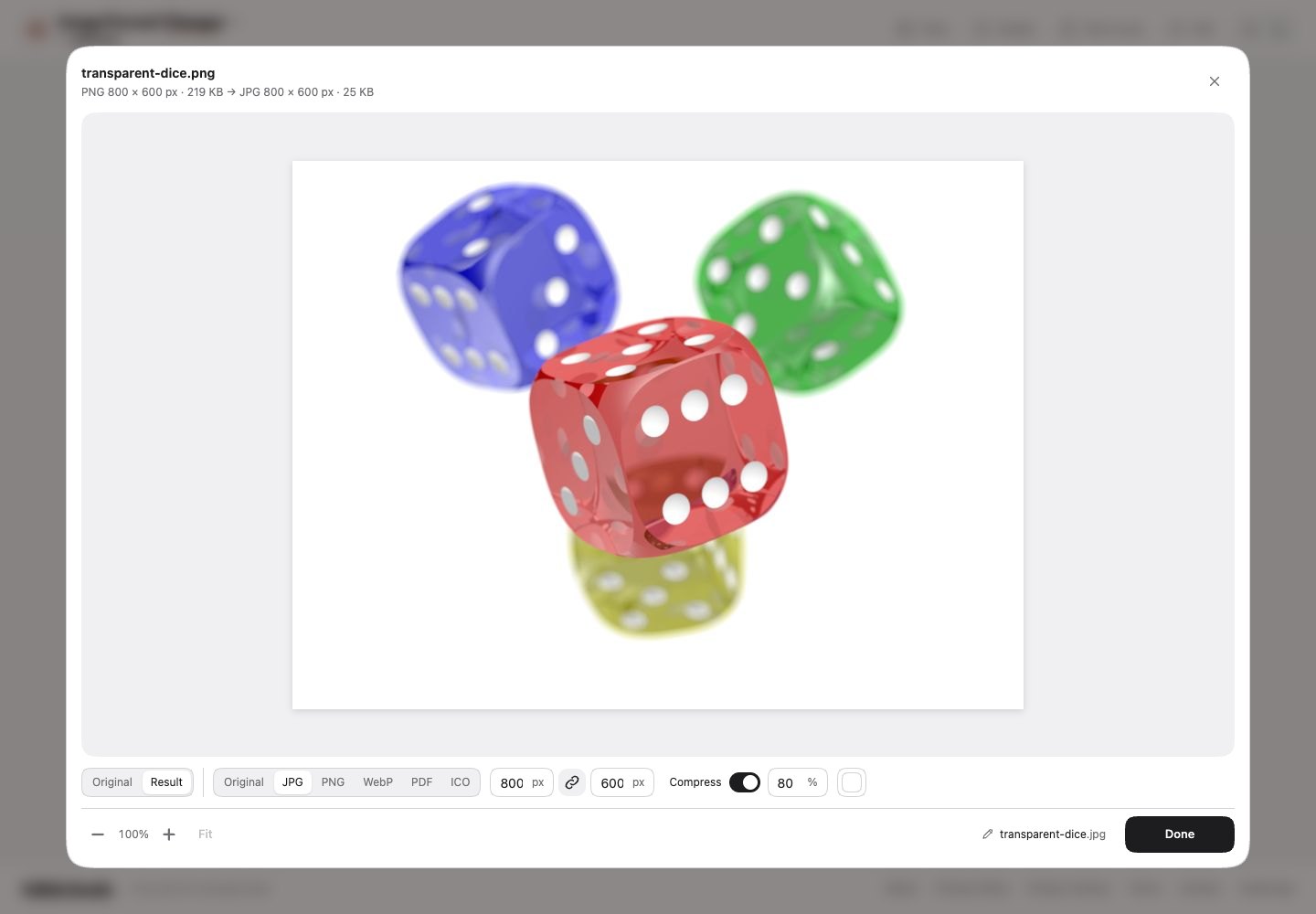
Compare JPG quality at 90%, 80% and 60%. Learn when resizing helps, why a converted image can be larger and how to choose a useful file-size tradeoff.
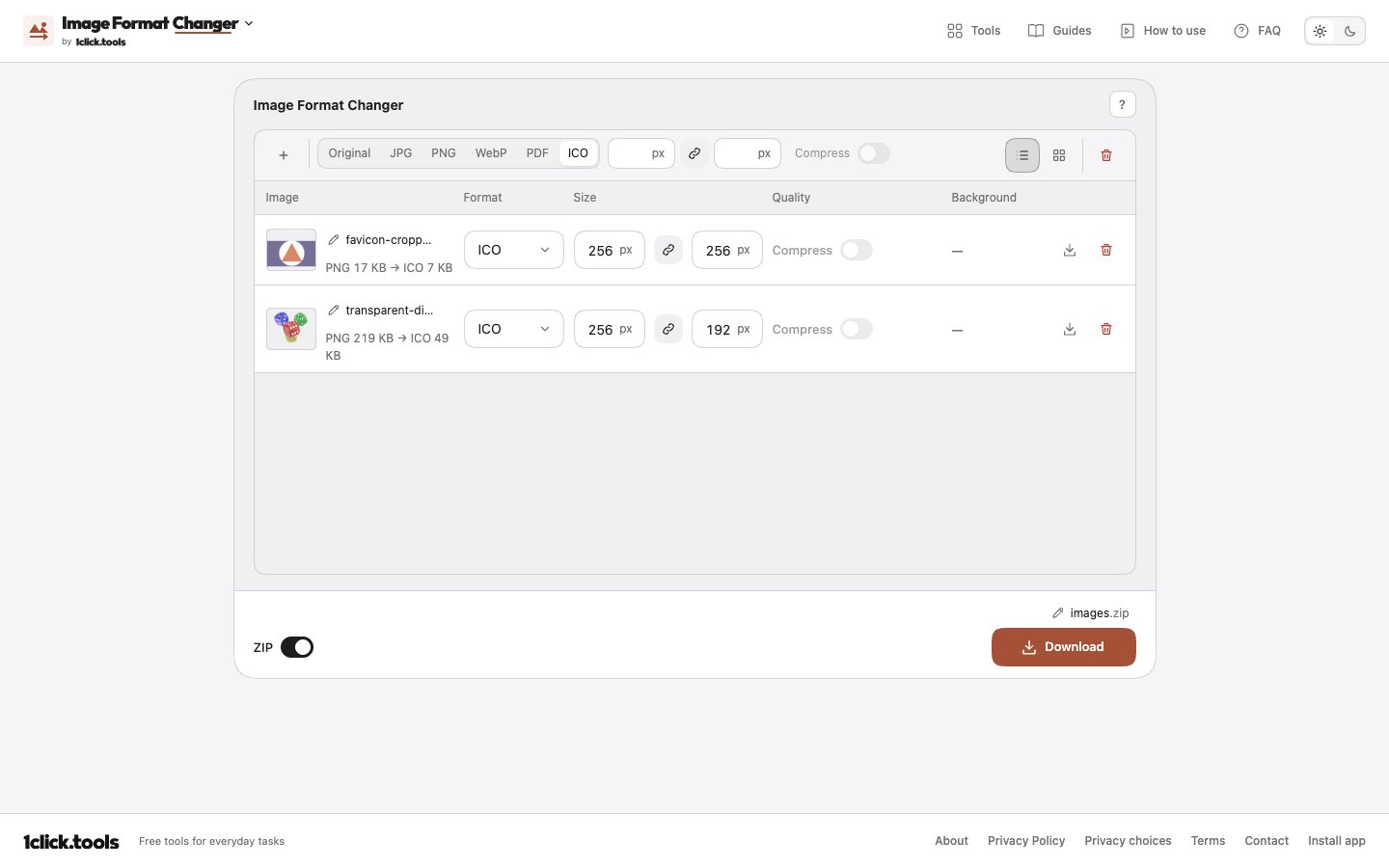
Save any PNG, JPG or WebP as a real .ico file in your browser, choose its size up to 256 × 256 pixels, keep transparency and name it favicon.ico.
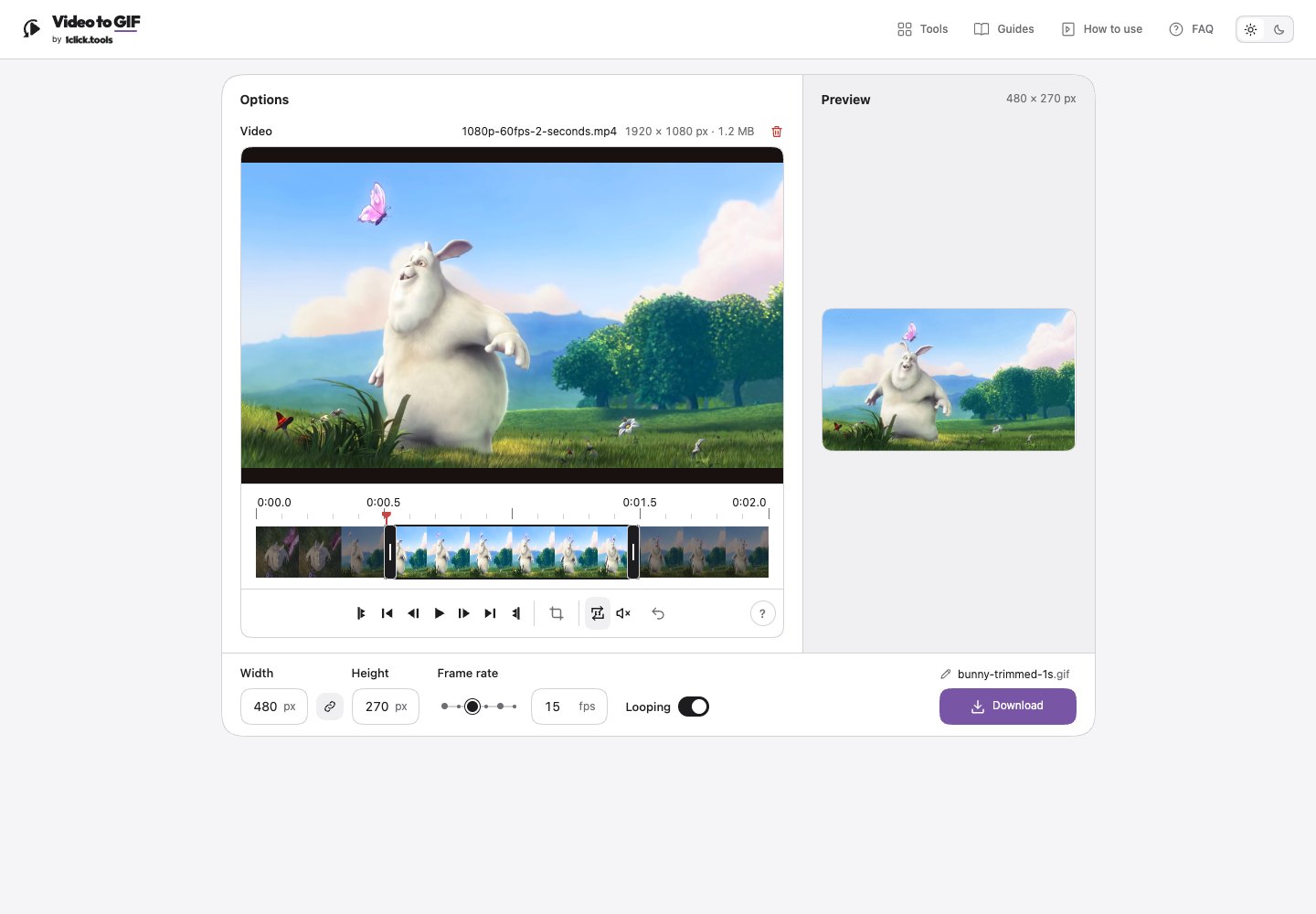
Keep only the part of a clip you need with the trim handles, the playhead and frame steps. A real example trims a two-second MP4 to one second.
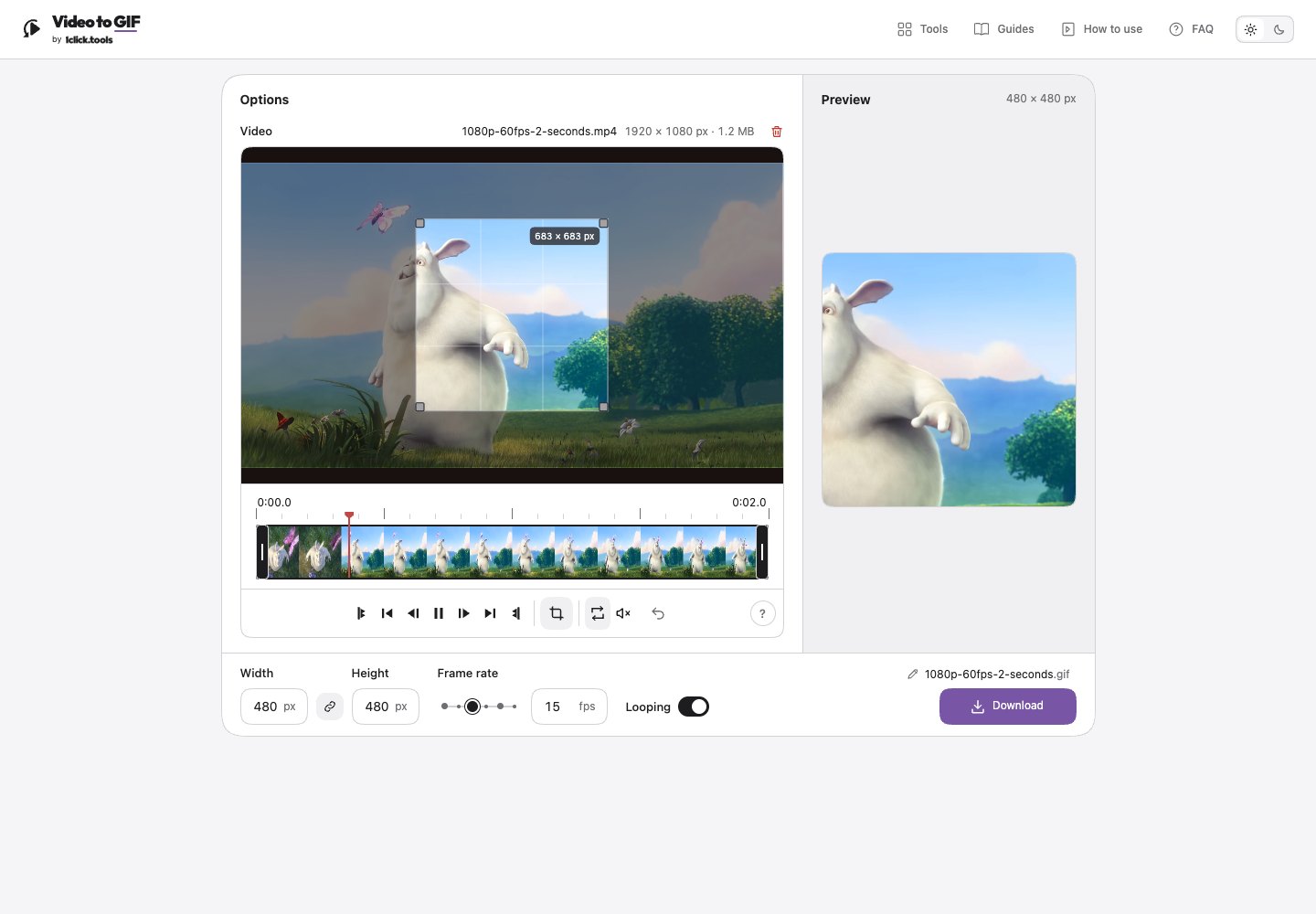
Turn a widescreen clip into a square GIF: draw the crop on the video, keep proportions with Shift, apply it and set a matching size. Real 320 × 320 result.
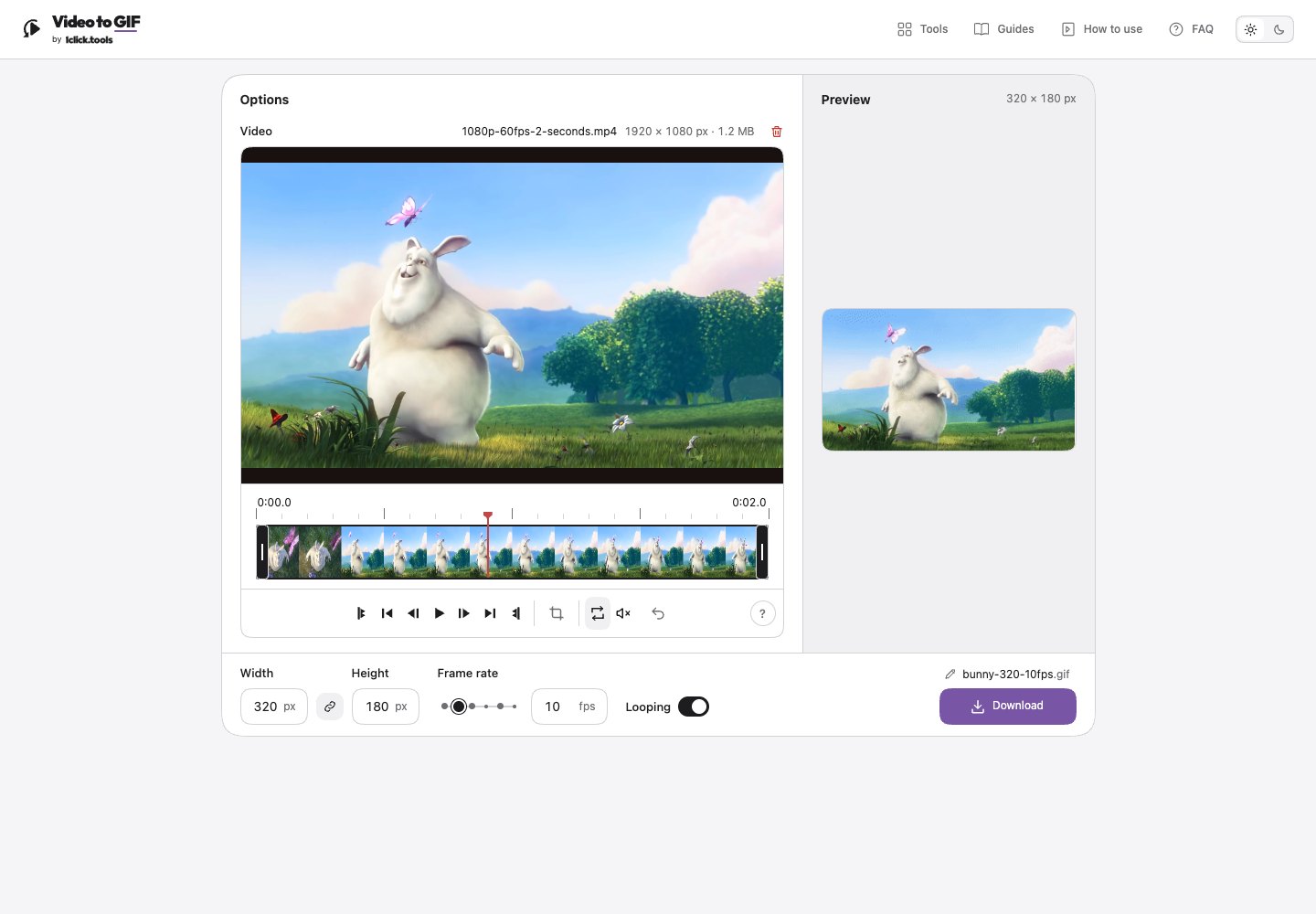
Compare real file sizes from the same two-second clip at 480, 320 and 240 pixels and 15 or 10 fps, and see which setting saves the most.
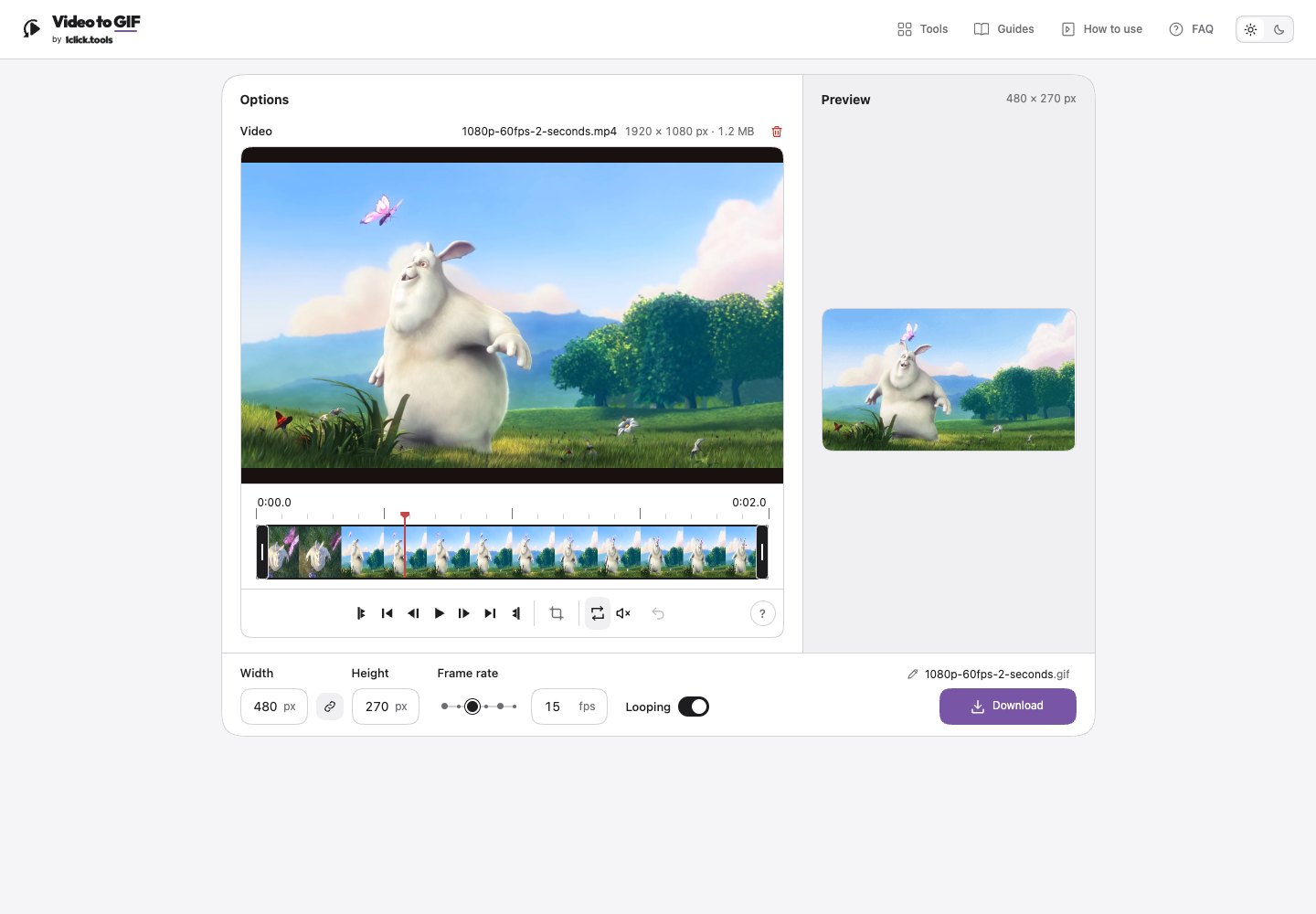
Convert a real two-second MP4 to a 480 px, 15 fps GIF. Follow screenshots, download the source and result, and compare their actual file sizes.
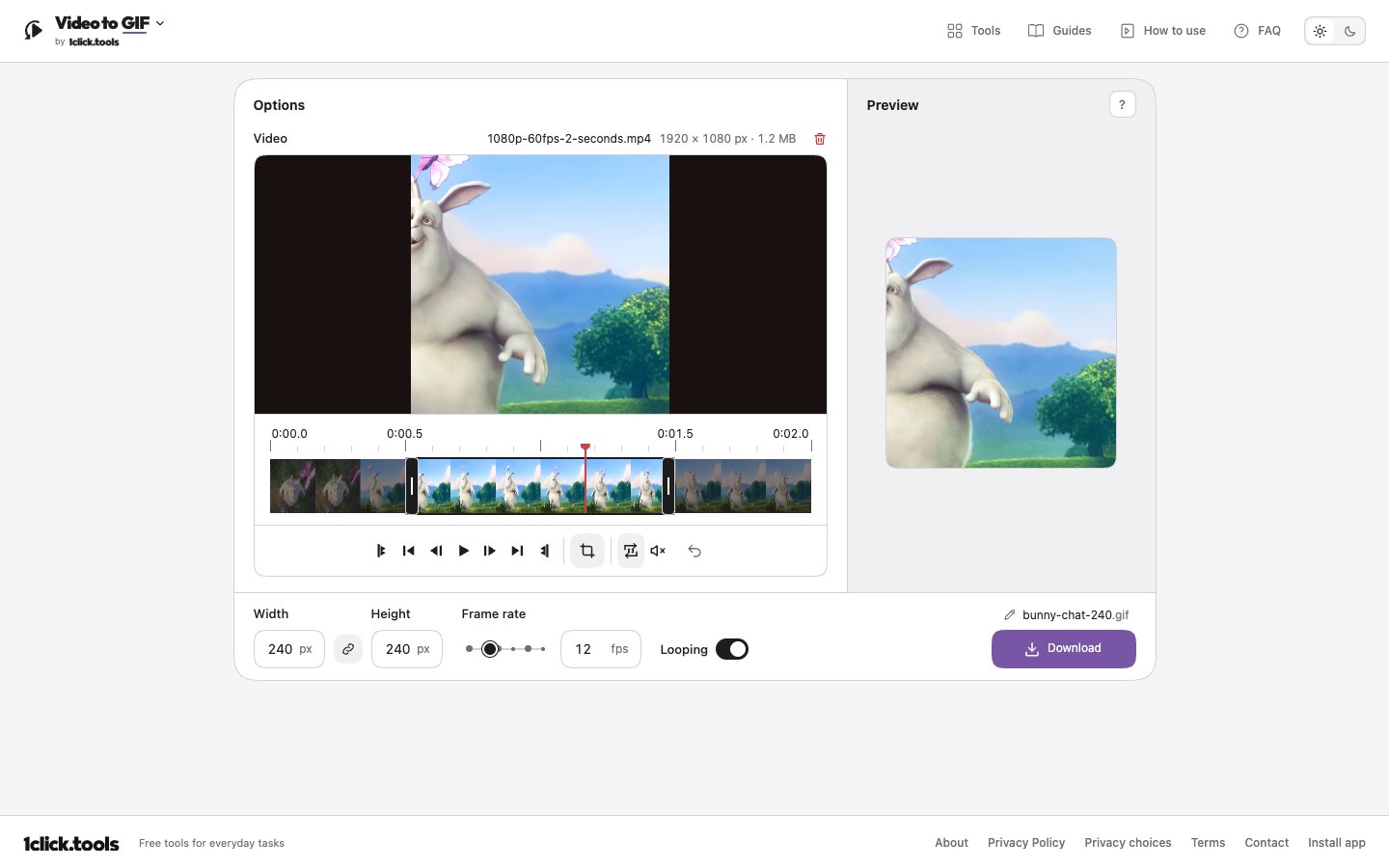
Work backwards from a chat app’s upload limit: a real two-second clip goes from 2 MB to 374 KB for a chat message and 109 KB for an emoji-sized GIF.
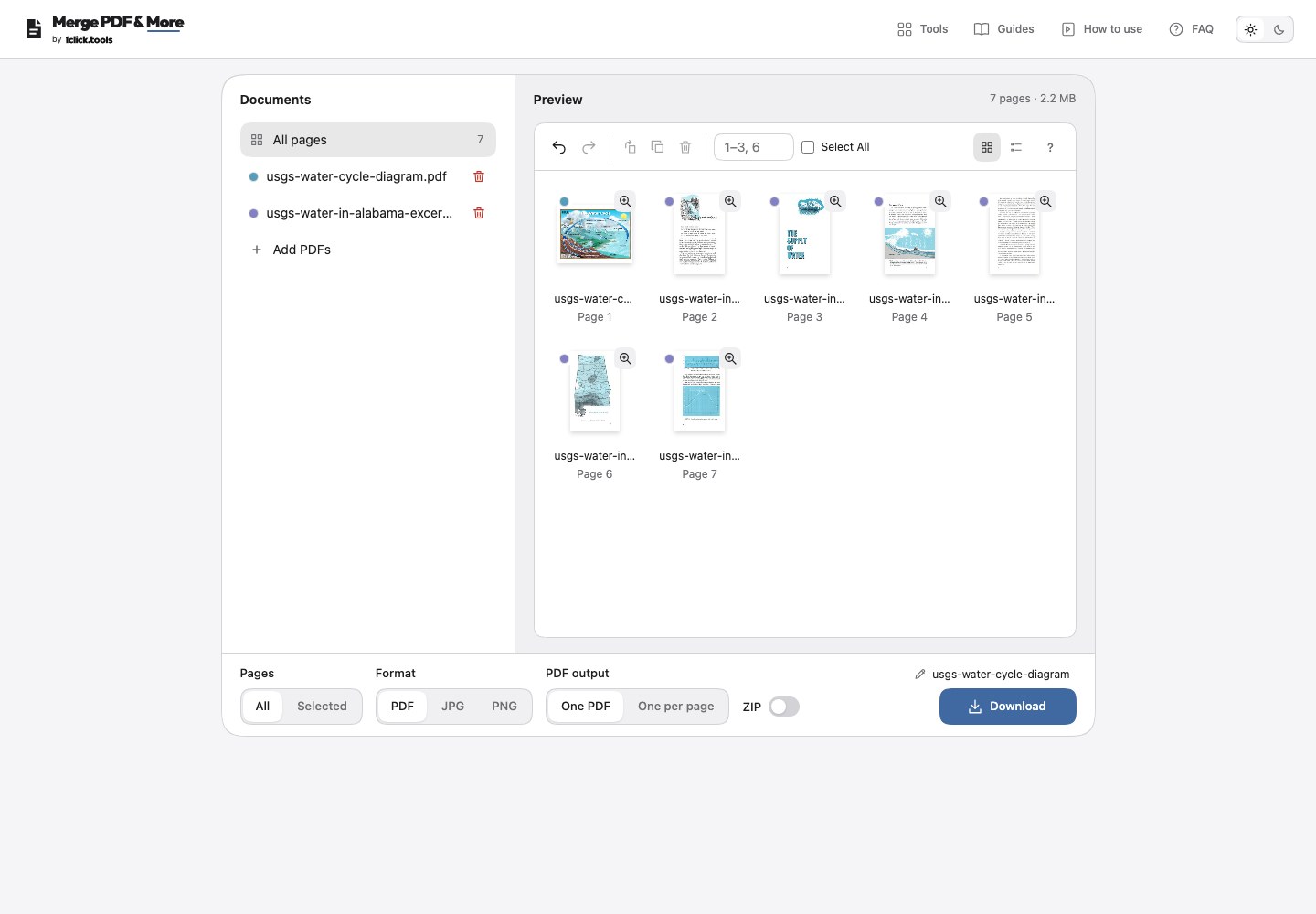
Merge PDF files online for free without uploading them. Follow a seven-page worked example with sample PDFs, screenshots and the actual download.
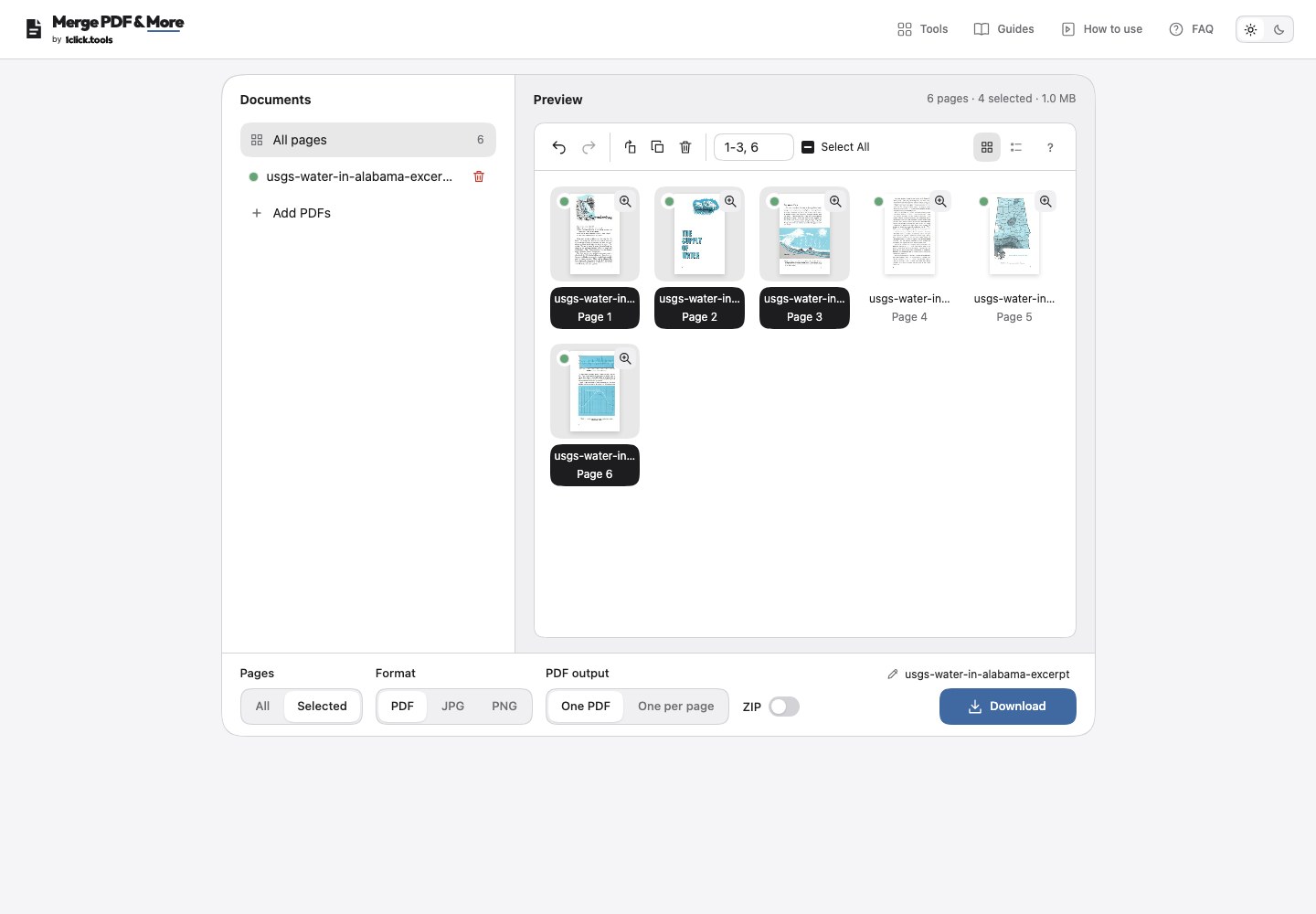
Keep only the PDF pages you need. Follow a pages 1-3 and 6 example, save one new PDF or split the selection into separate files in a ZIP.
Export a free USGS PDF as JPG and PNG at 144 DPI. Follow real screenshots, compare the downloads and check their dimensions and file sizes.
Turn every page of a PDF into its own one-page PDF in your browser. Choose One per page and download them together in a ZIP.
Remove unwanted pages from a PDF in your browser: select them, click the bin in the page toolbar and download the shorter PDF. Undo brings pages back.
Turn sideways or upside-down PDF pages the right way up in your browser. The rotation is saved in the downloaded PDF, not only on screen.
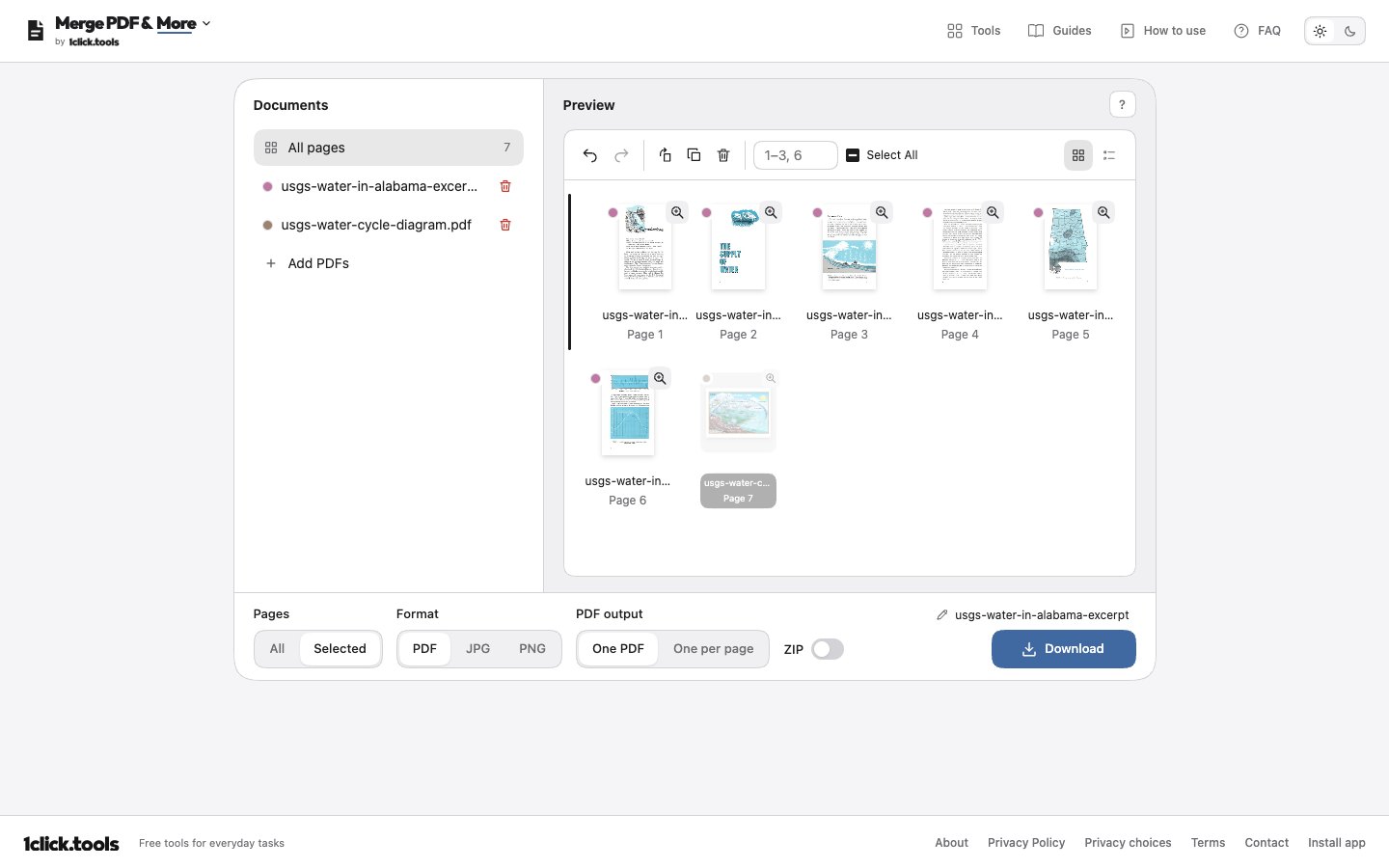
Rearrange PDF pages in your browser by dragging thumbnails, or with Alt and the arrow keys, then download the reordered PDF.
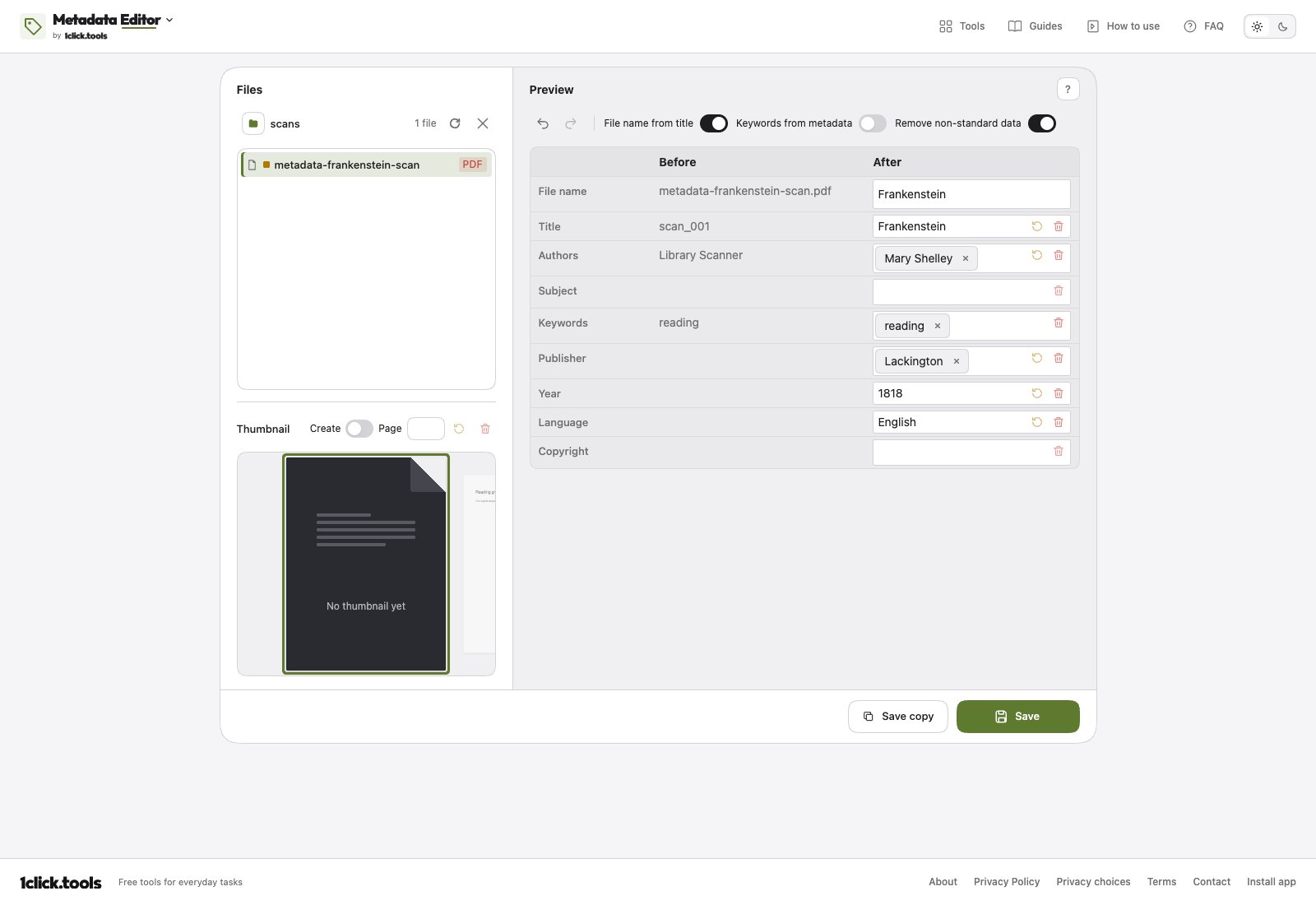
Edit PDF document properties directly in a before-and-after table and save them into the file, or as a copy. Follow an example with authors, publisher, year and language.
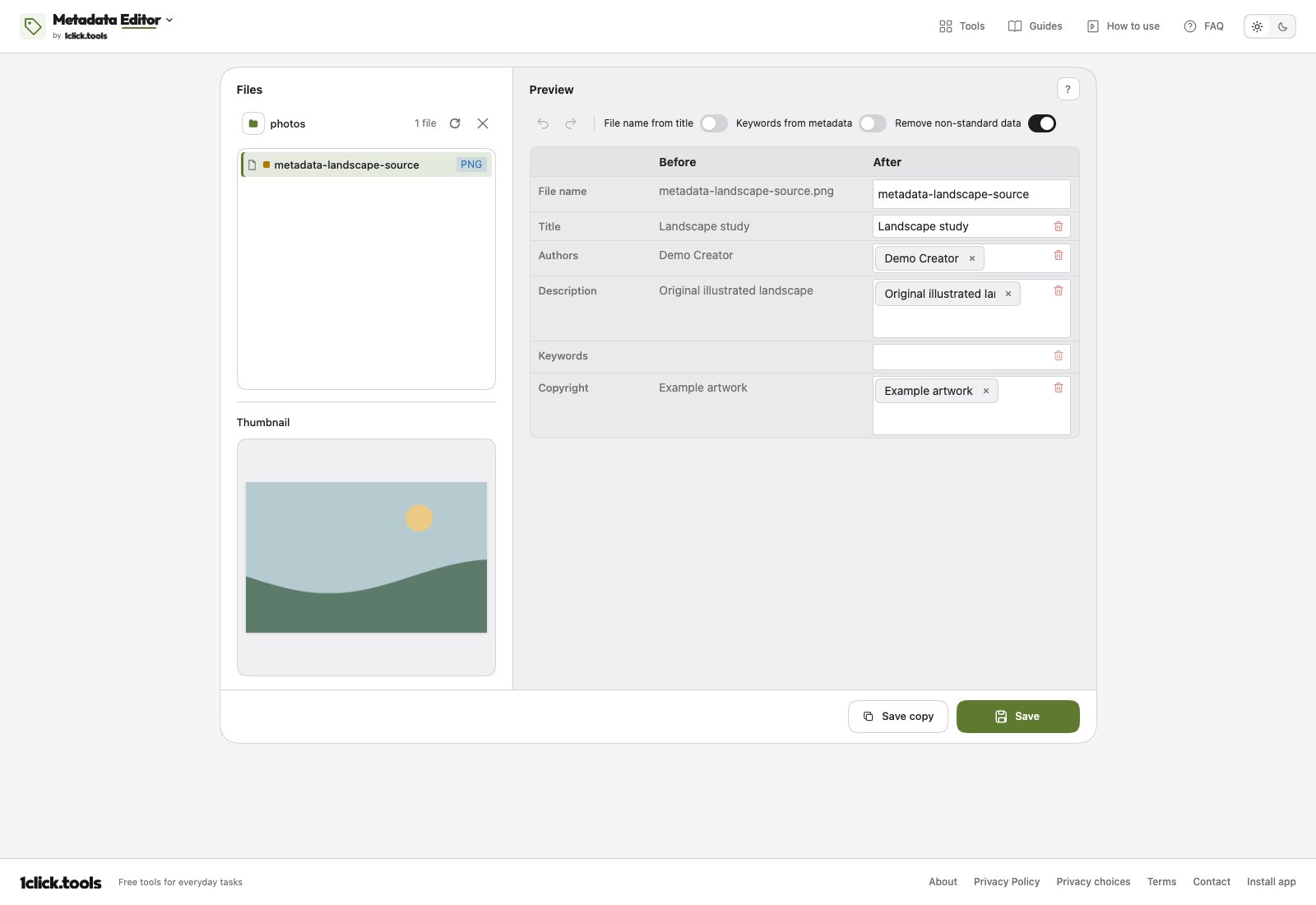
Remove location, camera and software metadata from JPG, PNG and WebP photos without re-encoding the picture, all of it at once or one entry at a time.
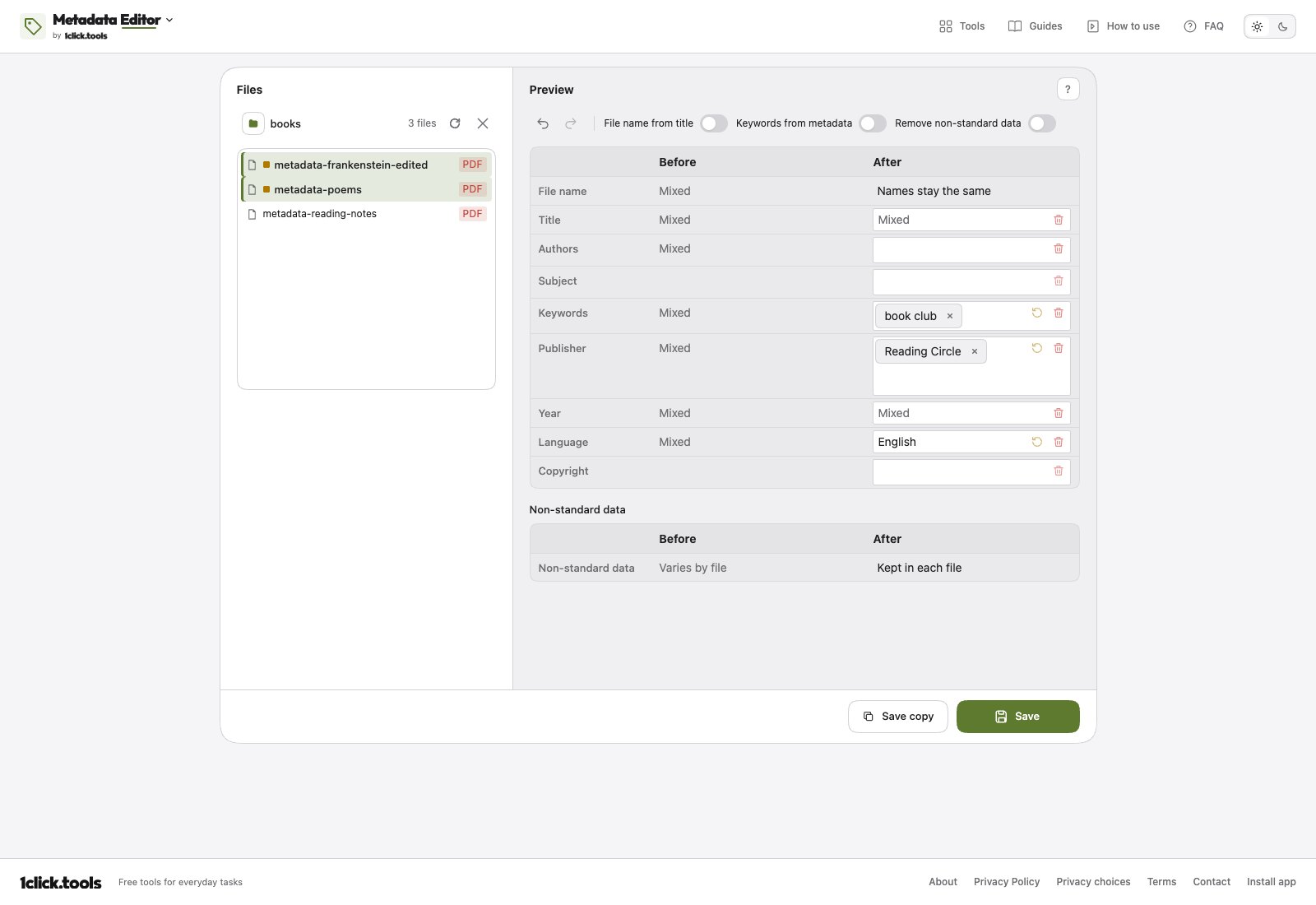
Select several files as in Finder, inspect Mixed values, apply shared metadata and save only the selected files.
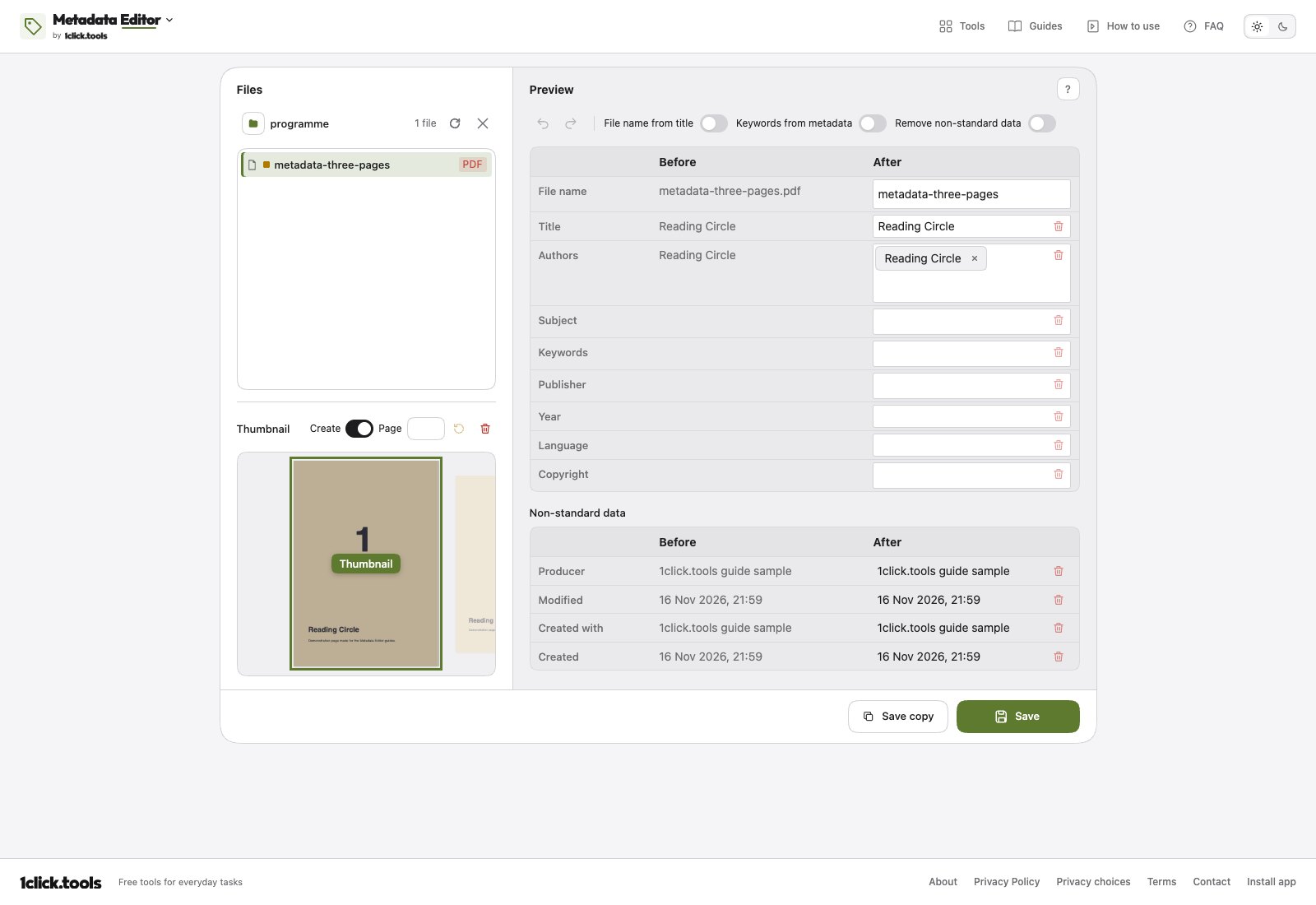
See whether a PDF or JPG photo has a thumbnail, make any page of a PDF, or the photo itself, its thumbnail when you save, or remove the one it has.
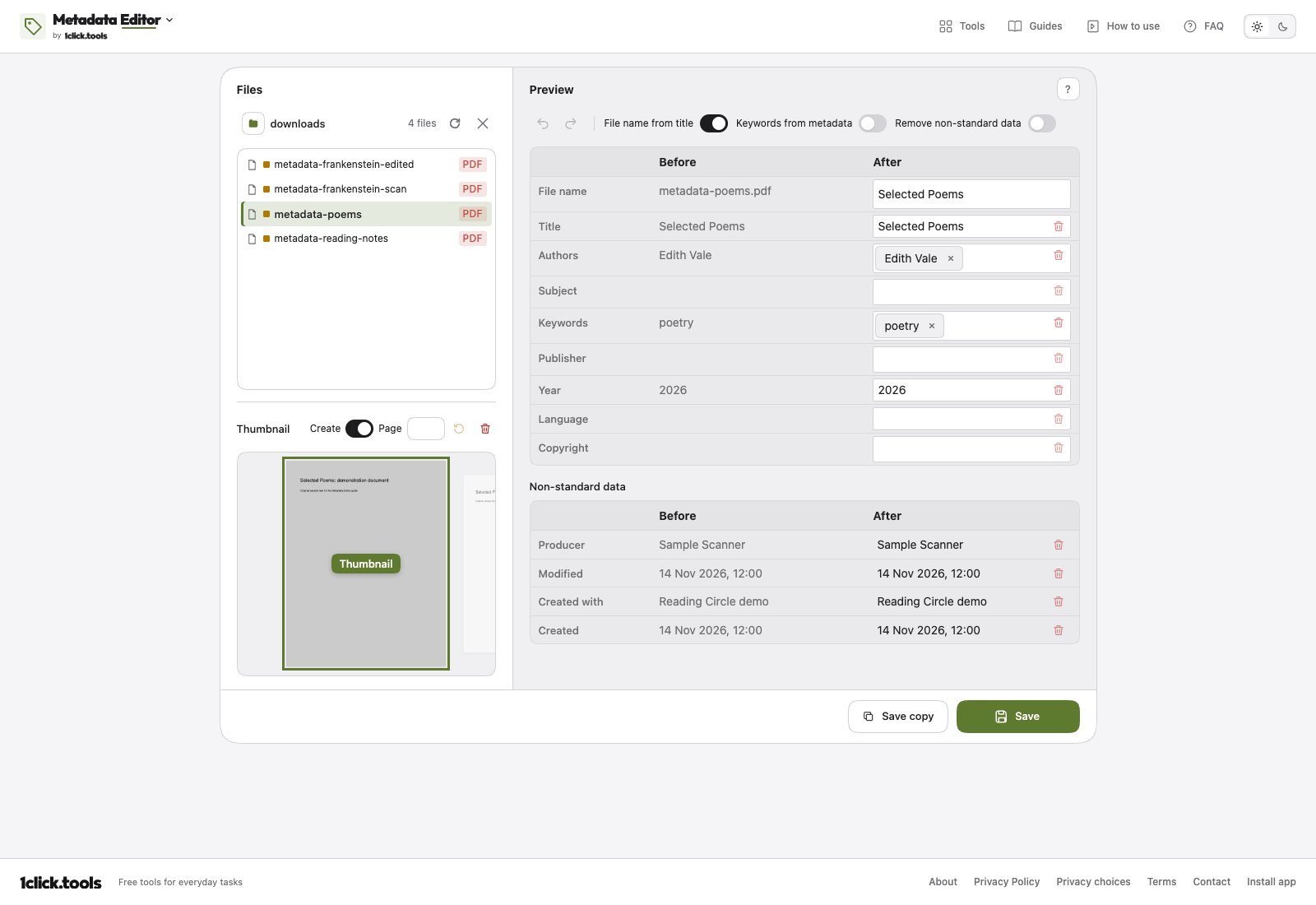
Tidy a folder of PDFs with names like scan_001 or download (3): Metadata Editor renames each one after the title stored inside it when you save.
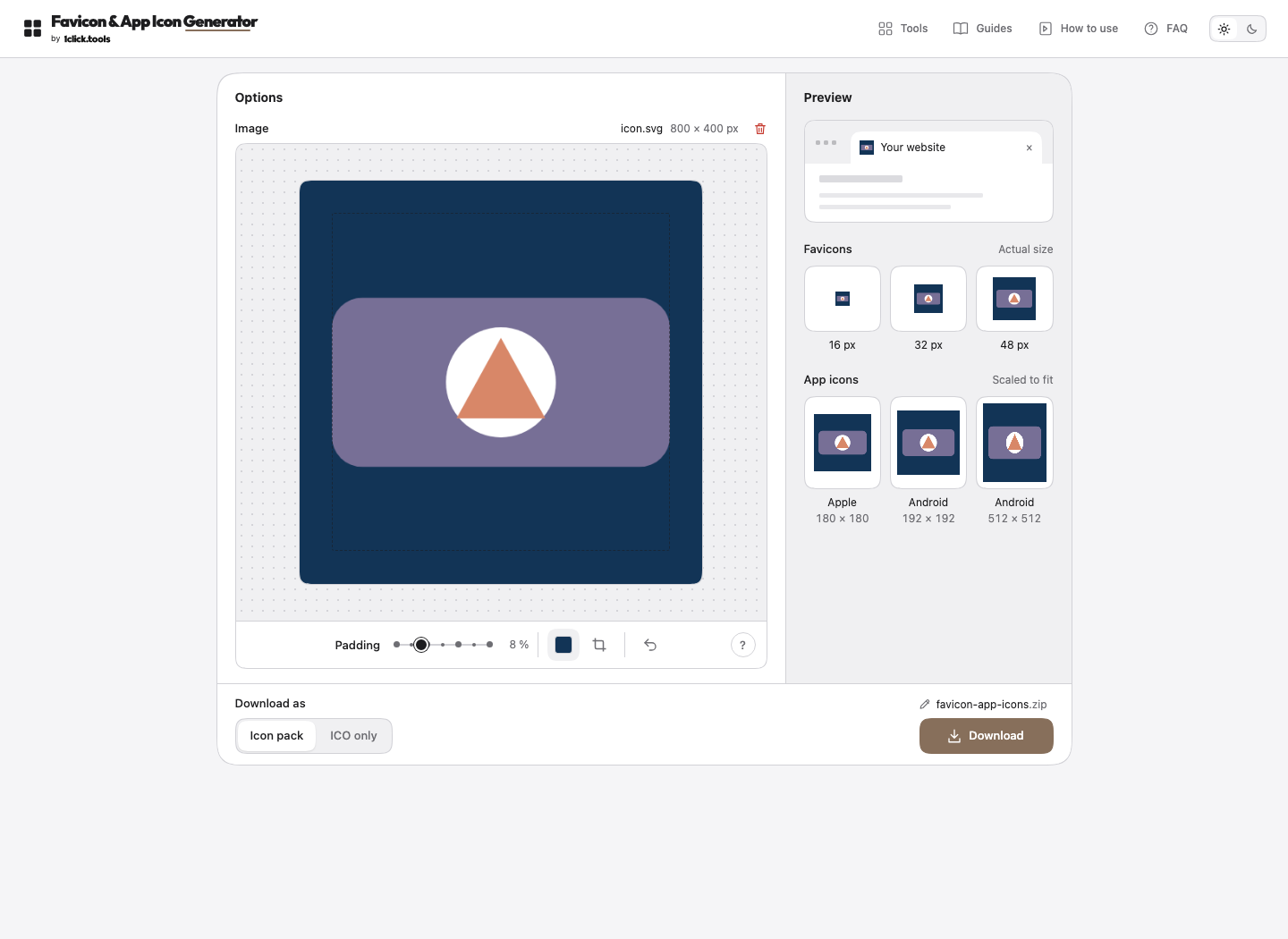
Turn a logo into favicon.ico, PNG app icons and a web manifest. Follow a real download example and install the files on your website.
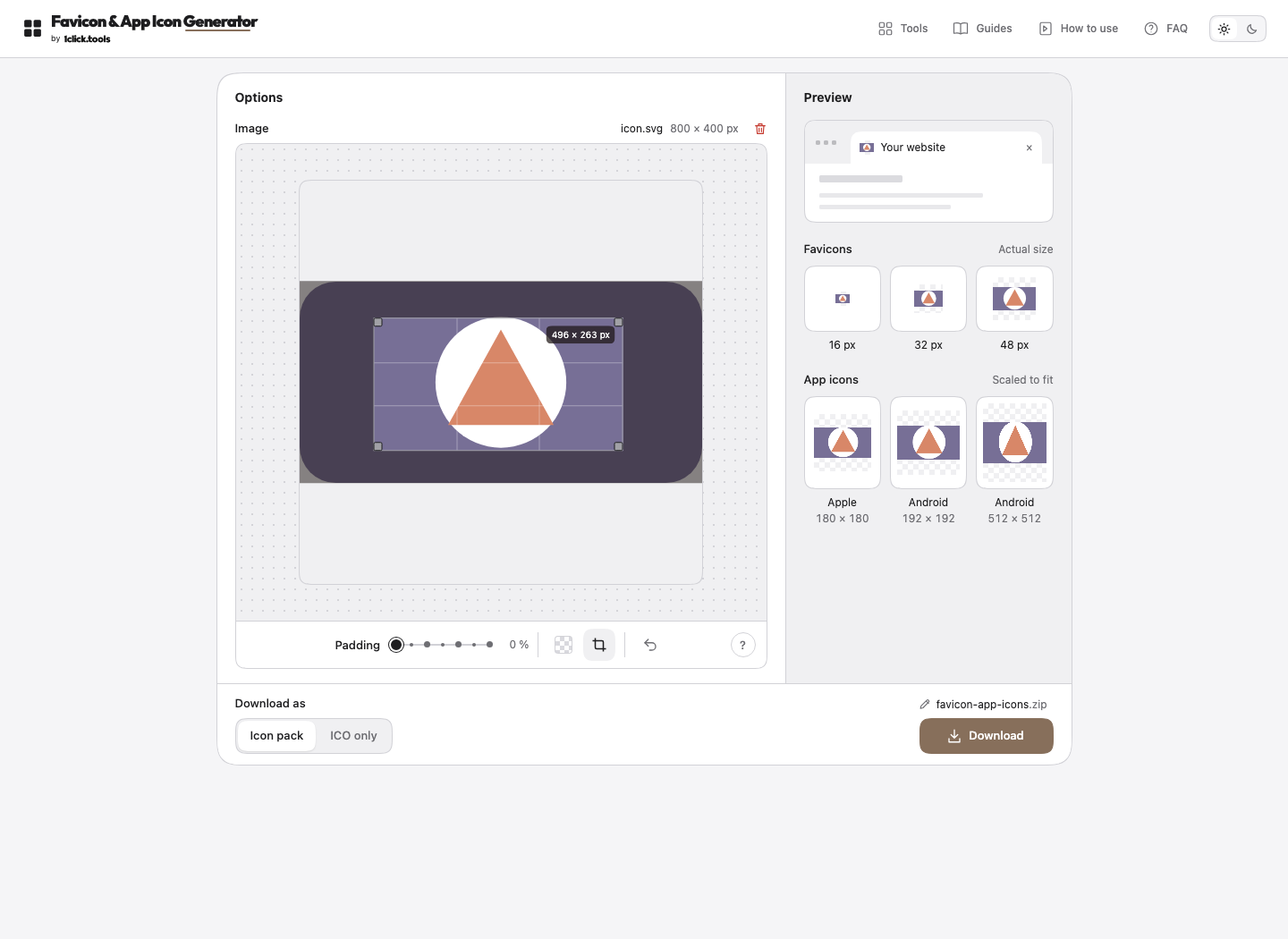
Resize the crop width and height independently, double-click to apply, and compare transparency with a solid background using actual icon downloads.
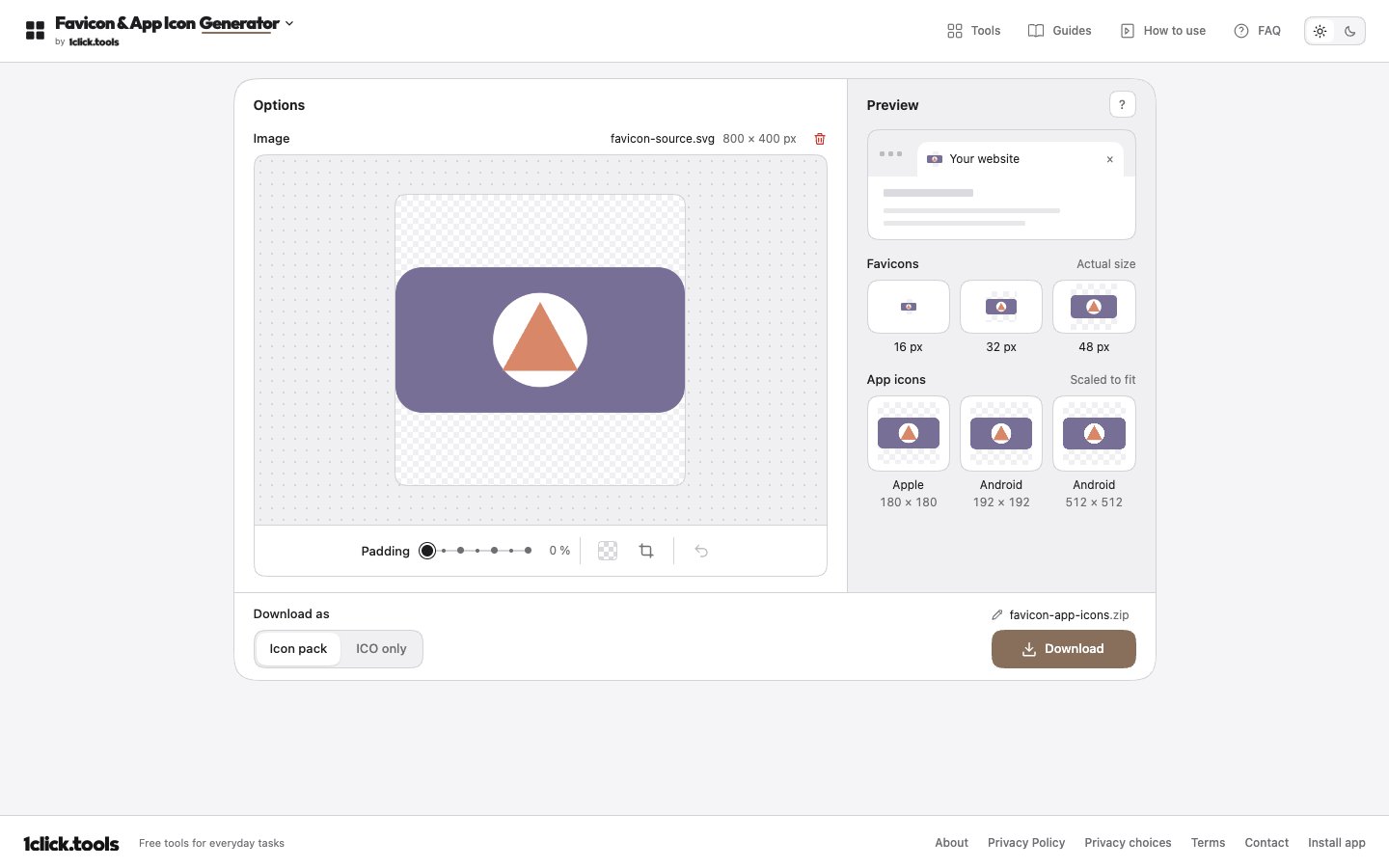
Put the files from the Favicon & App Icon Generator pack in your site root, paste five link tags into the head, and check the icon in the browser tab.
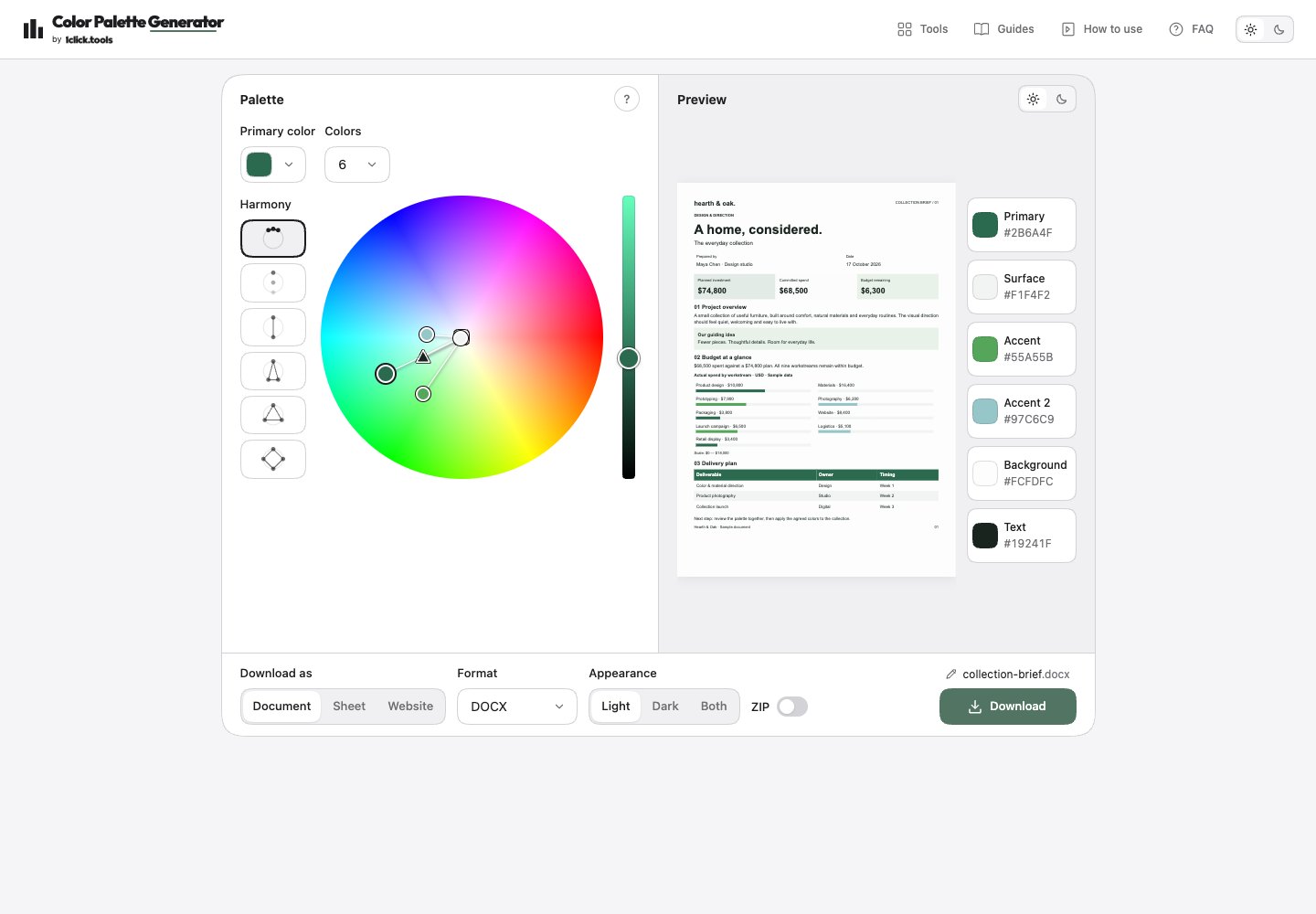
Start with one color, choose a harmony and preview the result in a document, spreadsheet or website. Follow a real six-color example.
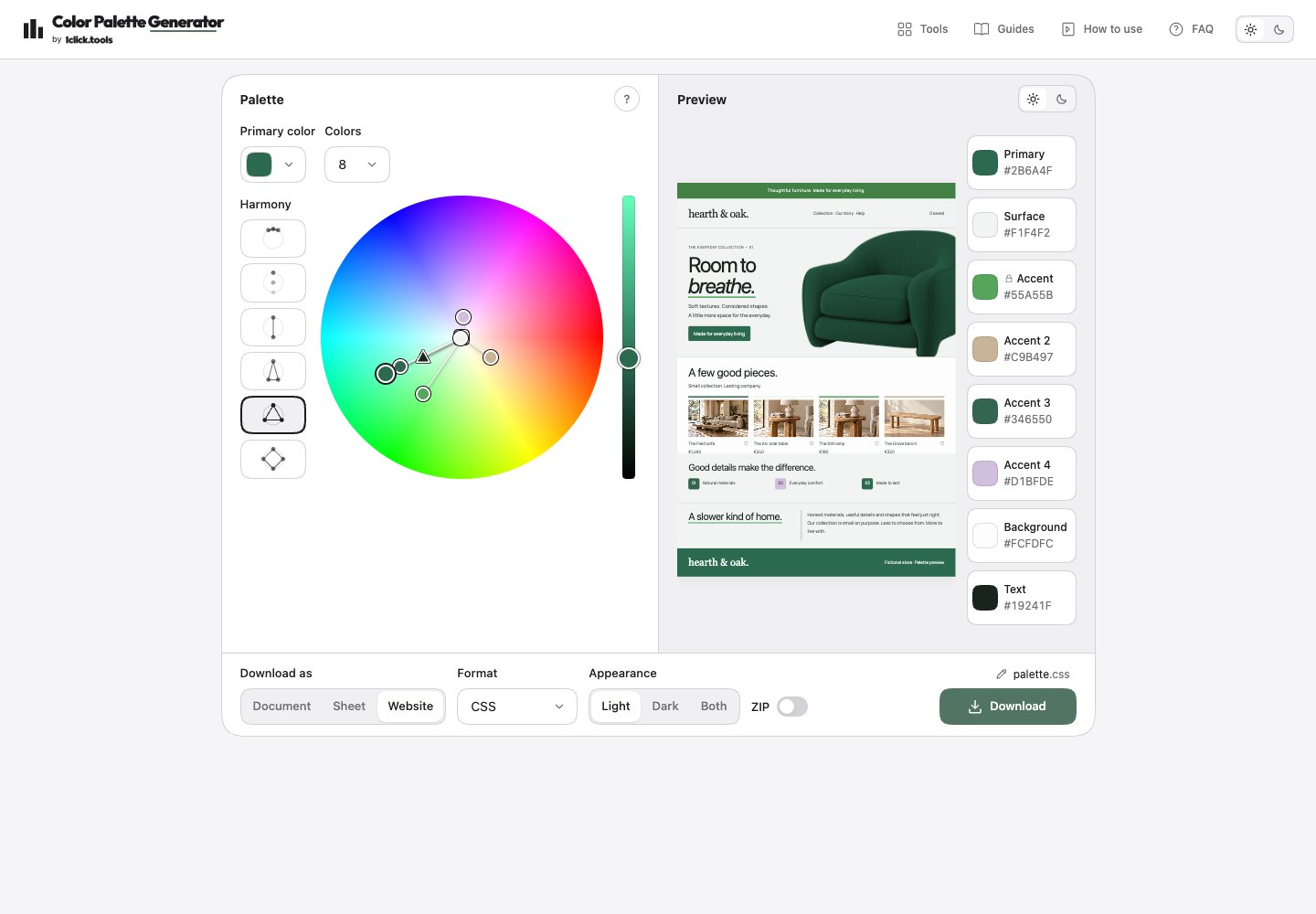
Explore six harmony options while protecting a color you want to keep. See an actual change from six Analogous colors to eight Triadic colors.
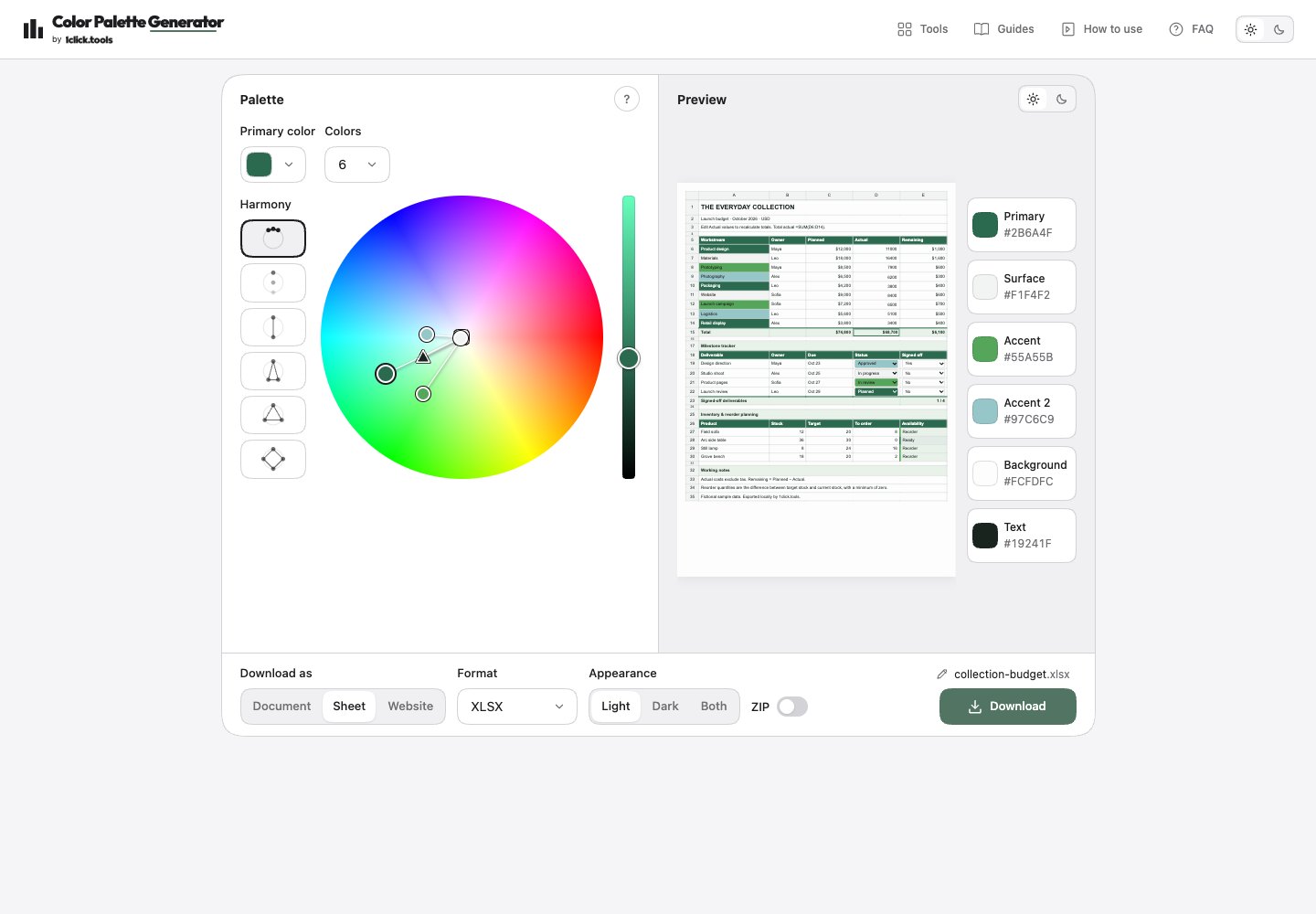
Use all three live previews and download each one in its own format. Compare real DOCX, edited XLSX and CSS files from the same six-color palette.
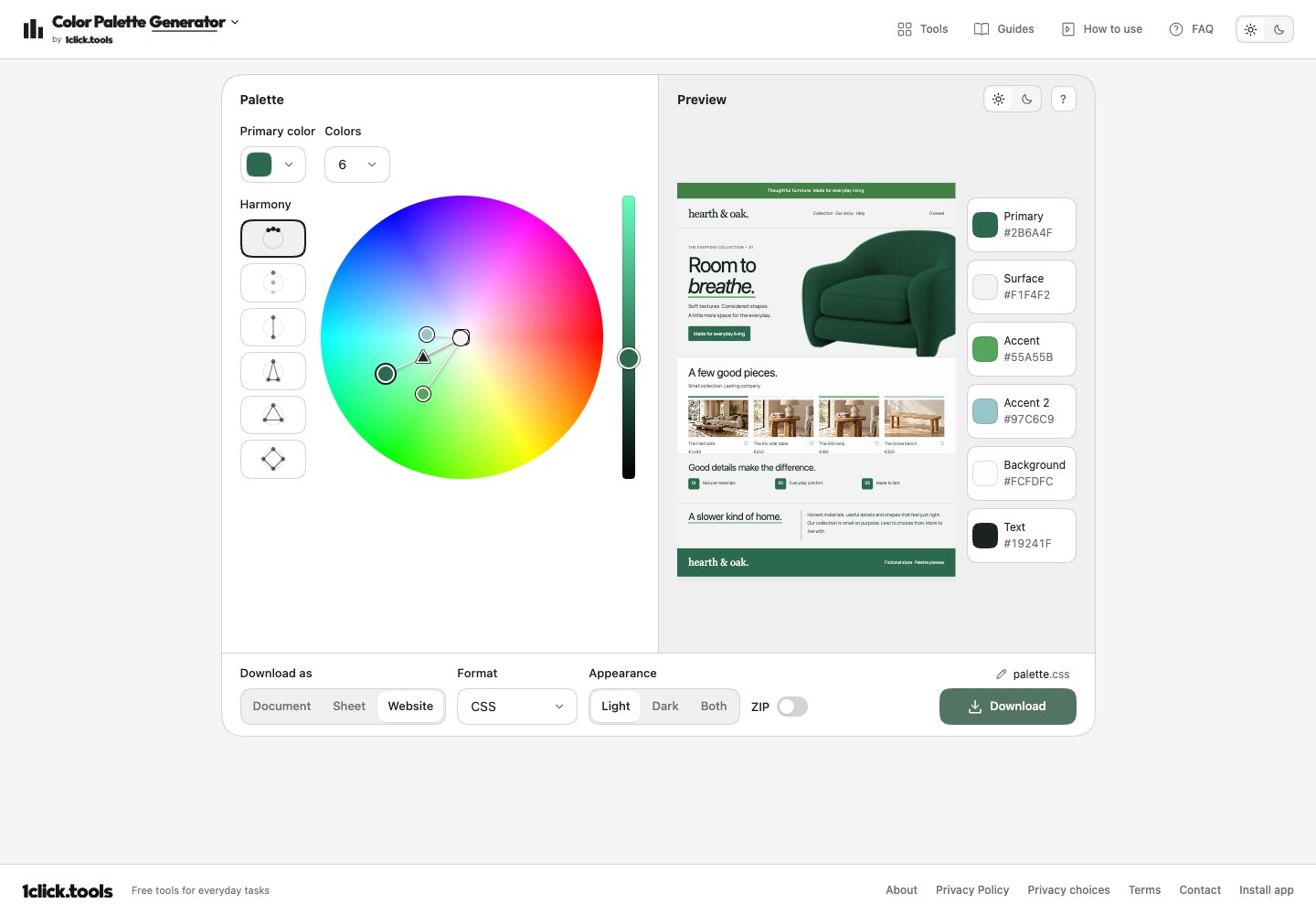
Read the Text, Background, Surface, Primary and Accent HEX values from the Color Palette Generator, see where each is used, and check every text/background pair against the WCAG 4.5:1, 3:1 and 7:1 contrast ratios.
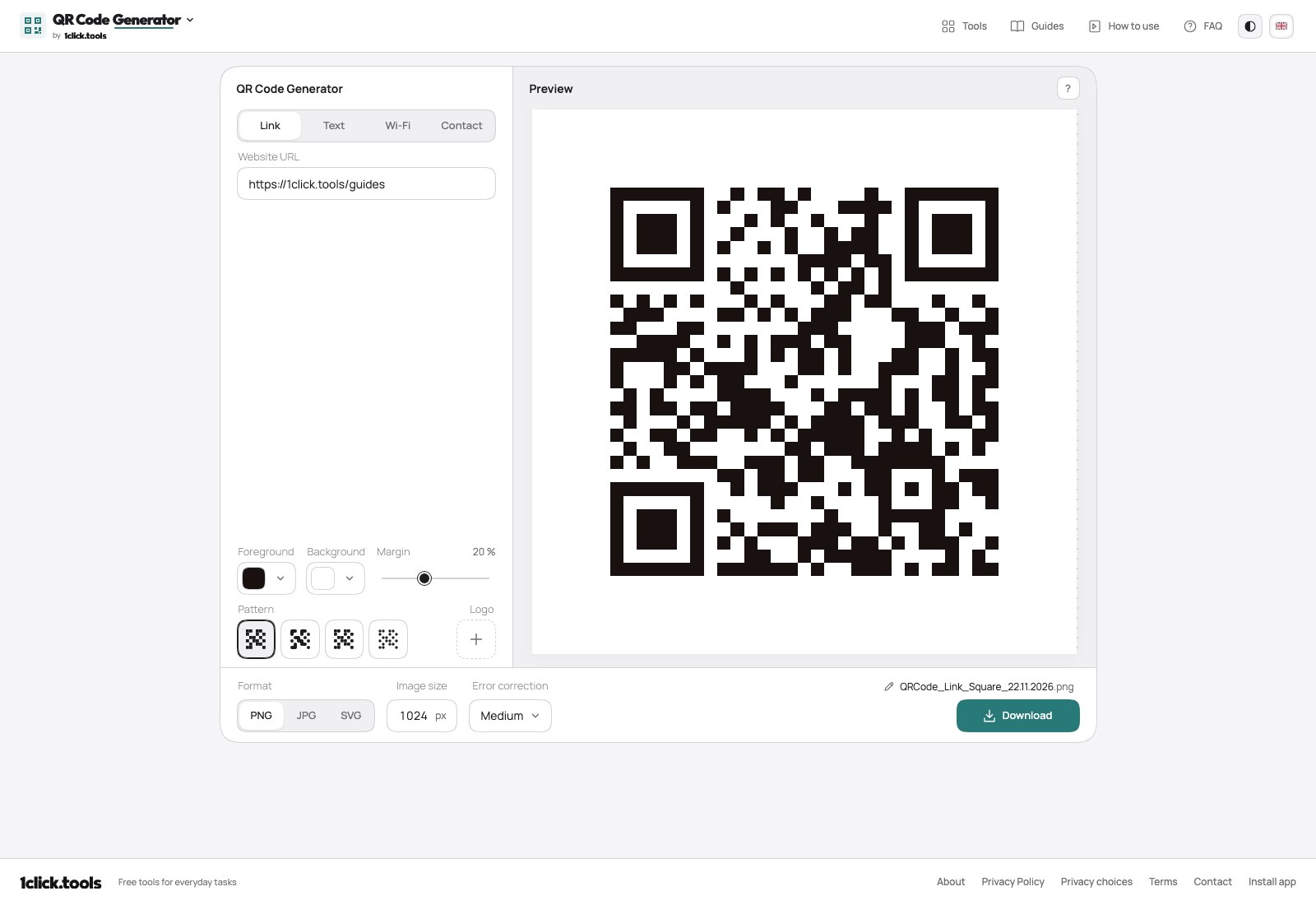
Create a QR code for a URL, Wi-Fi or contact. Learn when to use PNG or SVG, how to add a logo and what to test before sharing or printing.
Make a direct-link QR code for a website, booking page, online menu or form. Check the exact address and download PNG or SVG.
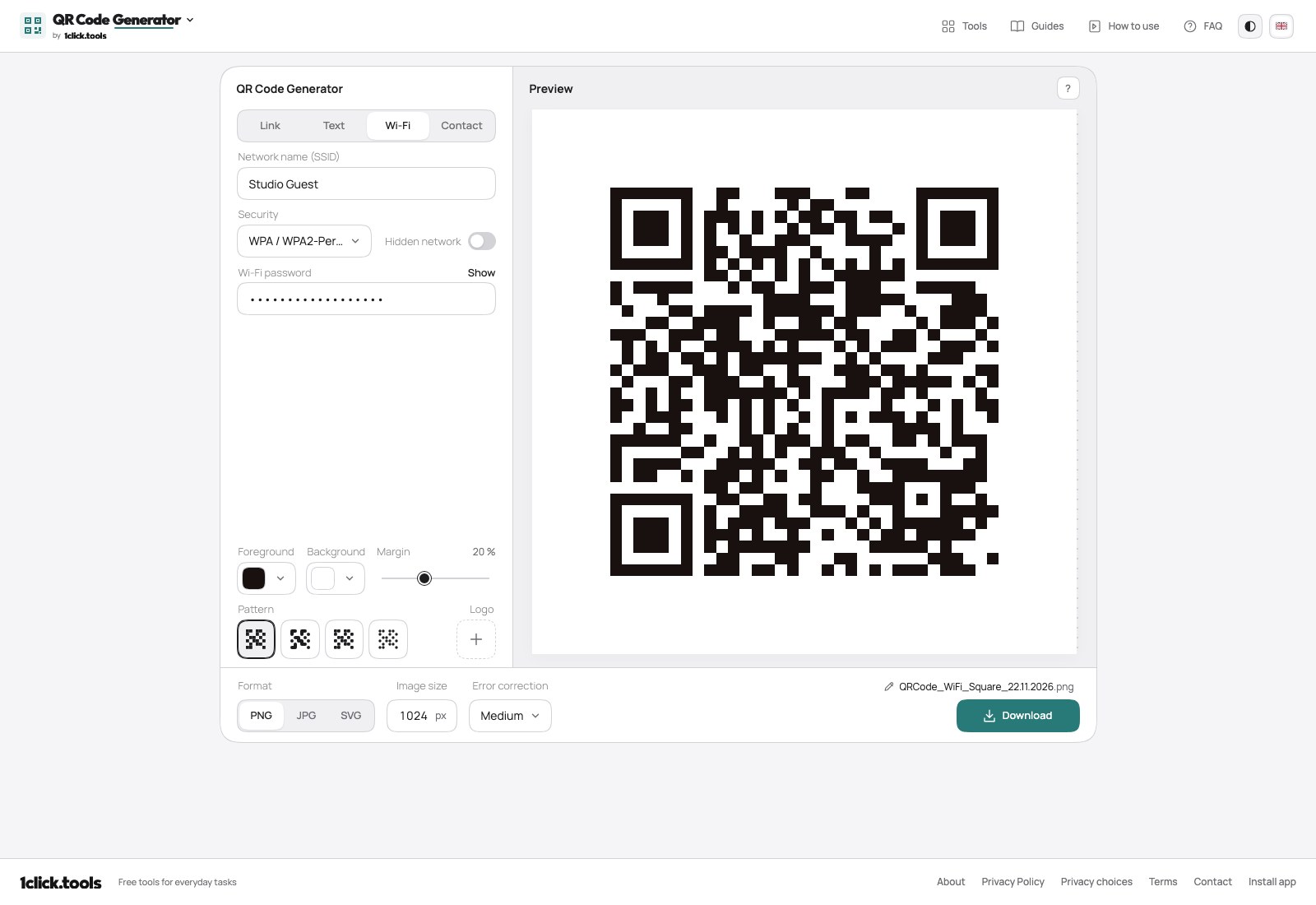
Share a guest network without asking visitors to type its password. Enter the network name, security and password, then check the downloaded Wi-Fi code.
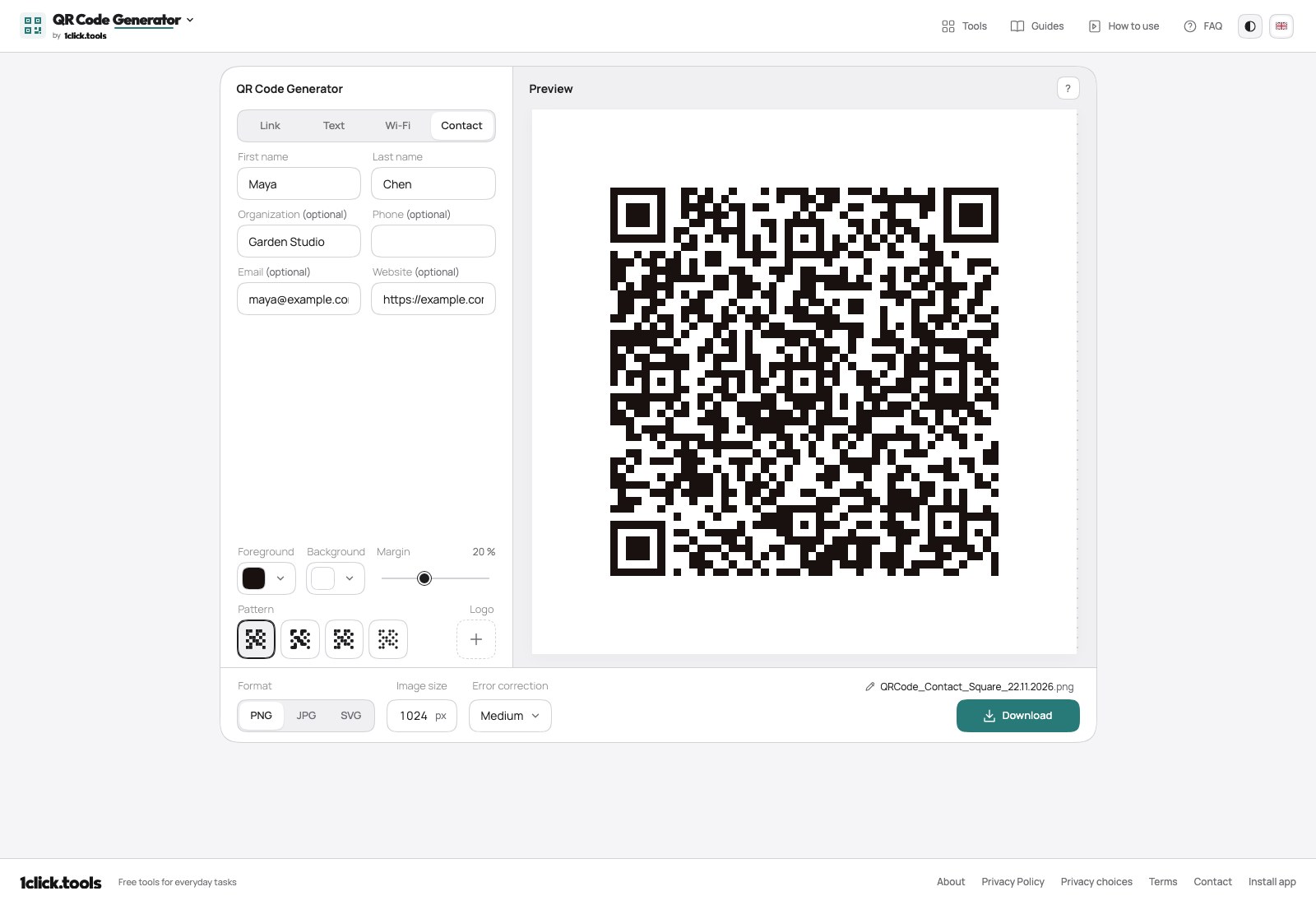
Encode a name, organization, phone, email and website as a vCard QR code. Download it for a business card and check the contact fields after scanning.
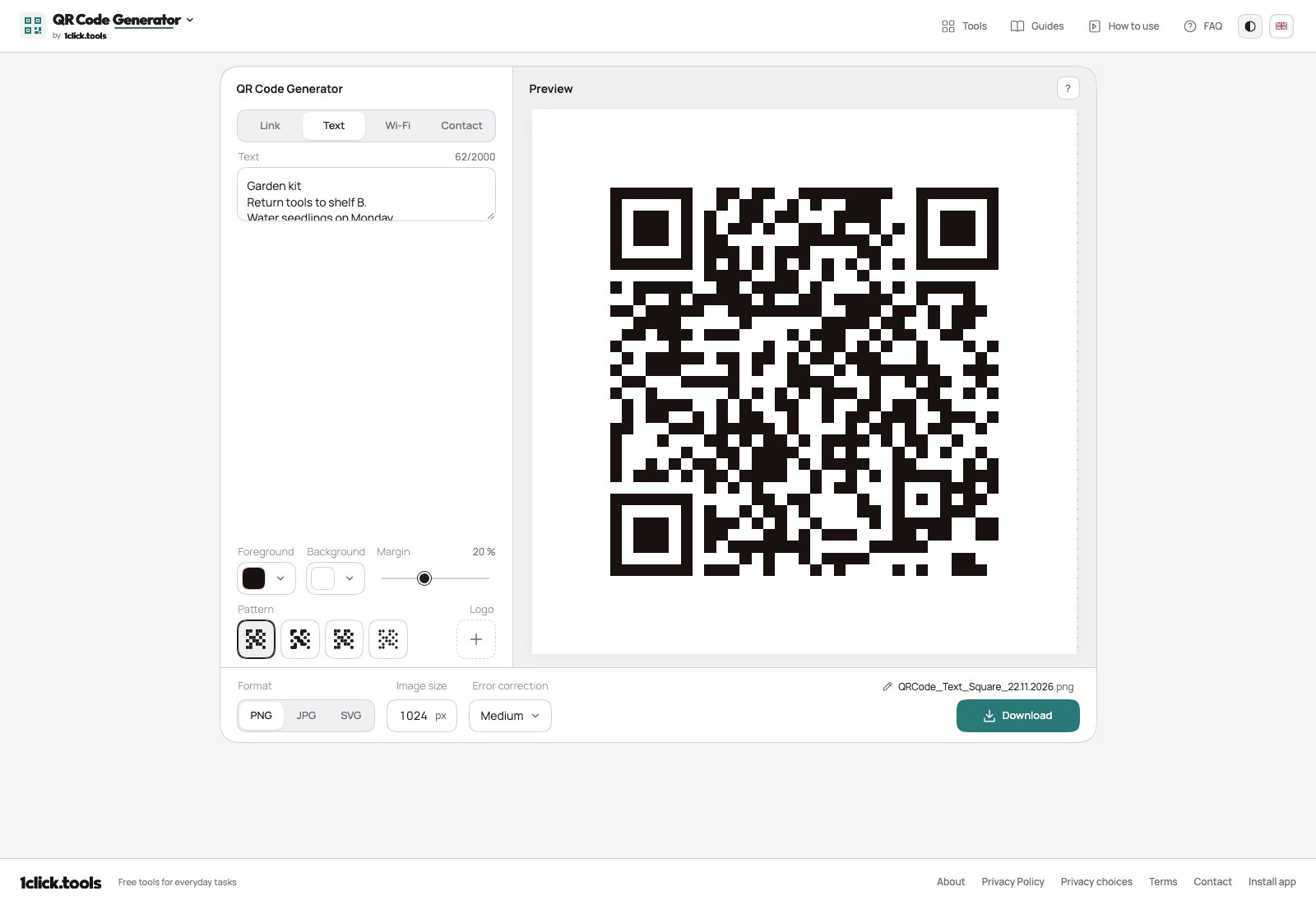
Store a short text note directly in a QR code for a label, classroom activity or instruction card. Keep line breaks and verify the decoded message.
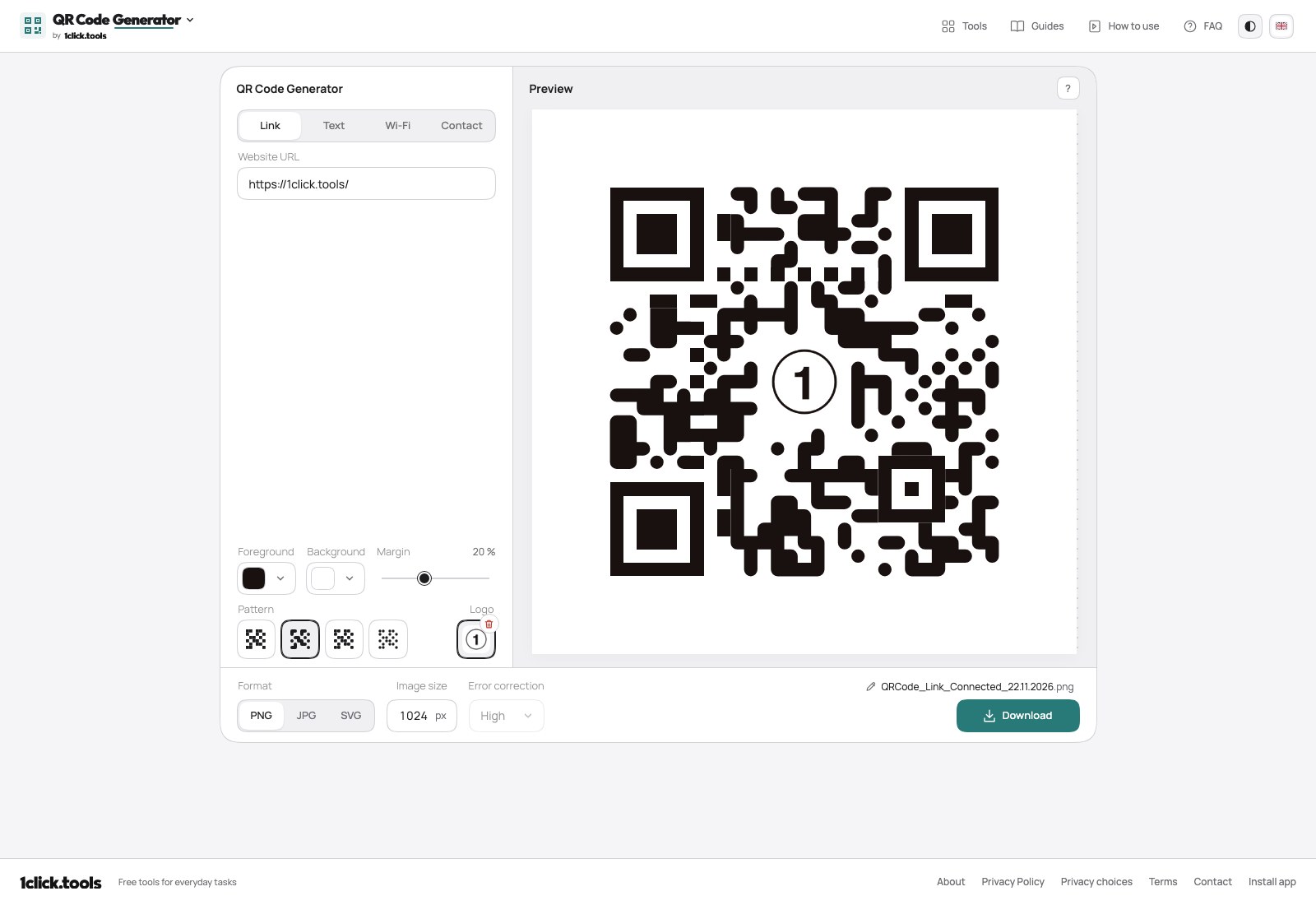
Add a PNG, JPG or WebP logo to a QR code, compare the result and download it. Learn what High error correction does and what still needs testing.
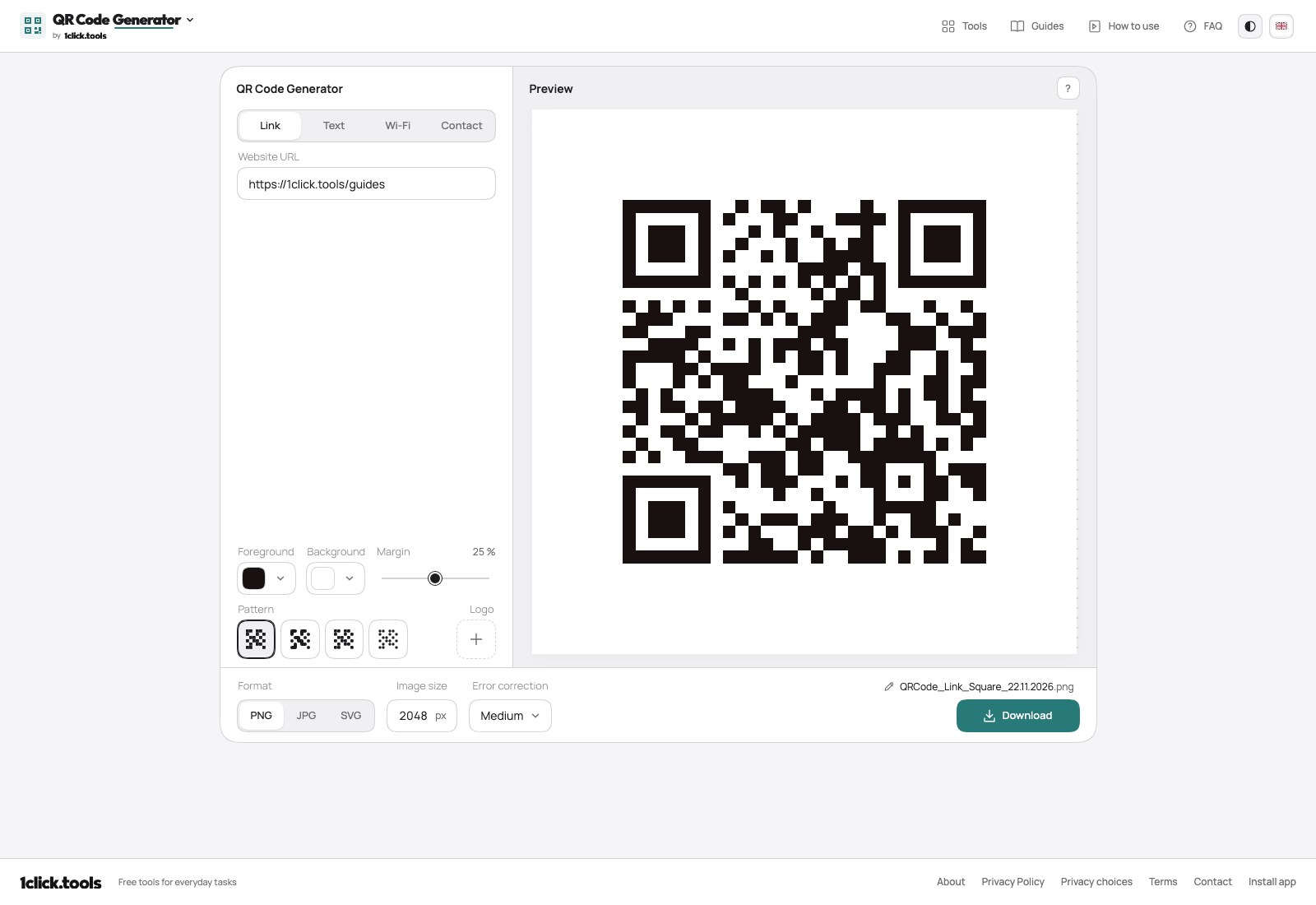
Choose SVG or a suitably sized PNG for a poster, flyer or business card. Preserve the quiet zone and test the actual printed code before a full run.
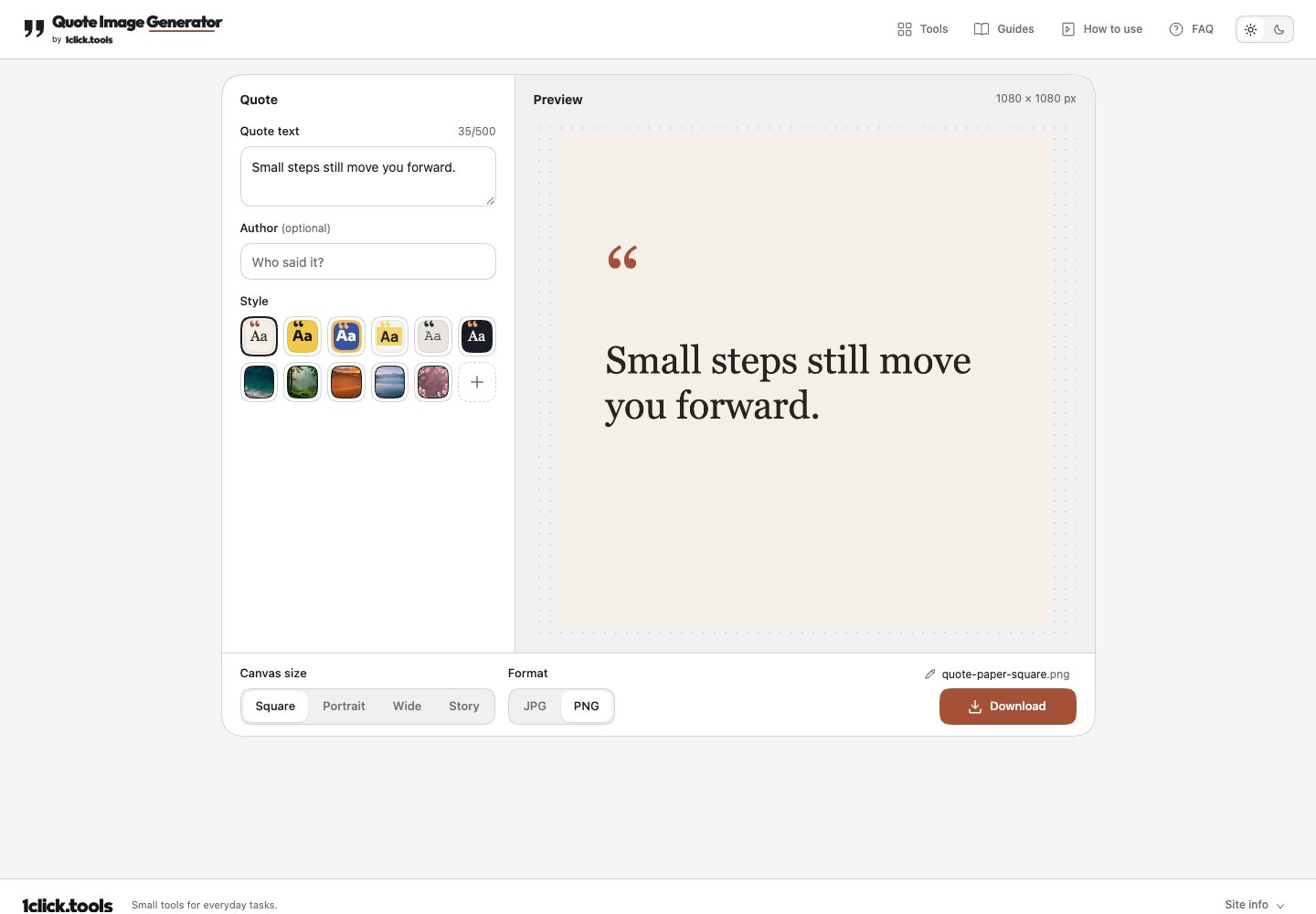
Turn your words into a JPG or PNG. Choose a style, add an optional author and follow a real quote-image example with downloadable results.
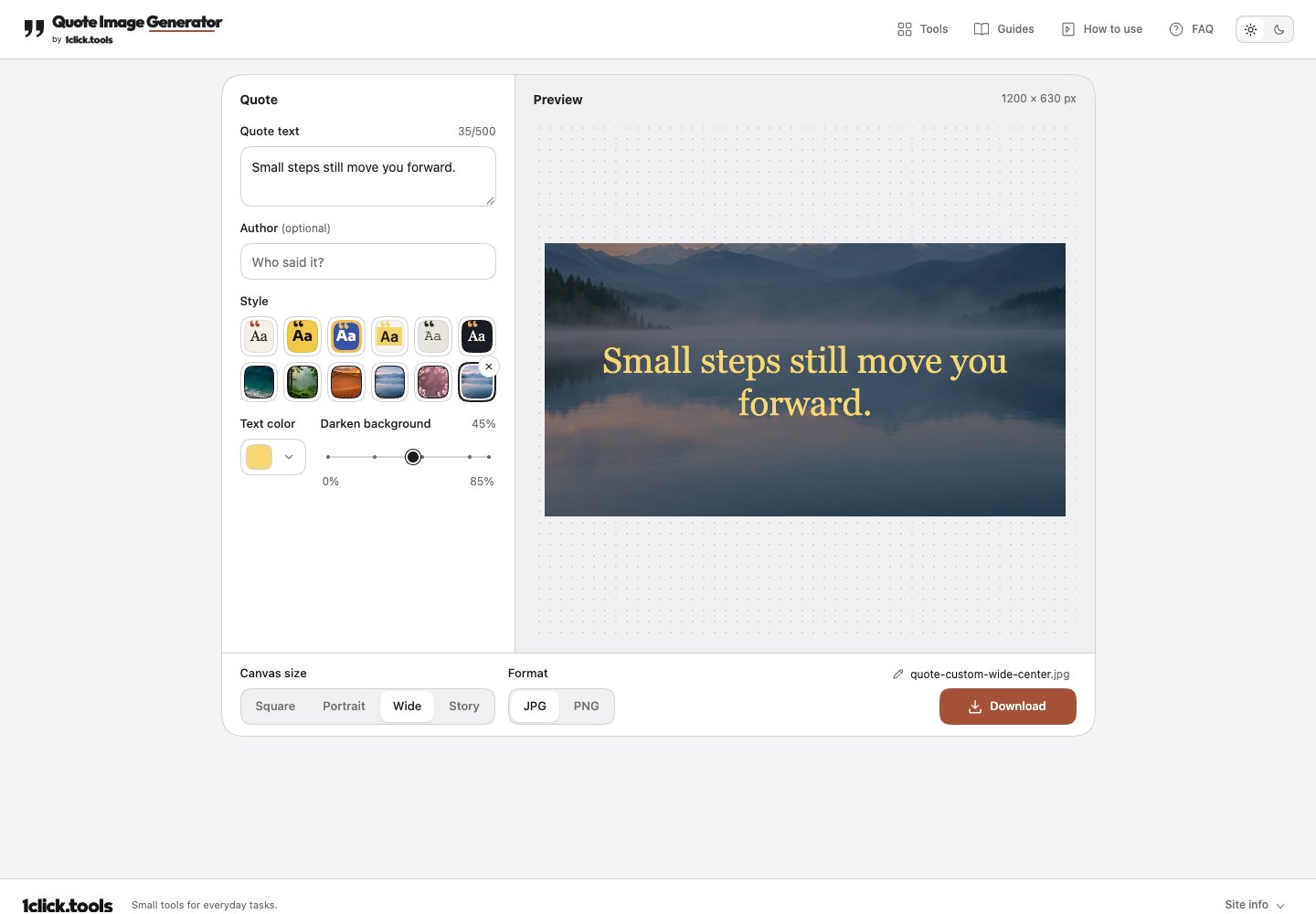
Add a custom background that stays centered, choose readable text colors and compare a real download made with the same photo and quote.
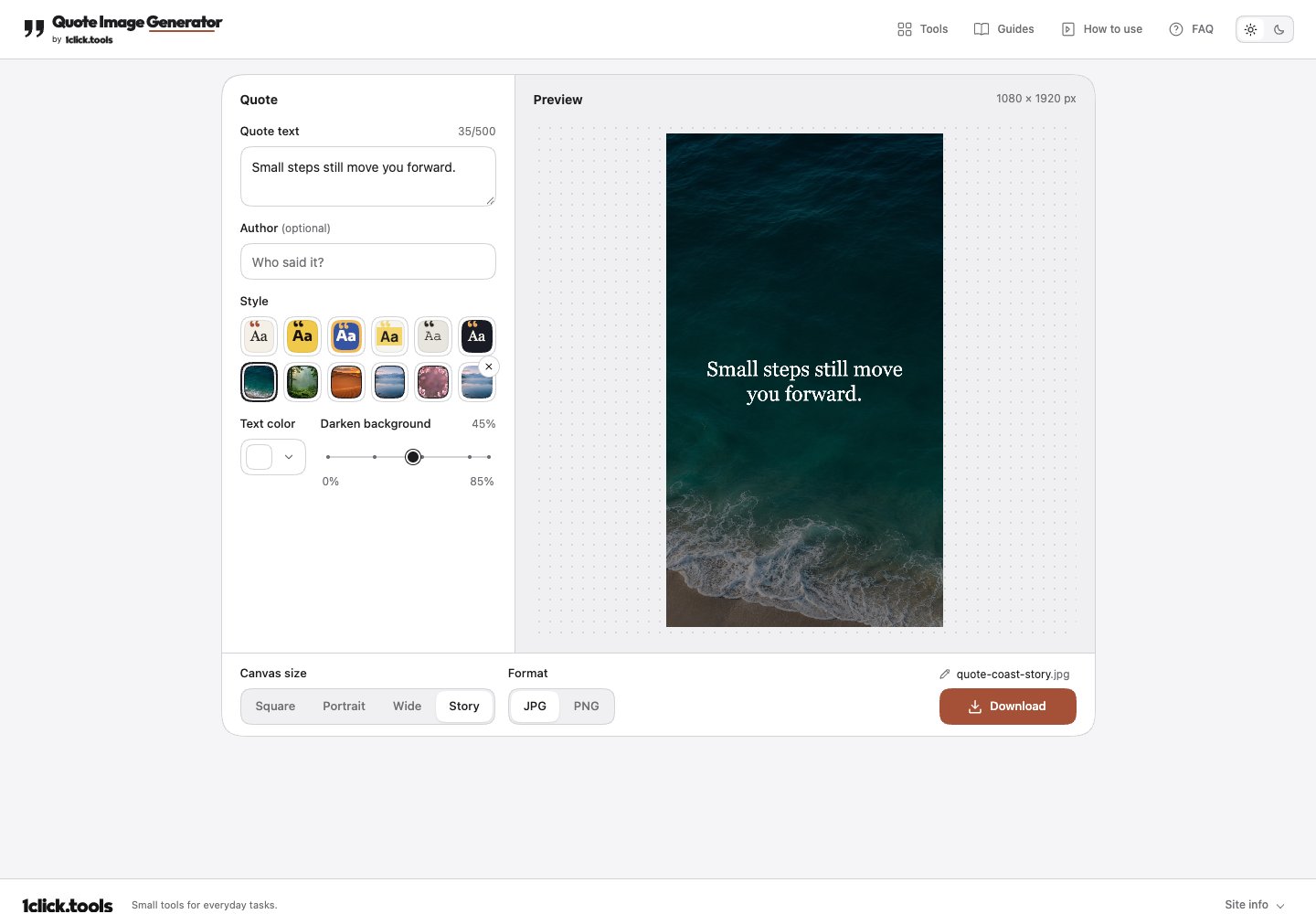
Compare the four exported quote-image sizes and choose JPG or PNG. See how the same words and photo change across real downloadable examples.
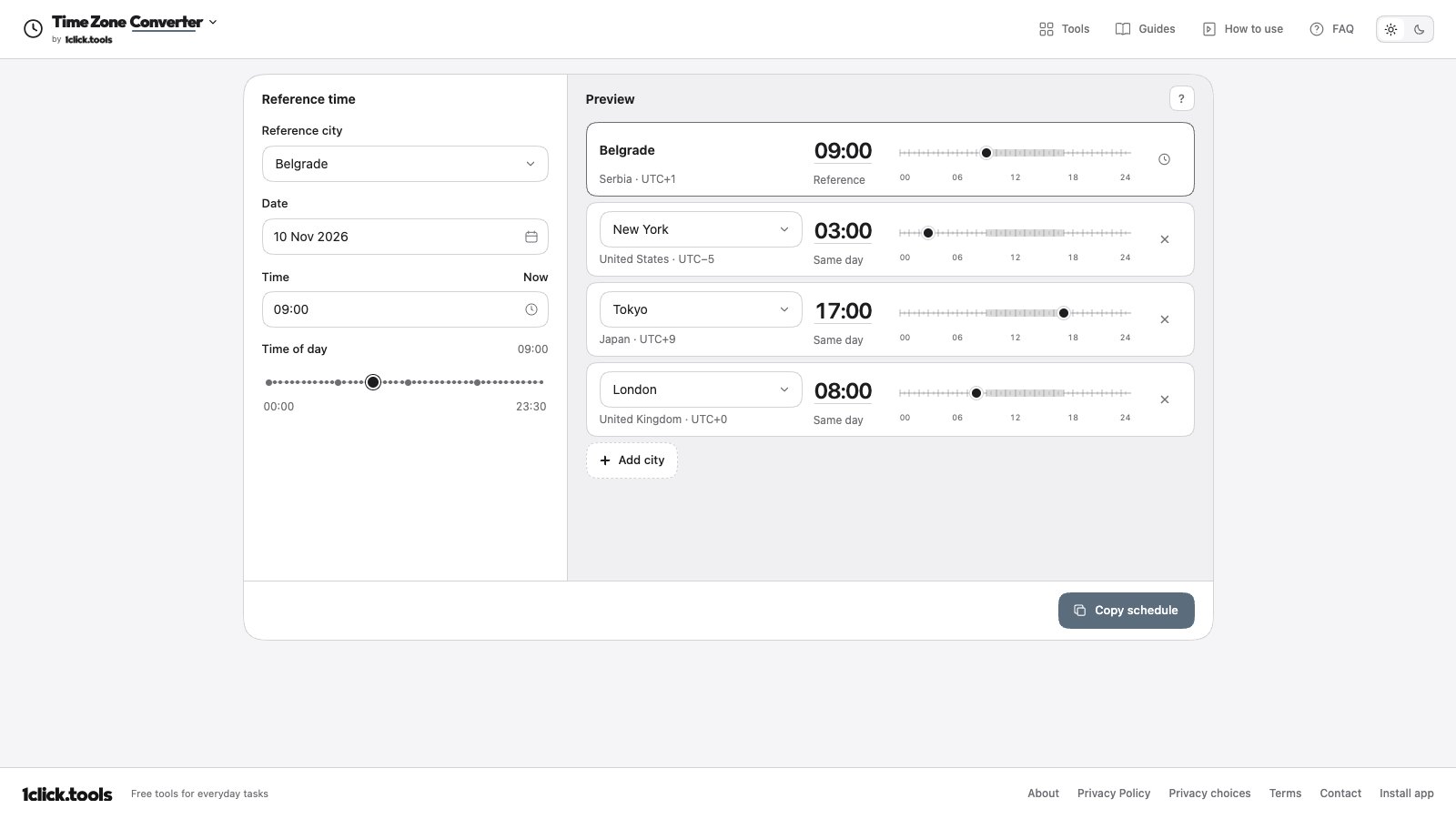
Use the calendar, month/year wheels and hour/minute wheels to compare cities. Adjust any city with half-hour sliders or an exact time, then copy the schedule.
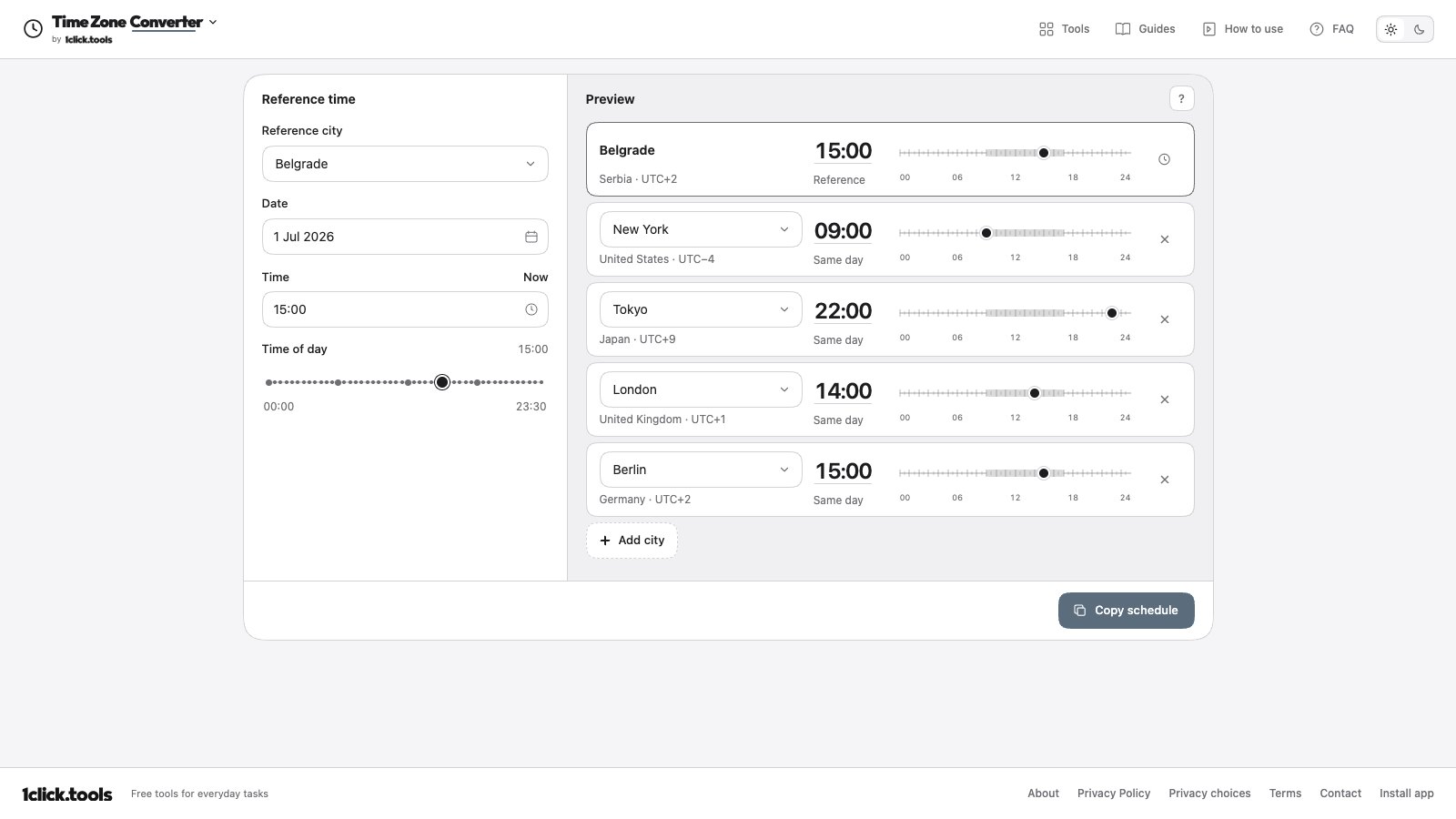
Compare multiple cities, check daytime bands and local dates, and choose a meeting time. See two real schedules for Europe, New York and Tokyo.
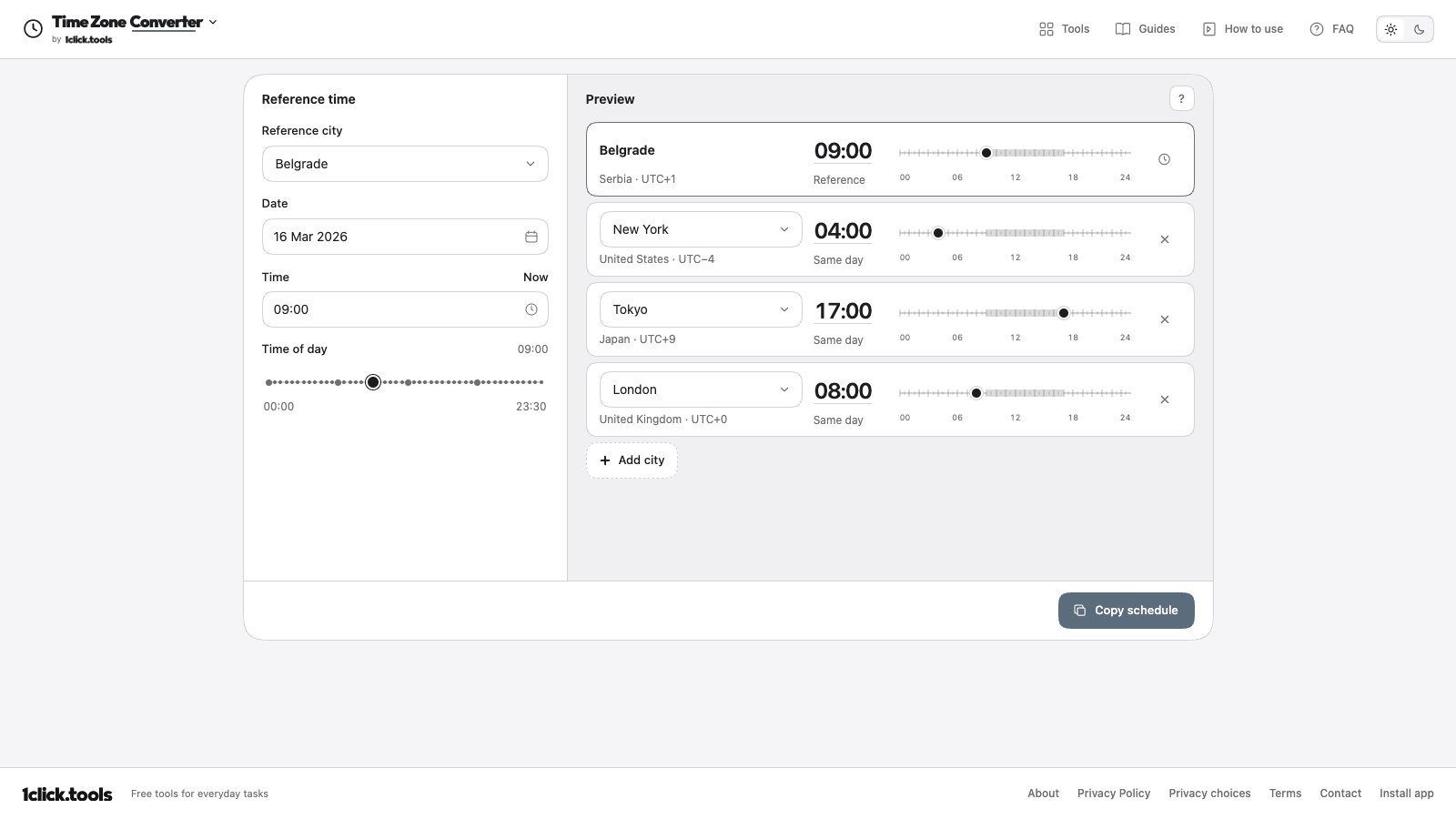
Compare two dates to see how daylight saving changes city time differences. Check UTC offsets, date rollover and repeated local hours using real examples.
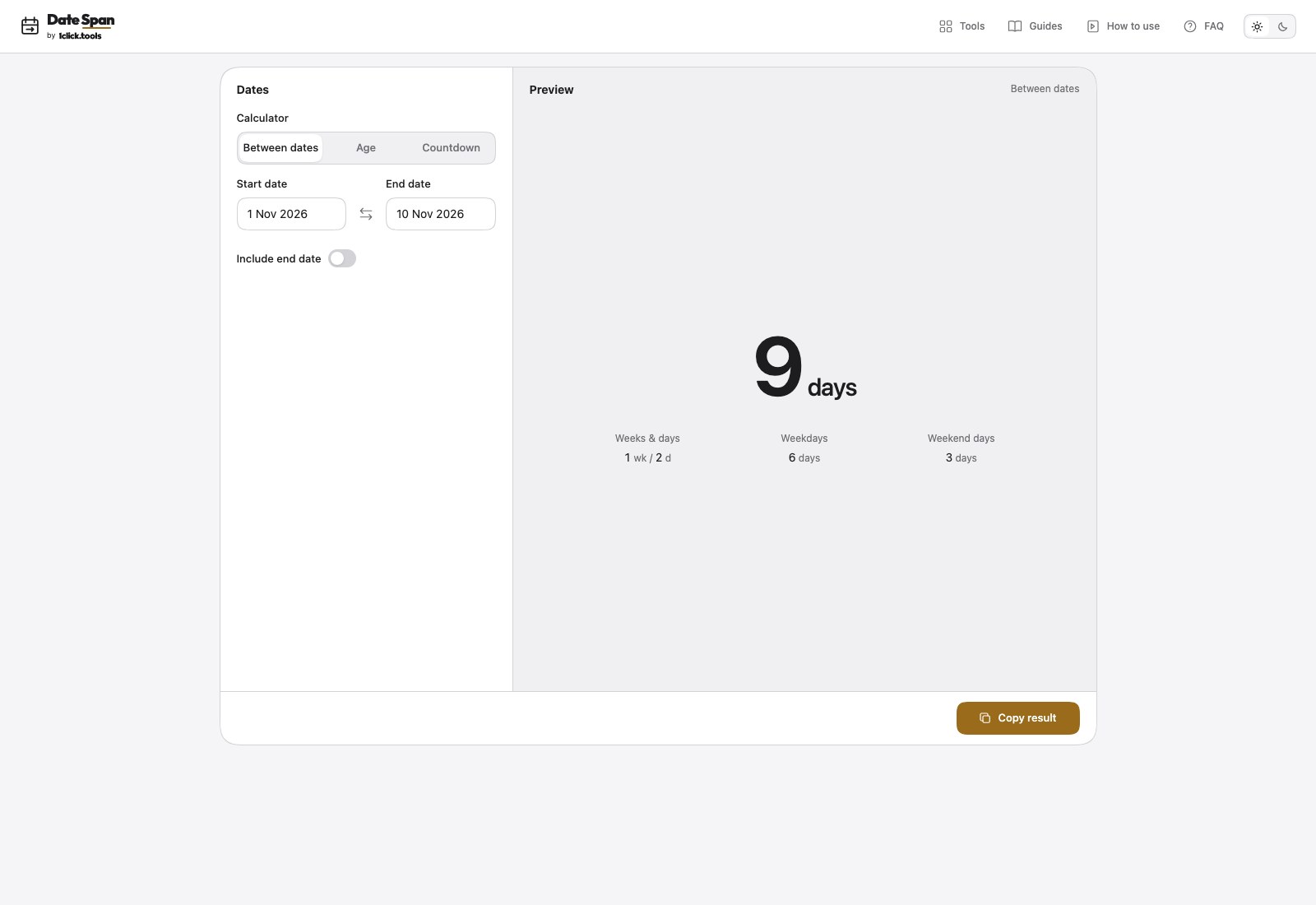
Find a date duration, choose whether to include the end date, and copy a clear breakdown. Compare a nine-day gap with a ten-day inclusive range.
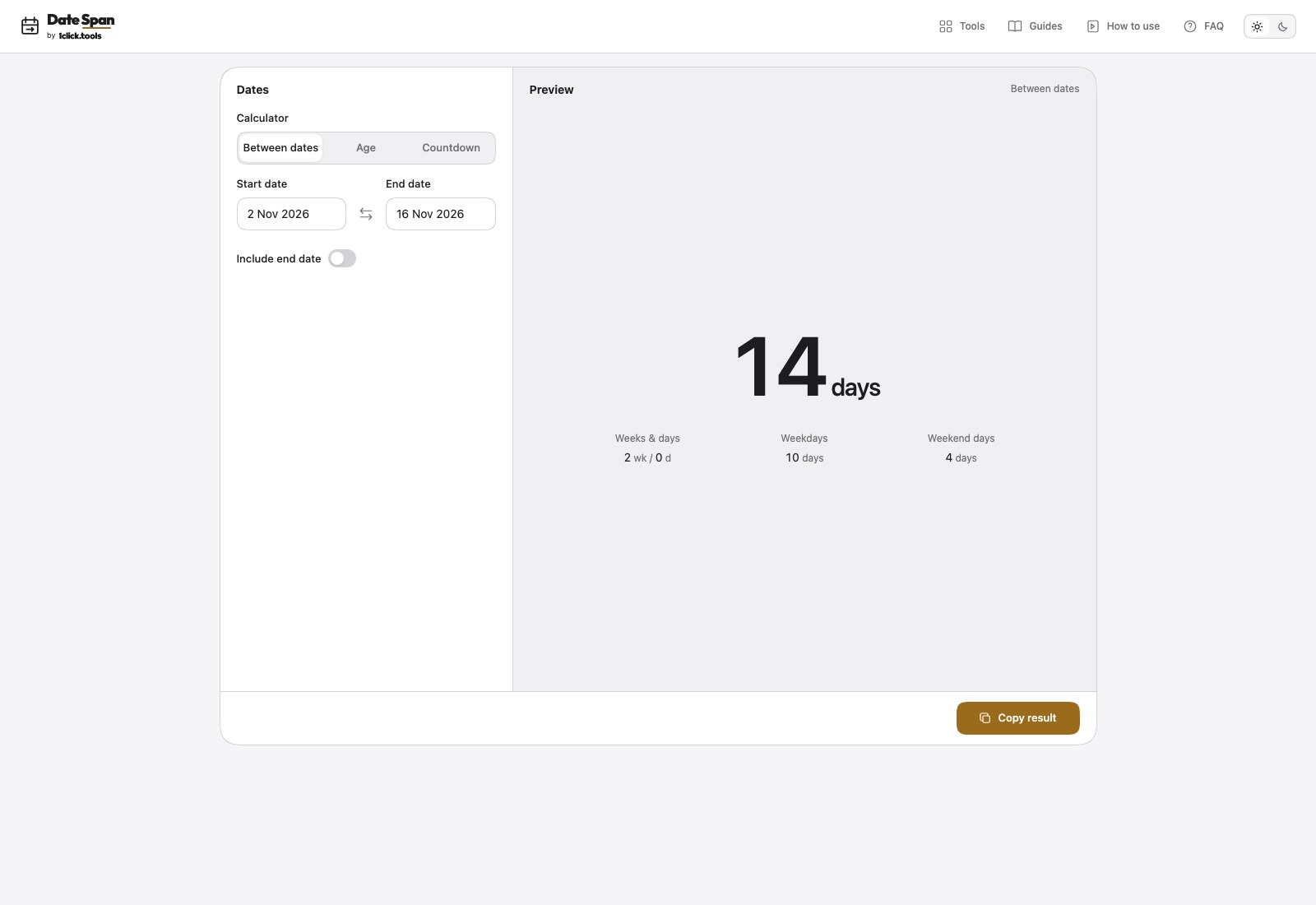
Separate Monday–Friday dates from Saturday–Sunday dates. Use a two-week example and see why public holidays need a separate check.
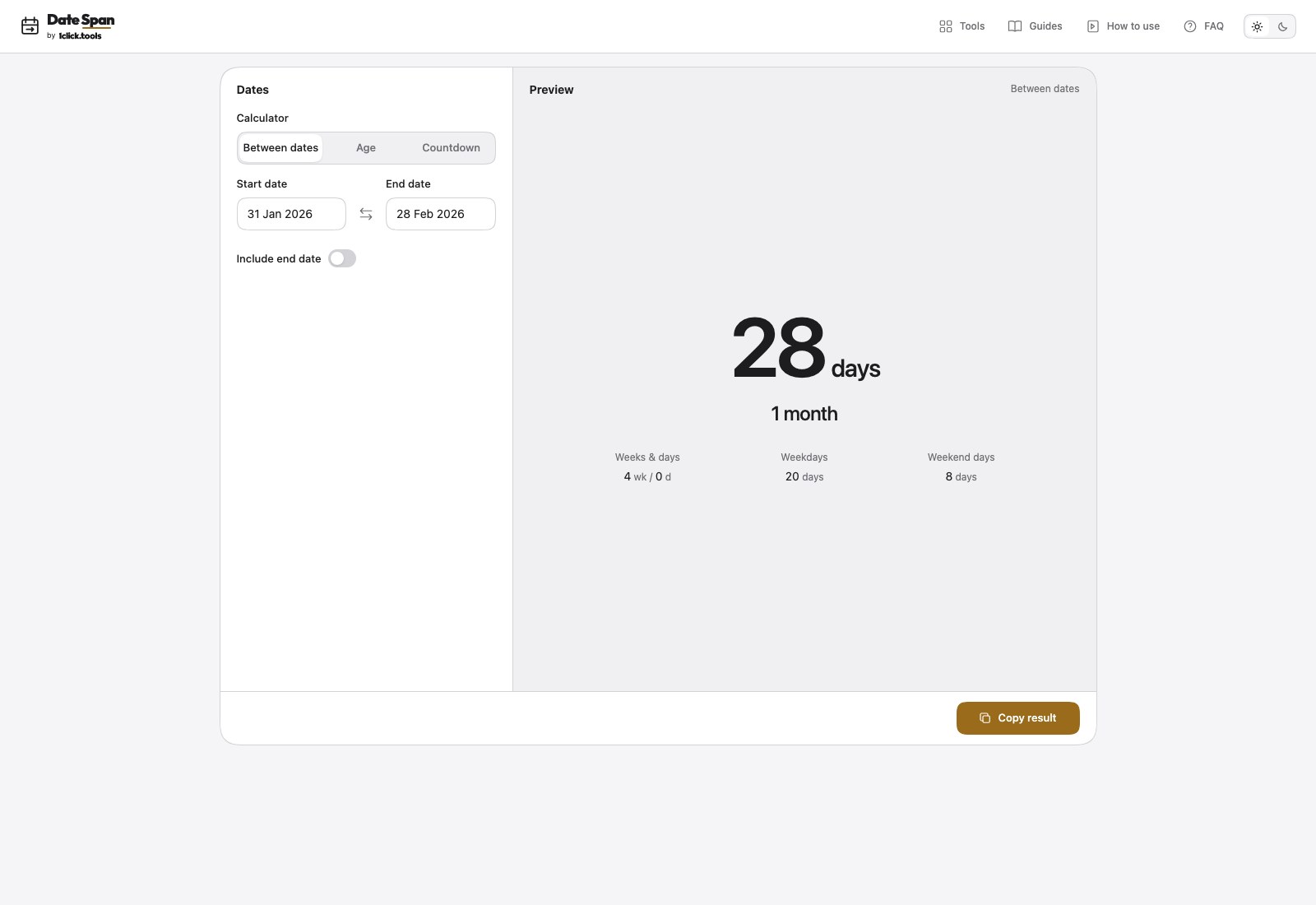
Understand why a month can be 28, 29, 30 or 31 days. Compare month-end dates, leap days and a full year using the same calculator.
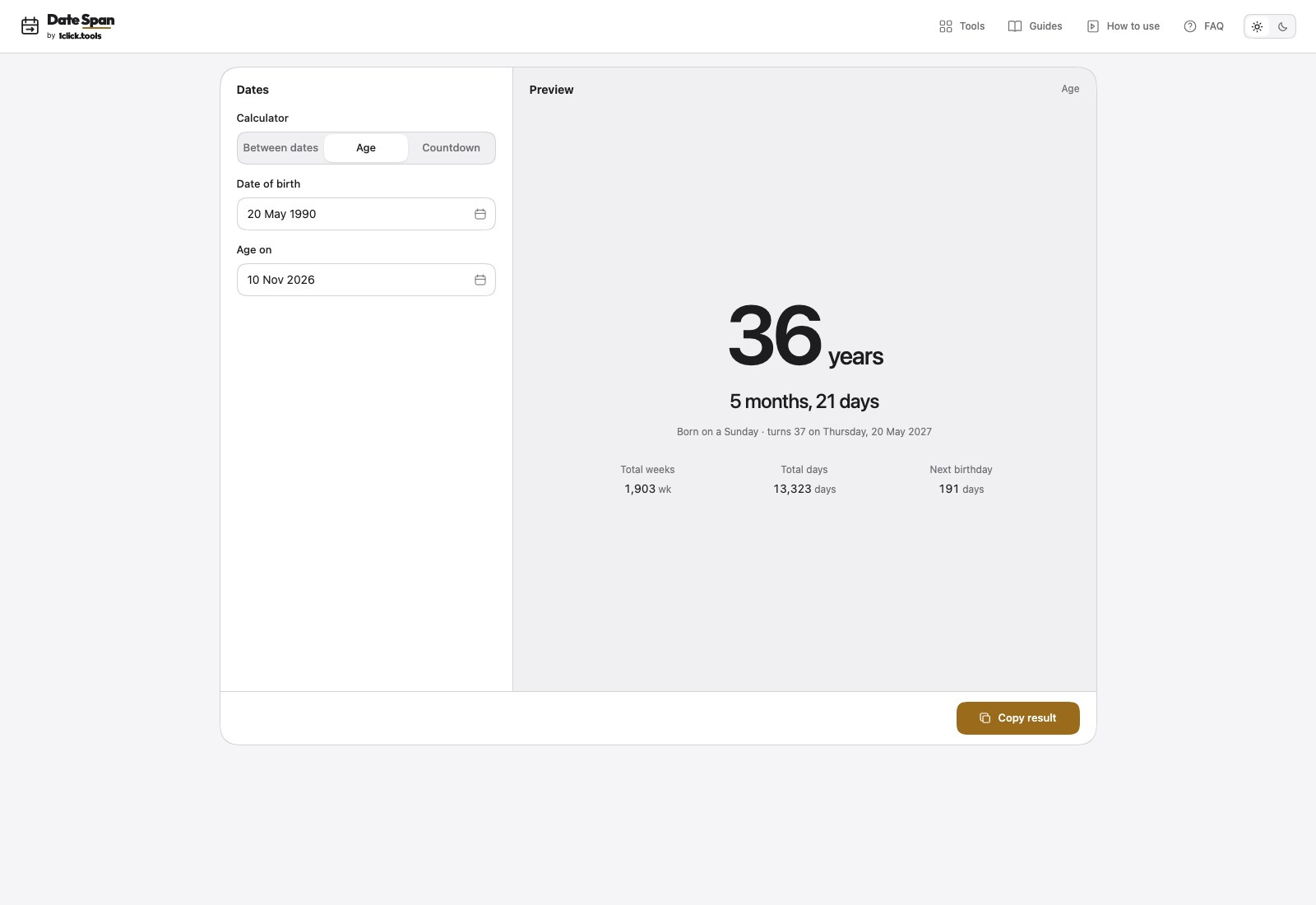
Find an age in years, months and days, total weeks and days lived, and the next birthday. Includes a 29 February birthday example.
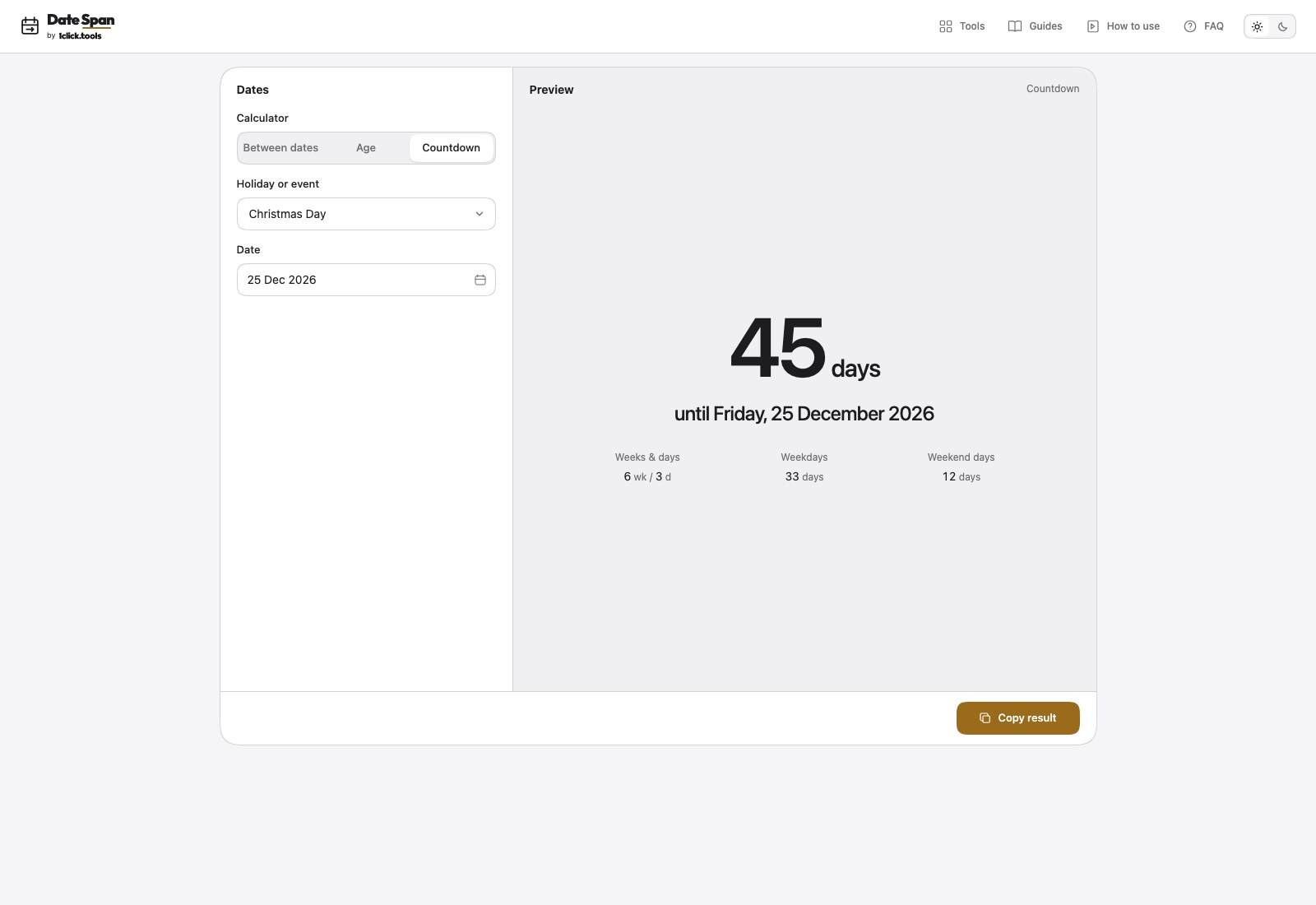
Count the days until Christmas, Easter, Eid, Lunar New Year or any date, with weeks, weekdays and weekend days left. See how a past date shows days ago.
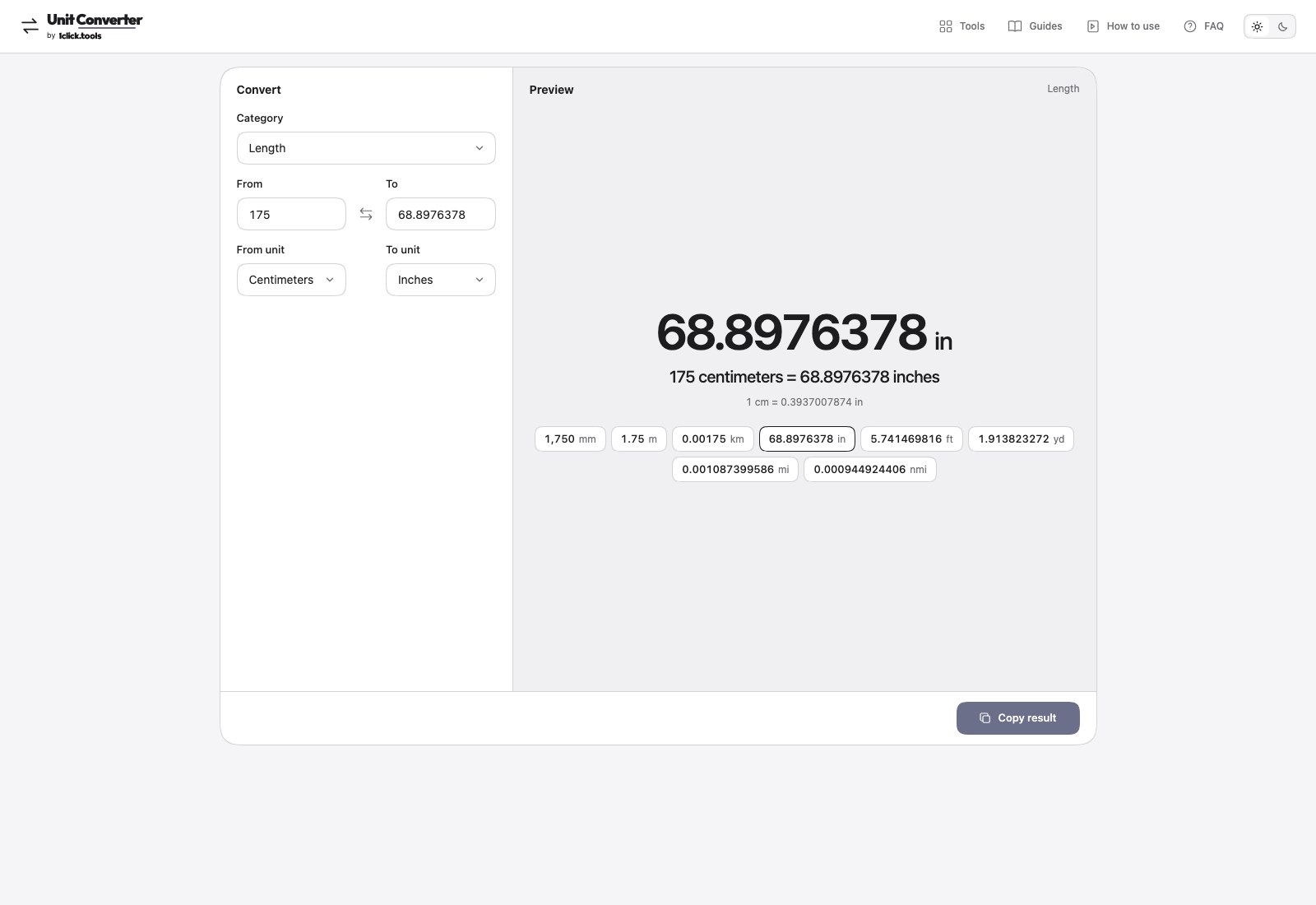
Convert a height or measurement from centimeters to inches and feet, and back again. Includes 175 cm, 6 ft and the exact 2.54 cm inch.
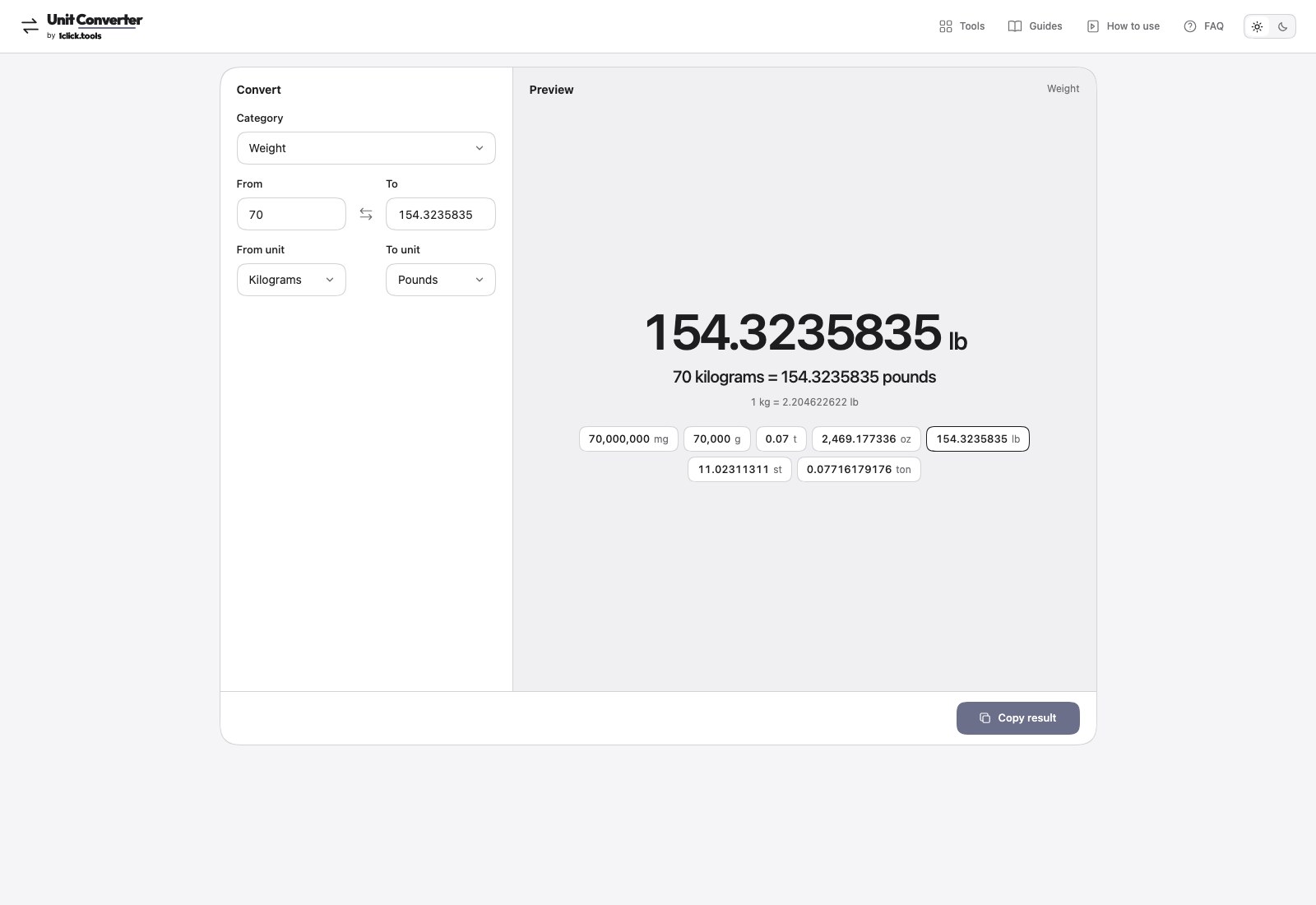
Convert a weight between kilograms, pounds, ounces and stone. See 70 kg in pounds and stone, 150 lb in kilograms and 500 g in ounces.
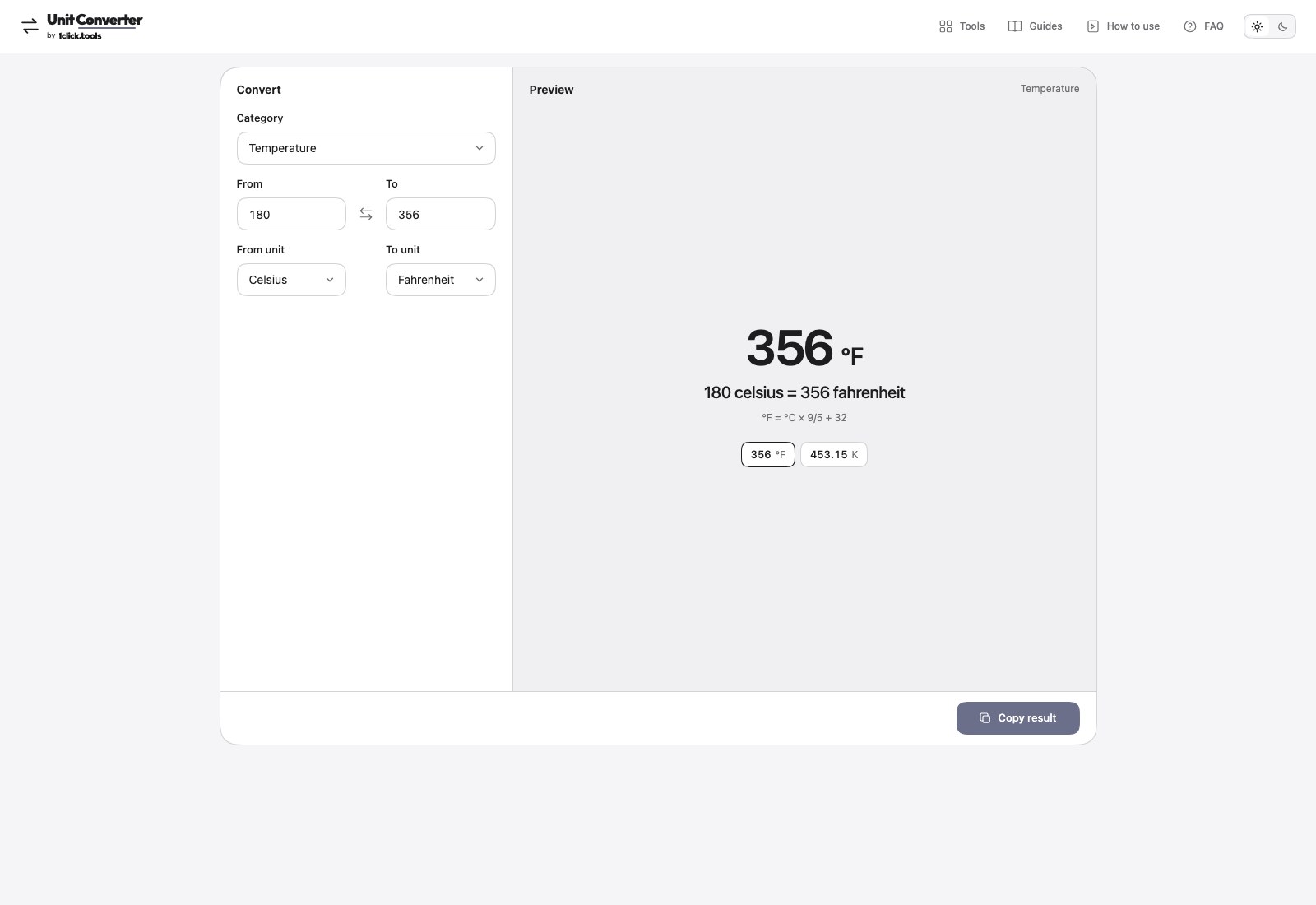
Convert temperatures between °C, °F and K with the exact formulas. Includes room temperature, oven settings, body temperature and −40°.
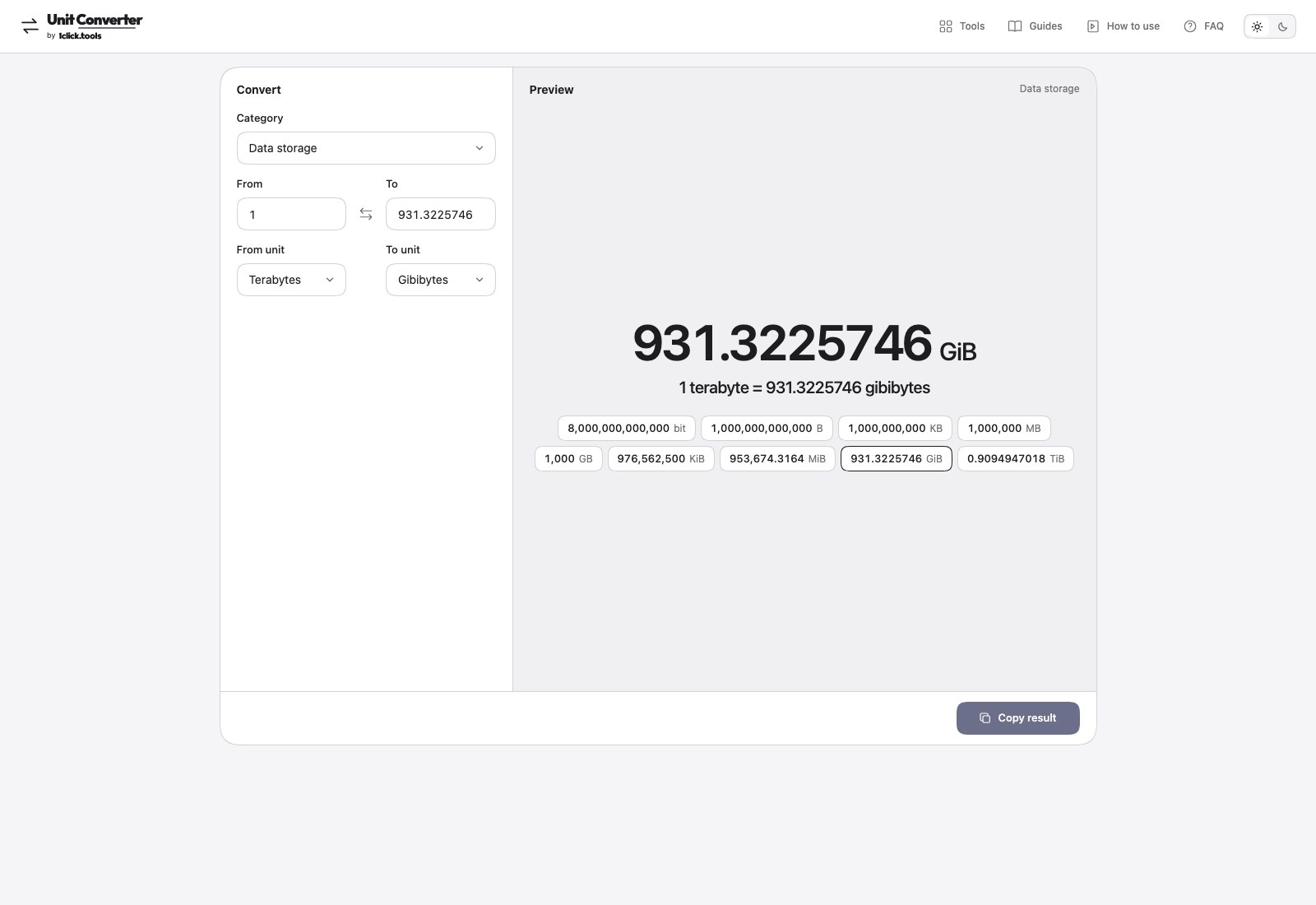
Understand decimal and binary storage units. Convert TB to GiB, GB to MB and see why drives and phones report less space than advertised.
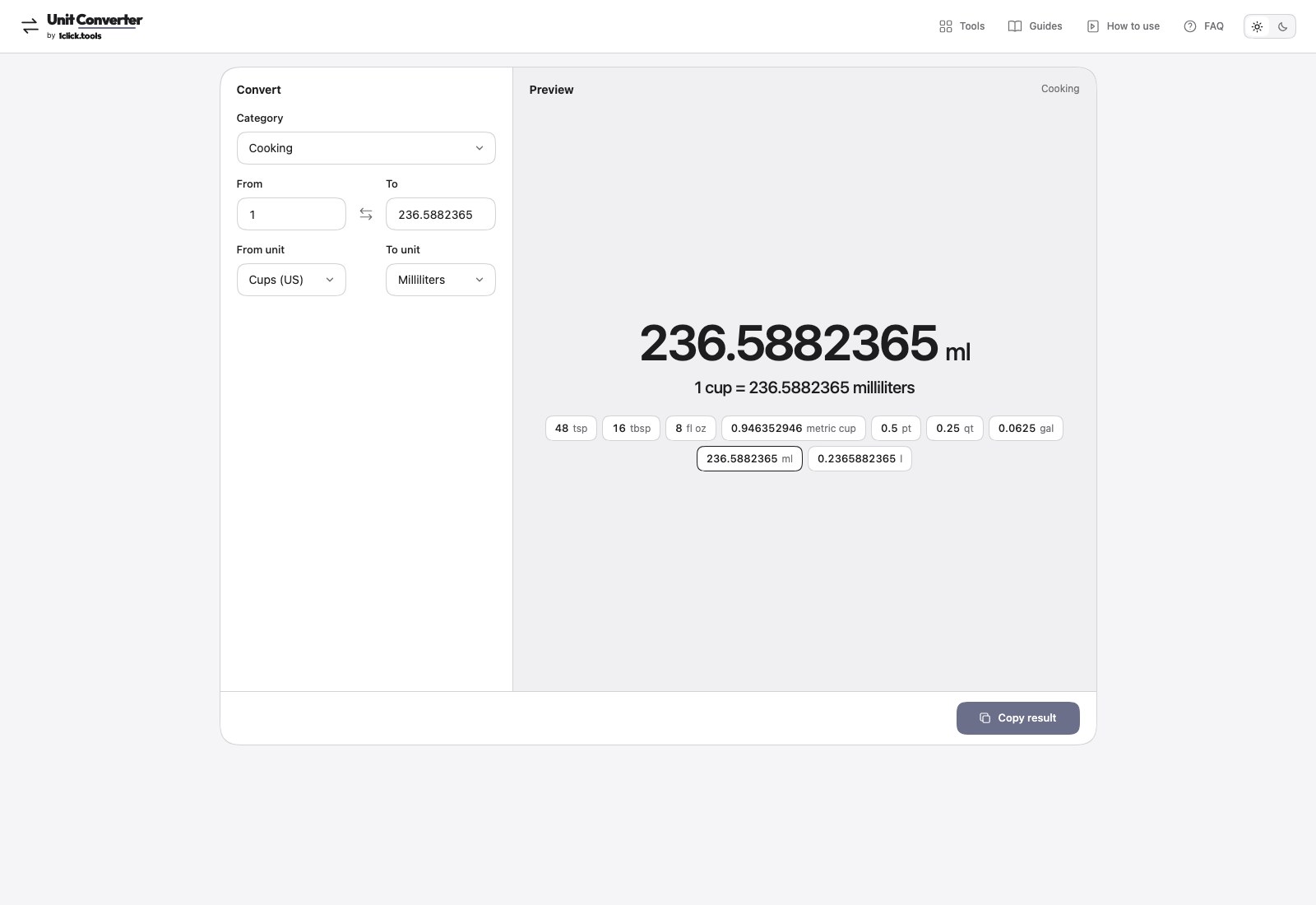
Convert recipe measures between US cups, tablespoons, teaspoons, fluid ounces and milliliters. Includes the 250 ml metric cup and half cups.
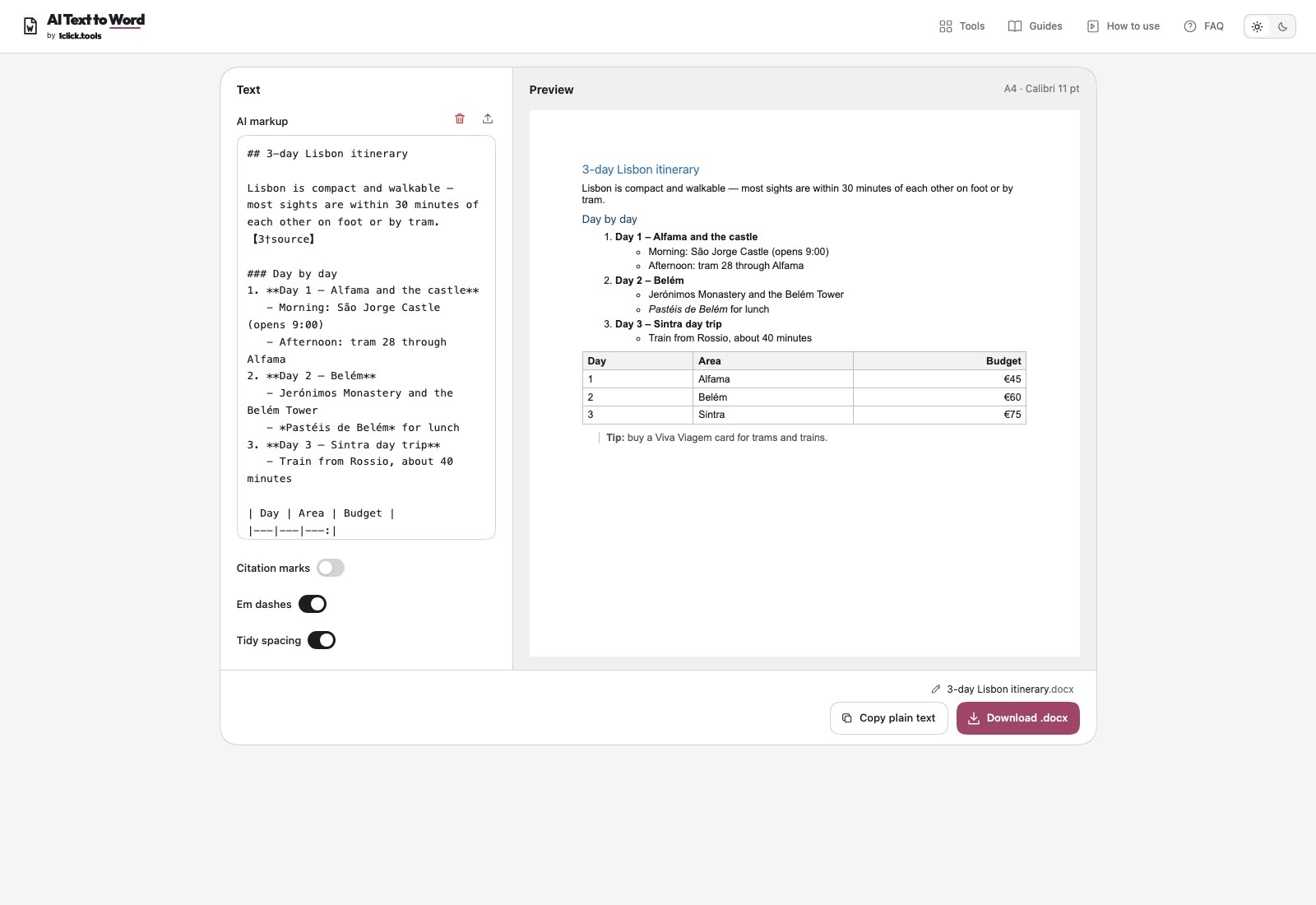
Paste a ChatGPT answer and download a Word document with real headings, lists and tables. Remove citation marks such as 【3†source】 first.
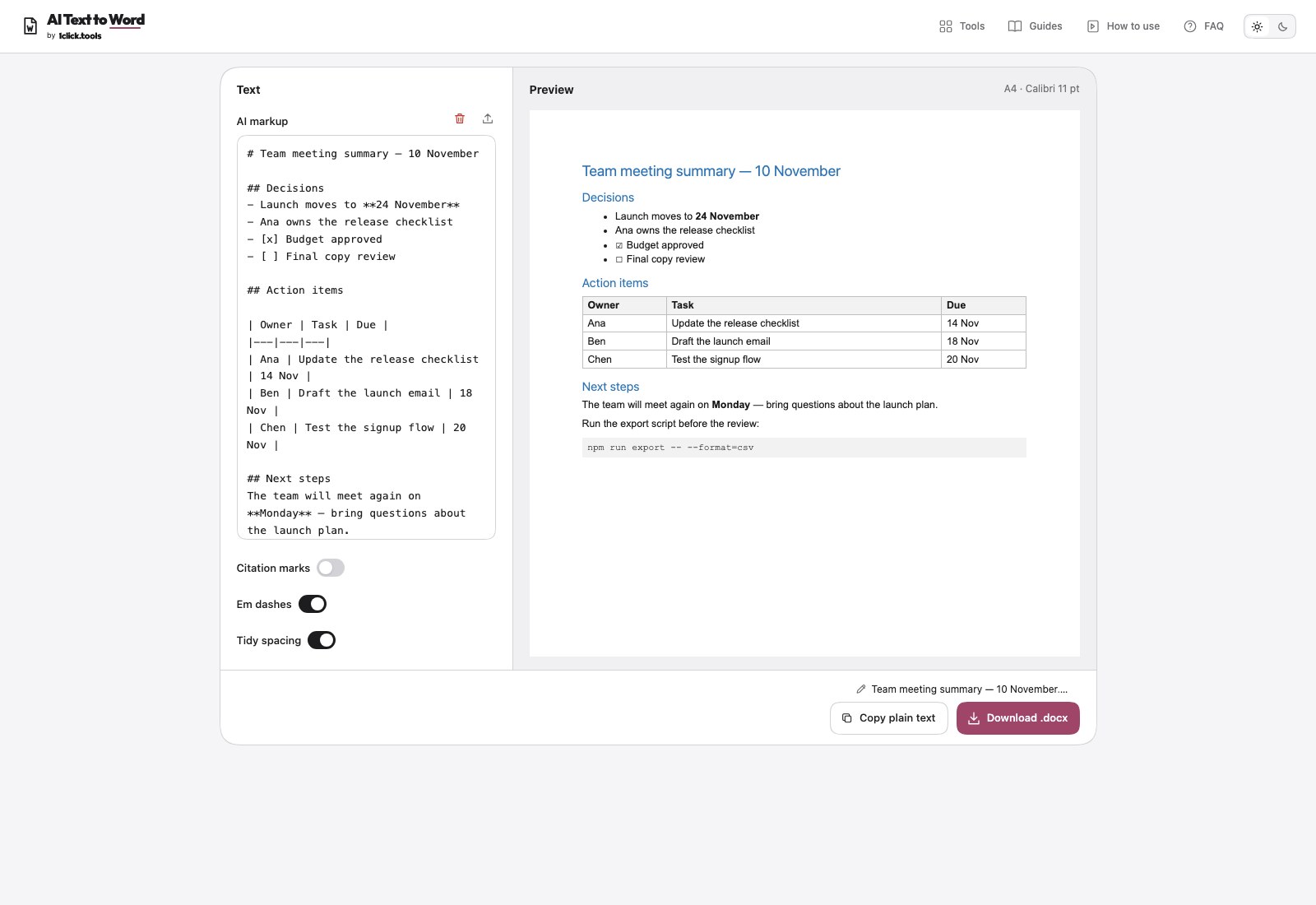
Turn a Claude response with headings, checklists, tables and code into a Google Doc. Download a .docx and open it with Google Docs.
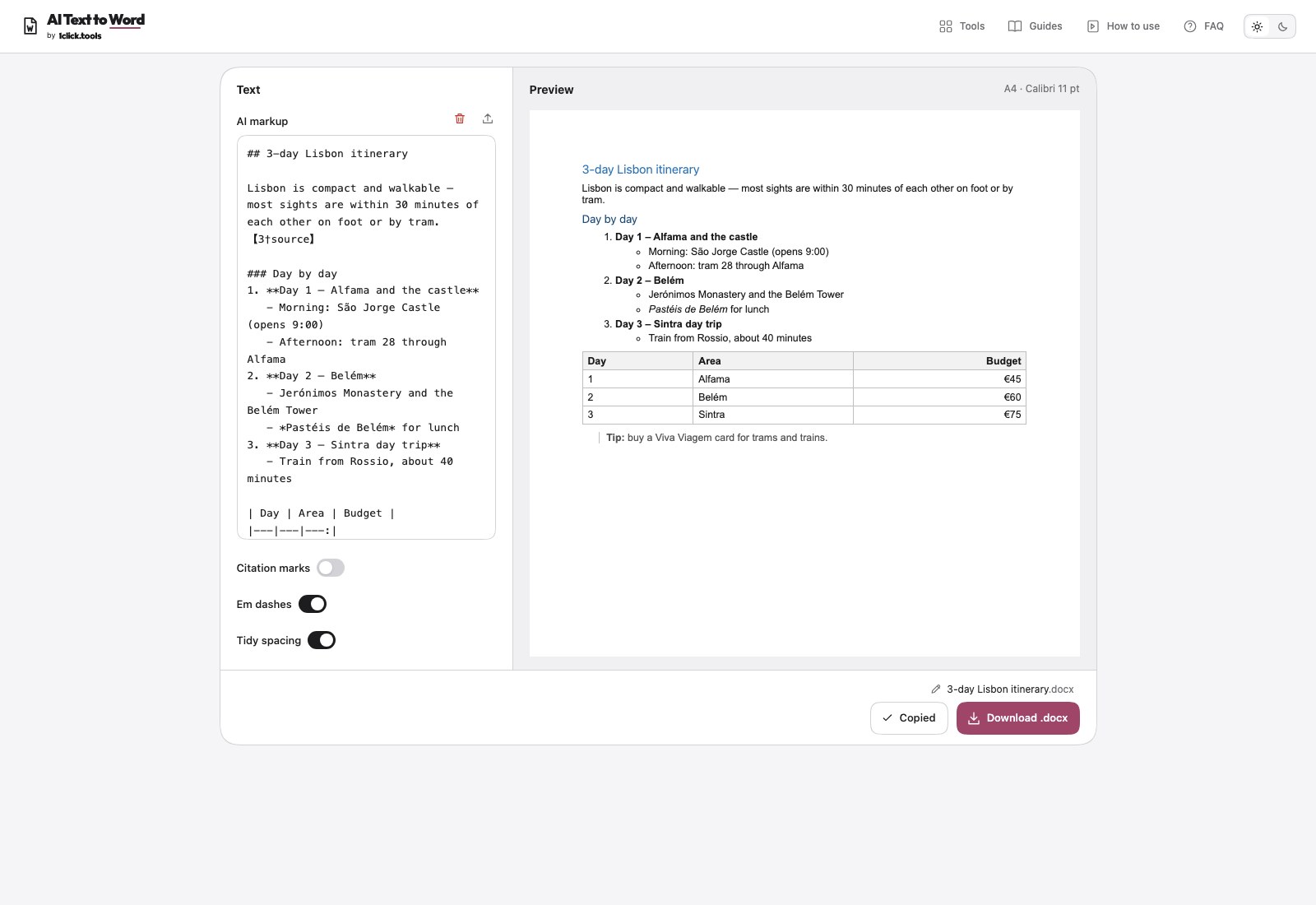
Turn an AI answer into clean plain text for forms, messages and social posts. Strip Markdown symbols while keeping lists and tables readable.
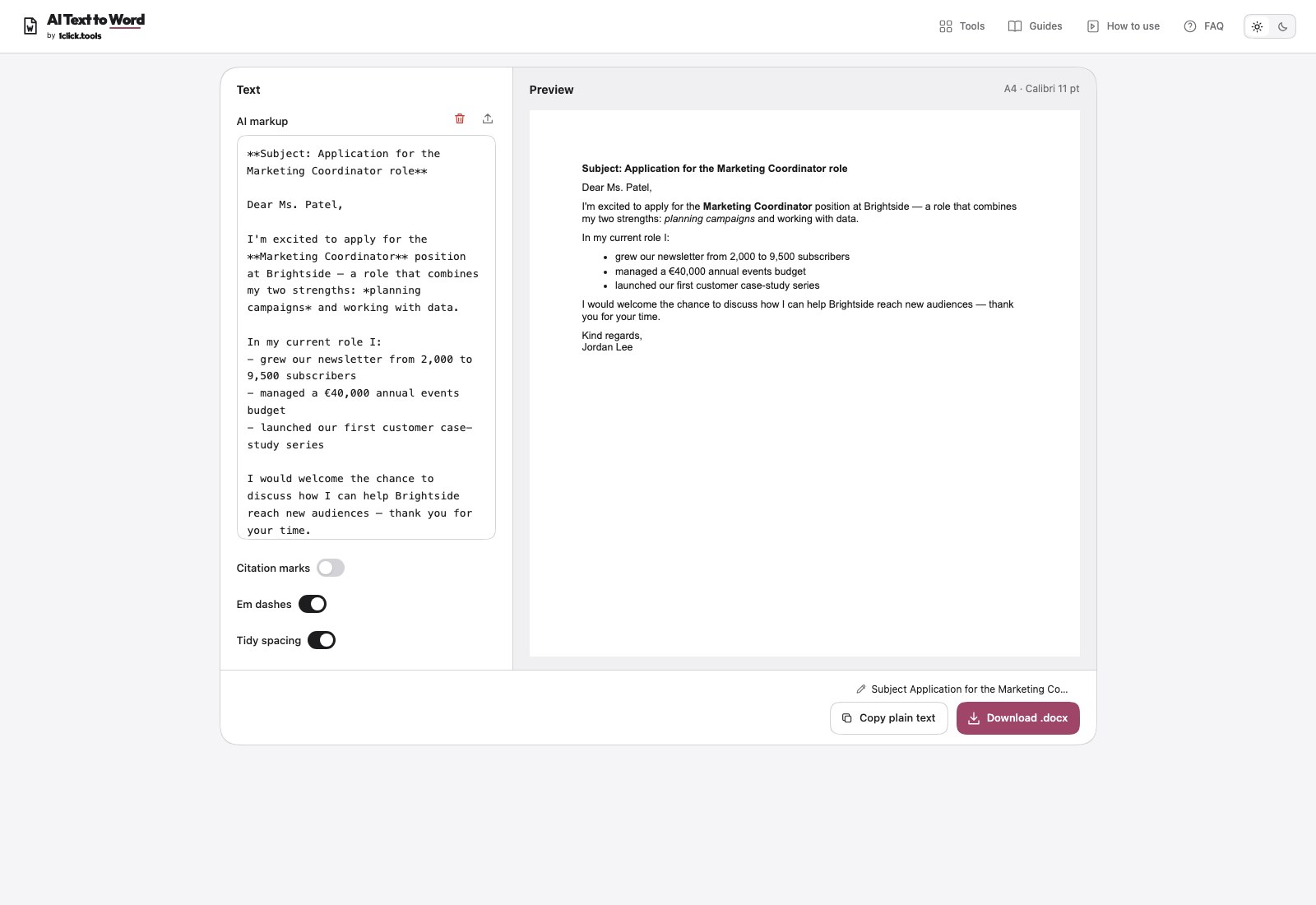
Replace the em dashes (—) that AI answers use a lot with commas, colons or en dashes. See a cover letter before and after, and what to reread.
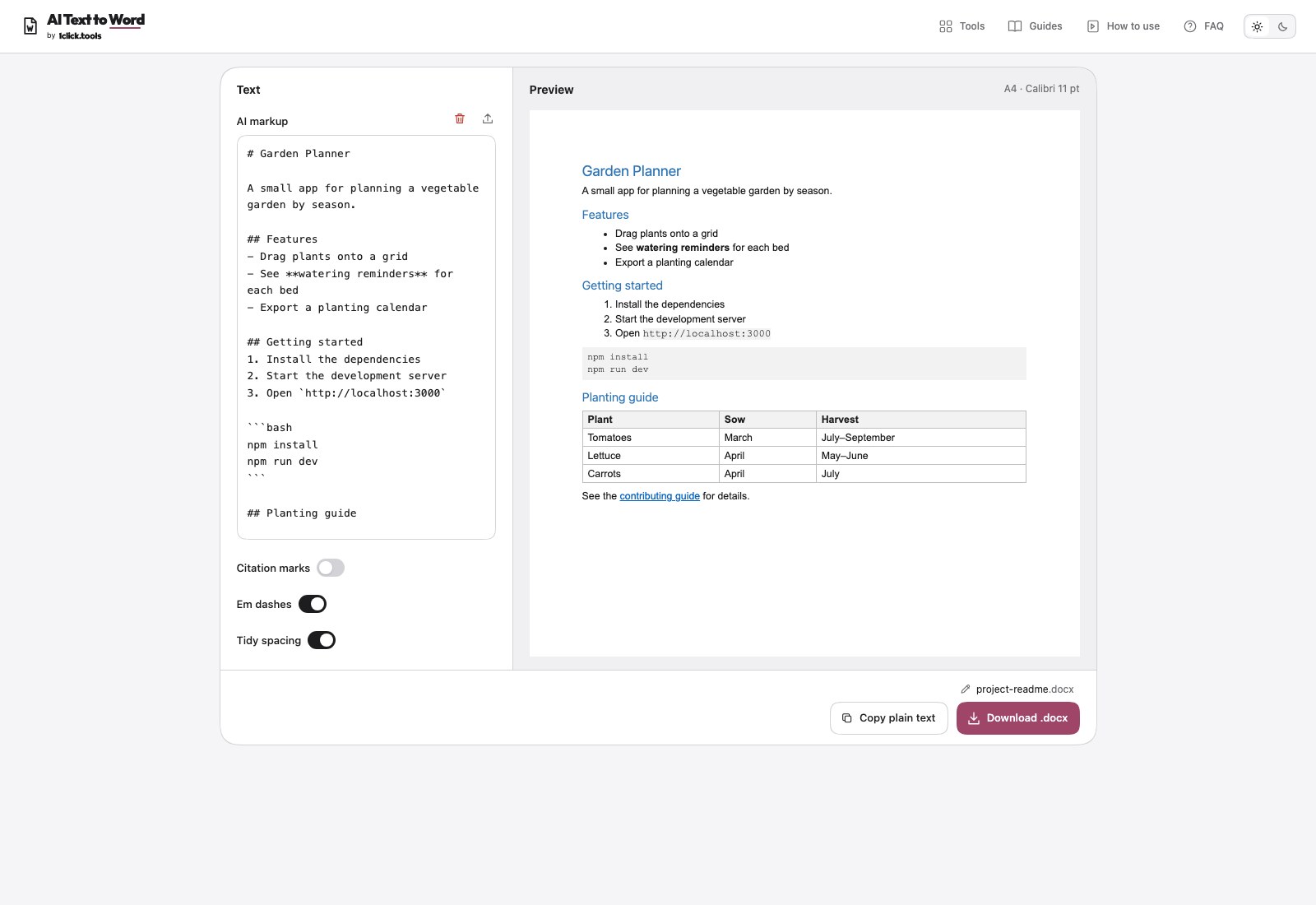
Open a README or other .md file and save it as a Word document. Headings, lists, tables, links and code blocks keep their structure.
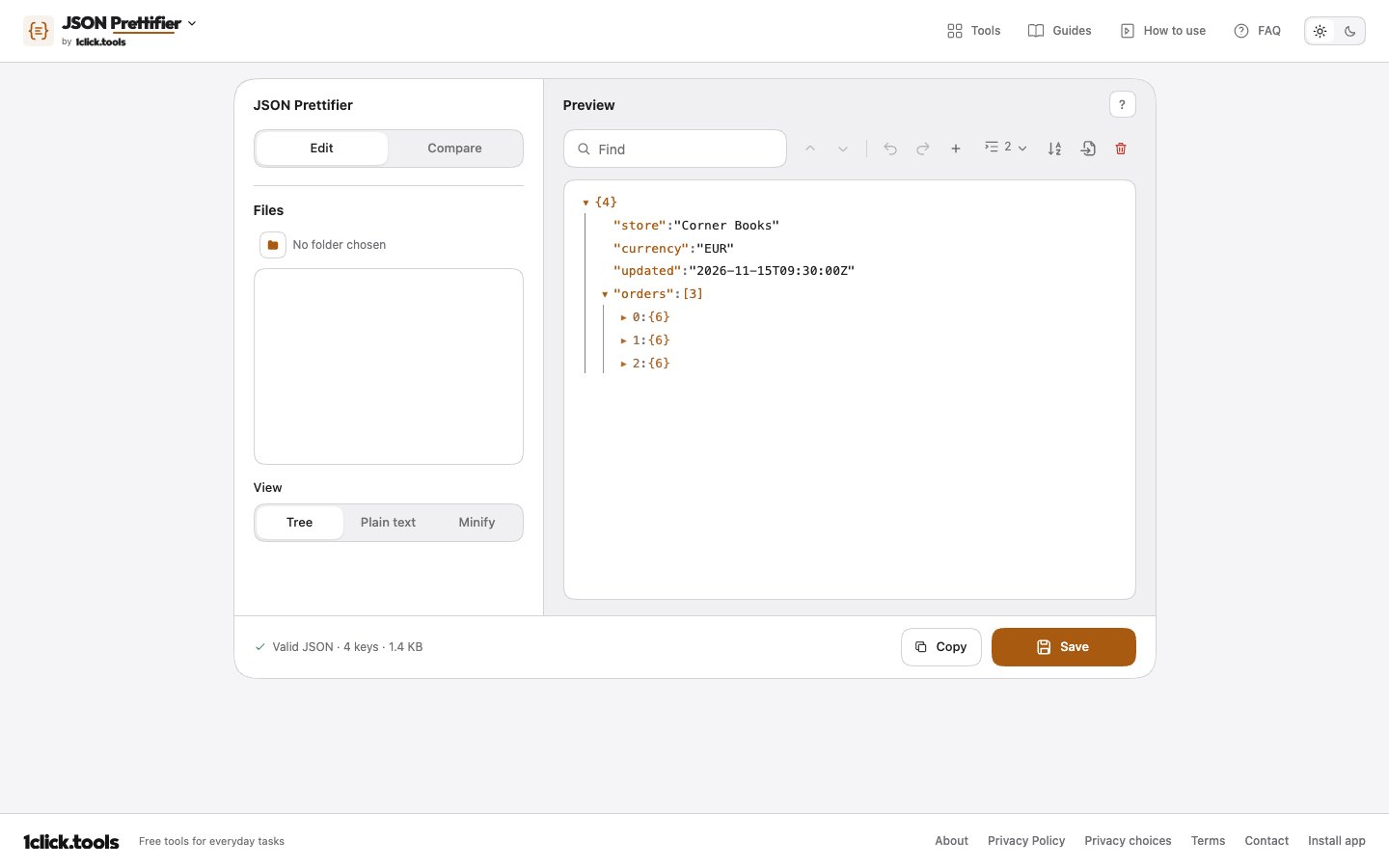
Paste minified JSON into JSON Prettifier, or open a .json file, and it is formatted at once and shown as a coloured tree you can open level by level, or as plain text. Nothing is uploaded.
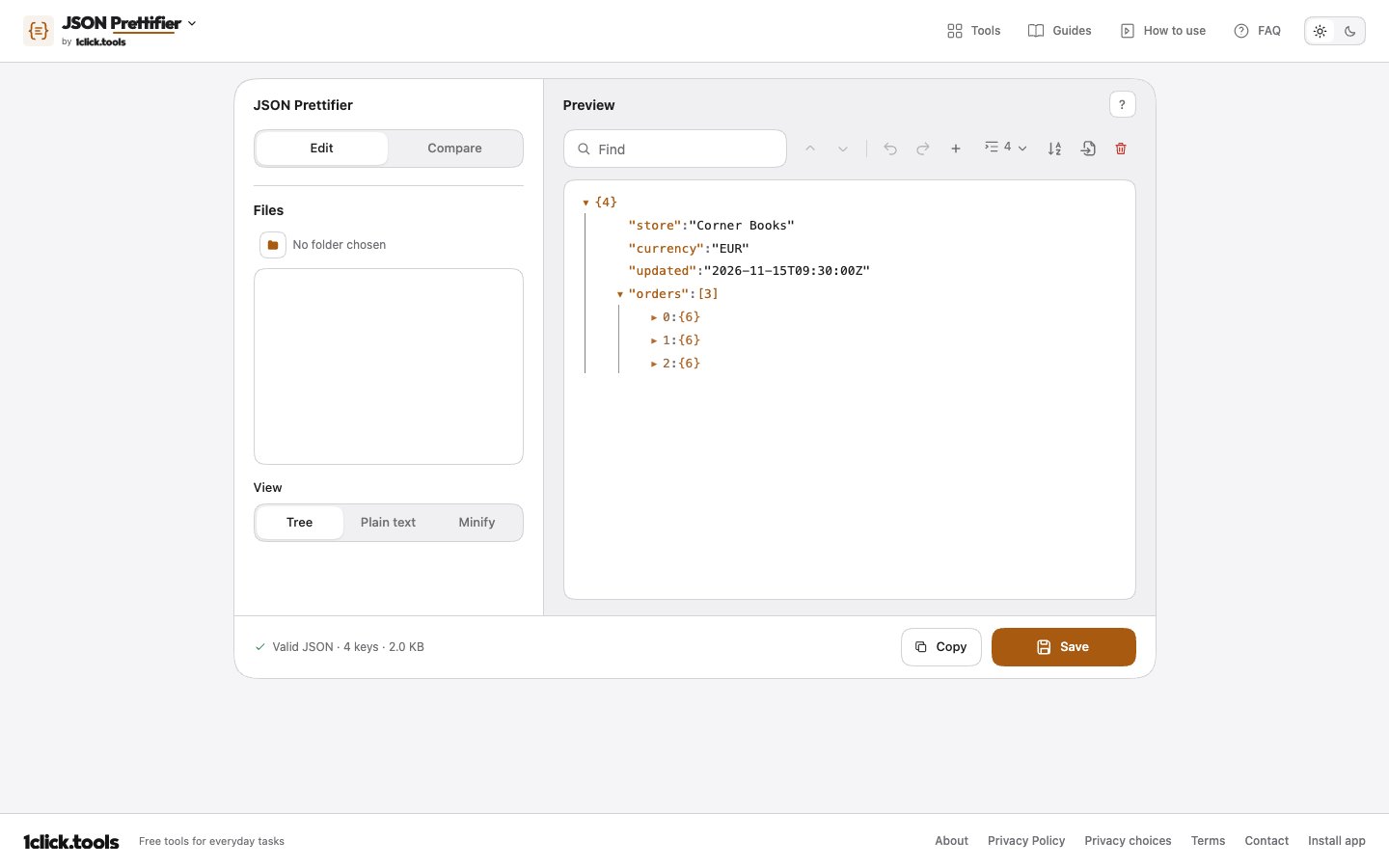
Switch JSON indentation between 2 spaces, 4 spaces and tabs with one click; what you copy and save uses it at once.
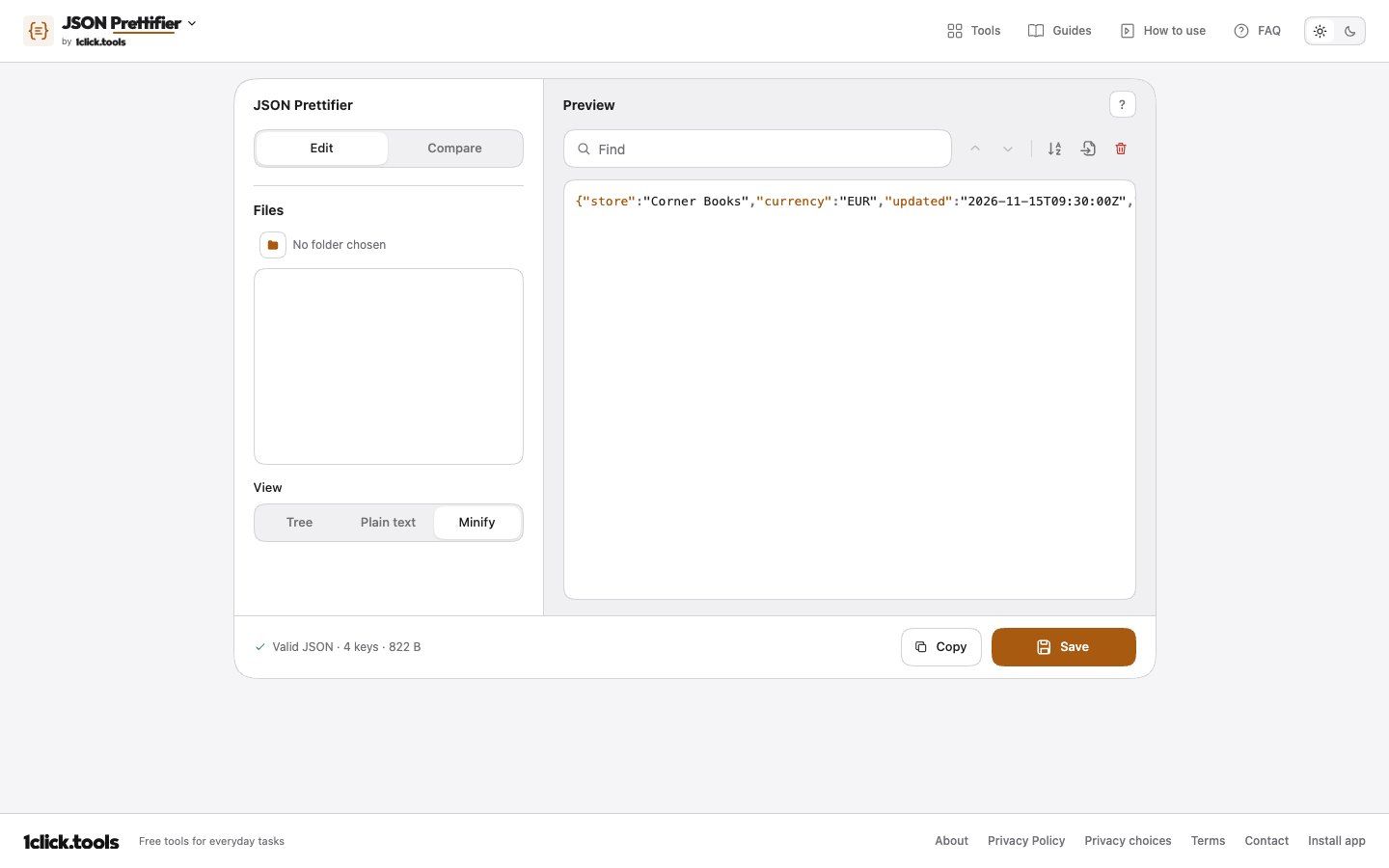
Remove every space and line break from JSON to make it as small as possible, for an API request, a config value or a URL.
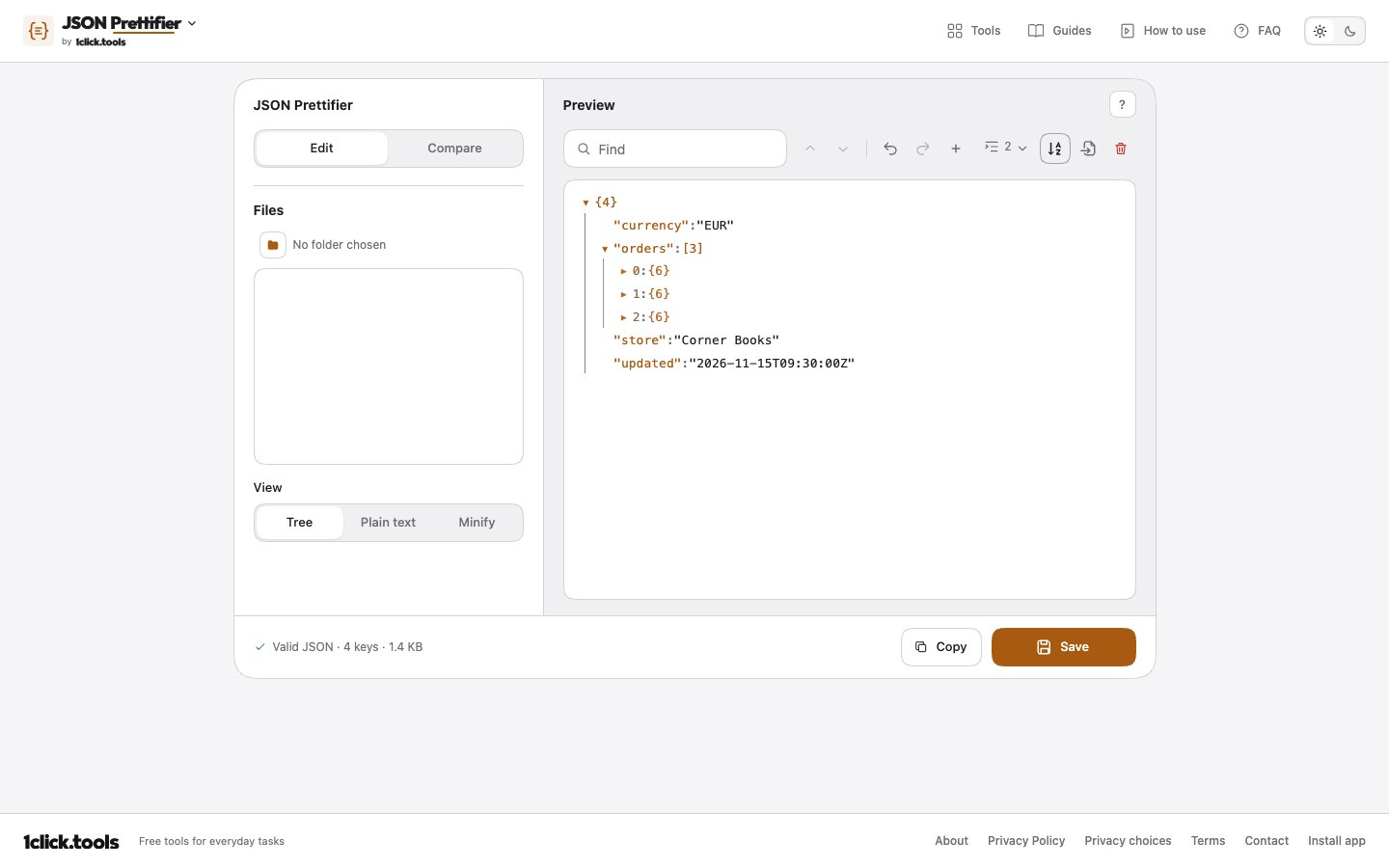
Press the A–Z button in the Preview toolbar to order the keys of every object in your JSON, which makes two files much easier to compare.
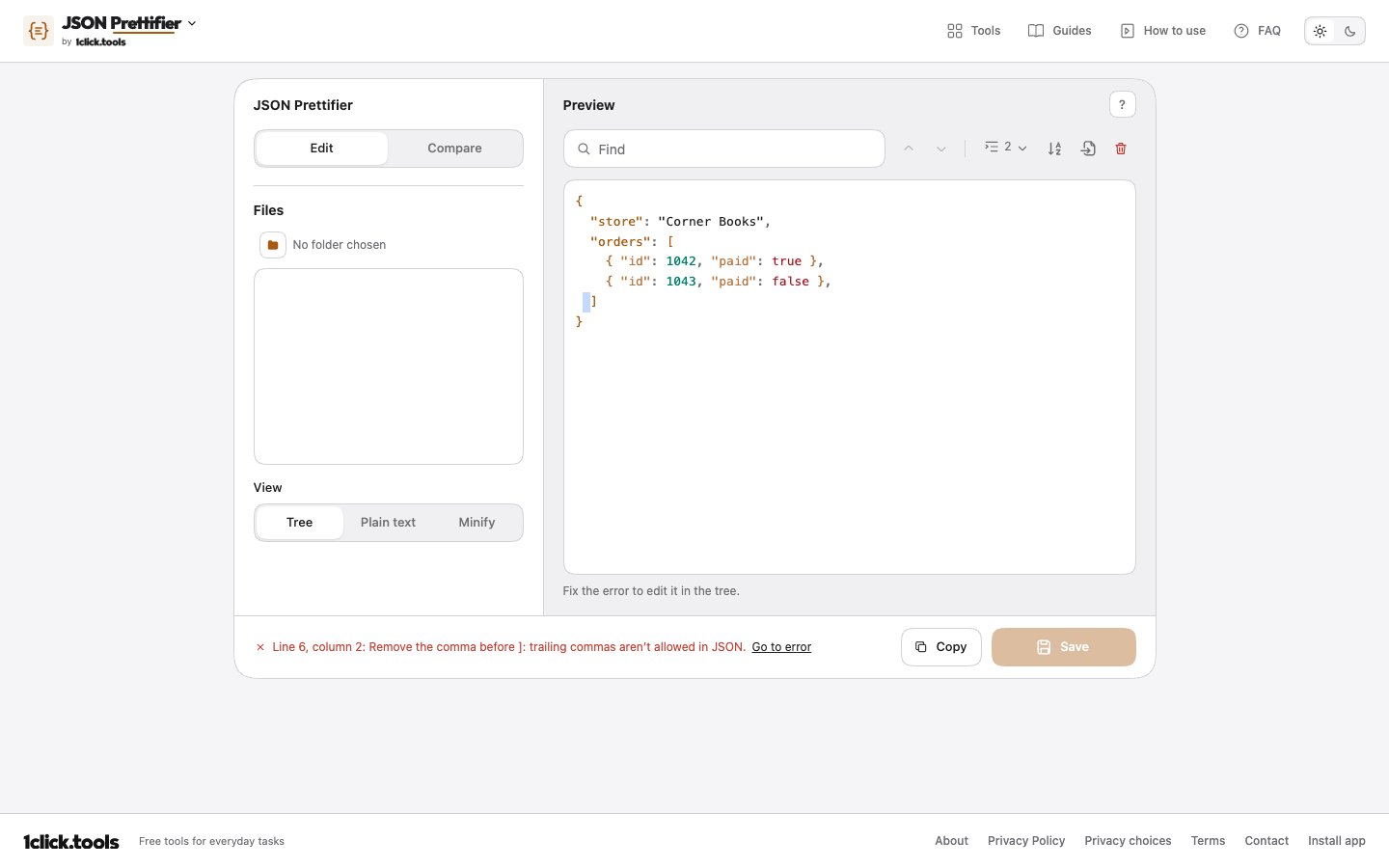
JSON Prettifier checks JSON as you type and names the exact line and column of the first error, with a plain explanation and Go to error.
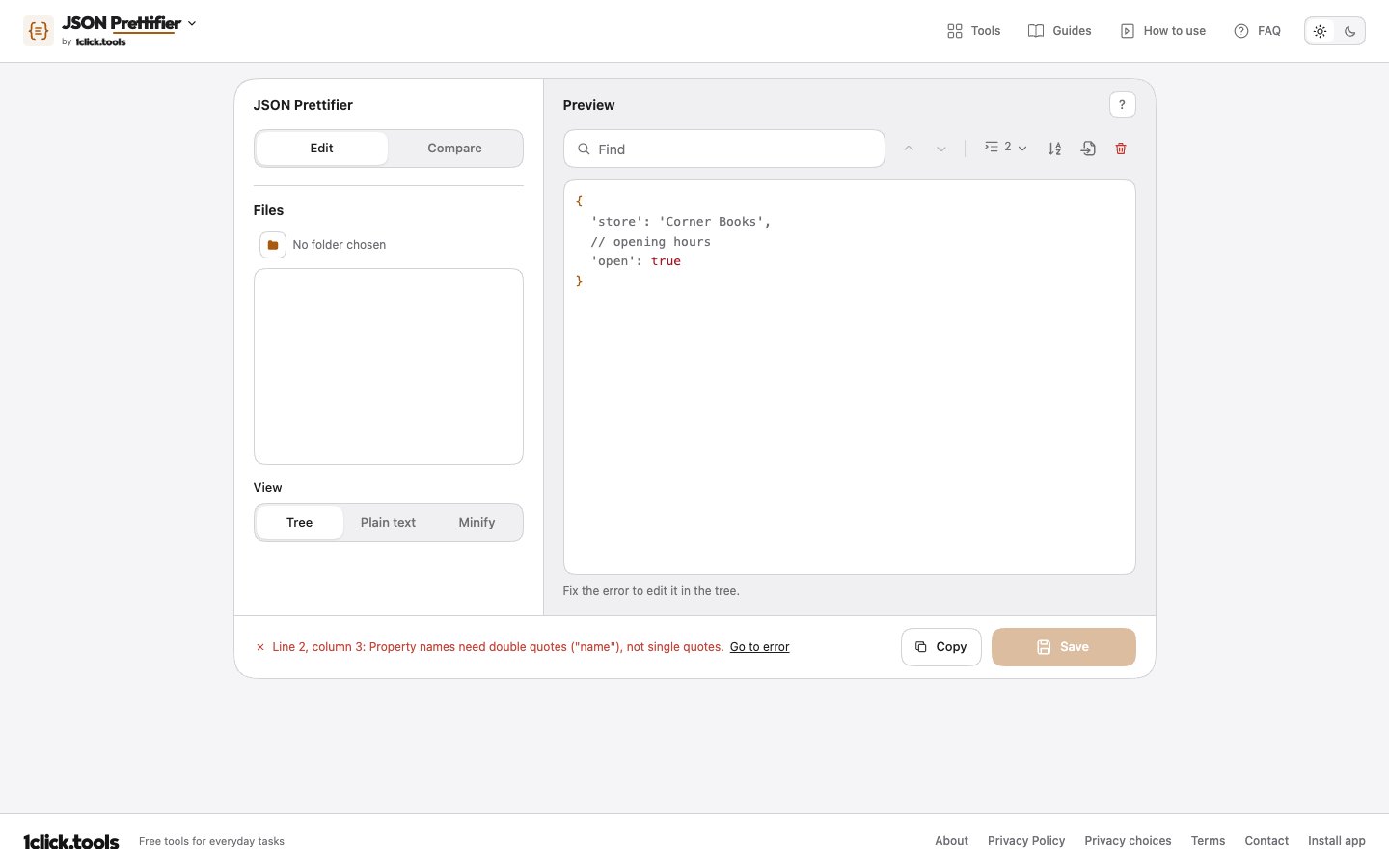
The mistakes that make JSON invalid most often, what JSON Prettifier says about each one, and how to fix them.
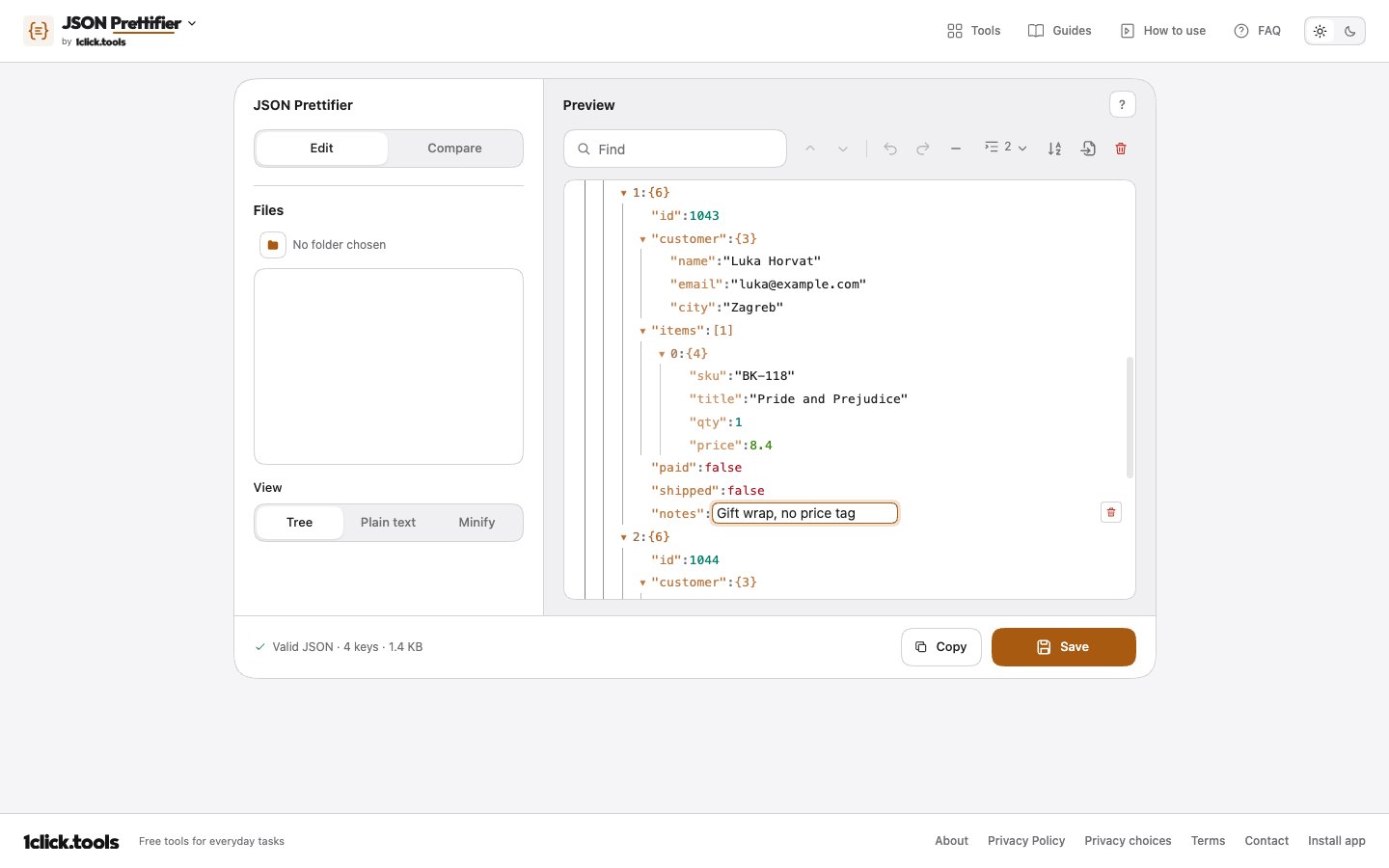
JSON Prettifier shows JSON as a tree: open and close objects and arrays, see how many keys or items each one has, and change, add, move or delete keys and values in place.
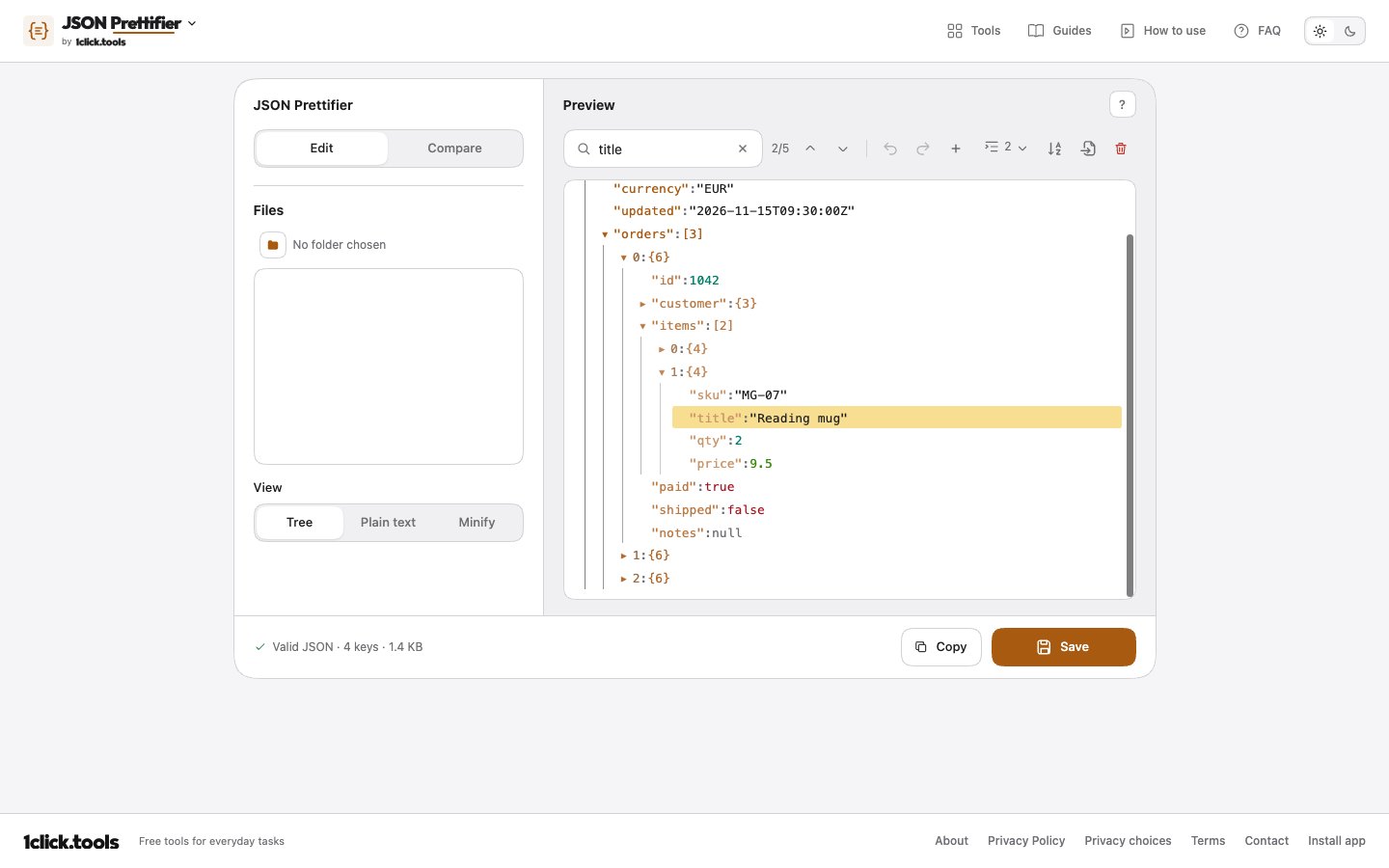
Use the find bar in JSON Prettifier to search keys and values, jump between matches and open the tree right to each one.
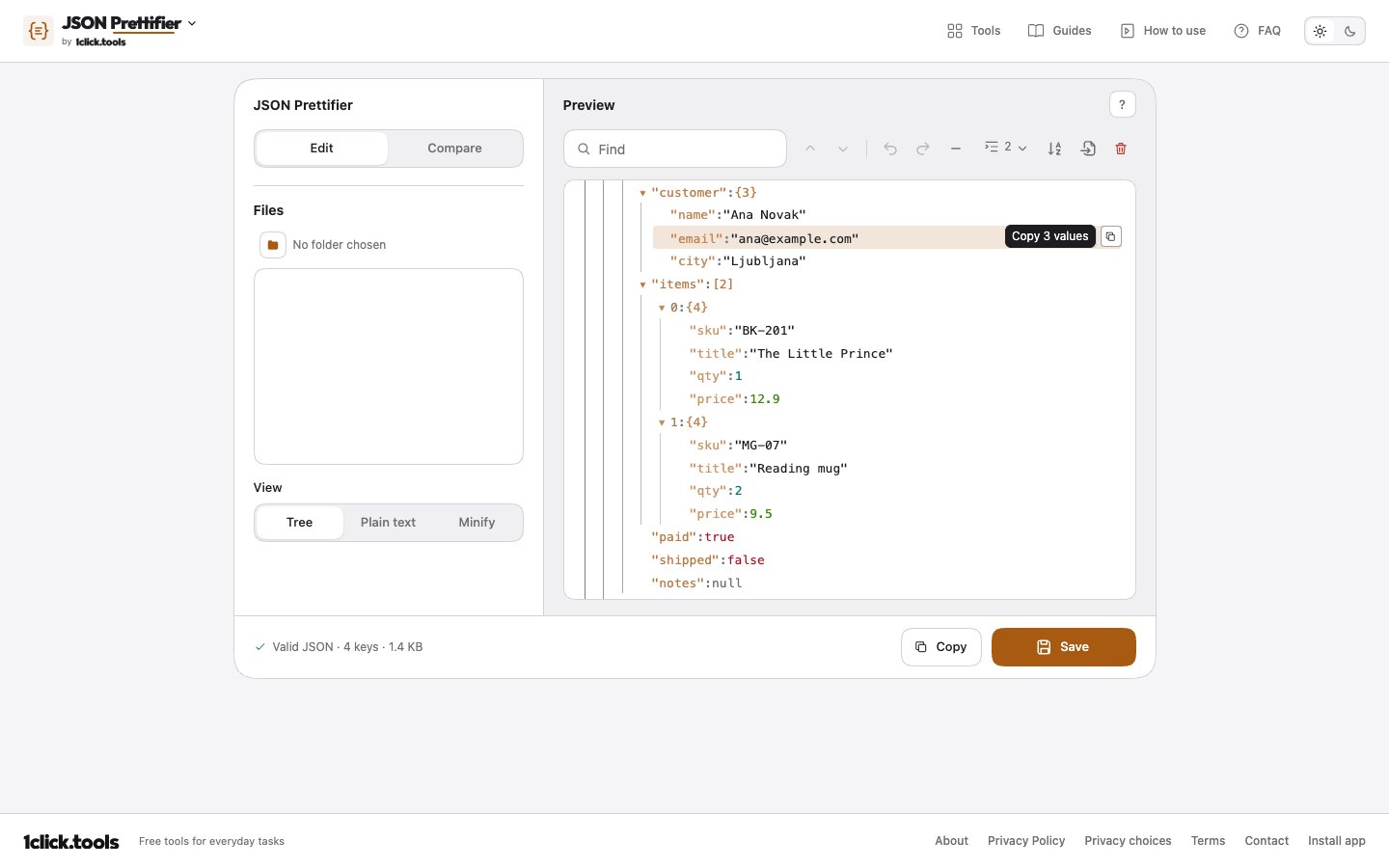
Select rows in the JSON tree and copy just those values with the copy icon at the corner of the selection.
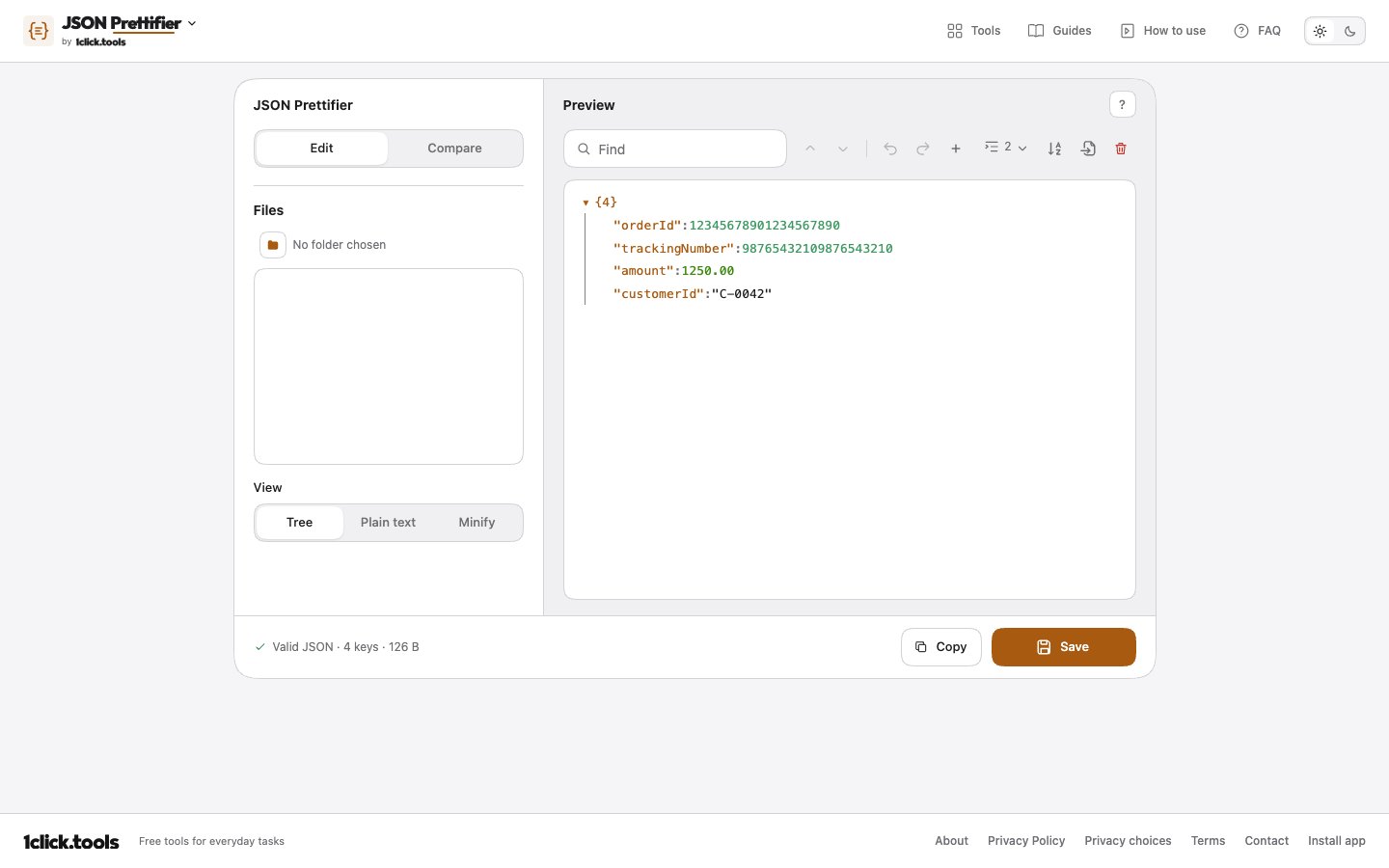
Many formatters change long IDs such as 12345678901234567890. JSON Prettifier keeps every digit, every decimal and every key exactly as written.
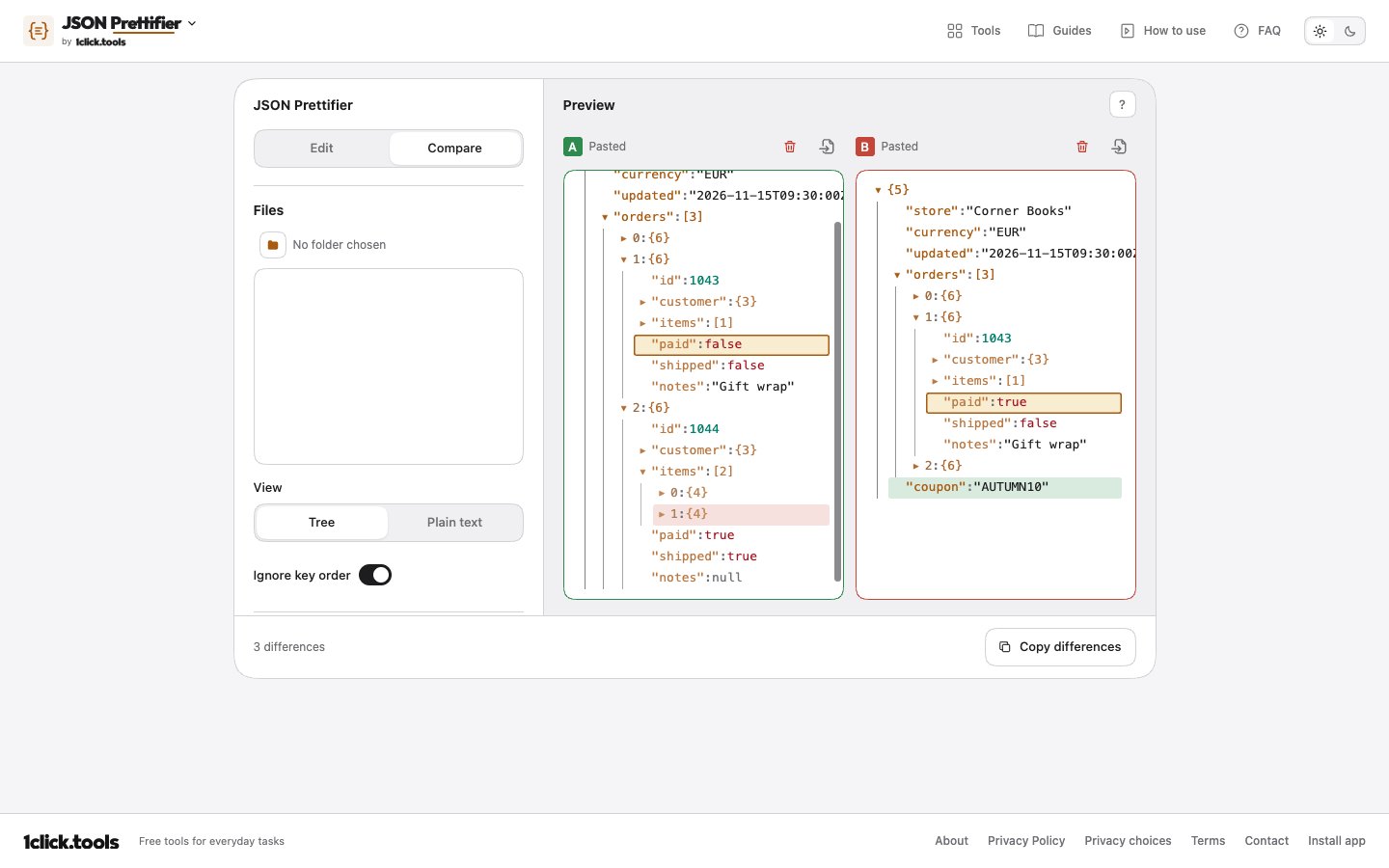
Put two JSON documents side by side in JSON Prettifier: every changed, added and removed value is marked and listed, even when the keys are in a different order.
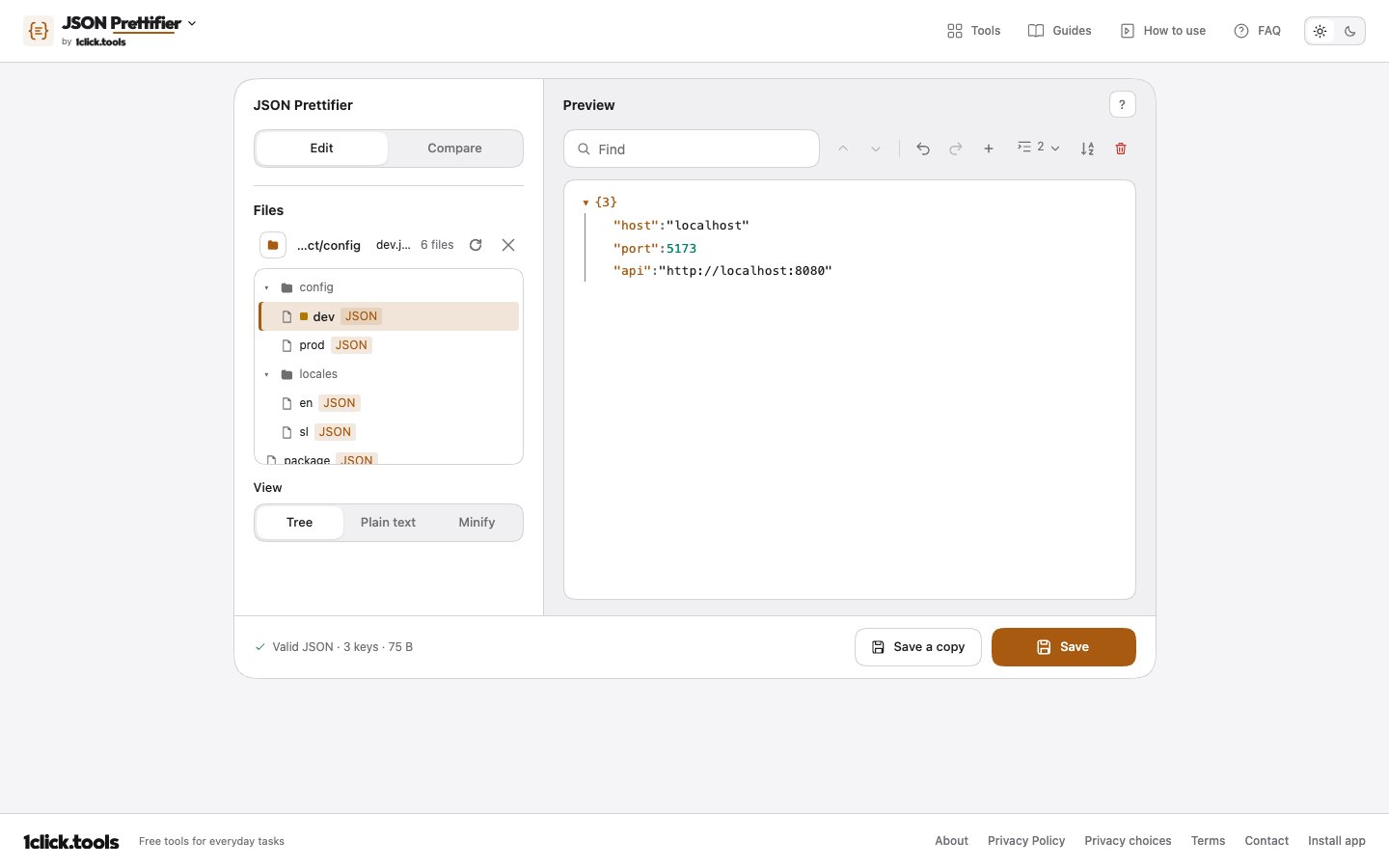
Open a project or config folder in JSON Prettifier to see all its JSON files, change one in the tree and save it straight back to your computer.
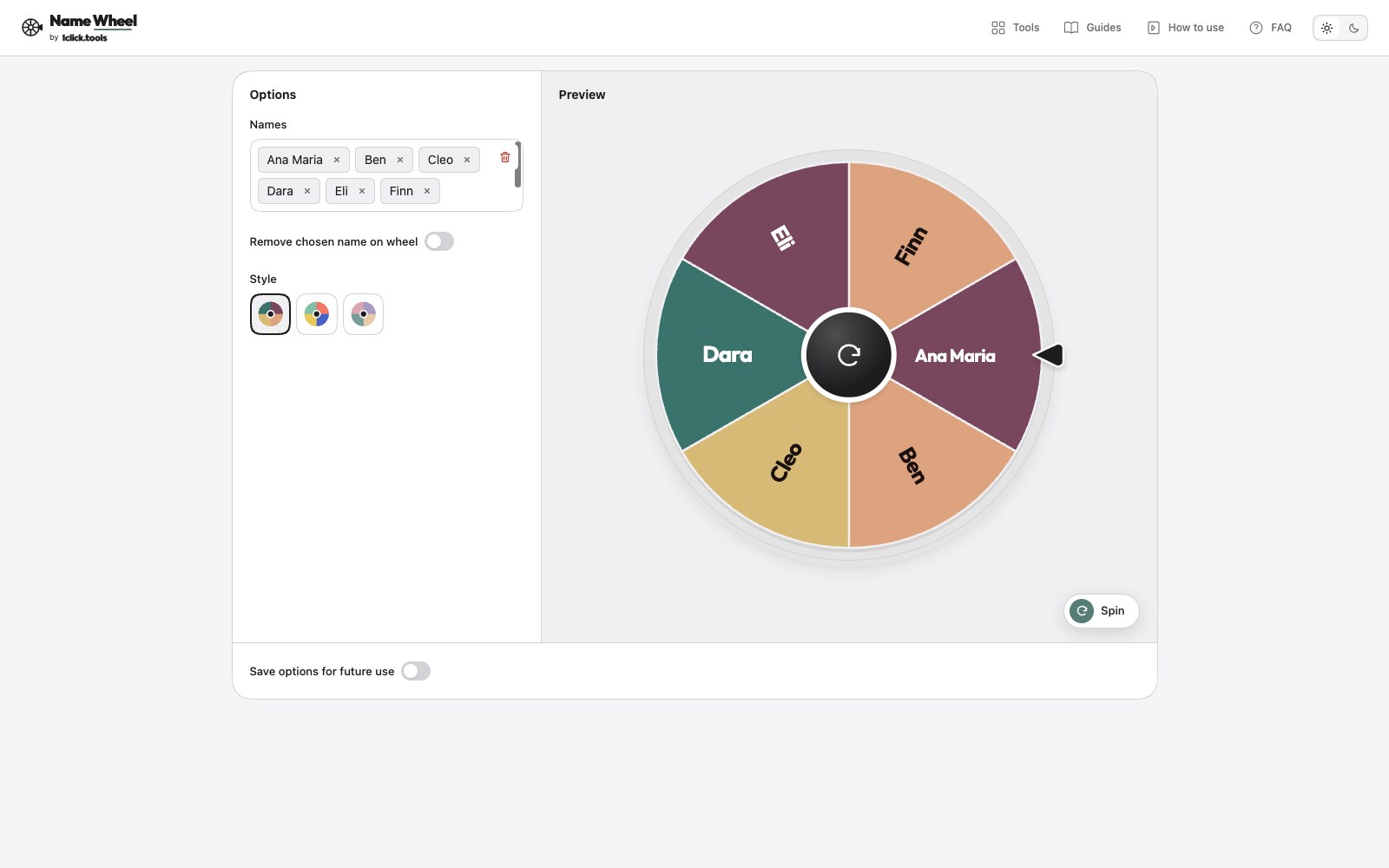
Add removable name badges, check the chances and spin. Follow a real six-name example, then save your names and wheel options for another visit.
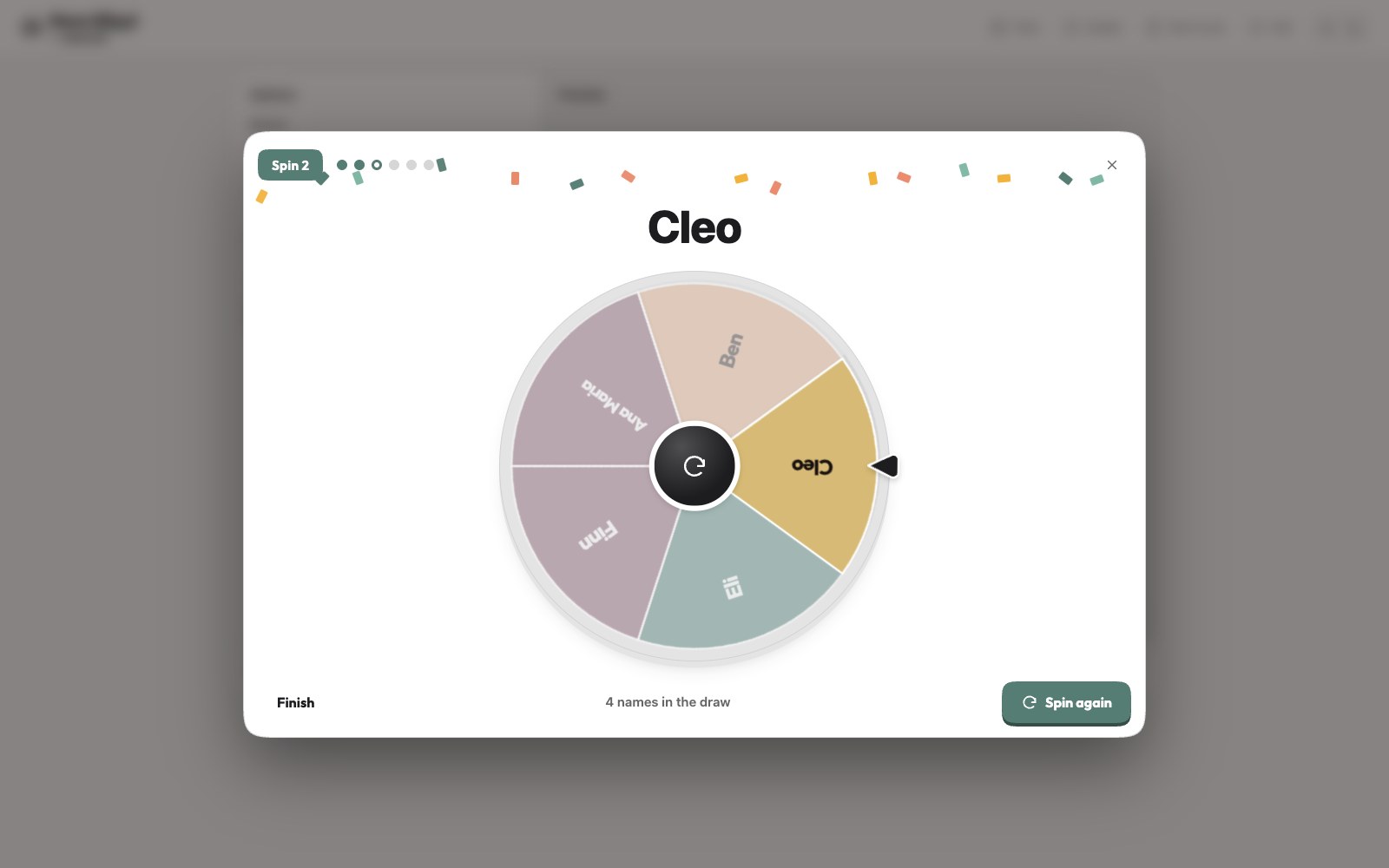
Remove winners from the draw as you spin, while your name list stays complete. Follow two real draws, check who is left and read the winners on the scoreboard.
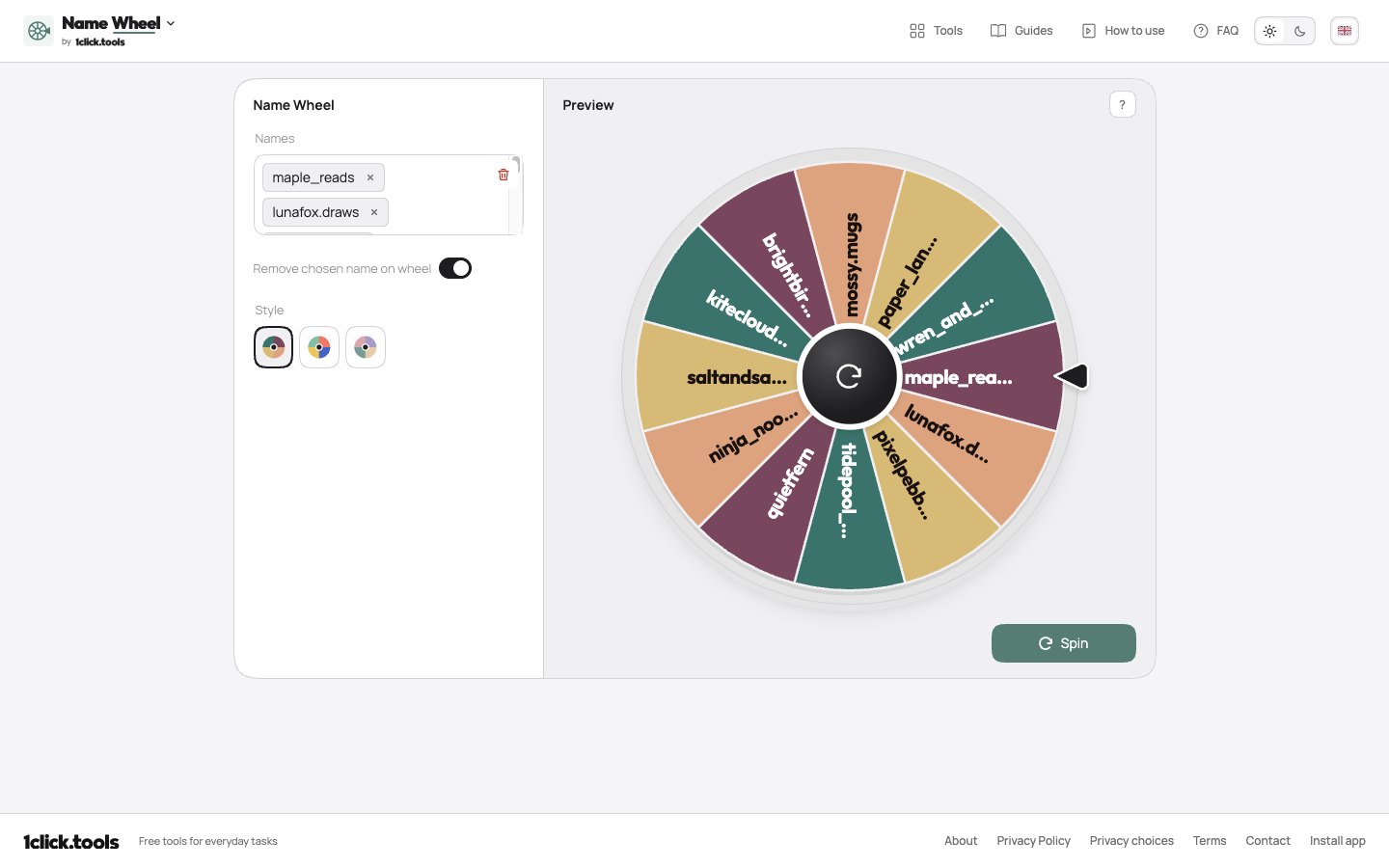
Paste usernames or commenter names into Name Wheel, spin once for the winner, keep spinning for runners-up who can’t win twice, and record the results before closing the draw.
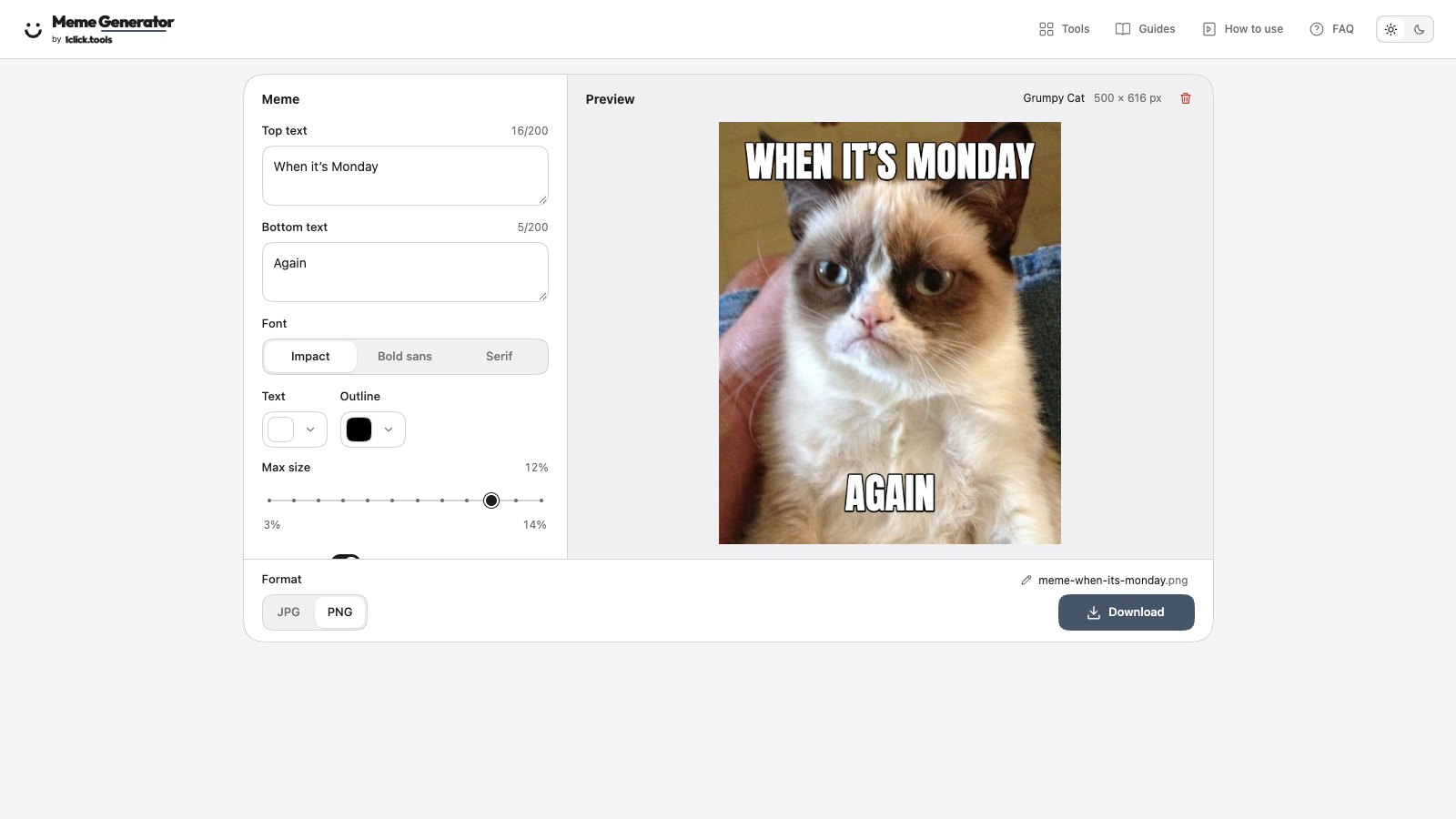
Find a template, replace its suggested captions and download a JPG or PNG. Follow a real Grumpy Cat example with screenshots and measured downloads.
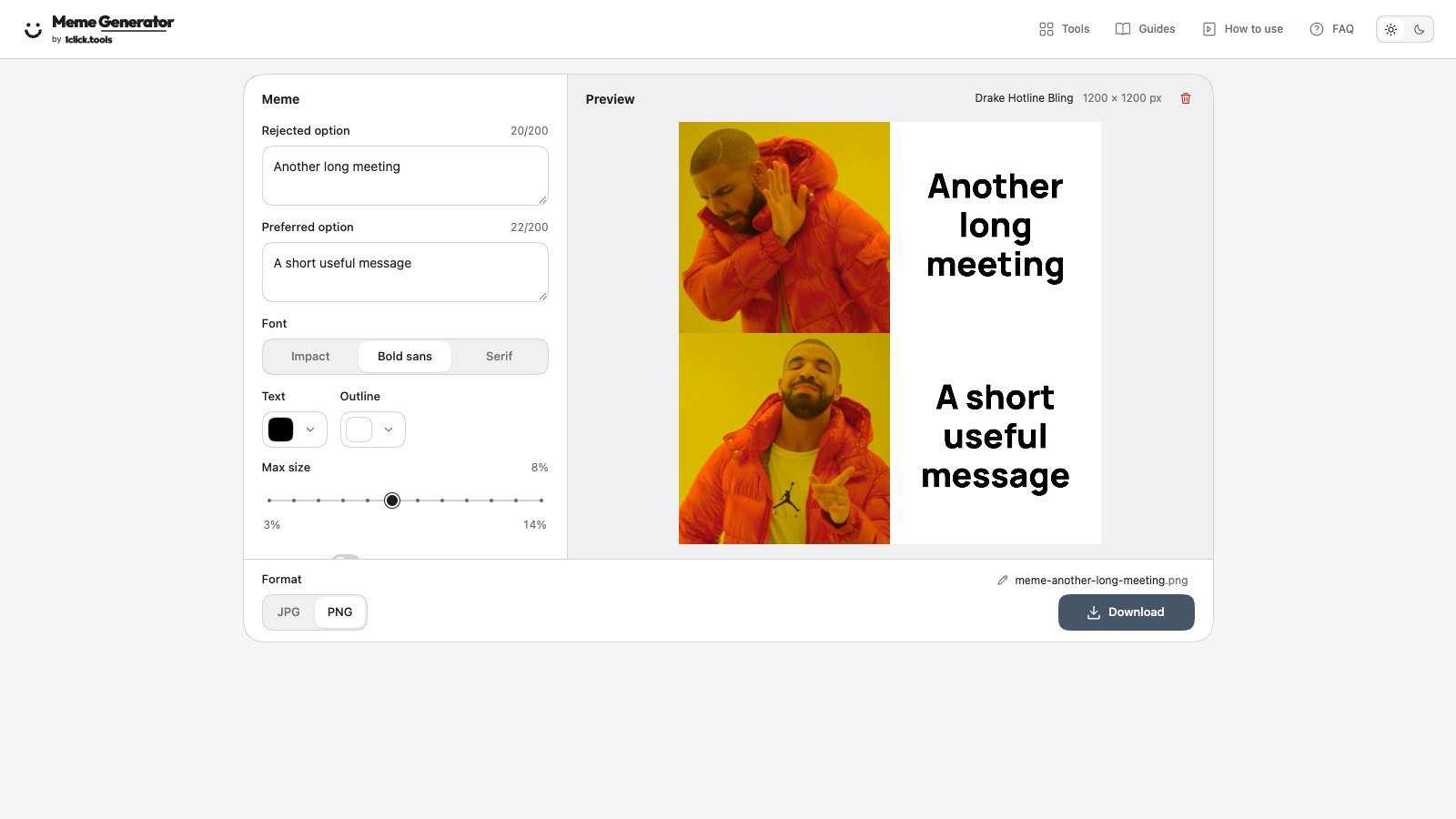
Put text in the right meme panels, adjust fitting and keep template drafts separate. See a real two-panel Drake example and its downloaded PNG.
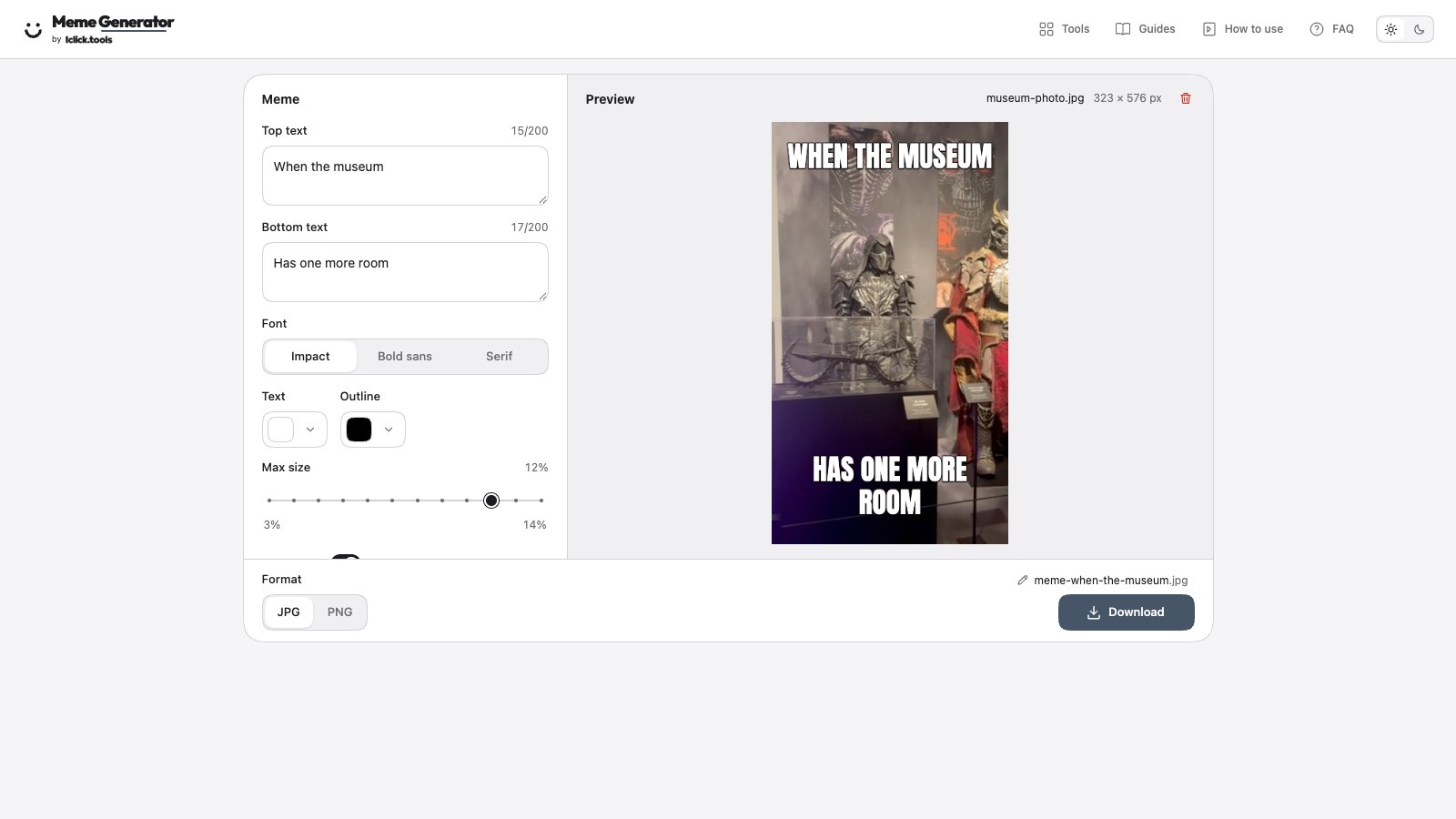
Upload a JPG, PNG or WebP, add top and bottom captions, and download a meme. Try the supplied museum photo and compare the real source and result.
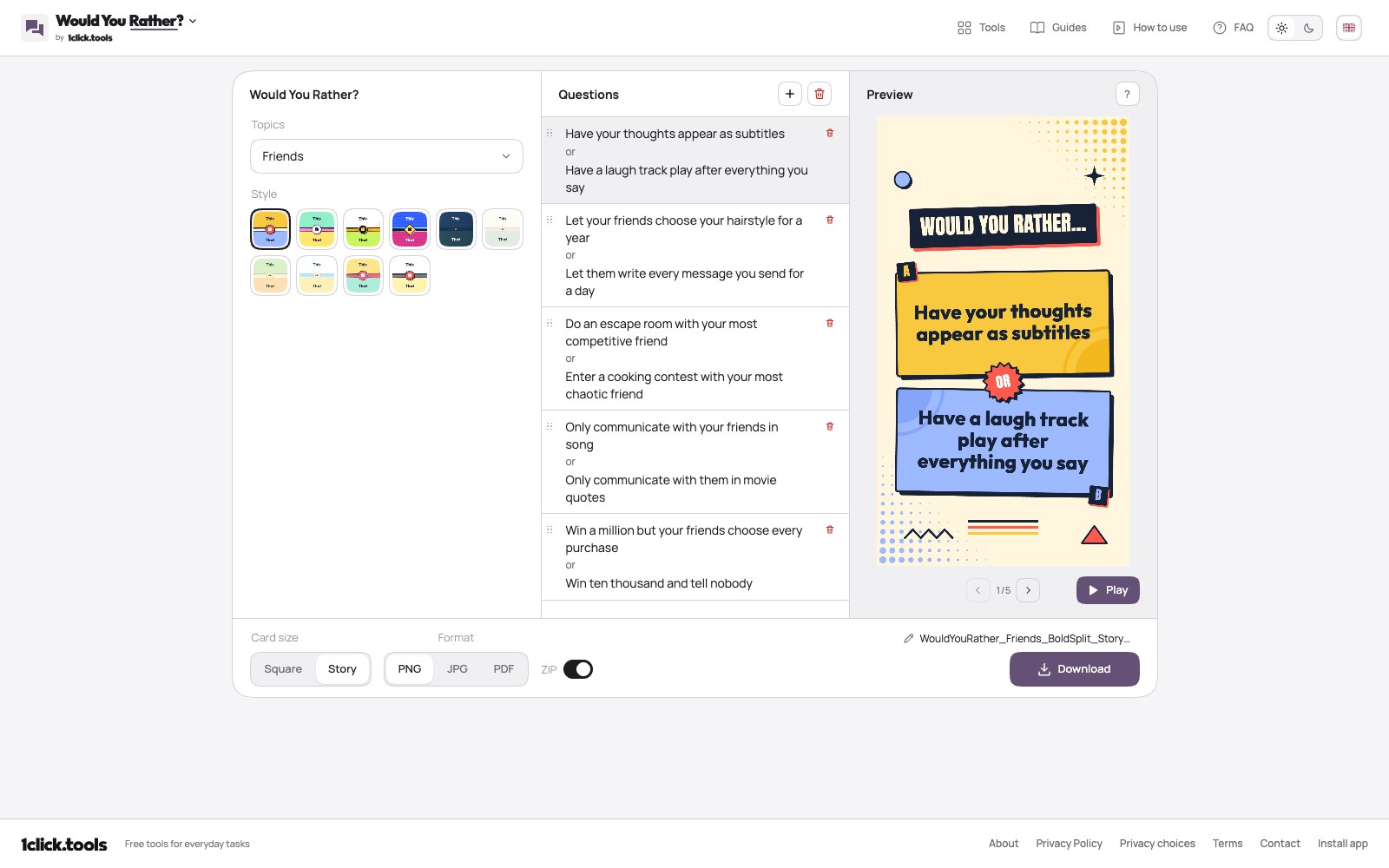
Choose questions for friends, couples, family or classmates. Style Square or Story cards and download the whole set as images, a ZIP or PDF, with real examples to compare.
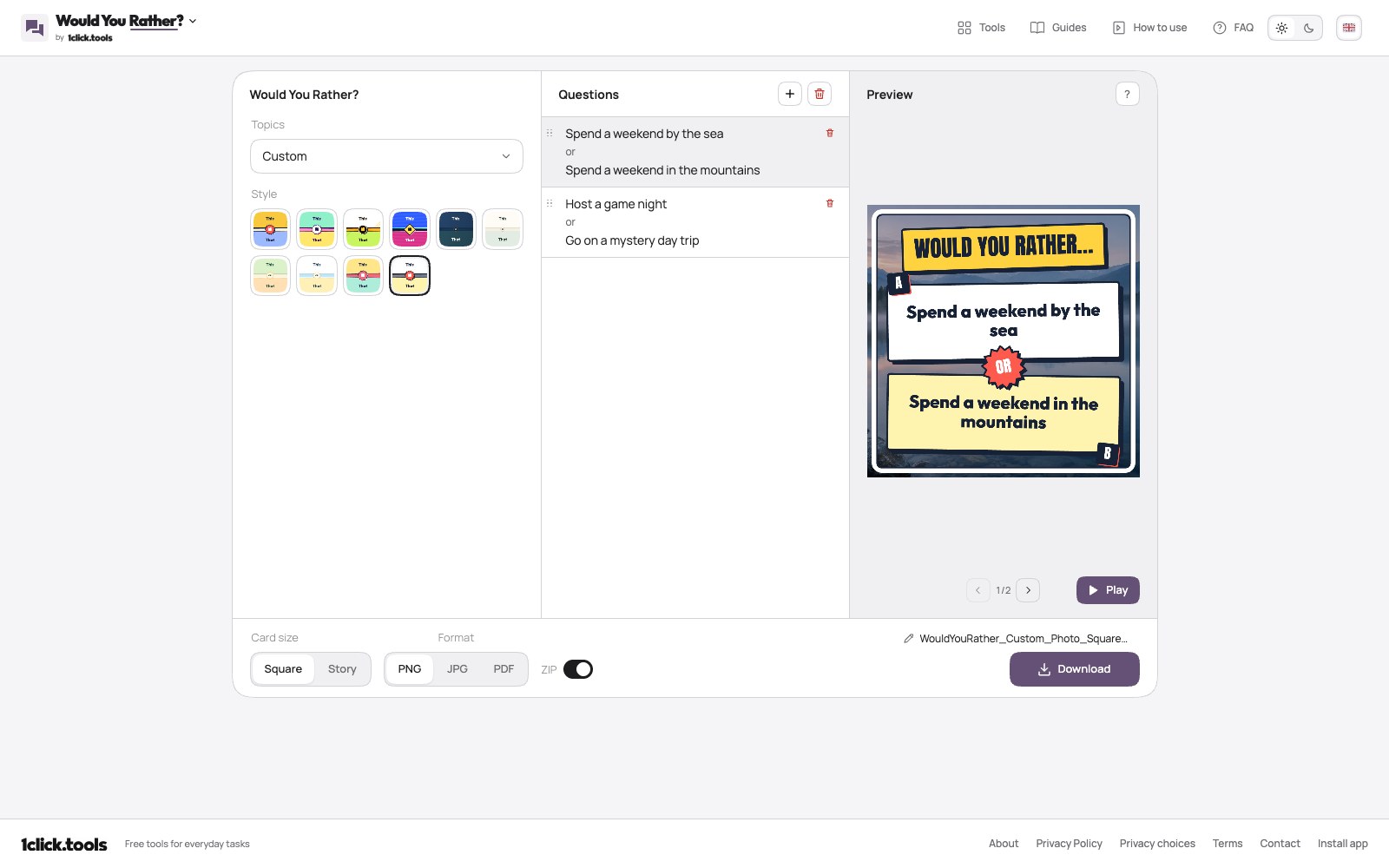
Write up to 50 A/B questions, reorder them, choose a built-in photo or illustrated design and download cards. Follow a two-question example with a real PNG export.
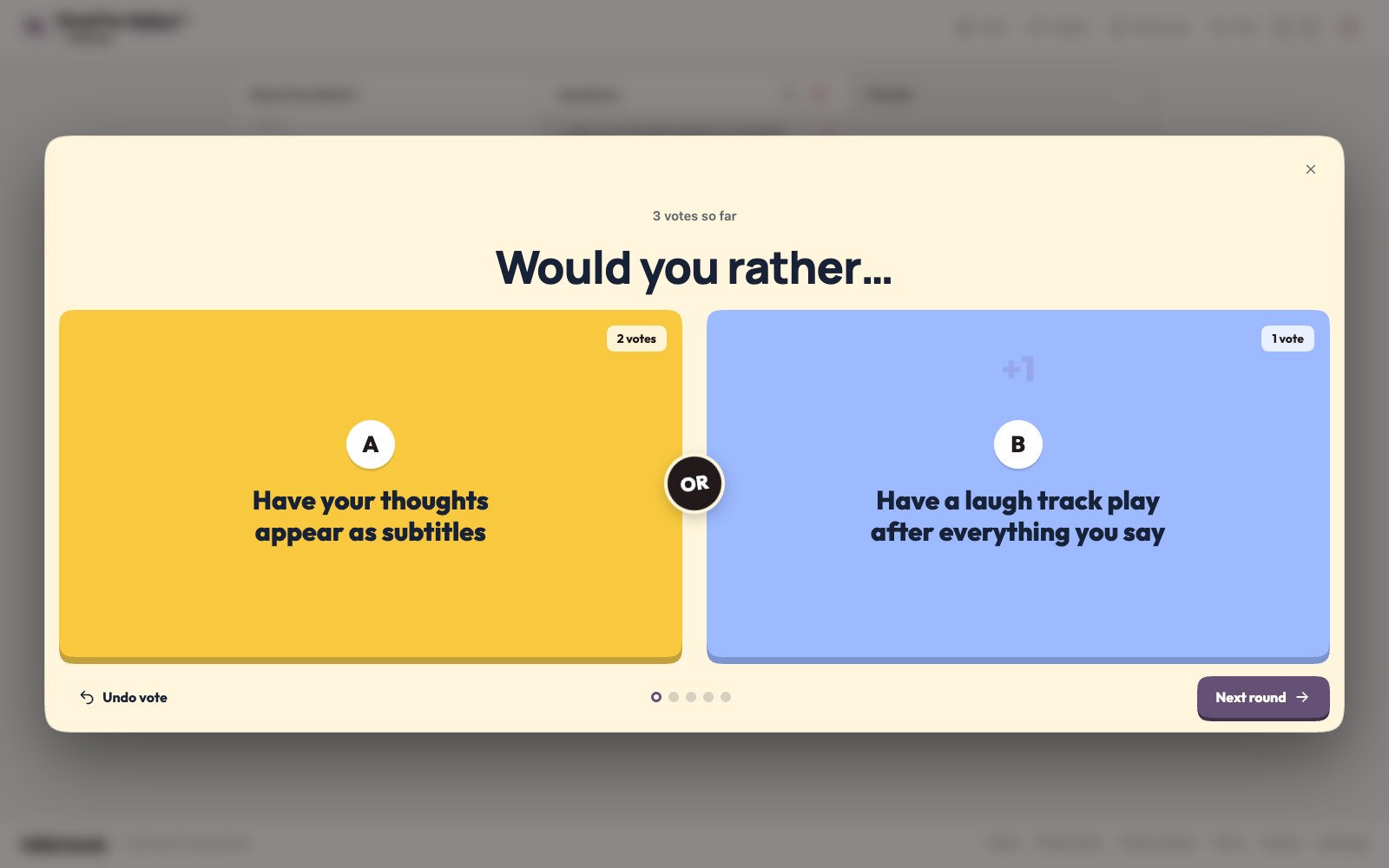
Run a shared-screen game, record A/B votes and review the final scoreboard. Follow five real rounds with majorities, a tie and unanimous choices.
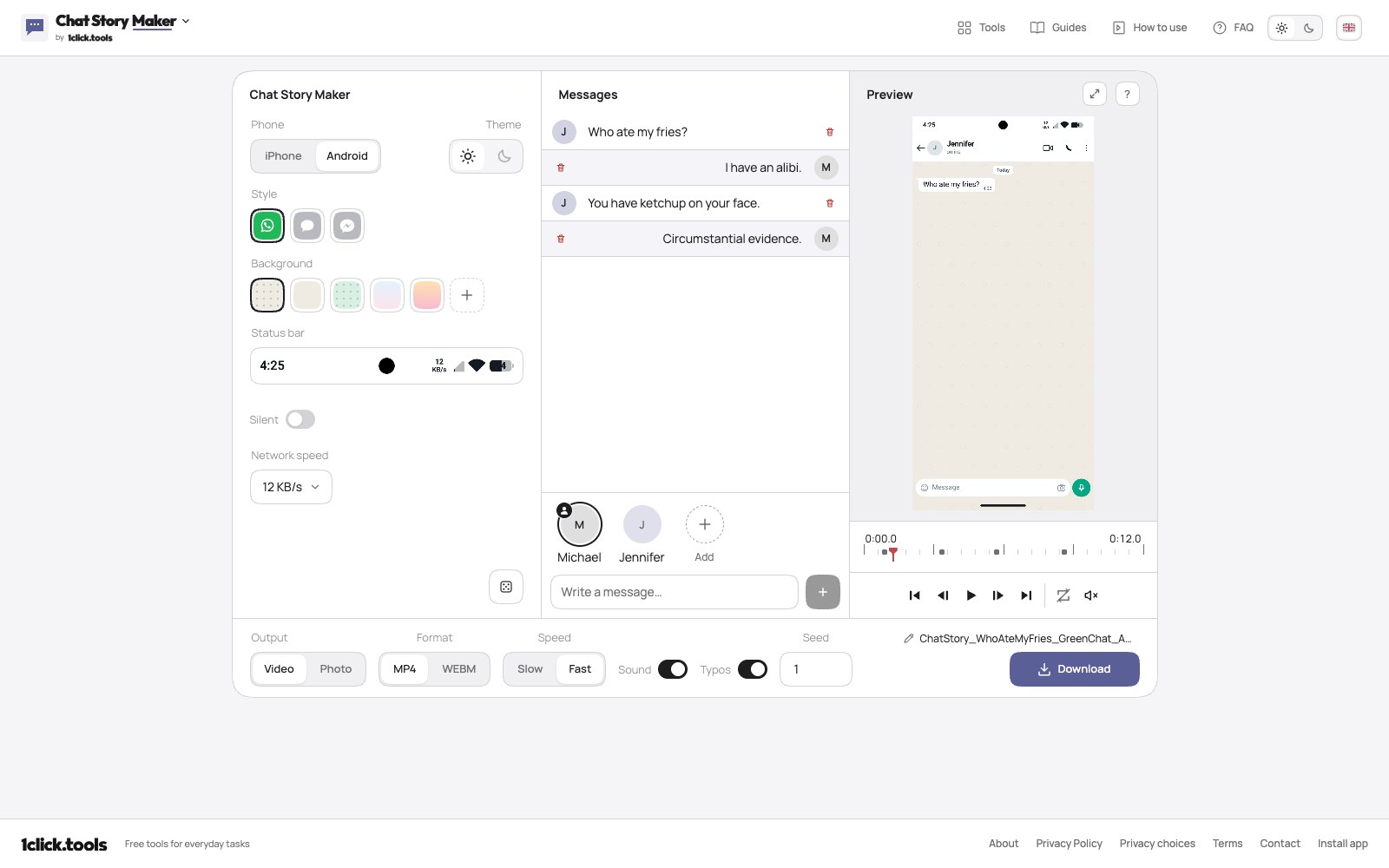
Build a fictional chat with initials, preview its typing animation and download MP4, WebM, PNG or JPG. Follow current screenshots and real sample exports.
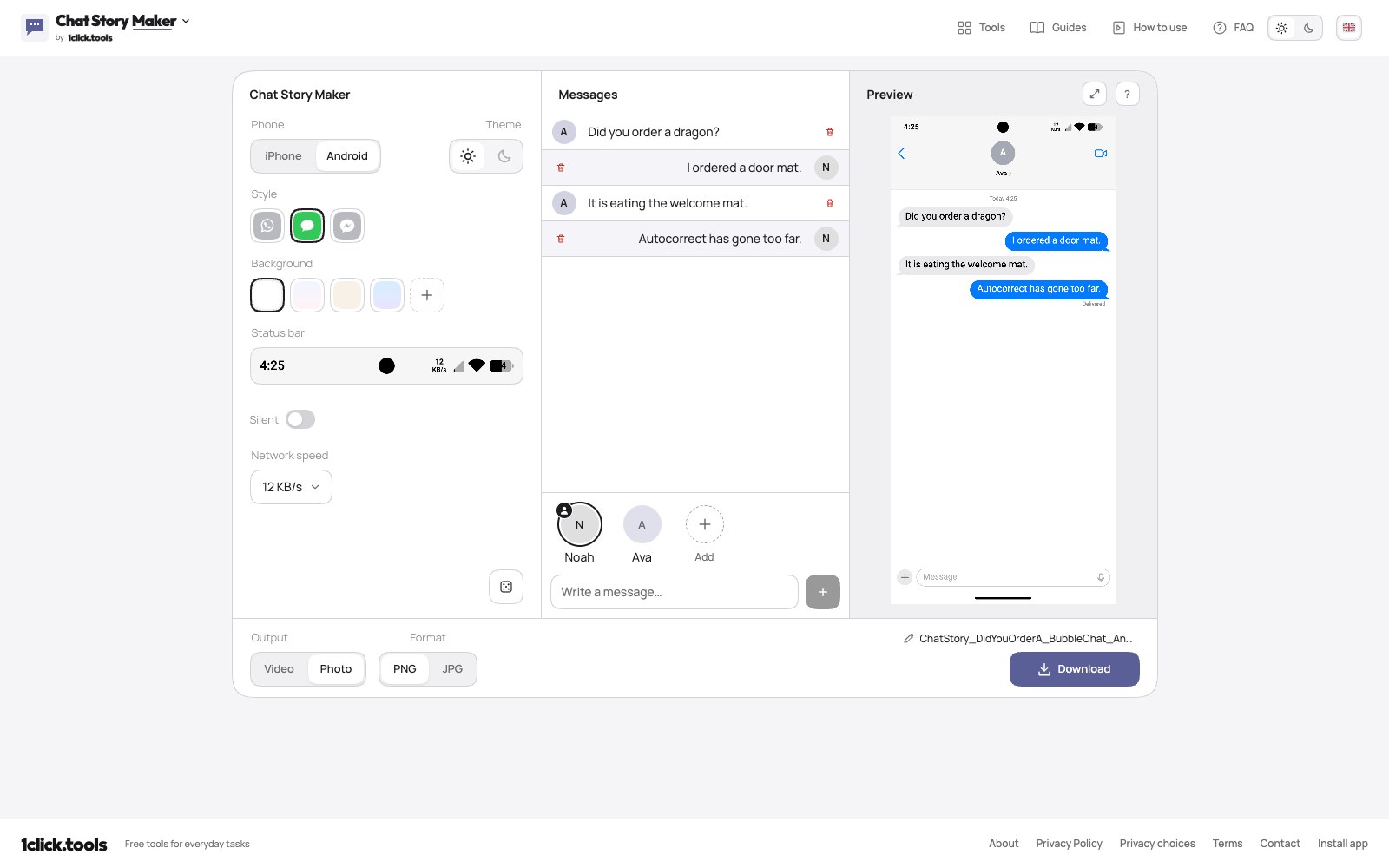
Add character circles, rename them in place, choose the owner and edit or delete messages. Follow a dragon-delivery example.
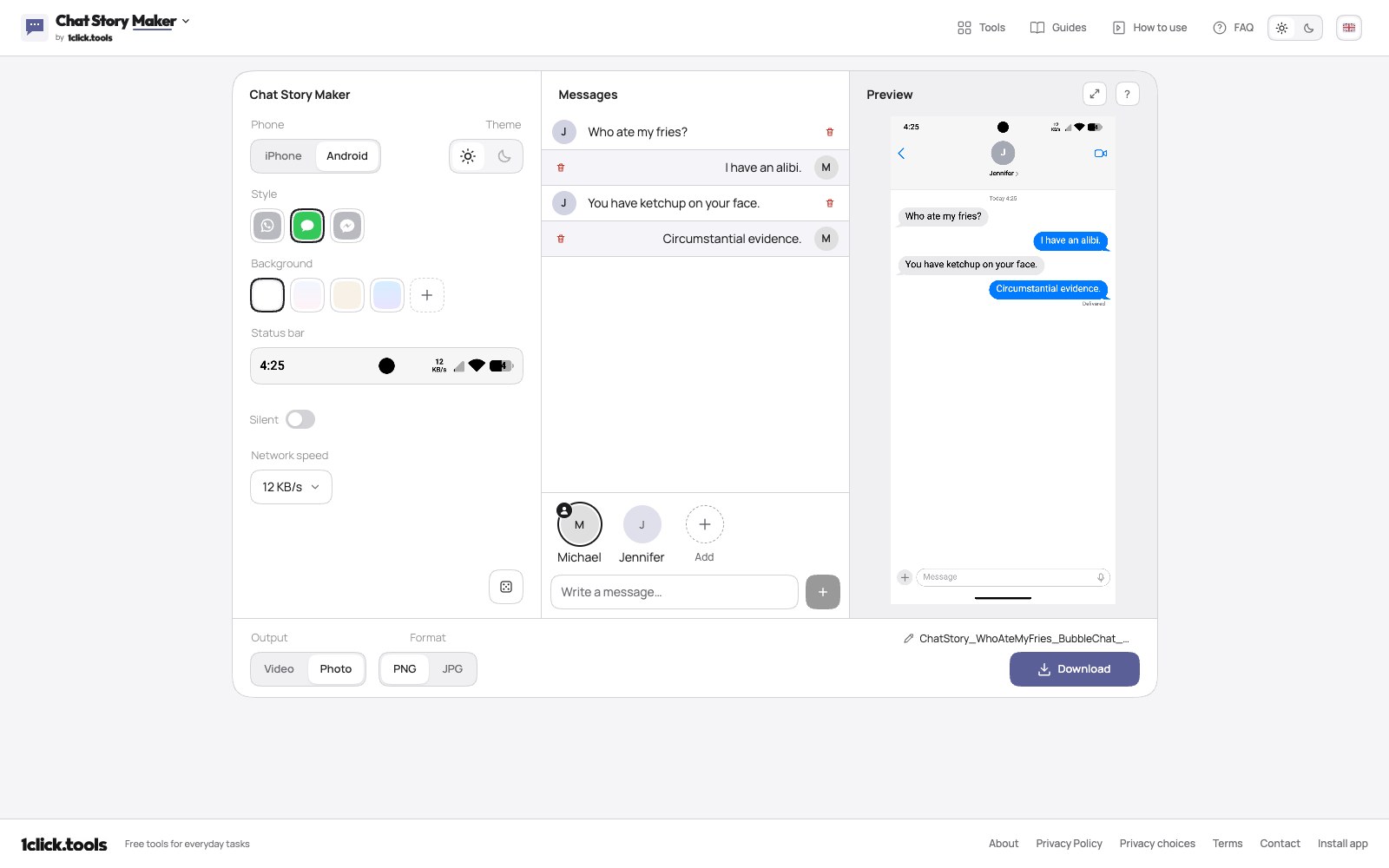
Compare the Green, Bubble and Gradient chat designs on iPhone and Android, choose Video or Photo, and understand MP4, WebM, PNG, JPG, preview speed and audio controls.
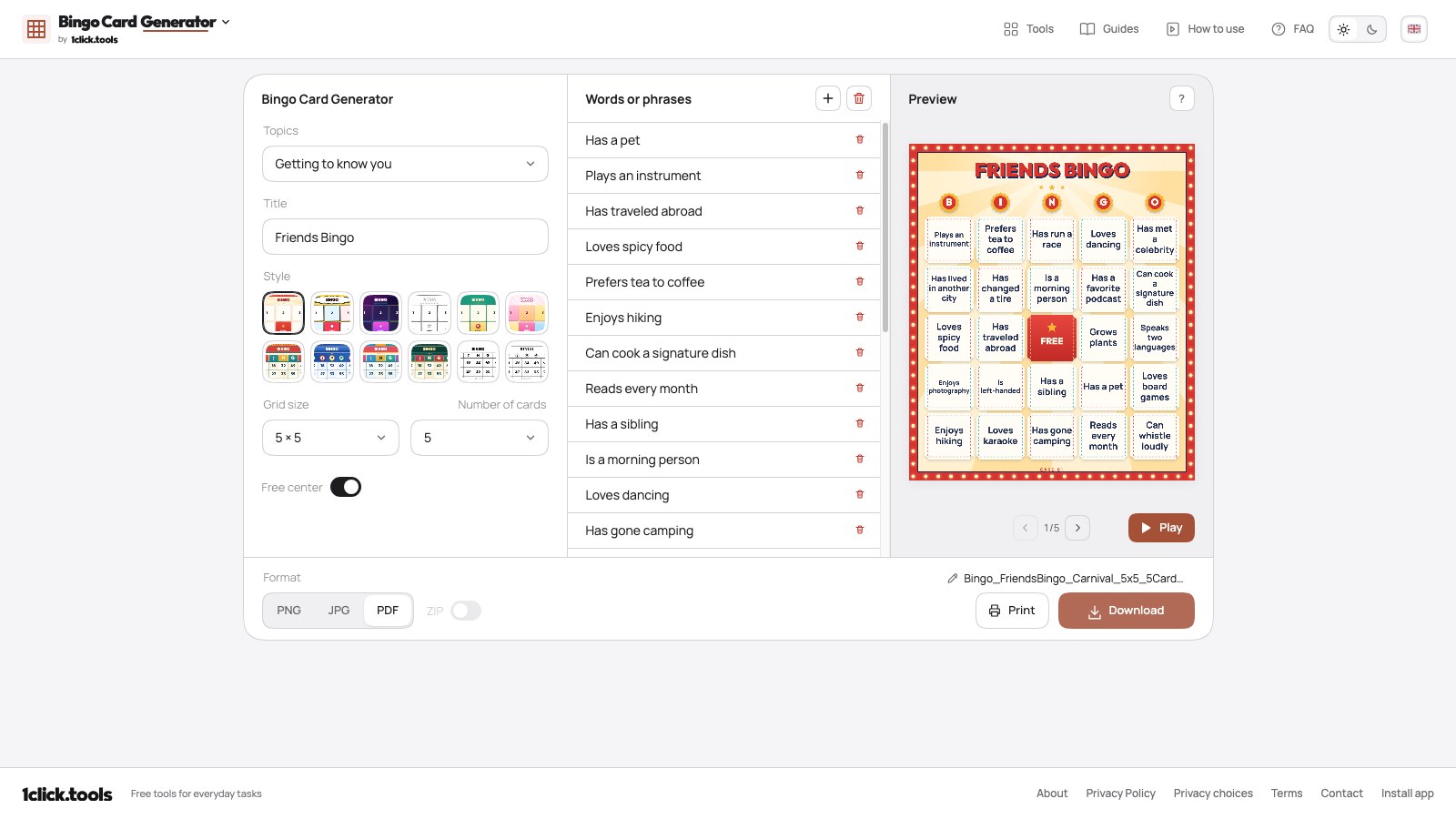
Make bingo cards from editable topics, choose a grid and design, and print or download an A4 PDF or card images. Follow a five-card example with real files.
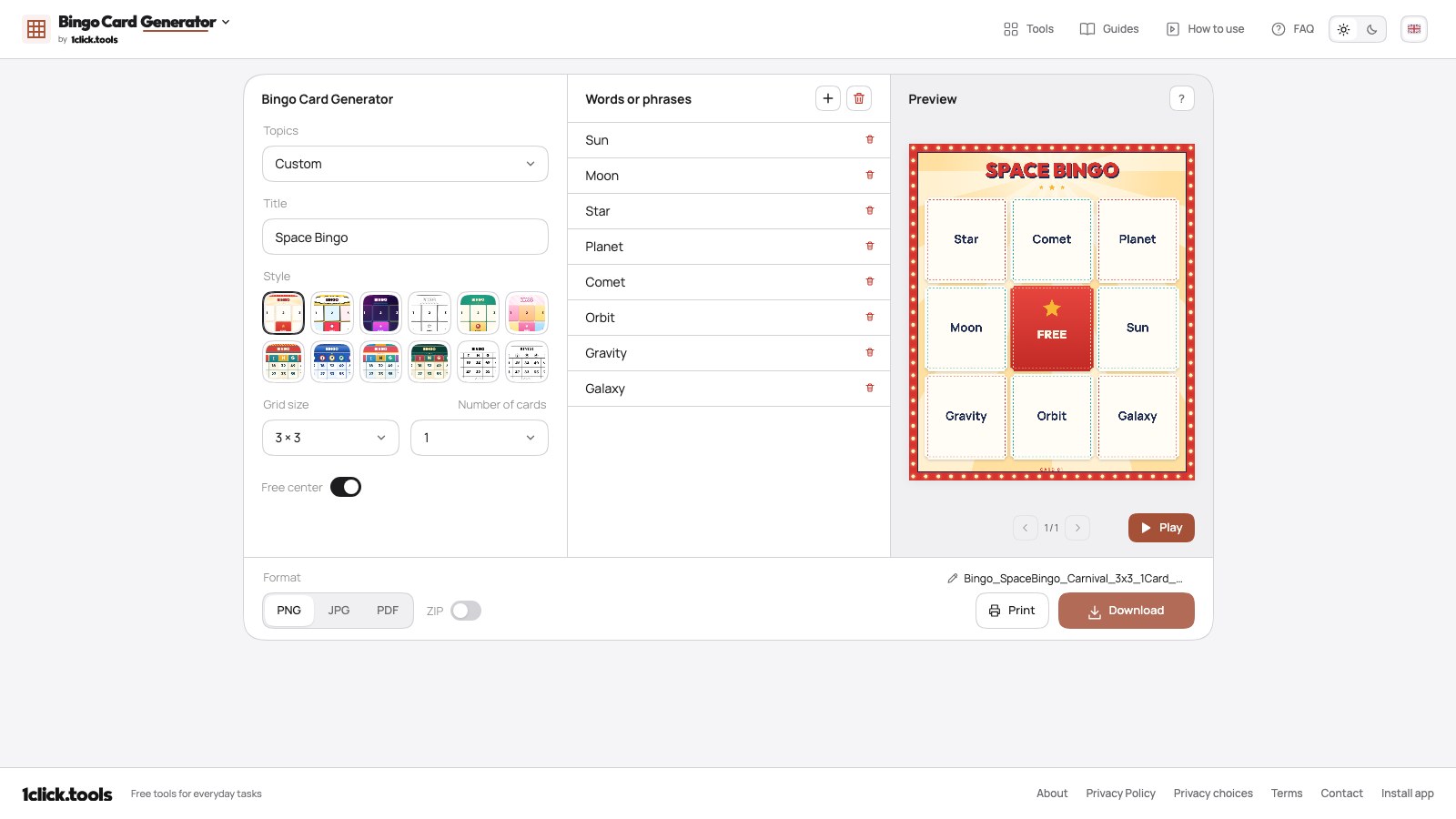
Build custom word bingo cards for a class, party or icebreaker. Add removable entries, check grid requirements and export a real 3 × 3 Space Bingo example.
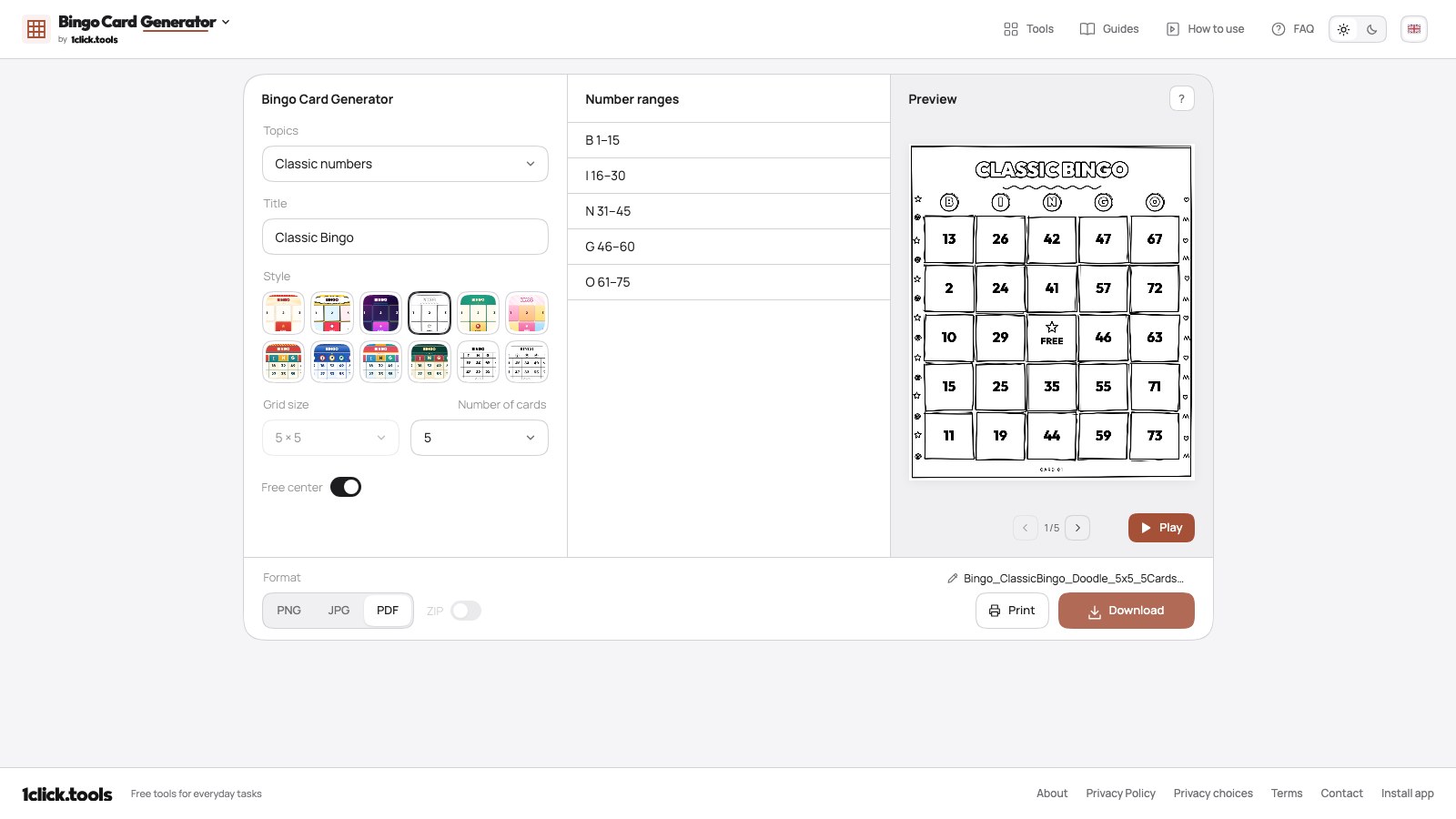
Compare twelve bingo card designs, including print-friendly black-and-white options. Understand automatic PDF layouts, image downloads and the caller game with real classic-number samples.
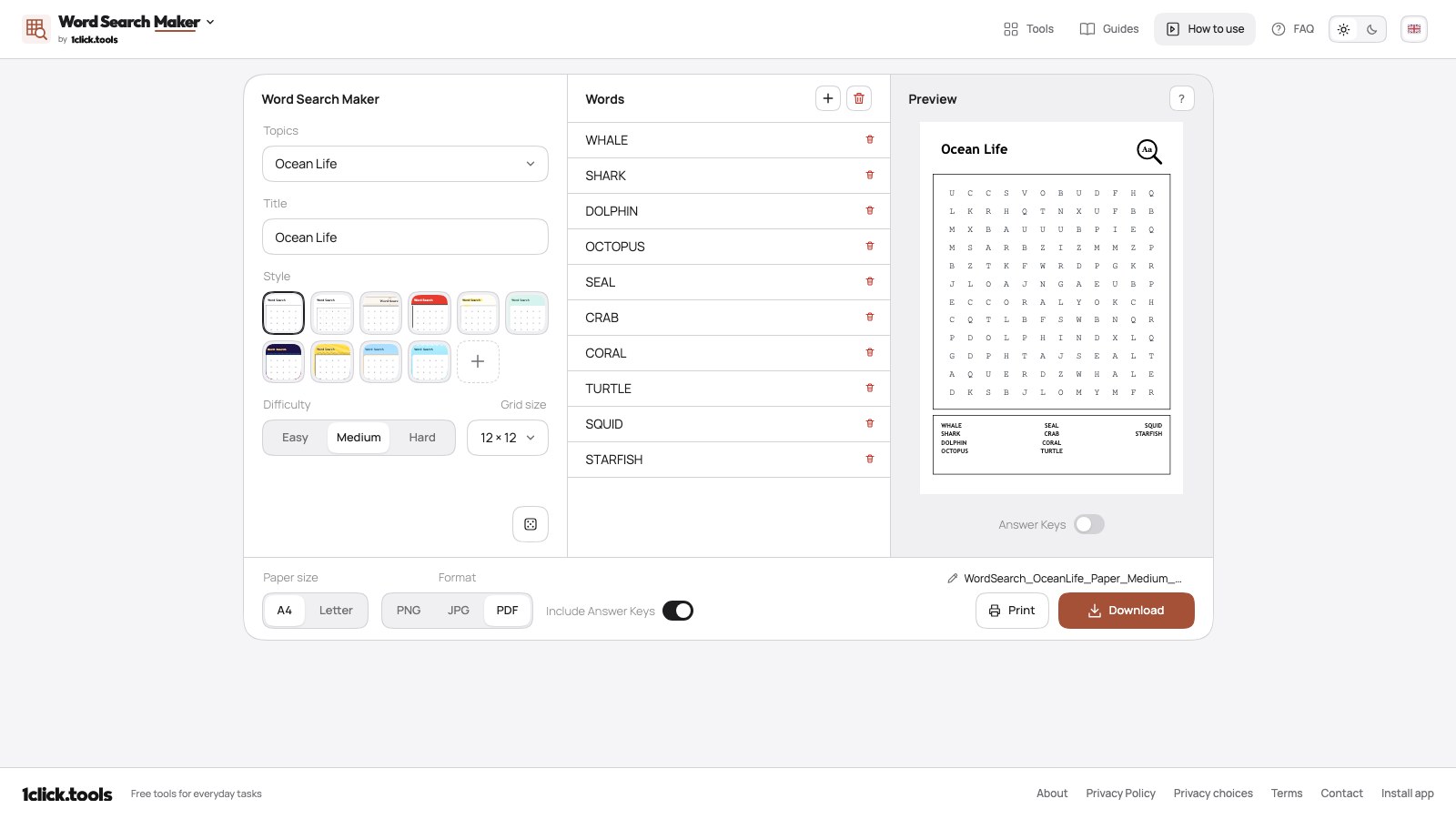
Add your own word list, choose a grid and difficulty, and download a printable puzzle with a matching answer key. Follow a real ocean-animal example.
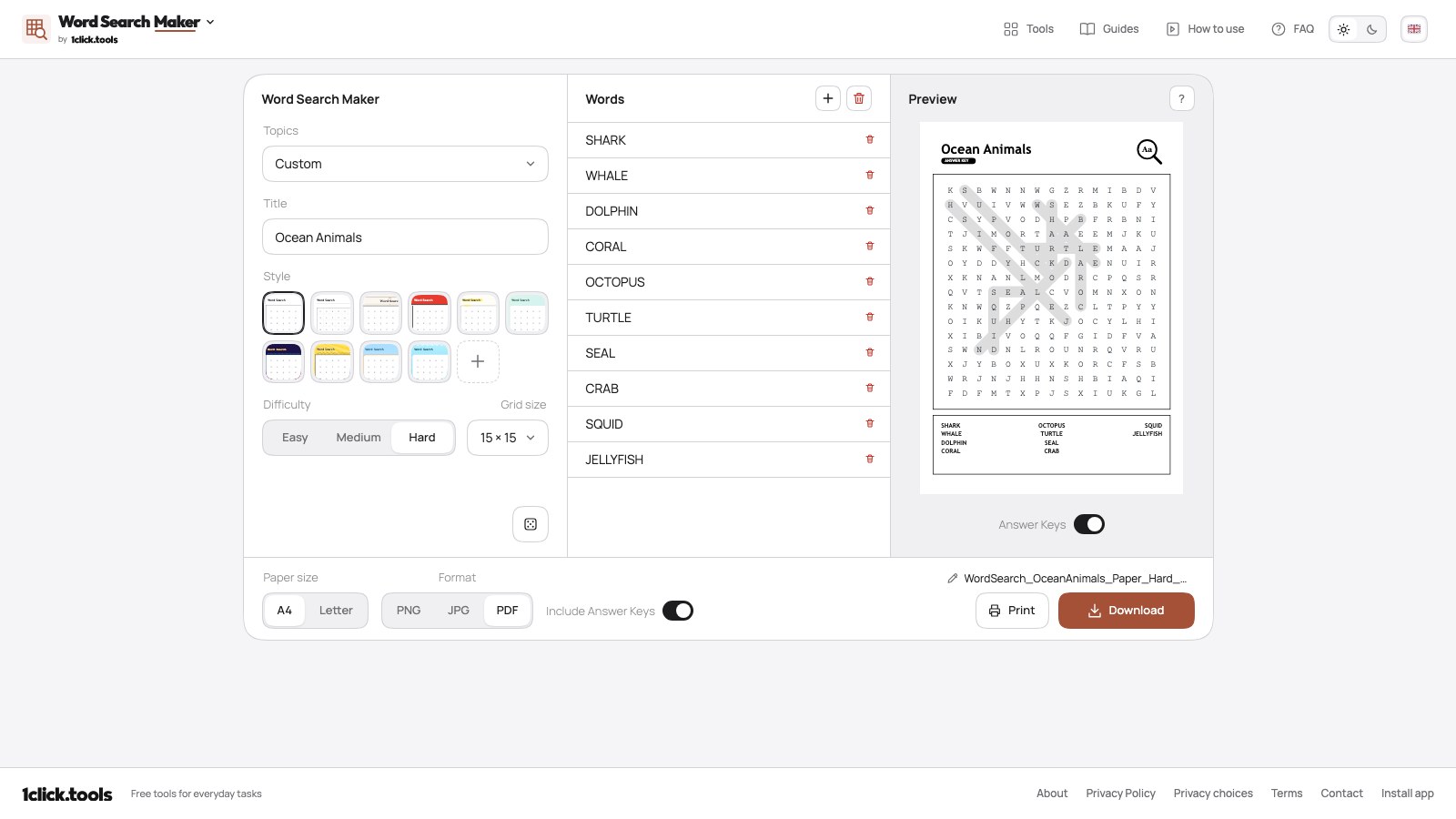
Compare Easy, Medium and Hard puzzles, fix words that exceed the grid and preview matching answer keys. Download real examples with the same ten words.
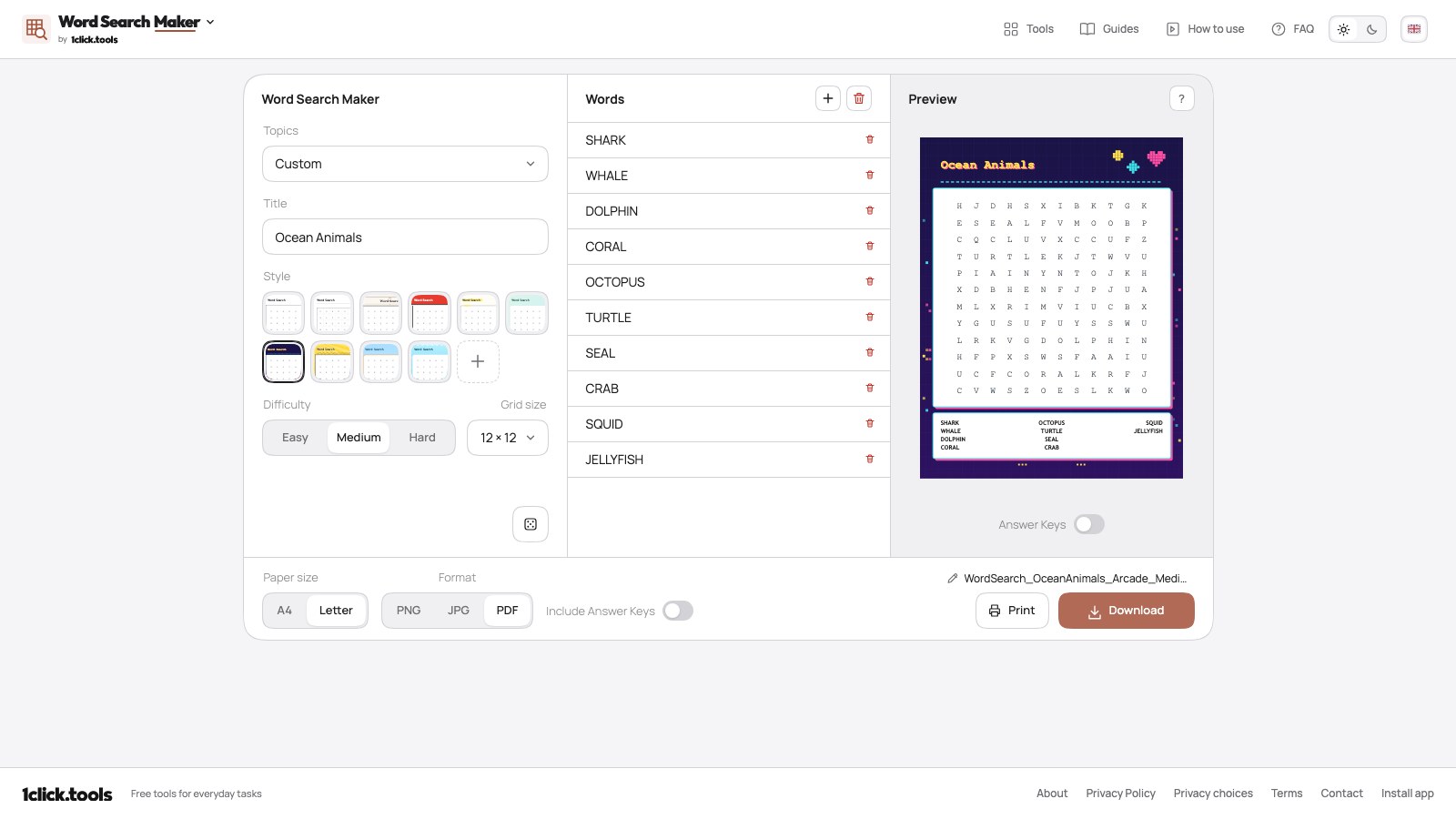
Choose from ten drawn styles or add a photo word-search background. Check its crop in the preview and printable export.