A little guidance
How to make custom bingo cards with your own words
Build custom word bingo cards for a class, party or icebreaker. Add removable entries, check grid requirements and export a real 3 × 3 Space Bingo example.
Real example: eight space words and a free center
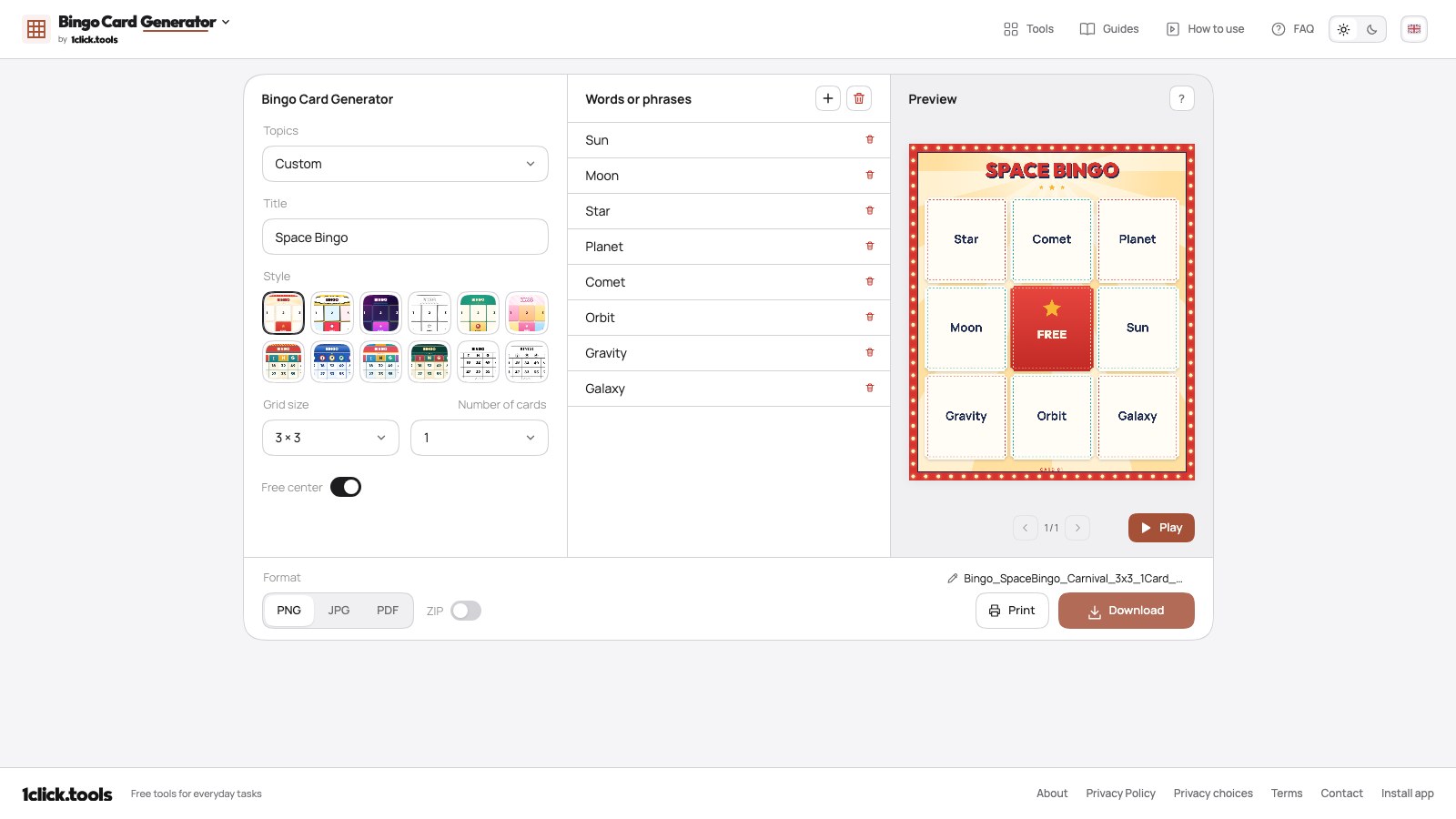
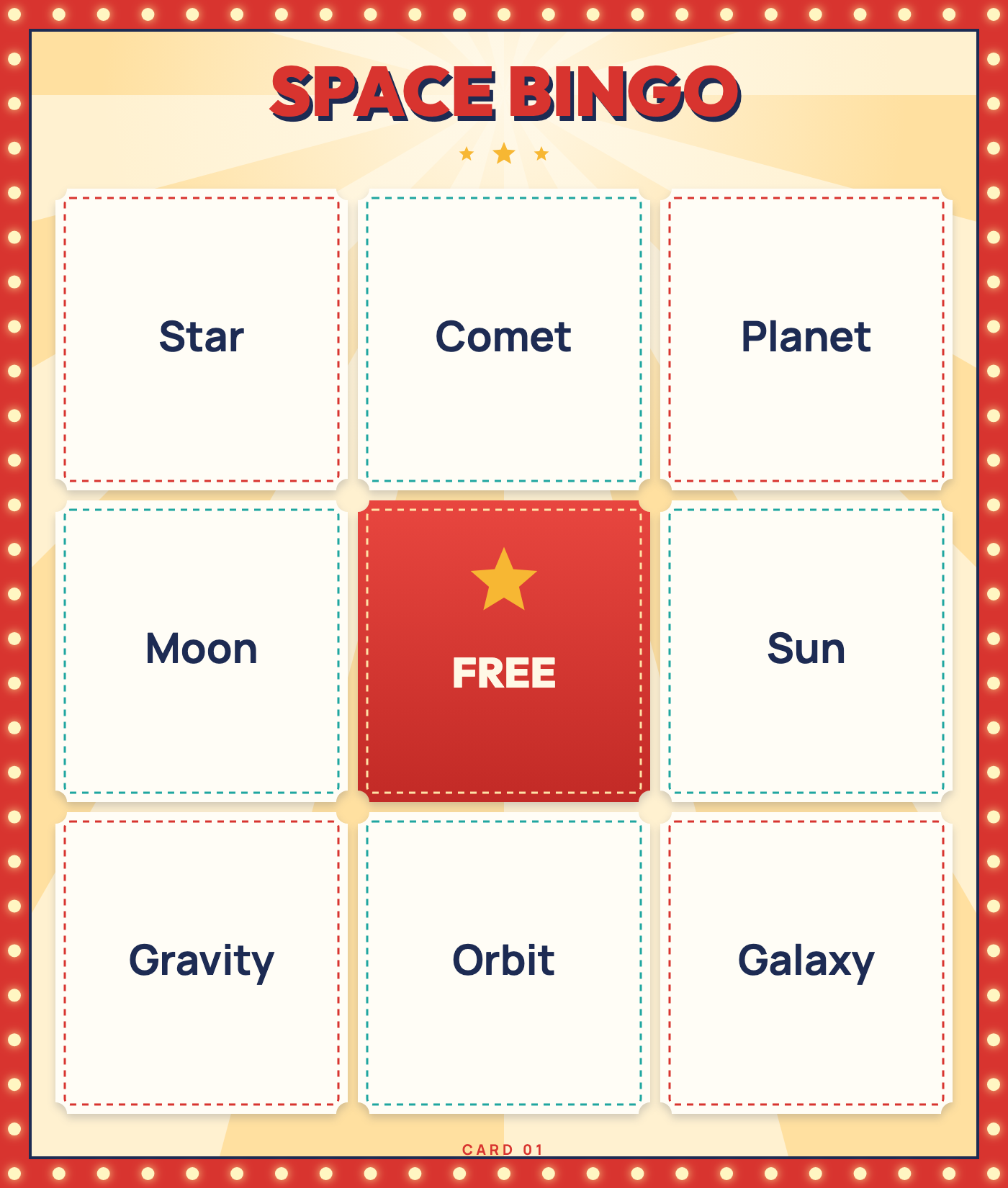
We selected Custom in Topics and pasted eight words into a new entry row: Sun, Moon, Star, Planet, Comet, Orbit, Gravity and Galaxy. With 3 × 3, one card, Free center on, the title Space Bingo and Carnival, we downloaded one PNG with ZIP off and a one-page PDF.
Start with these files
Compare the actual downloads
| Output | Actual browser filename | Measured result |
|---|---|---|
| PNG | Bingo_SpaceBingo_Carnival_3x3_1Card_22.11.2026_01.png | 1400 × 1650 · 574,164 bytes |
| A4 portrait PDF | Bingo_SpaceBingo_Carnival_3x3_1Card_22.11.2026.pdf | 1 page · 253,417 bytes |
The text sample is a prepared list to copy into a new entry row. It is not uploaded or imported. The PNG was decoded and the PDF reopened; both retain the selected design and the same words.
Repeat this example
- Choose Custom in Topics. Select + beside Words or phrases, paste the text file’s eight lines into the new row and press Enter.
- Set Grid size to 3 × 3, Number of cards to 1 and Free center on. Enter Space Bingo and choose Carnival.
- Choose PNG, turn ZIP off and Download for one numbered image. Switch to PDF for the one-card A4 version.
Check your download
The PNG is 1400 × 1650 pixels and the PDF has one A4 portrait page with one large card. Both show eight distinct space words and FREE in the center. With only seven words, Download would remain disabled for this grid.
A common mistake
A free center counts as one square. Eight words work for 3 × 3 only when Free center is on; turning it off requires a ninth entry.
Create your own word bingoSources and credits
Original Bingo Card Generator examples. Screenshots show the actual tool. PDFs, PNGs and ZIP archives are unchanged browser downloads, or unchanged PNG entries extracted from those ZIP files, saved under descriptive guide filenames. The Space Bingo text file is a copy reference, not an import file.
Start with Custom or adapt a topic
Select Custom, the first option in Topics, for an empty separate list, or choose a ready-made topic and edit its entries. Switching between Custom and a topic keeps both lists; choosing a different topic loads that topic’s original entries and title. Your work stays in this browser through a reload and when you come back, subject to your Keep my work privacy choice.
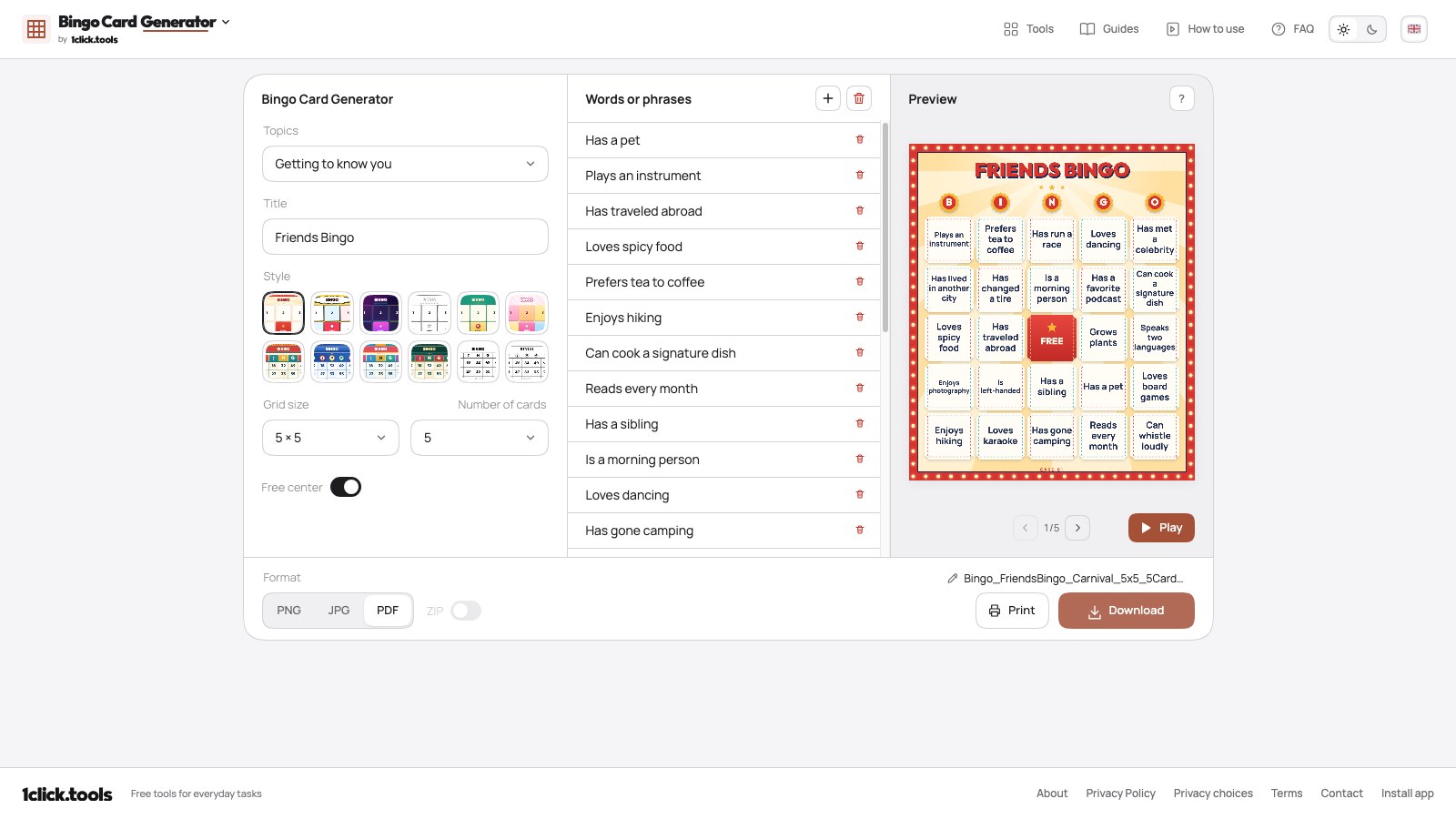
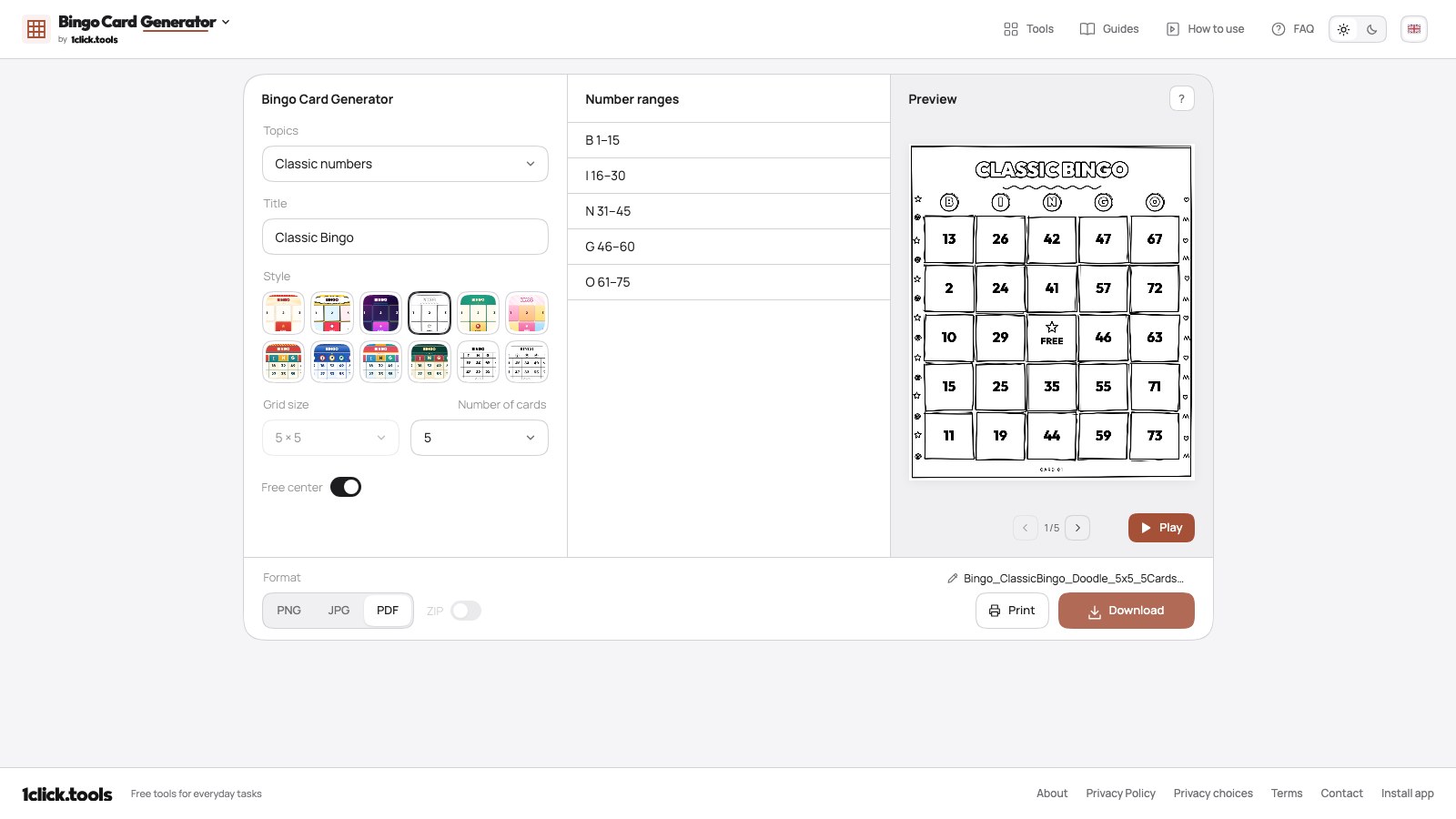
To use a built-in theme first, see how to make printable bingo cards from topics.
Add words or short phrases
Select + at the top right of Words or phrases to open a new row. Type an entry and press Enter, or paste comma-separated or newline-separated text to add a list at once. For the worked example, use Sun, Moon, Star, Planet, Comet, Orbit, Gravity and Galaxy. Click a row to edit it; Enter or clicking away saves it. The red bin in a row deletes it, and Trash in the header asks before removing every entry. There is no text-file import button.
Match the number of entries to the grid
Use Grid size in the left column. A 3 × 3 grid needs eight entries with Free center on, or nine with it off. A 4 × 4 grid needs 16 and has no single center square, so Free center is unavailable. A 5 × 5 grid needs 24 entries with the free center or 25 without it. The list status shows how many more entries you need, and Download stays disabled until the list is sufficient.
Make the Space Bingo example
Choose 3 × 3, Number of cards 1 and Free center on. Enter Space Bingo in Title and choose Carnival under Style. Eight words plus FREE fill all nine squares. If you need a larger class set, increase Number of cards; every card shuffles the list independently.
Check the preview and caller game
Use the arrows to review cards when the quantity is above one. Short phrases are easier to read; long text wraps and shrinks. Play opens a caller for your printed cards, with Call, Auto call, Bingo history and Called board. The game checks the generated cards and celebrates winning lines, while the studio preview remains card artwork rather than a clickable board.
Download a PNG or printable PDF
With PNG selected and ZIP off, Download saves the numbered card image at 1400 × 1650 pixels. Turn ZIP on for one archive, or choose PDF for one large card on an A4 portrait page. Automatic names follow the pattern Bingo_SpaceBingo_Carnival_3x3_1Card_22.11.2026, with the appropriate extension and image number. Changing format does not change your words or design.
For larger sets, compare PDF page layouts and ZIP image exports.