A little guidance
How to make a meme from your own image
Upload a JPG, PNG or WebP, add top and bottom captions, and download a meme. Try the supplied museum photo and compare the real source and result.
Real example: a museum photo with two captions
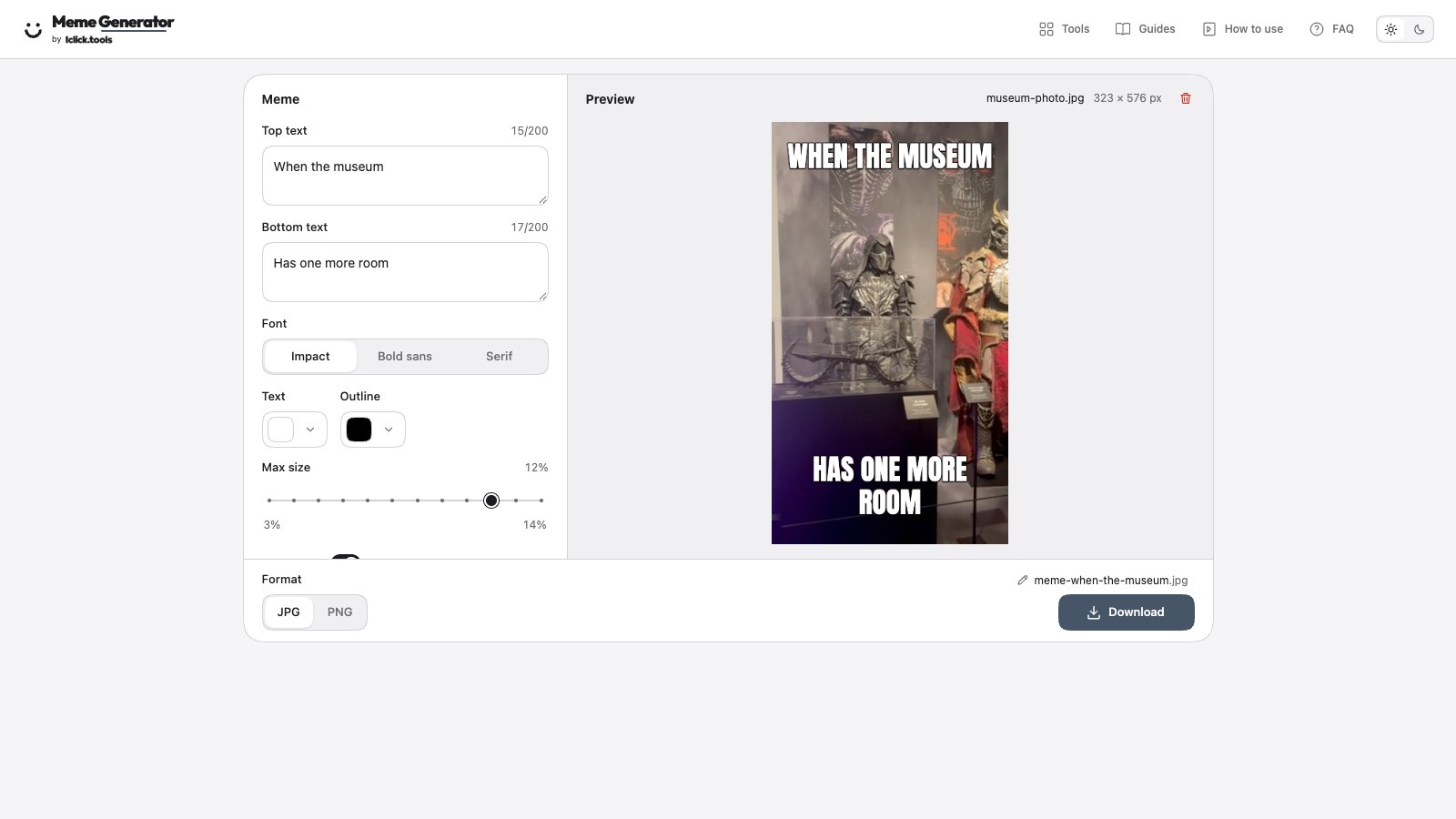
We uploaded the supplied 323 × 576 museum photo, entered When the museum at the top and Has one more room at the bottom, and chose JPG. Impact, Max size 12%, white text, black outline, Uppercase and Outline were enabled.
Start with these files
- Download the source museum photo55.4 KiB
Compare the actual downloads
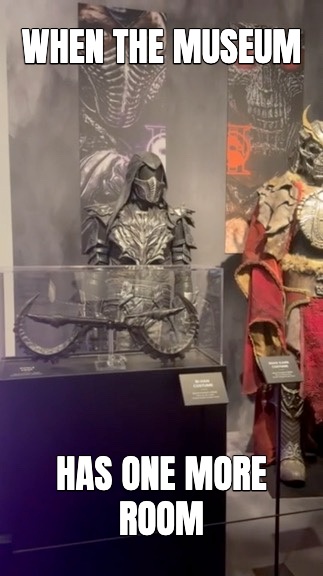
| File | Role | Measured image |
|---|---|---|
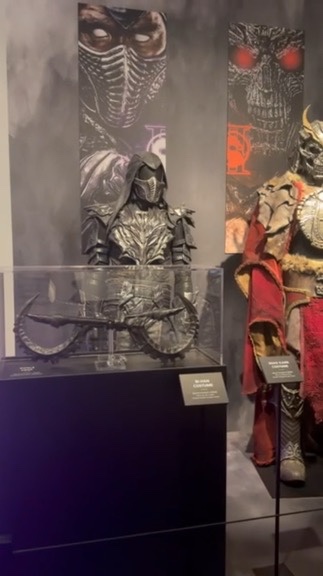
| museum-photo.jpg | Unchanged source image | 323 × 576 · 56,761 bytes |
| Meme_Custom_WhenTheMuseum_22.11.2026.jpg | Current automatic filename; measured historical JPG download | 323 × 576 · 59,024 bytes |
The source was not enlarged. The exported JPG was reopened at 323 × 576 pixels. This run produced a larger file than the source; adding captions and re-encoding can change the size in either direction. The public file retains its descriptive historical alias.
Repeat this example
- Download the source photo above. Select Upload an image, the first tile in the left library, and choose that JPG.
- Replace the captions with When the museum and Has one more room. Check Impact, Max size 12%, white text, black outline, Uppercase and Outline.
- Choose JPG and Download. Compare the original with the captioned image and check the automatic Meme_Custom_WhenTheMuseum_22.11.2026.jpg filename.
Check your download
Both files retain the portrait proportions and 323 × 576 dimensions. The exported lettering is outlined and wraps within the top and bottom caption areas.
A common mistake
Selecting a built-in template replaces the current uploaded image in the preview. Download the result and keep your source before choosing another image.
Upload your own meme imageSources and credits
Museum photo from the supplied guide samples. The original is unchanged. The meme is a separate captioned and re-encoded browser export.
Choose the upload tile
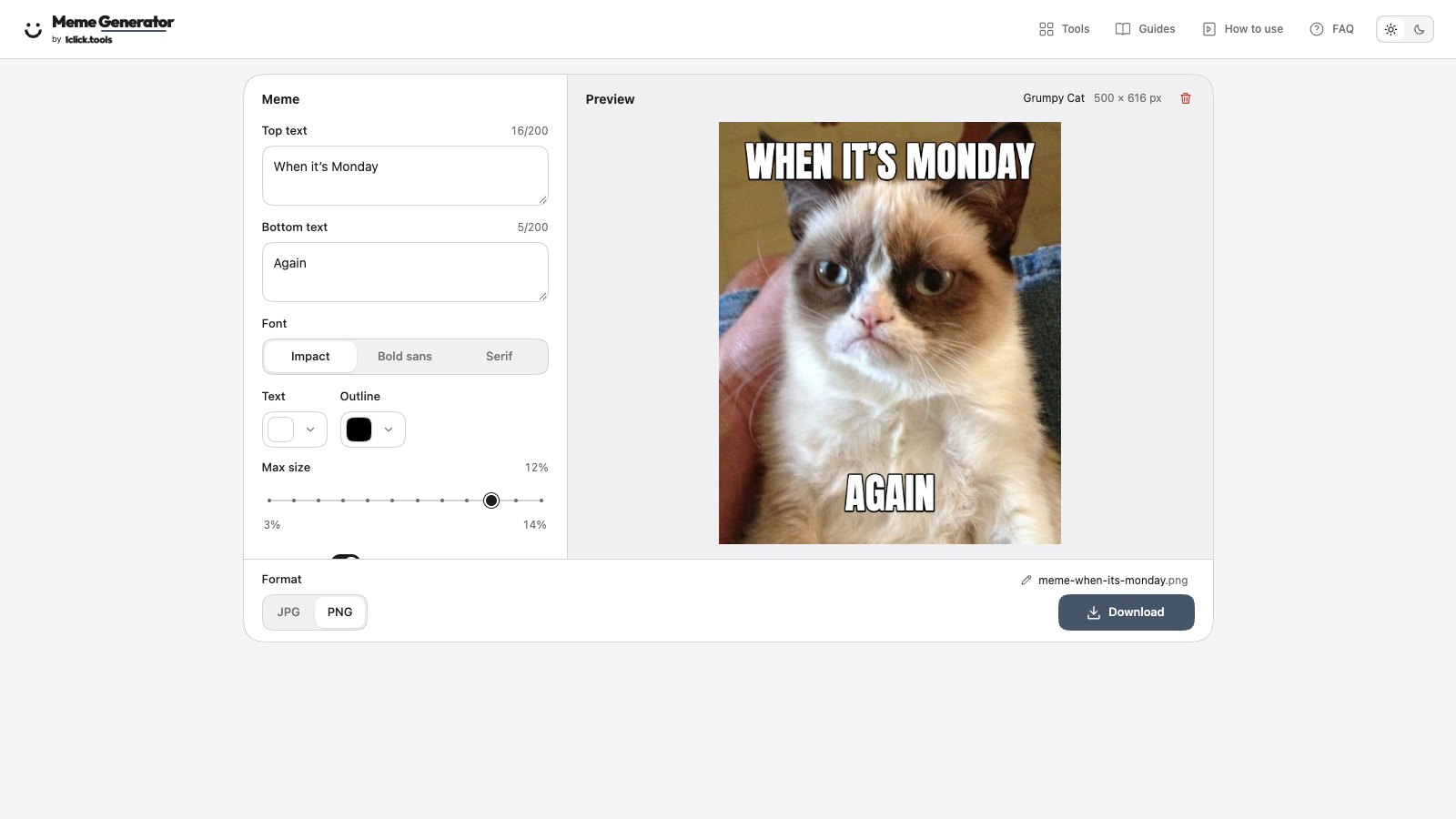
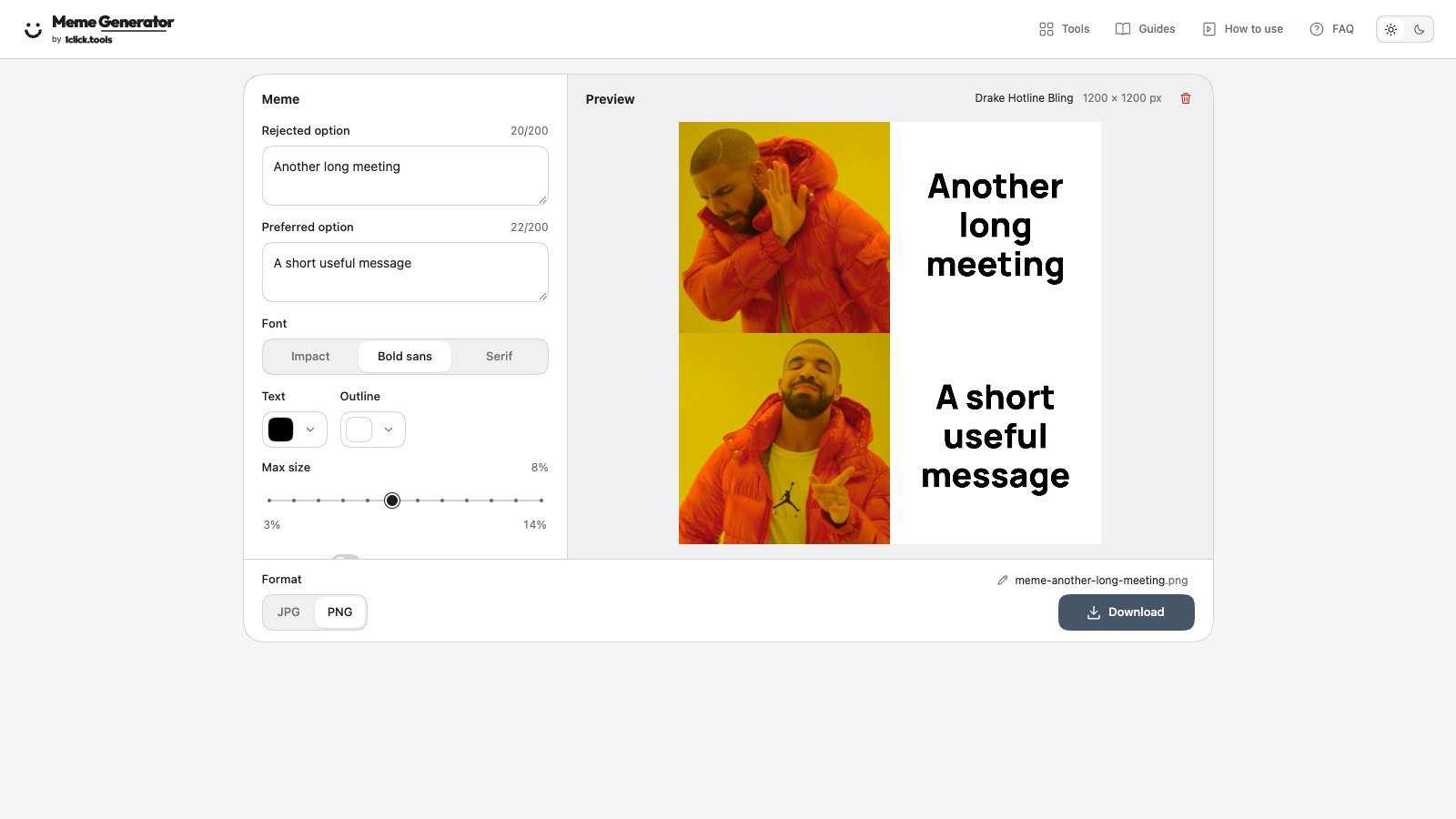
Open Meme Generator and select Upload an image, the first tile in the left template picker. Choose a JPG, PNG or WebP up to 25 MB and 60 megapixels. The sample below is a 323 × 576 JPG museum photo already supplied with these guides. Selected files are processed in your browser.
Prefer a ready-made image? Follow the built-in template example.
Write top and bottom text
Custom images have editable top and bottom captions on the preview. Click each caption and replace any suggested or carried-over words with When the museum and Has one more room. Each caption accepts 200 characters, preserves line breaks and fits its area when you finish editing. Empty captions show Add text. The editing outline is not part of the output.
For text arranged in existing panels, see how template caption layouts work.
Make the words readable
Keep Impact, Max size 12%, white text, black outline, Uppercase and Outline for this example. The outline helps the words stand out from the detailed photograph. Captions shrink and wrap to fit, so shorter wording often reads better on a narrow image. Compare the preview with the downloaded result before sharing.
Check dimensions, format and filename
The longest output edge is capped at 1600 pixels without enlarging smaller images or changing their proportions. This sample stays 323 × 576. For transparent uploads, choose the fill under Background in the right Options panel; white is the default for JPG and PNG output. Select JPG and Download; the current automatic filename is Meme_Custom_WhenTheMuseum_22.11.2026.jpg, while the guide retains meme-when-the-museum.jpg as its historical download alias. Use the pencil to choose a manual filename, or PNG in Format for a lossless alternative.
Keep the original before changing images
Download your result before replacing the image. Selecting a built-in template replaces the uploaded image in the preview. Upload another image through the first tile. Built-in template drafts stay separate, and your current image is kept through a reload, but there is no saved library of uploaded photos. Keep your original file and the finished download.