A little guidance
How to calculate days between two dates
Find a date duration, choose whether to include the end date, and copy a clear breakdown. Compare a nine-day gap with a ten-day inclusive range.
The same dates: 9 days or 10 days
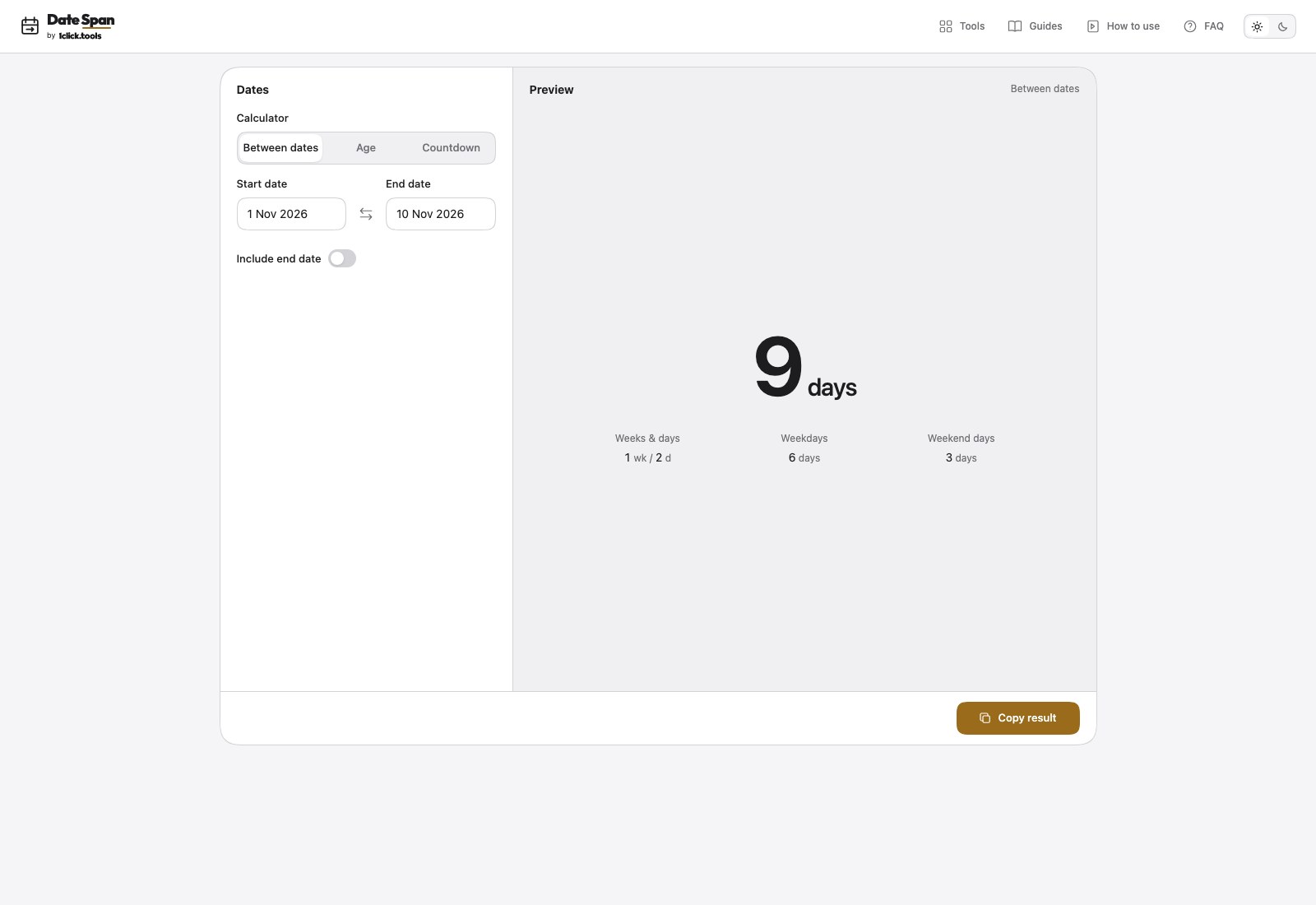
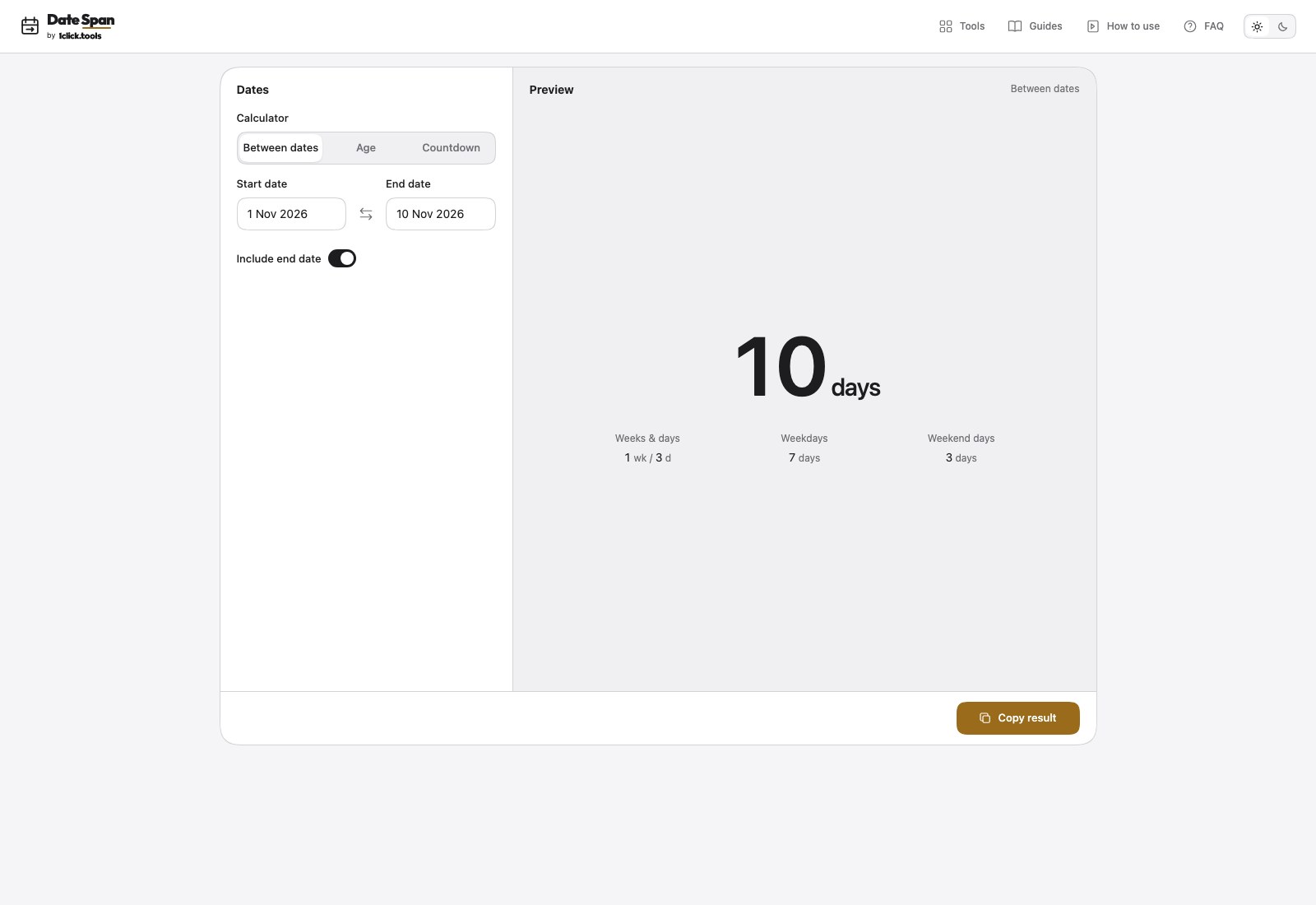
We compared 1 November with 10 November 2026, then enabled Include end date to count the final date as well.
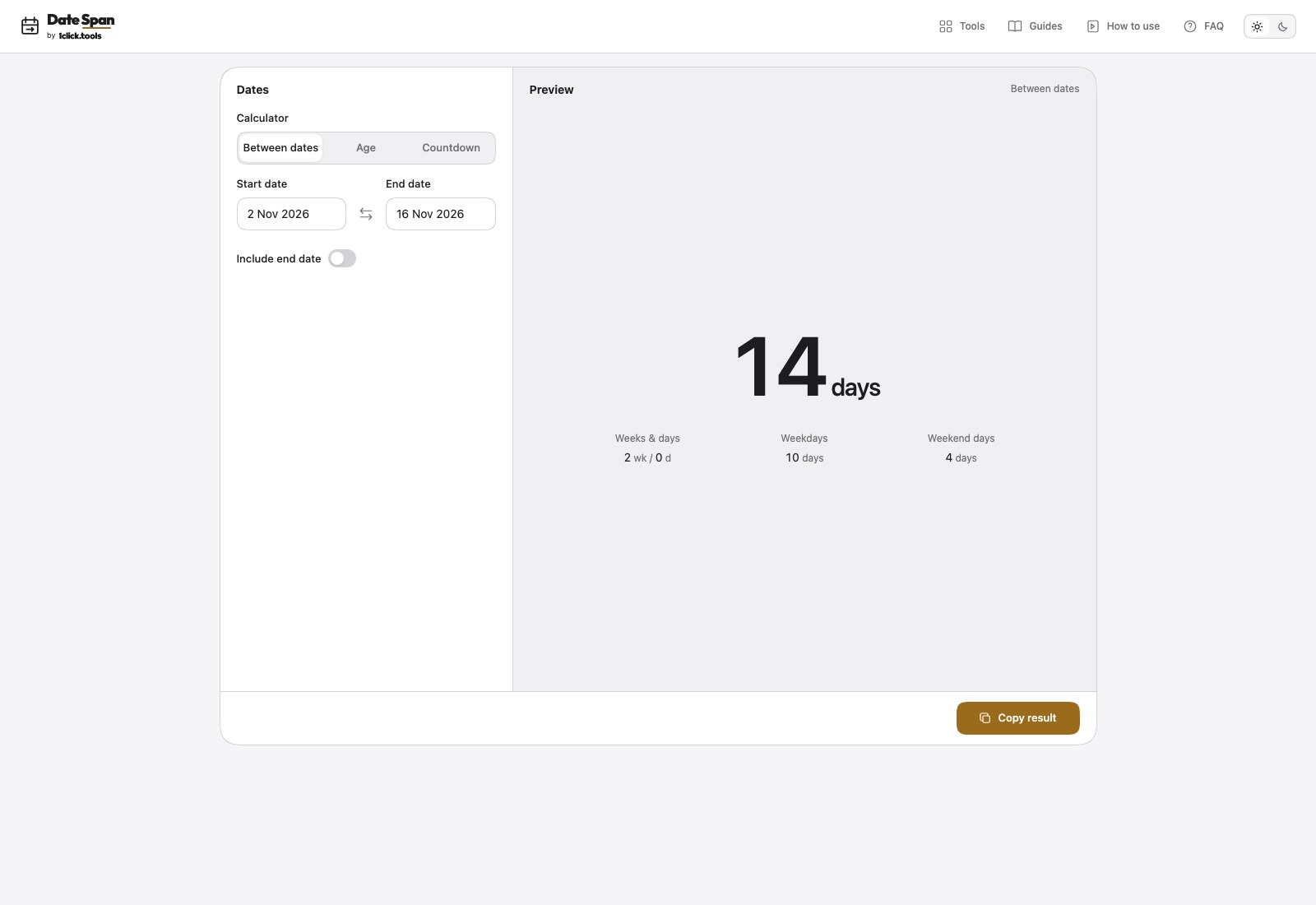
| Counting rule | Total days | Weeks & days | Weekdays | Weekend days |
|---|---|---|---|---|
| End excluded | 9 | 1 week, 2 days | 6 | 3 |
| Both dates included | 10 | 1 week, 3 days | 7 | 3 |
This is a calendar date calculation. No clock time or time zone is needed.
Repeat this example
- Choose 1 November 2026 as Start date and 10 November 2026 as End date.
- Leave Include end date off and compare the first row.
- Turn Include end date on and compare the second row. Select Copy result to keep the counting rule with the figures.
Check the result
The total increases by exactly one day when the end date is included. Weekdays and weekend days always add up to the total.
A common mistake
A date gap and an inclusive list of dates answer different questions. Choose the counting rule before sharing a result.
Try the dates in Date SpanSources and credits
Actual Date Span sessions. Screenshots show the calculator using the stated dates. Tables match its displayed results; Copy result produces text rather than a file.
Choose your two dates
Open Start date and select 1 November 2026. Open End date and select 10 November 2026. To move further, use the calendar arrows or select its month/year heading for scrolling wheels. Choose Done after changing the month and year, then select the day.
Read the default duration
With Include end date off, the result is 9 days: 1 November is counted and 10 November is the boundary at which counting stops. The breakdown shows 1 week and 2 days, 6 weekdays and 3 weekend days. The calendar duration is 9 days.
Include the final day when you need it
Turn on Include end date to count every date from 1 through 10 November. The result becomes 10 days, or 1 week and 3 days, including 7 weekdays and 3 weekend days. Use this setting when you need both boundaries counted, such as a list of daily entries.
Planning a weekday schedule? Read how weekdays and weekends are counted.
Try the same date and reversed dates
Two identical dates give 0 days by default and 1 day with both dates included. If the end date comes first, Date Span calculates a positive range from the earlier to the later date and shows a note. The swap button between Start date and End date exchanges them.
Copy the result with its counting rule
Select Copy result and paste it into notes or a project brief. The copied text includes the dates, whether both boundaries count, and every breakdown. A reload keeps the range; copy the result before closing the tab.