A little guidance
How to use a random name picker wheel
Add removable name badges, check the chances and spin. Follow a real six-name example, then save your names and wheel options for another visit.
Real example: six name badges and one random winner
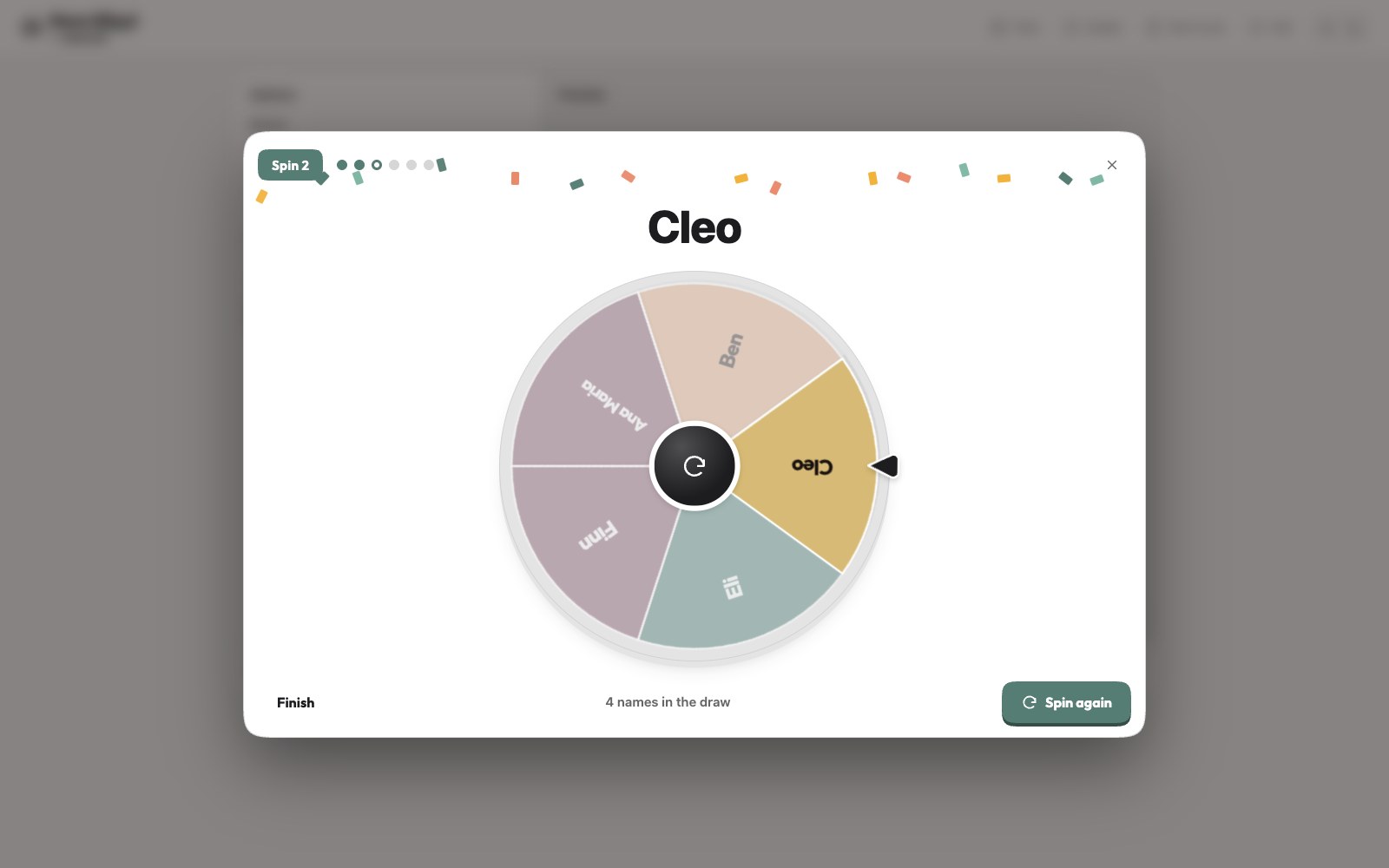
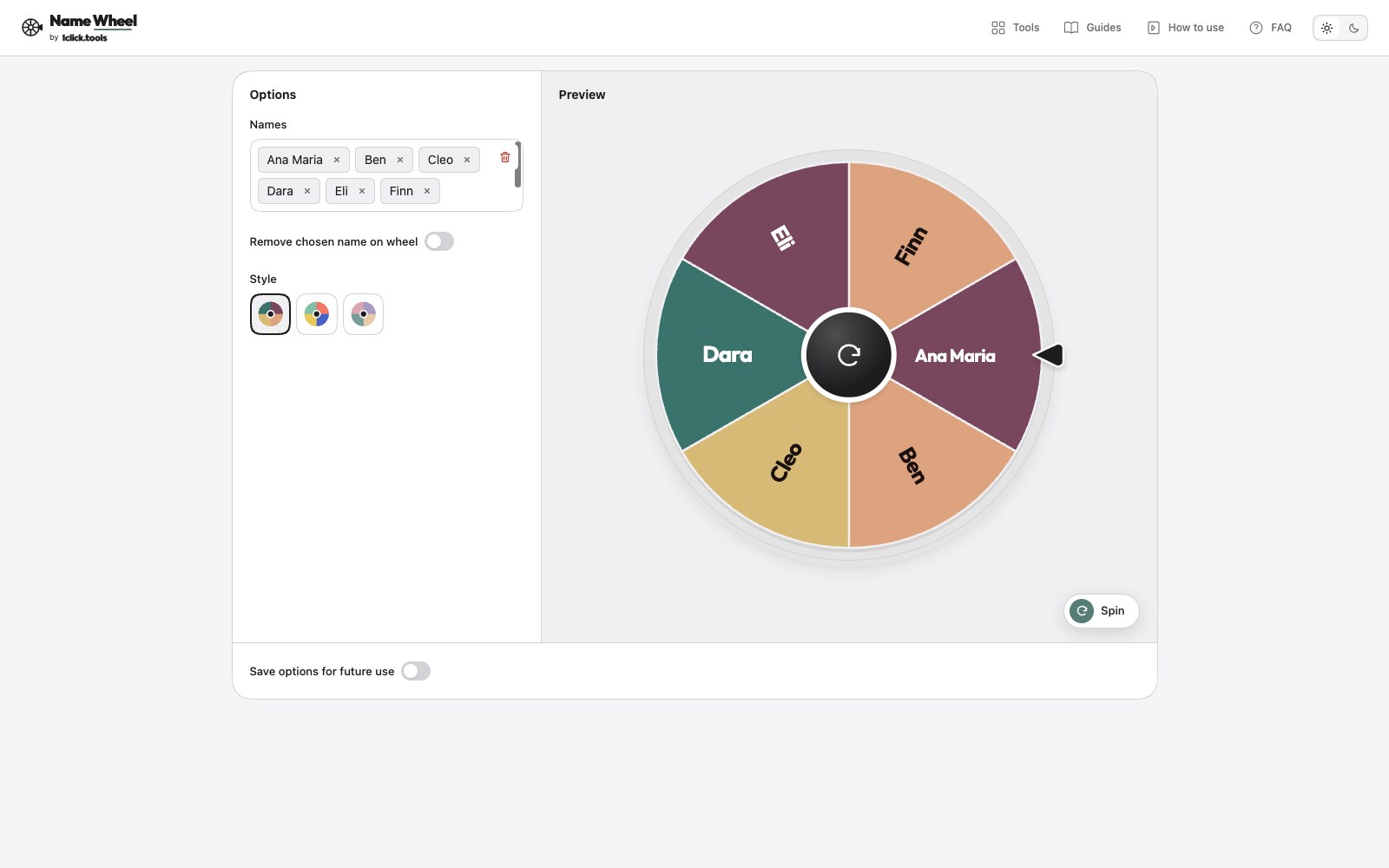
We pasted the six-name sample into Names and pressed Enter to create inline badges. We turned off Remove chosen name on wheel, which starts on, and left saving off. The screenshot shows the current setup before spinning. The observed winner was Cleo.
Start with these files
- Download the six-name text list38 bytes
| Step | Actual state | What it means |
|---|---|---|
| Input badges | Ana Maria, Ben, Cleo, Dara, Eli, Finn | Six entries, each with a one-in-six chance |
| Remove chosen name on wheel | Off | A winner remains eligible for the next spin |
| Observed winner | Cleo | All six names stayed on the wheel |
This records a real draw in the current design. Your winner will vary; the sample list does not fix the outcome.
Repeat this example
- Open the sample file and copy its contents. Remove the sample badges with the bin icon, paste into Names and press Enter.
- Check that there are six badges and turn off Remove chosen name on wheel, which is on by default. Select Spin in the corner of Preview, or click the wheel, then select Spin in the game.
- Read the winner above the wheel. All six names stay on the wheel because removal is off; select Spin again for another draw or Finish for the scoreboard.
Check the draw
Ana Maria is one entry. The winner stays eligible when removal is off. Other wheel segments fade after the reveal and the full name appears above the wheel. The scoreboard lists this game’s winners; it is not saved or exported.
A common mistake
Typing or pasting a name does not add it until you press Enter. Spaces inside a name are preserved; commas or line breaks separate pasted entries. A name that is already on the wheel is not added again; check the message under Names.
Try this list in Name WheelSources and credits
Sample list prepared for this guide. Fictional names. Screenshots and results come from a real browser session using the current design.
Replace the sample names
Open Name Wheel. Options are on the left on desktop and above the wheel on mobile. Remove the sample badges with the bin icon at the top right of Names, or one at a time with their × buttons. In Names, type a name and press Enter to create an inline badge, or paste Ana Maria, Ben, Cleo, Dara, Eli, Finn and press Enter to add all six. Commas or line breaks separate pasted names; internal spaces stay together.
Check that the chances match your intention
Each name is on the wheel once and has the same chance. With six names, each has a one-in-six chance on the next draw. A name that is already on the wheel is not added again, ignoring letter case; a message says so. If two people share a name, add a surname or initial. The wheel chooses a random entry before animating; a longer animation or another theme does not improve anyone’s odds.
Spin and read the result
Under Style, choose Jewel, Candy or Moonlight for the appearance and animation, then select Spin in the bottom-right corner of Preview, or click the wheel. The spin game opens over the page. Select Spin: the winner’s name appears above the wheel, other segments fade and confetti falls. The winner is also announced for screen readers. Select Spin again for another draw, or Finish to see a scoreboard of every winner in this game.
Decide whether a winner stays eligible
Remove chosen name on wheel starts on. Turn it off when everyone should stay eligible. Our recorded draw selected Cleo and all six names stayed on the wheel. A repeat winner on a later spin is possible; the scoreboard then counts their wins. For distinct winners, keep Remove chosen name on wheel on, the default. Each winner then leaves the game’s draw, while the wheel keeps showing the finished spin.
For a sequence of distinct winners, follow the two-draw example without repeats and compare the remaining pool after each result.
Keep the list and results you need
Your names, wheel style and removal setting follow the shared Keep my work setting in Privacy choices. There is no separate Save switch. Winners leave only the game’s draw; the roster stays complete. The scoreboard lasts only while the game is open, so note results before closing it. The downloadable text file is a prepared input, not an export. Use 2–200 entries, up to 100 characters per name and 20,000 overall.