A little guidance
How to play Would You Rather with a group
Run a shared-screen game, record A/B votes and review the final scoreboard. Follow five real rounds with majorities, a tie and unanimous choices.
Real example: five rounds with majorities, a tie and unanimous choices
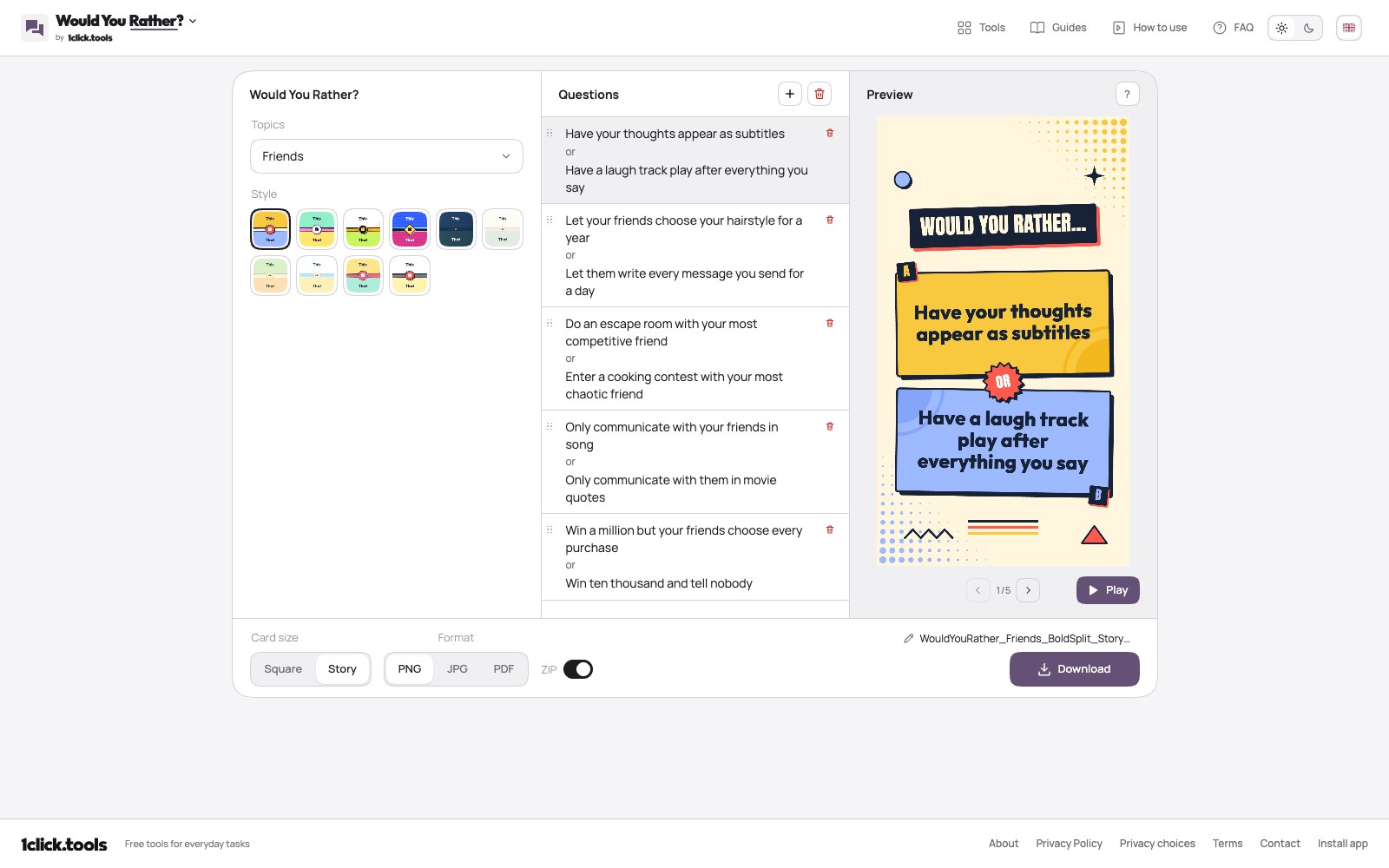
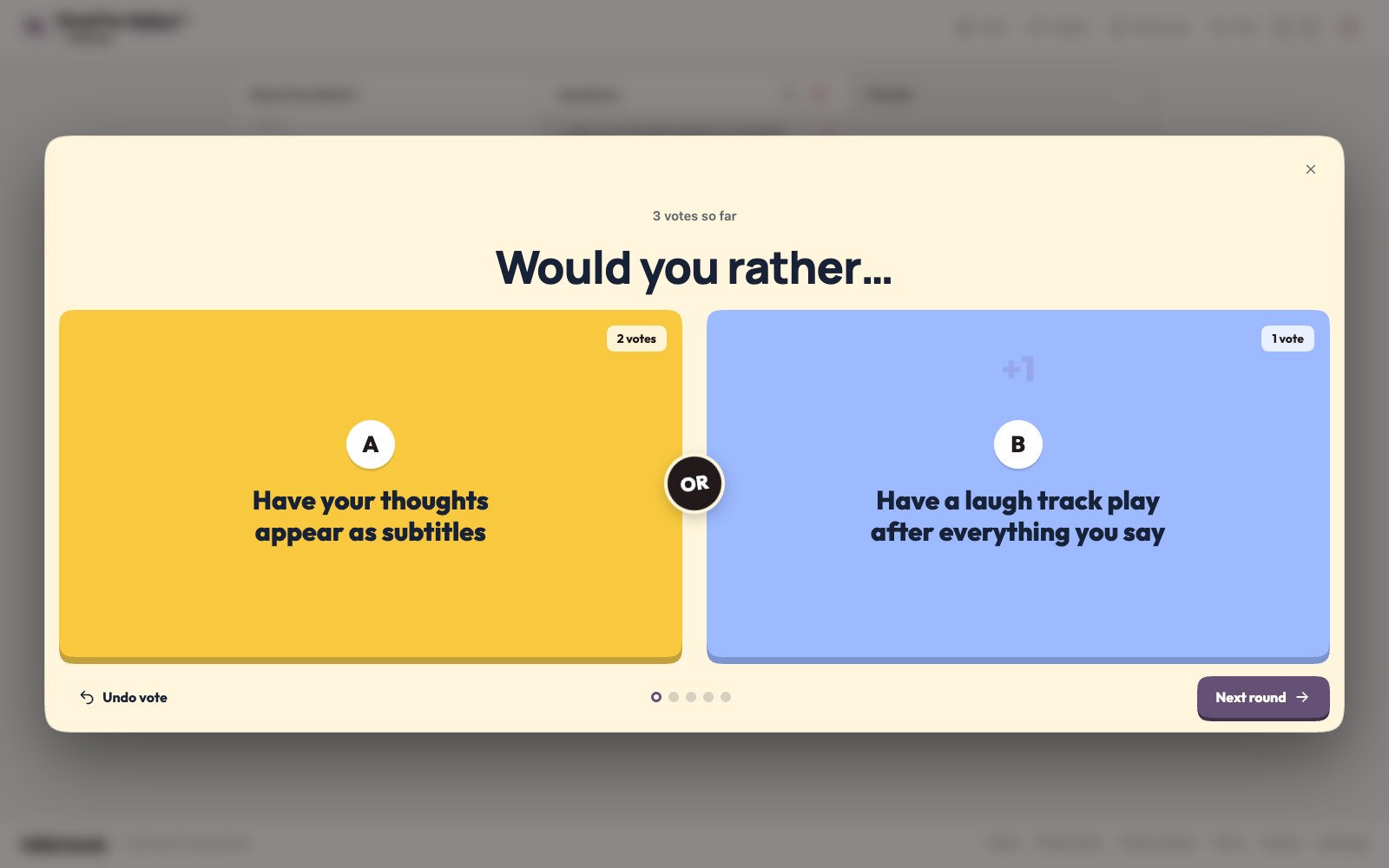
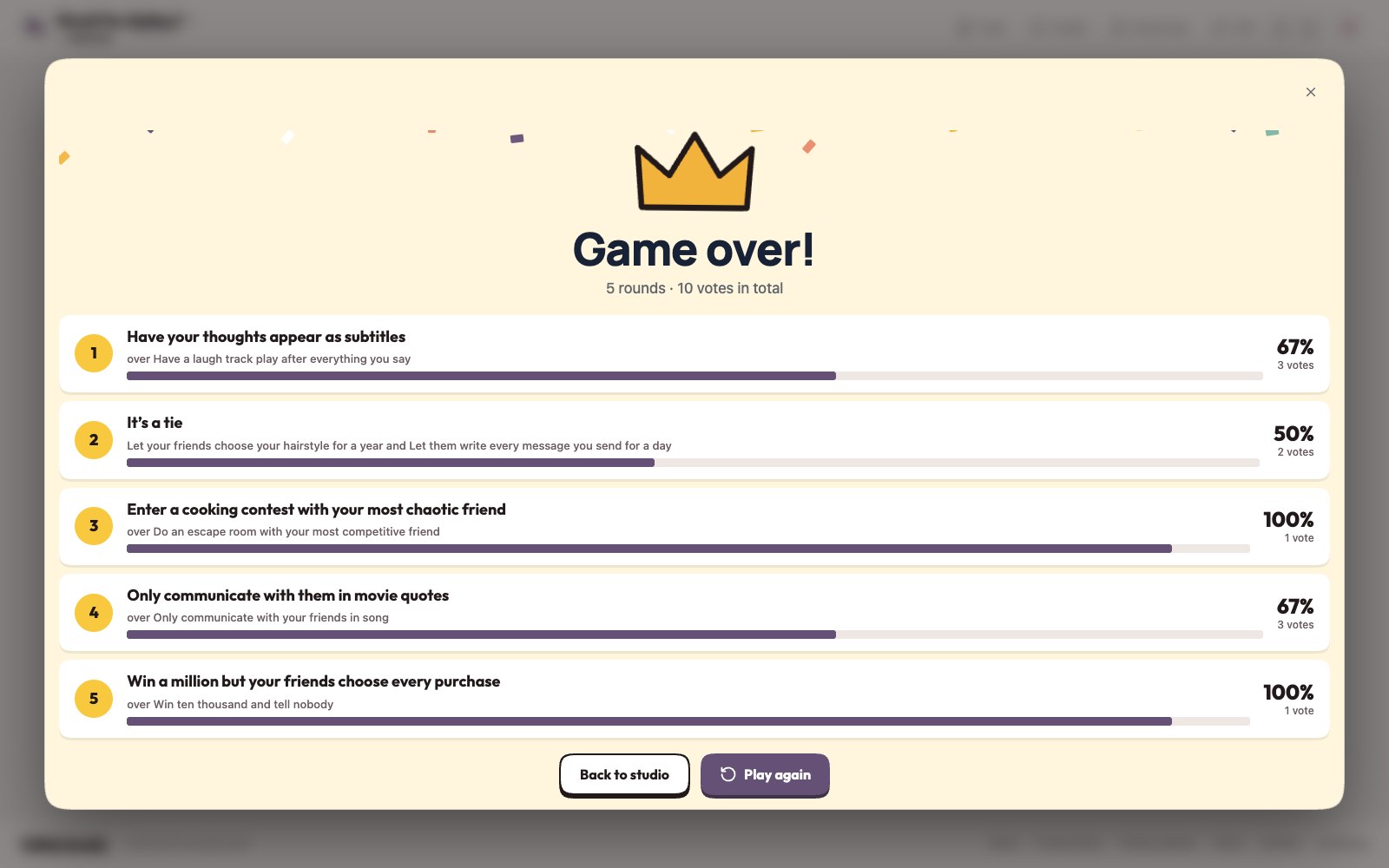
We played the five Friends questions with Bold Split, starting from question 1 automatically. Round one received two A votes and one B vote. Round two received one each. Round three received one B vote. Round four received one A vote and two B votes. Round five received one A vote. We selected Show results to open the scoreboard.
| Round | Recorded taps | Final result |
|---|---|---|
| 1 · Thought subtitles / laugh track | A: 2 · B: 1 | 67% / 33% |
| 2 · Friends choose hairstyle / messages | A: 1 · B: 1 | 50% / 50% · Tie |
| 3 · Escape room / cooking contest | A: 0 · B: 1 | 100% for B |
| 4 · Song / movie quotes | A: 1 · B: 2 | 67% for B |
| 5 · A million / ten thousand | A: 1 · B: 0 | 100% for A |
| Complete game | 5 rounds · 10 votes | Game over scoreboard |
These counts were entered by tapping the real game controls. They demonstrate the tally; they are not a poll of real participants or a prediction of your group’s choices.
Repeat this example
- Keep Friends (five questions) and Bold Split. Open Play in the pager row; the game starts at question 1.
- Round one: tap A twice and B once. Round two: A once and B once. Round three: B once. Round four: A once and B twice. Press Next round after each.
- On round five, tap A once and select Show results. Compare the five scoreboard rows.
Check the tally
The final list shows all five rounds in order and a total of ten votes. Percentages are rounded: two of three votes display as 67%. The scoreboard shows 50% for a tie and 100% when all votes favor one choice. Each round needs a vote before continuing.
A common mistake
Every tap counts as another vote. Leaving the game asks for confirmation because its votes are discarded. Card downloads contain question artwork, not the scoreboard.
Play the five-round exampleSources and credits
Would You Rather example questions. Original topic and custom choices entered in the actual tool. Screenshots and downloads were captured from a real browser session.
Demonstration tally. Votes were entered for this walkthrough in a real shared-screen game. No participant data was collected.
Prepare the questions and style
Add a topic or your own questions. For this example, keep Friends, which loads five questions, and Bold Split. Select Play in the pager row below Preview. The game always starts from question 1, even if you previewed another card, and uses the selected card style and background.
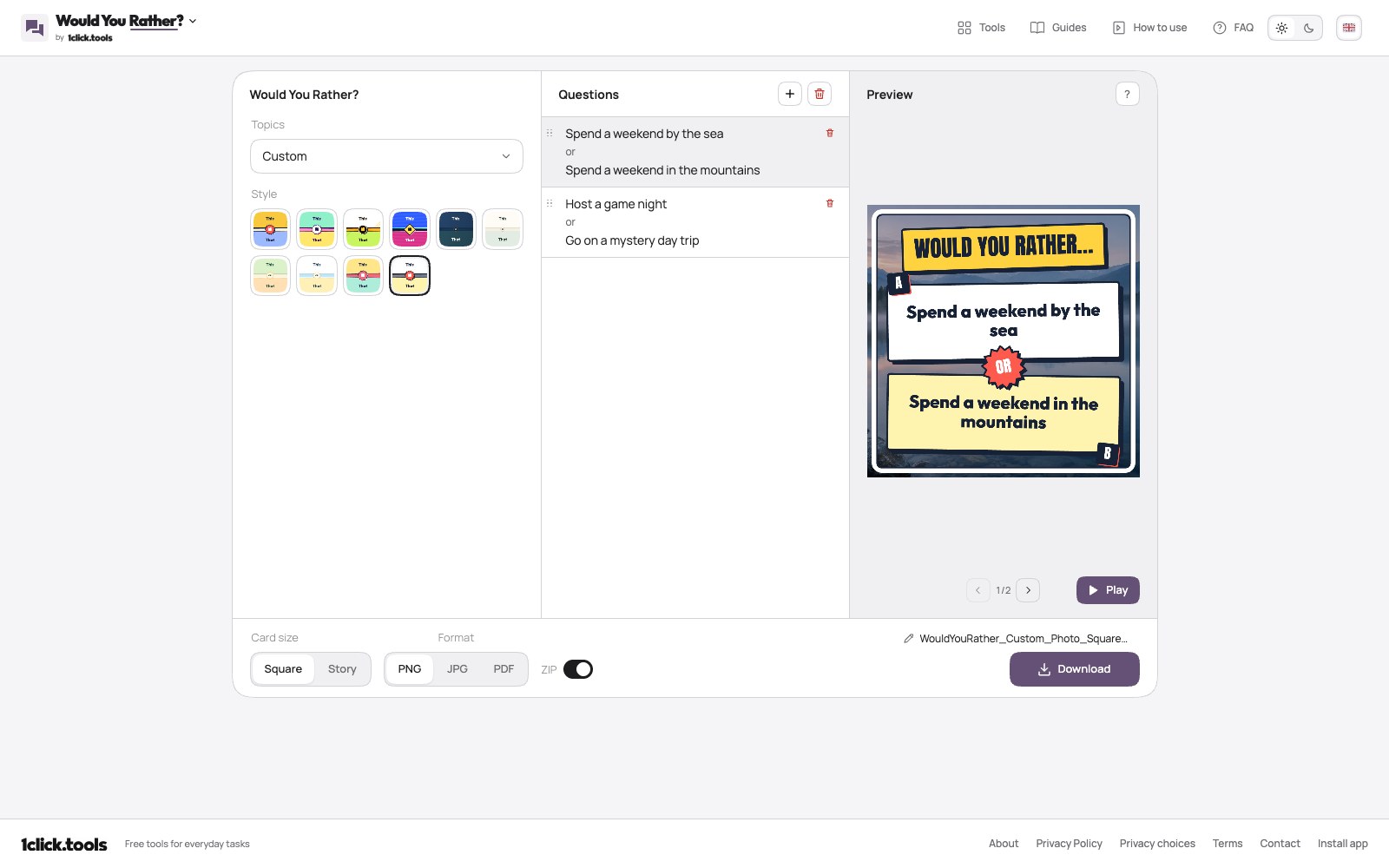
For card sizes and downloads, follow the topic card example.
Record a vote for each person
Pass one device around or let one person record raised hands. Tap either answer card, or press A or B on a keyboard, once per person. The total votes so far appear above the question title and counts update on the cards. Every tap or keypress adds a vote, so agree on one vote per person for each round. Undo vote removes the latest vote in the current round.
To write questions for your own group, use the custom-question walkthrough.
Continue through every round
Next round records the current tally and opens the next question. At least one vote is required to continue; there is no skip control. The round dots sit between Undo vote and Next round and show progress without the old round pill. You can change the current tally with Undo vote before moving on. Once you advance, the next round starts with zero votes and you cannot return to change an earlier round.
Show the final scoreboard
On the last question, Show results replaces Next round and becomes available after at least one vote. It opens the Game over scoreboard with the larger winner crown. Each row names the winning choice and the other choice, shows the winning percentage and the total votes for that round. An equal split is marked It’s a tie. In our example, two A votes and one B vote produce 67% in round one; one vote each produces a 50% tie in round two; one B vote produces 100% in round three; one A and two B votes produce 67% for B in round four; one A vote produces 100% in round five. The total is five rounds and ten votes.
Replay or leave the game
Play again clears all tallies and restarts the same list from question 1. Back to studio, ×, Escape or clicking outside opens a Leave the game? confirmation; leaving discards the votes but keeps your questions and card design. Choose Keep playing to return without losing the tally. The scoreboard is temporary and is not included in card downloads.