A little guidance
How to make Would You Rather cards
Choose questions for friends, couples, family or classmates. Style Square or Story cards and download the whole set as images, a ZIP or PDF, with real examples to compare.
Real example: five Friends questions, two card shapes
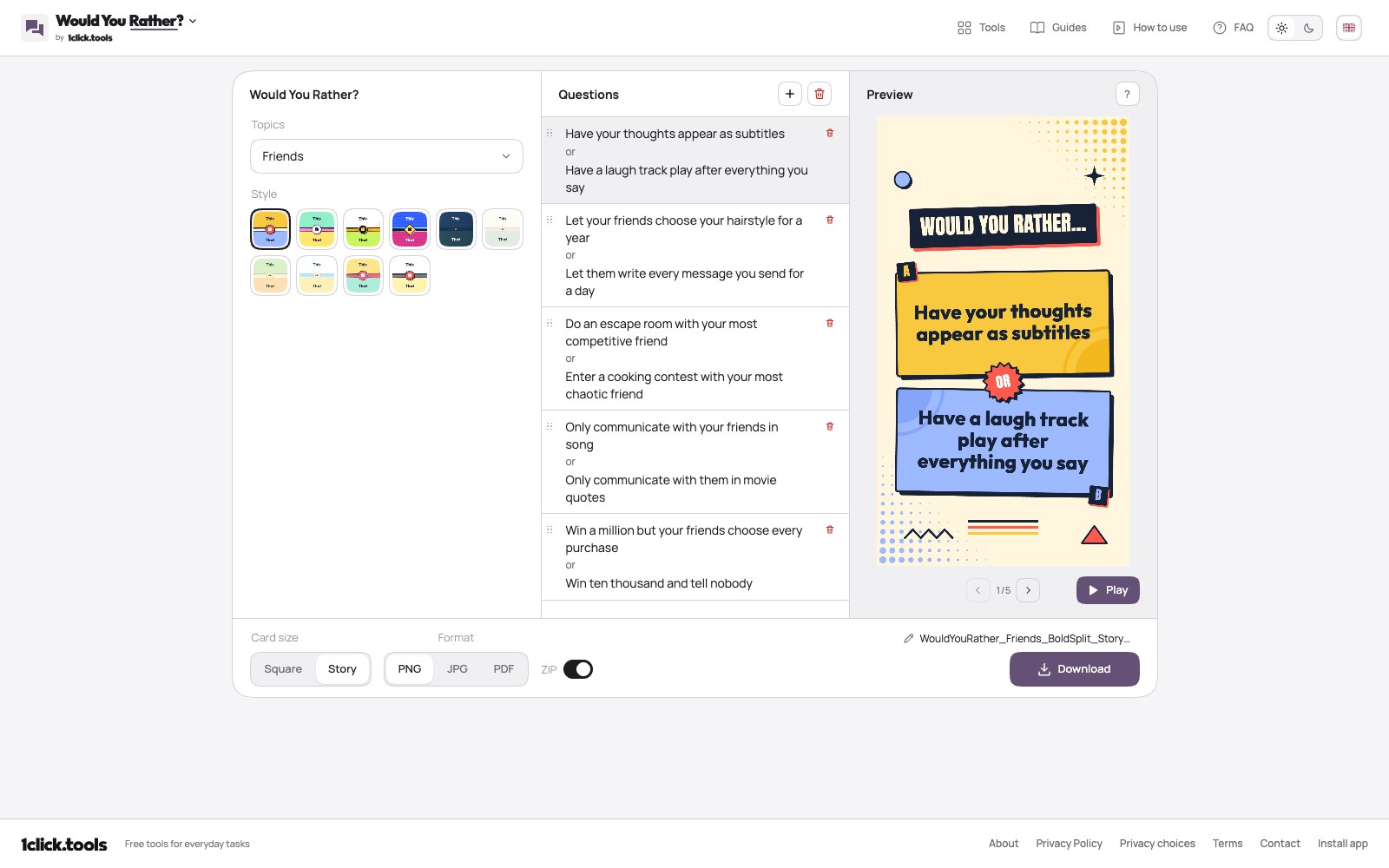
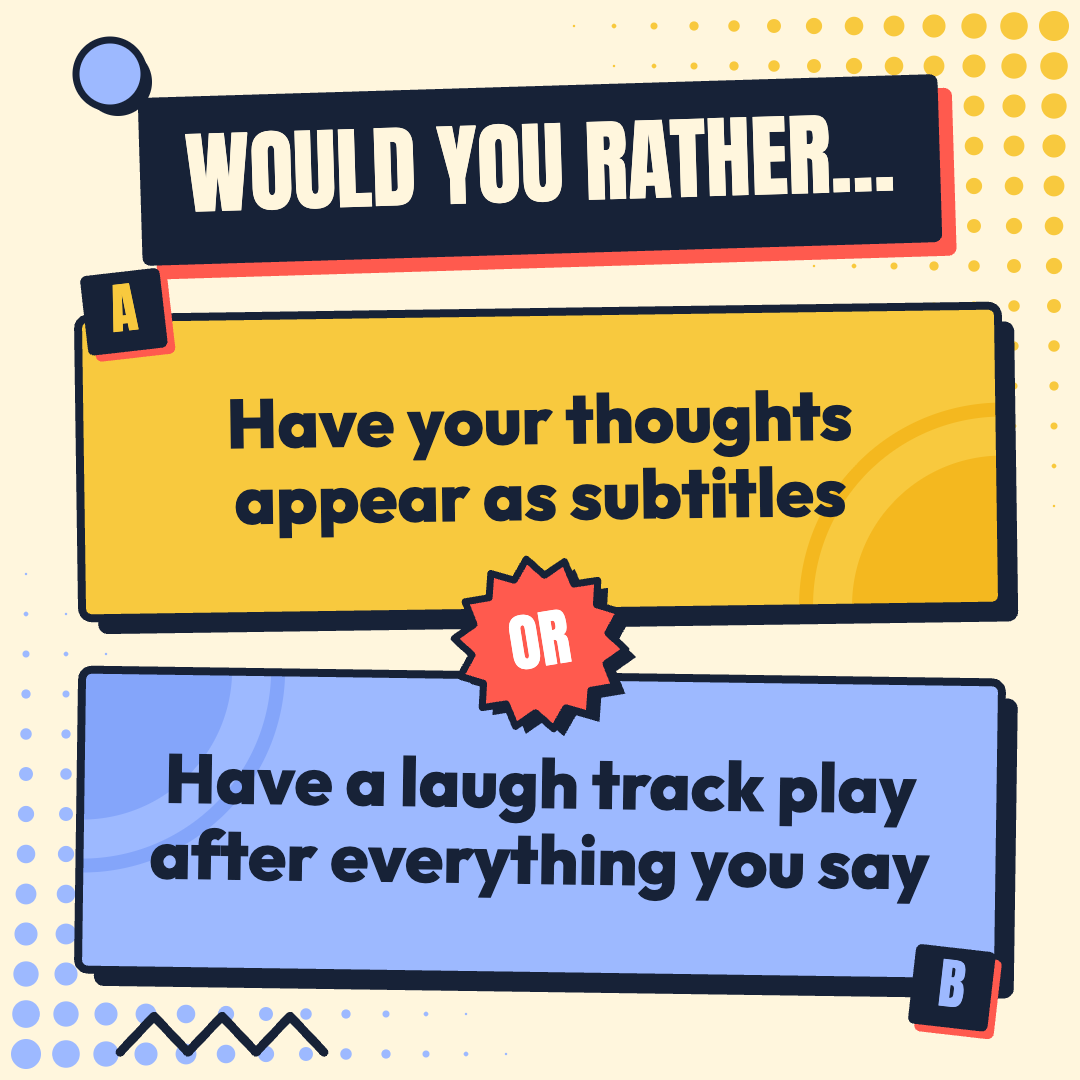
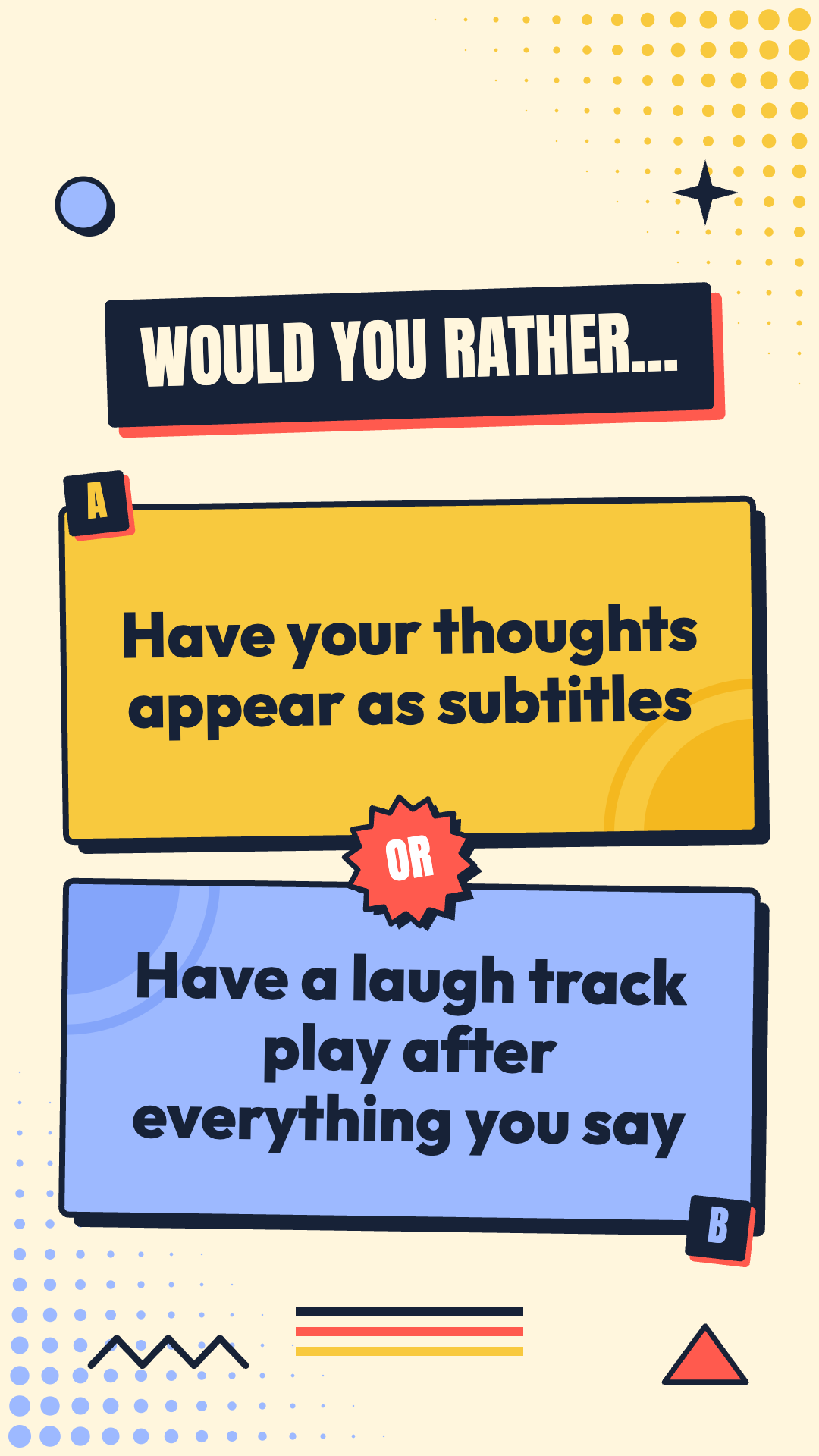
We kept Friends (five questions) and Bold Split, the default style. With ZIP on, Download saved all five Story cards in one archive. We changed to Square and downloaded all five again. The separate Story and Square images below are unchanged first entries extracted from those real ZIP downloads.
Compare the actual downloads
- Download the first Story PNG234.8 KiB
- Download the first Square PNG178.7 KiB
- Download all five Story cards as ZIP1.2 MiB
| Download | Actual contents | Measured result |
|---|---|---|
| First Story image | WouldYouRather_Friends_BoldSplit_Story_22.11.2026_01.png | 1080 × 1920 · 240,449 bytes |
| First Square image | WouldYouRather_Friends_BoldSplit_Square_22.11.2026_01.png | 1080 × 1080 · 183,024 bytes |
| Story ZIP | WouldYouRather_Friends_BoldSplit_Story_22.11.2026_01.png through WouldYouRather_Friends_BoldSplit_Story_22.11.2026_05.png | 5 images · 1,224,244 bytes |
The image files are unchanged first entries from real browser ZIP downloads, stored under descriptive guide aliases. Every Story ZIP entry was reopened at 1080 × 1920. Download always saves the full list; it no longer downloads only the previewed card.
Repeat this example
- Keep Friends; the list shows five questions. Keep Bold Split, Story, PNG and ZIP on.
- Select Download to save the complete five-card Story ZIP. The preview only changes which card you inspect.
- Choose Square and Download again. Extract both archives to compare the five cards in each shape.
Check your download
The first images have the same wording and style in different shapes. The Story ZIP has exactly five numbered PNGs in list order. Automatic filenames use WouldYouRather_Friends_BoldSplit_<Size>_<date>.
A common mistake
Picking another topic replaces that topic’s list, including your edits to it. Custom has a separate list. Download always includes every question, so remove unwanted cards before exporting if you need only one.
Make a topic question setSources and credits
Would You Rather example questions. Original topic and custom choices entered in the actual tool. Screenshots and downloads were captured from a real browser session.
Choose a topic
The tool opens on Friends with five questions already in the list. Topics lists Custom first, then Friends, Couples, Family, Kids, Classmates, Coworkers and New groups. Choosing a group topic immediately loads five A/B pairs for that audience. This example keeps Friends.
Want your own choices instead? Follow the custom-question and photo example.
Replace or arrange the question set
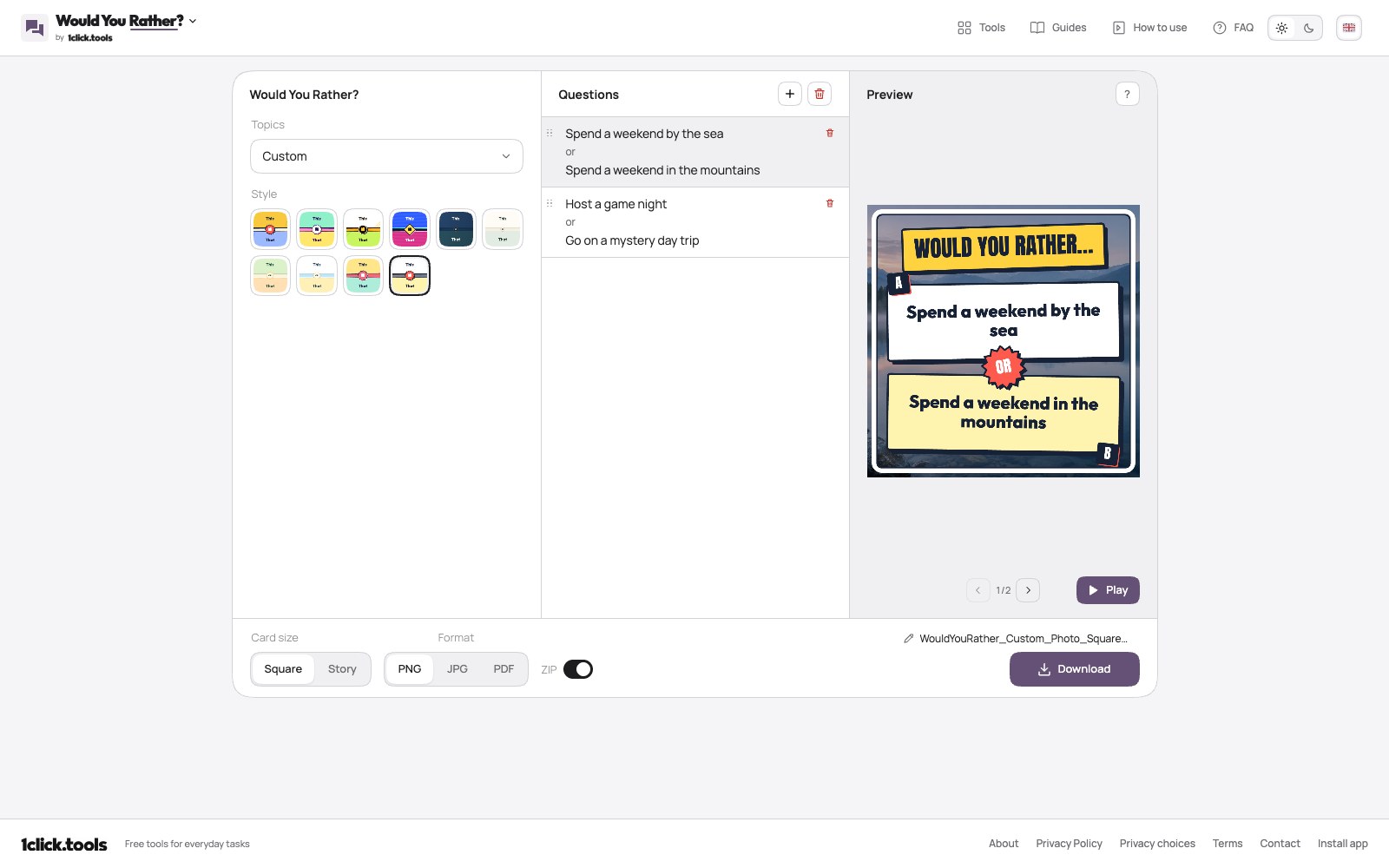
Picking another topic replaces that topic’s list, including edits; it never appends another pack. Custom keeps a separate list. In the middle Questions column, click either choice to edit it in place. Select + beside Questions to add a new row. Use a question’s bin to delete it, or Trash beside + to clear the list after confirmation. Drag a handle to change the order; a focused handle also accepts Up, Down, Home and End. Click a question to preview it, or use the smaller Previous card and Next card controls below the preview.
Choose the card design and size
Under Style, in the left column, select one of the ten thumbnails. Each one shows the real card. The choices are Bold Split, Bubblegum, Sunburst, Arcade, Executive, Editorial, Little Garden, Cloud Club, Confetti and Photo, which has a built-in Alpine background. The example uses Bold Split, the default. Choose Story or Square at the bottom of the workspace. Story exports 1080 × 1920 pixels; Square exports 1080 × 1080. Check the preview after changing size.
Download every card
Download always saves every question in the current list, not just the previewed card. Choose PNG, JPG or PDF under Format. PDF creates one file with a page per card and disables ZIP. For PNG or JPG, ZIP on creates one archive of numbered images; ZIP off downloads each numbered image separately. Automatic names combine the tool, topic, style, size and date, such as WouldYouRather_Friends_BoldSplit_Story_22.11.2026. Use the filename pencil to enter your own name.
Check the actual downloads
Open the images, PDF or ZIP. In the recorded Story run, the ZIP contains five numbered 1080 × 1920 PNGs in list order. The separate Square example contains the same five questions at 1080 × 1080. Check words, line breaks and crop before sharing. Posting an image does not collect votes in the tool; use Play for a shared-screen tally.
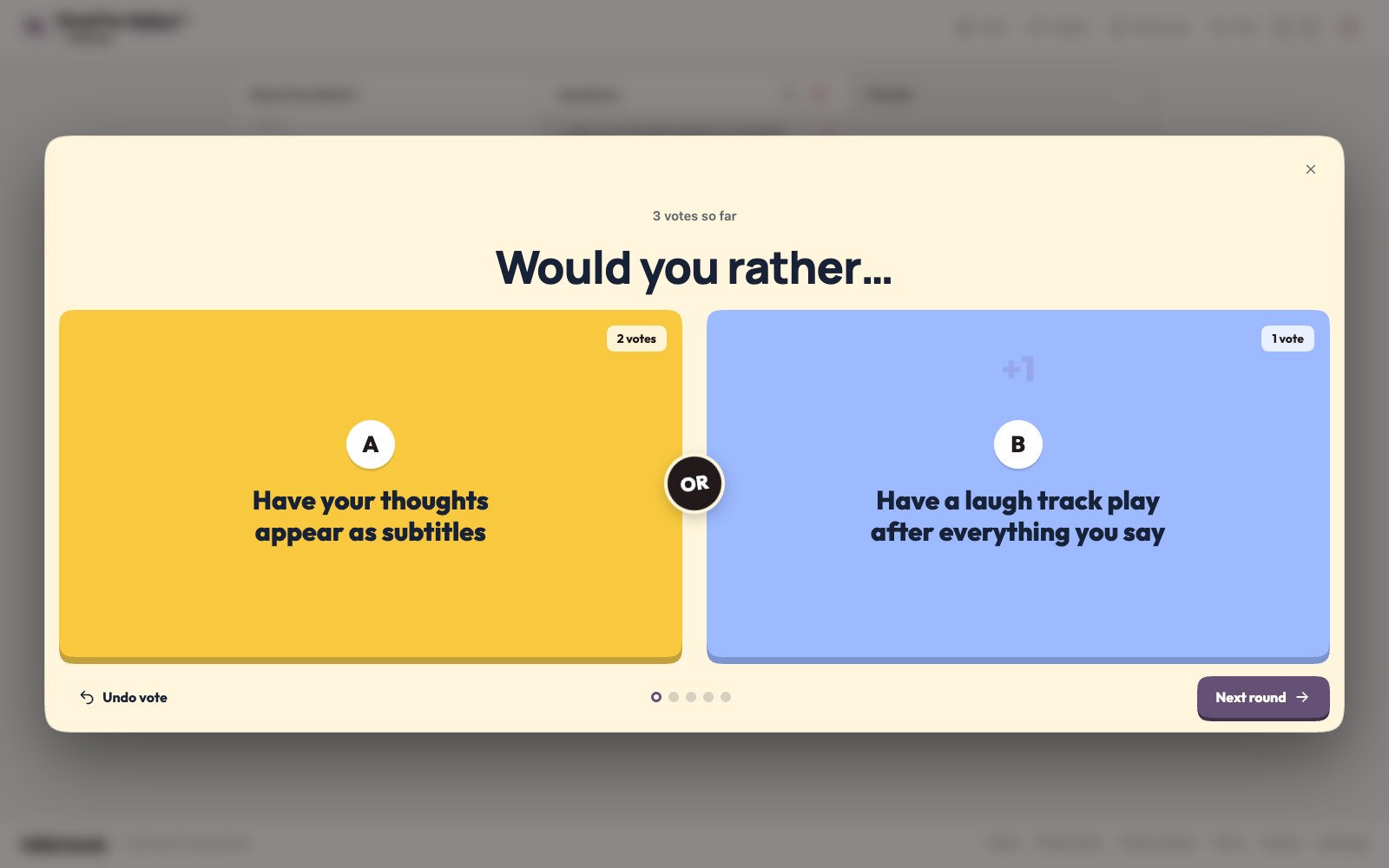
For a live group tally, see the five-round voting walkthrough and its final results.
Keep the set you need
The current question lists and settings stay in this browser tab. Download your cards before closing the tab; a reload keeps them. Exports are finished cards, not an editable project that can restore the list. Custom and each topic keep their own lists while the page remains open.