A little guidance
How to style a word search and add your own photo
Choose from ten drawn styles or add a photo word-search background. Check its crop in the preview and printable export.
Real example: Arcade on Letter and a photo background
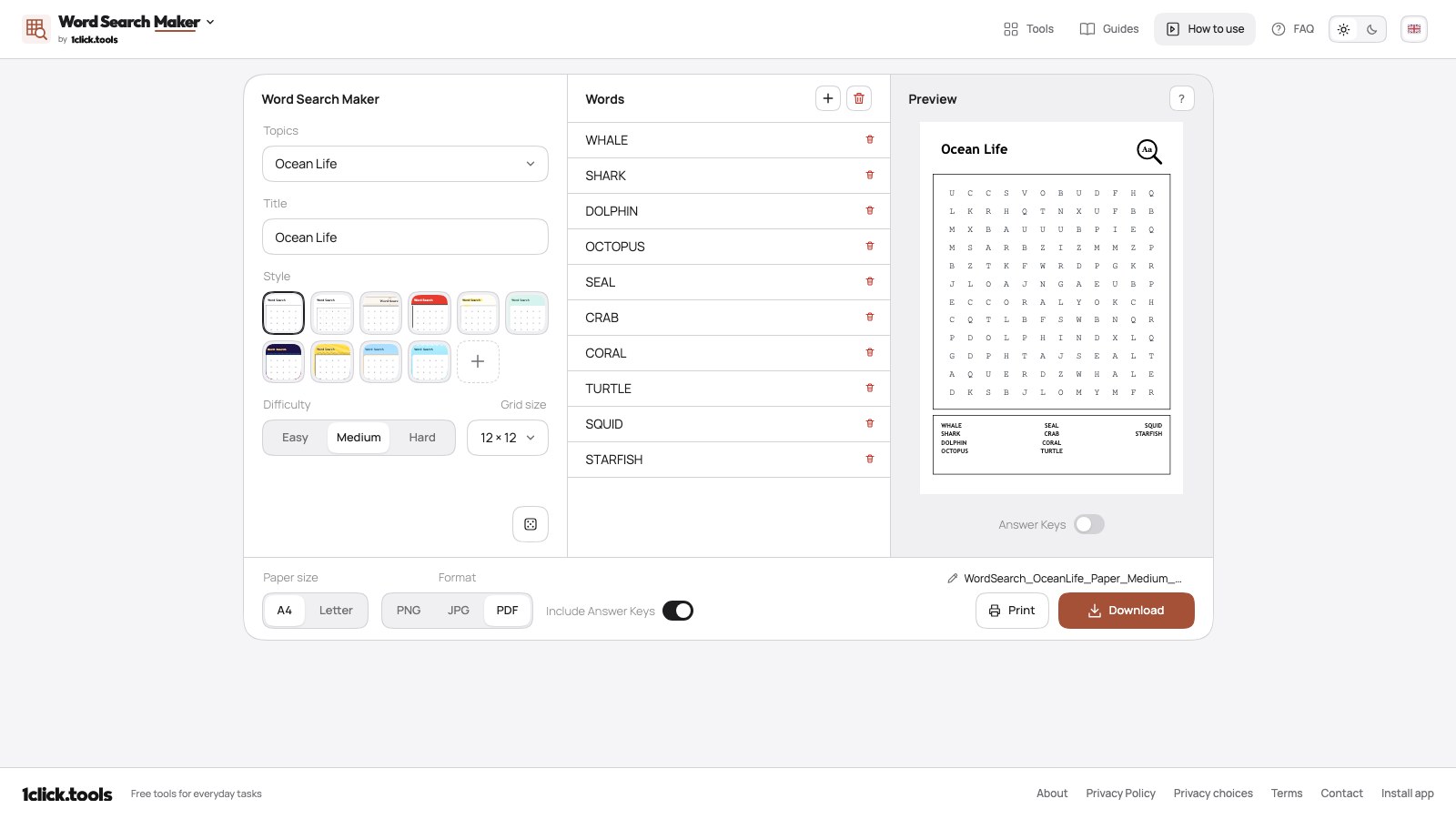
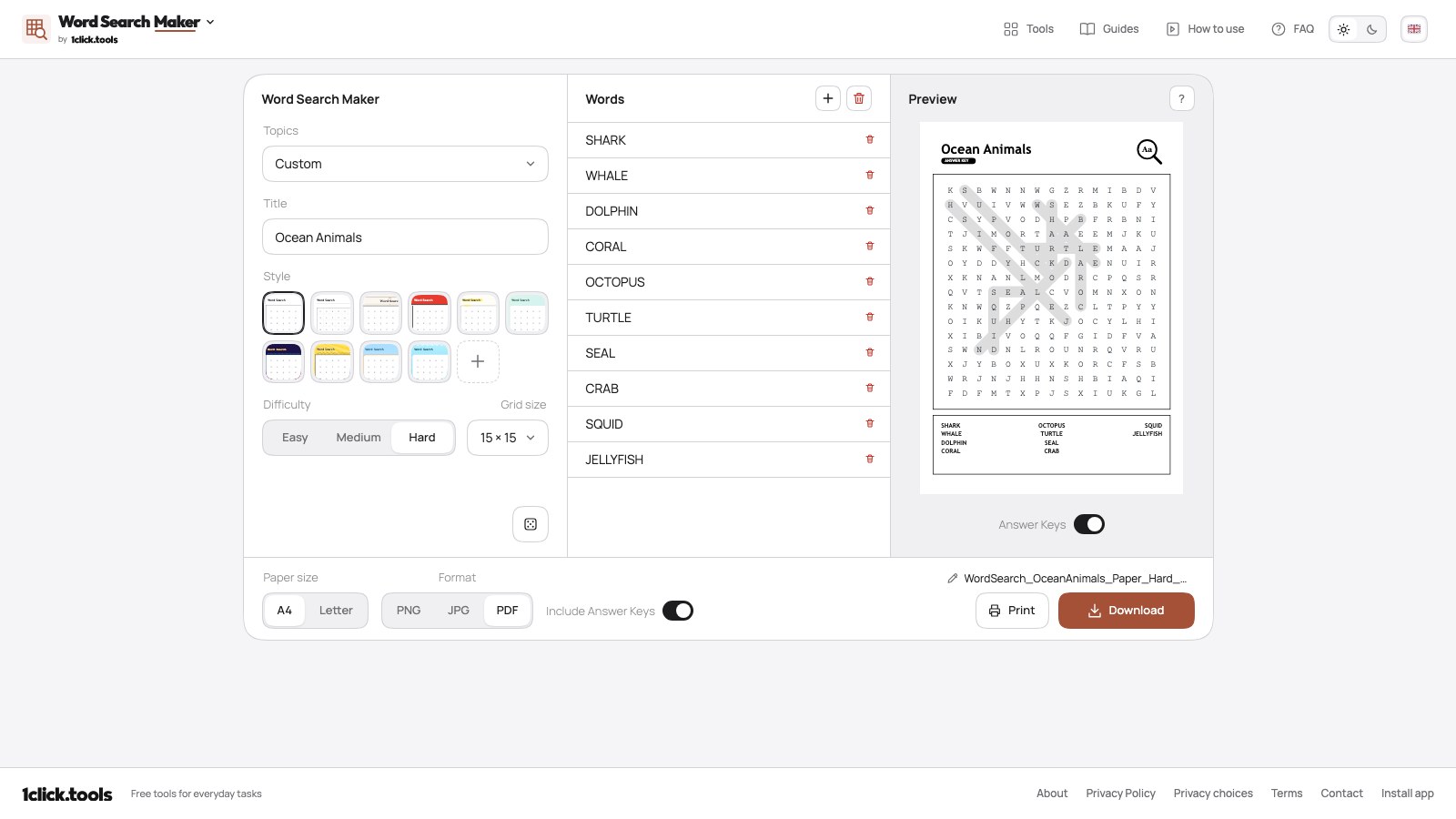
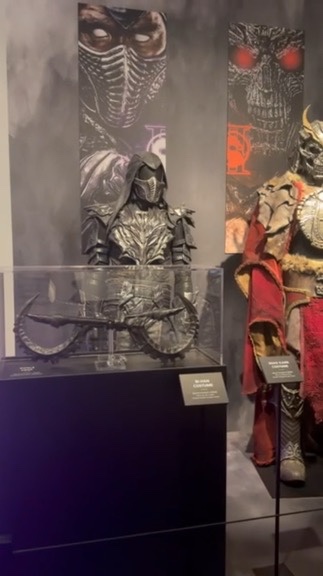
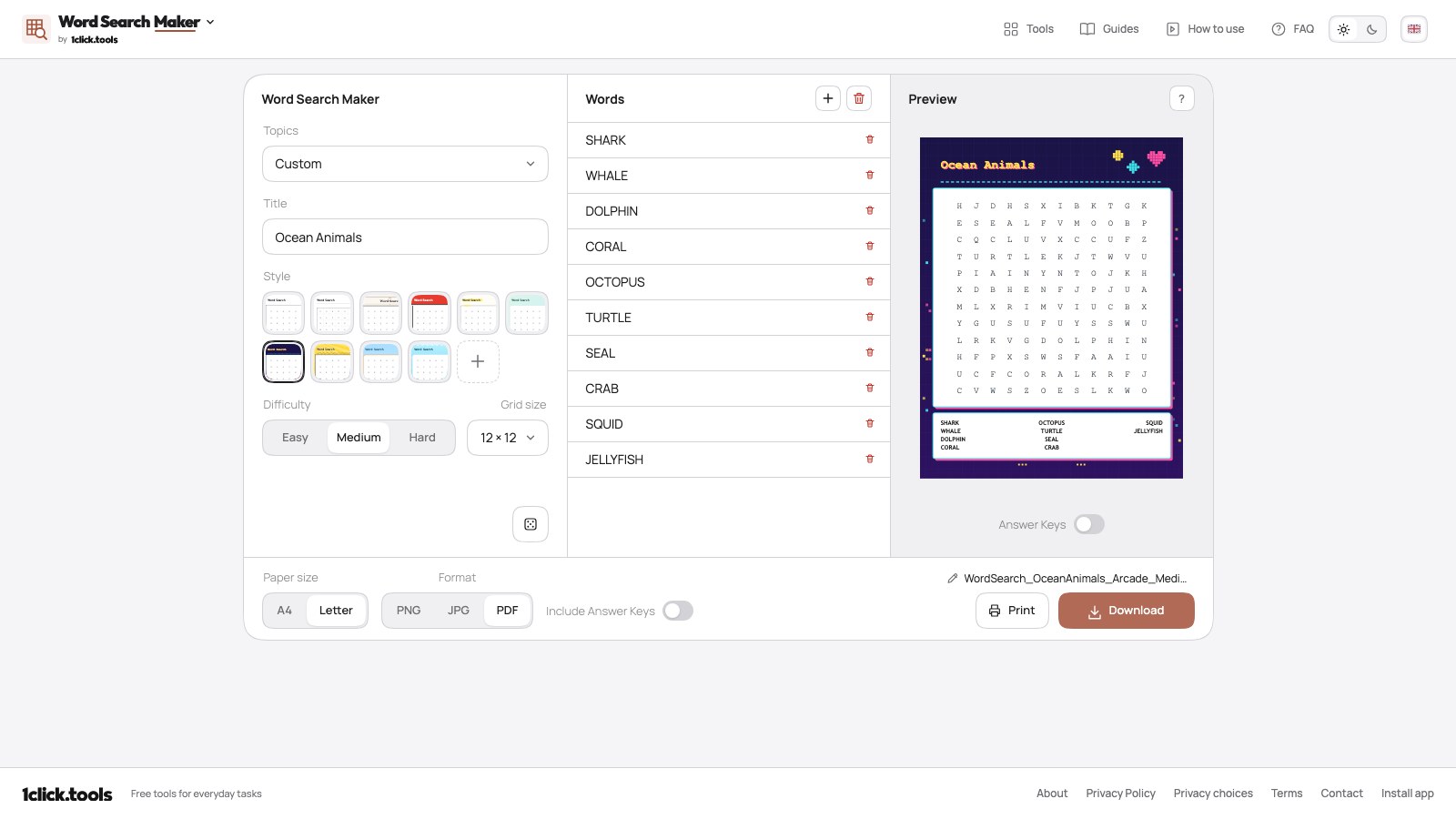
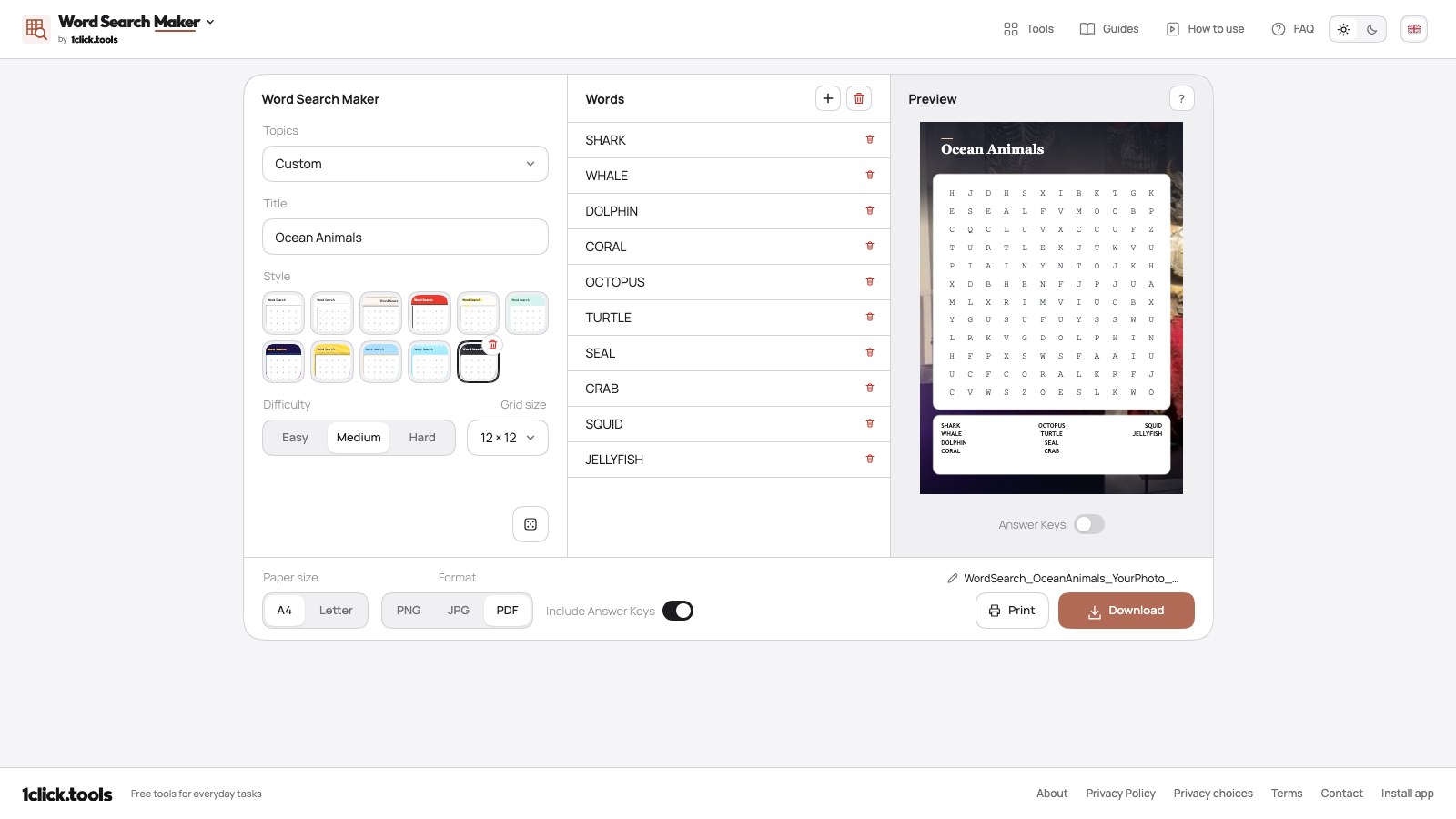
With the Ocean Animals list on Medium and 12 × 12, we chose Arcade and Letter and turned Include Answer Keys off. We then added the supplied museum photo with the plus tile under Style, switched back to A4, turned the answer key export on and downloaded again.
Start with these files
- Museum photo · 323 × 576 JPG55.4 KiB
Compare the actual downloads
| Style and paper | Answer key | Measured result |
|---|---|---|
| Arcade · Letter | Off | 1 page · 180,769 bytes · 612 × 792 pt |
| Your photo · A4 | On | 2 pages · 2,308,046 bytes · 595.28 × 841.89 pt |
| Paper · A4 (for comparison) | On | 2 pages · 336,135 bytes |
Both PDFs were reopened to check page count and page size. The photo PDF is much larger than the Paper version because each page is stored as a high-resolution image that includes the photograph.
Repeat this example
- Choose Arcade under Style and Letter in the bottom bar. Turn off Include Answer Keys and select Download.
- Select the plus tile under Style and choose museum-photo.jpg.
- Switch to A4, turn Include Answer Keys on and download again. Open both files.
Check your download
The Arcade PDF has one 612 × 792 point page. The photo PDF has two A4 pages, both with the photo behind the grid. Removing the photo with its bin returns the puzzle to Paper.
A common mistake
The decorative styles and Your photo print their backgrounds and use more ink. Choose Paper or Grid lines for black-and-white copies.
Try styles and your own photoSources and credits
Original Word Search Maker examples. Screenshots show the actual tool. PDFs are unchanged browser downloads saved under descriptive guide filenames; their automatic browser filenames include the title, style, difficulty and date. The word list is a copy reference, not an import file.
Museum photo from the supplied sample files. The original museum-photo.jpg is unchanged; the PDF contains a cropped, re-encoded copy as the page background.
Choose your word list
Choose a ready-made topic or Custom to enter your own words. Custom and topic lists remain available when switching. The examples below use the custom Ocean Animals list from the first guide. Selecting another topic replaces its words and title while keeping the chosen style, photo, difficulty, grid and export settings.
Compare the style thumbnails
Style is in the left column below Title. Choose Paper, Grid lines, Magazine, Poster, Highlighter, Letter tiles, Arcade, Comic, Sunny day or Under the sea, or use the plus tile for Your photo. Each tile shows a close-up of its design. The same design appears in preview, printing and every download format. Switching style keeps the words, difficulty and arrangement.
New to the tool? Start with your first custom word search.
Choose a print-friendly or decorative look
Paper uses a bold title, magnifying glass and rules; Grid lines boxes every letter and uses very little ink. Magazine has a centred serif title on warm paper, while Poster uses a red title block and bold geometry. Sunny day has a smiling sun, clouds and flowers; Under the sea has friendly fish, bubbles and sand. Highlighter resembles marker-swipe notebook paper, Letter tiles uses chunky alphabet tiles, Arcade is a neon pixel screen and Comic is a pop-art page. The grid and word bank remain on opaque white panels.
Add your own photo
Select the plus tile and choose a JPG, PNG or WebP up to 25 MB. The image is processed locally and fills the page background with a centered crop. The puzzle panel stays opaque over it. The worked example uses the downloadable museum photo supplied with the guide samples; its PDF is a real tool export.
Check the crop in the selected paper size
Choose A4 or Letter before judging the composition. Photo proportions are preserved, with excess cropped to fill the page. Keep an important subject away from the edges and remember that the puzzle panel covers the middle. Enlarging a small source does not add image detail.
Replace or remove the background
Use the red trash on the custom thumbnail to remove the photo. If Your photo was active, the tool returns to Paper. Choose the plus again to load a replacement. Selecting another style keeps your uploaded thumbnail available, and it stays in this browser through a reload and when you come back.
Export the selected design
Check the puzzle and Answer Keys preview, choose paper size, Format, ZIP and Include Answer Keys, then select Download. Our photo sample uses PDF on A4 with the answer page on. Open the finished file to check the background, crop and lettering before printing or sharing it.
Check the paper-size and answer-page options before exporting.