A little guidance
How to batch rename files with a pattern and counter
Rename a whole selection at once in File Commander with a name pattern, numbering, find and replace and letter case, and see every new name before anything changes.
Number eight photos as Lisbon 01 to Lisbon 08
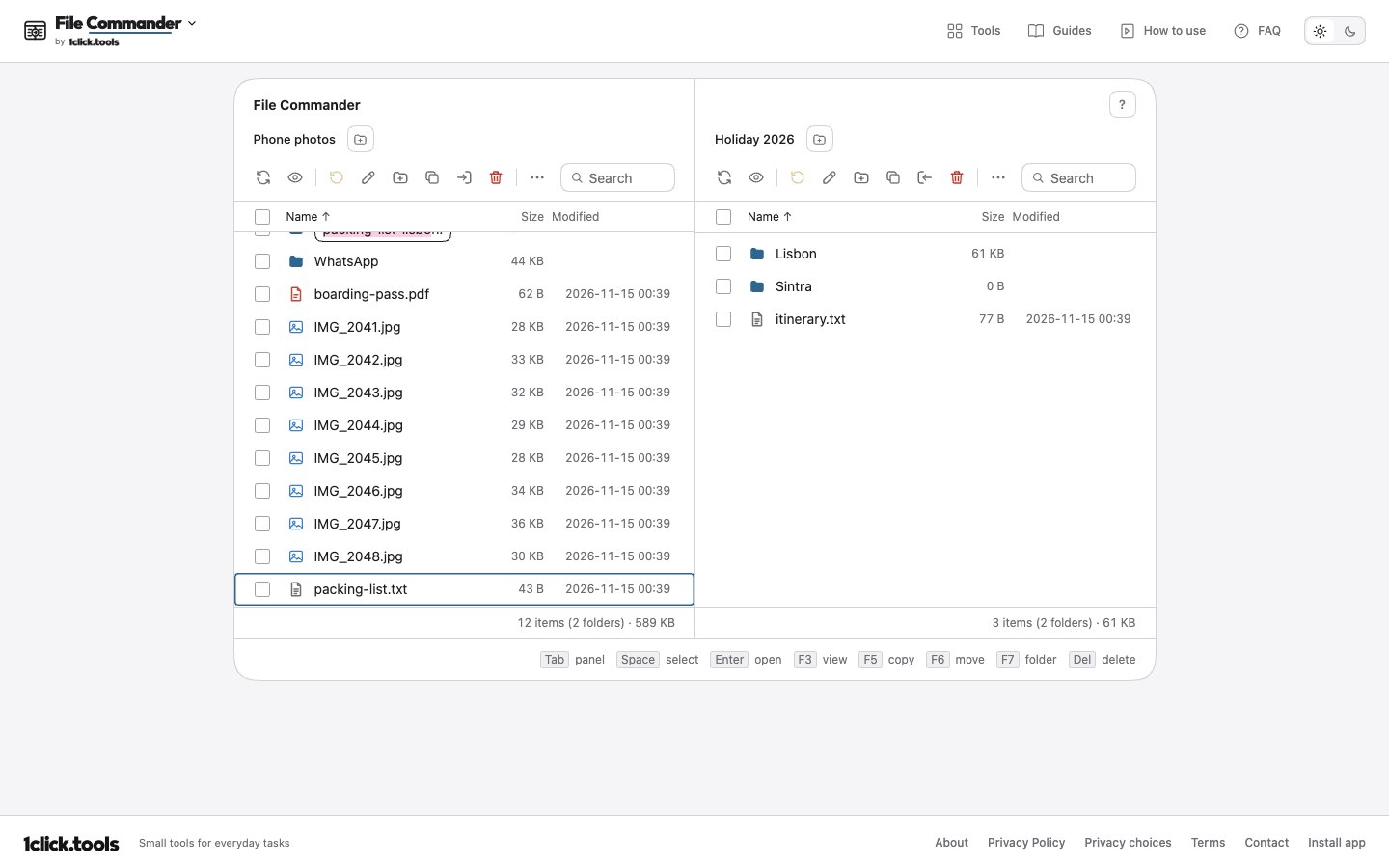
We selected IMG_2041.jpg to IMG_2048.jpg and opened Multi-rename from the … menu with the pattern Lisbon [C].
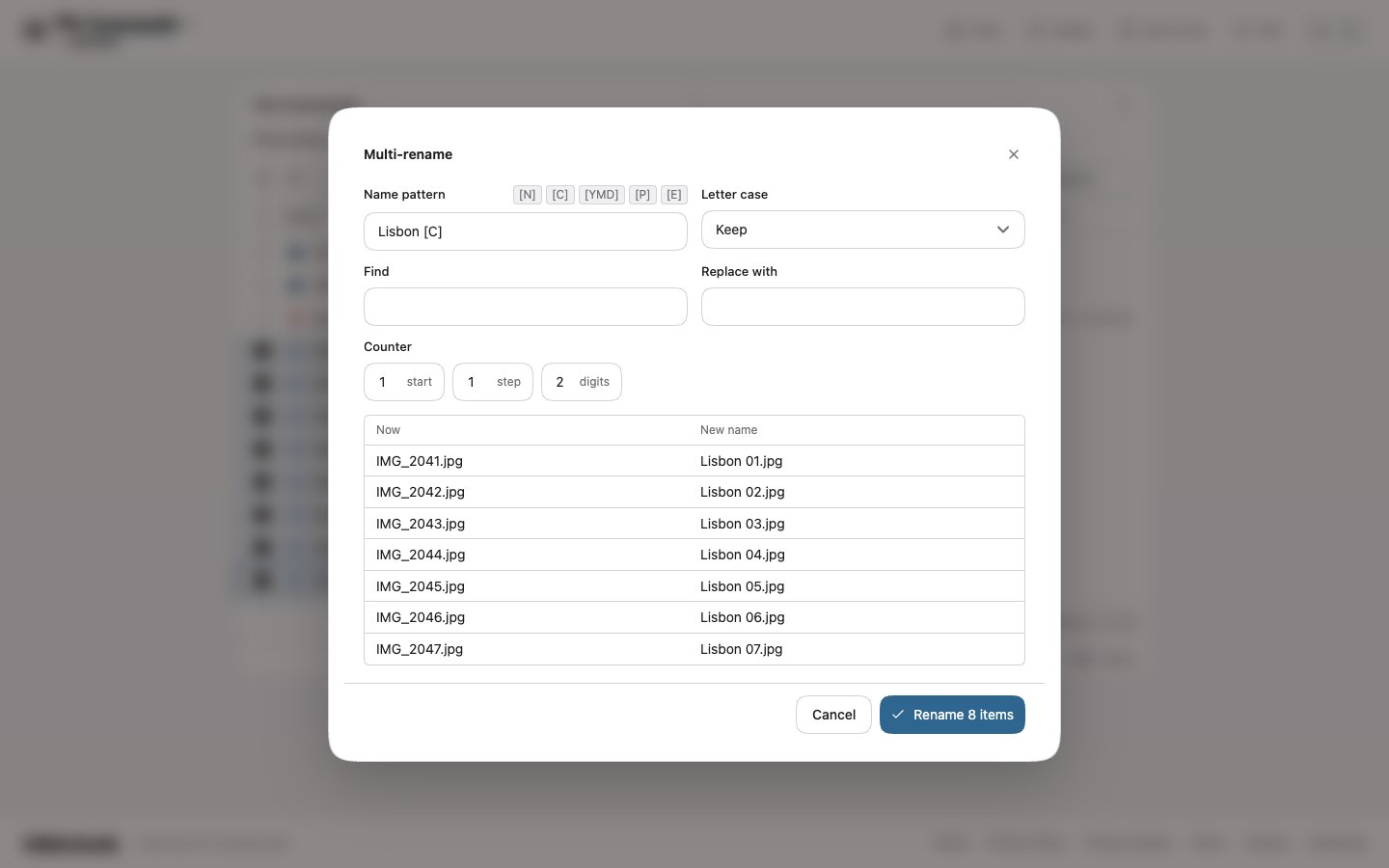
| Now | New name |
|---|---|
| IMG_2041.jpg | Lisbon 01.jpg |
| IMG_2042.jpg | Lisbon 02.jpg |
| … | … |
| IMG_2048.jpg | Lisbon 08.jpg |
The extension is kept unless the pattern includes [E].
Repeat this example
- Select the eight photos.
- Open … › Multi-rename.
- Type Lisbon [C] as the pattern and click Rename 8 items.
Check the result
The folder lists Lisbon 01.jpg to Lisbon 08.jpg in the same order as before.
A common mistake
Forgetting [C] or [N]: every file would get the same name. The preview marks clashes and keeps Rename off.
Open File CommanderSources and credits
Sample folders made for these guides. Phone photos and Holiday 2026 hold generated landscape pictures and short text files created for the screenshots. Every screenshot shows the real tool working on those files.
Select the files
Select the files to rename in one panel, for example the eight IMG_ photos from a trip. Then open the … menu in the toolbar and choose Multi-rename.
Build the name pattern
The pattern describes each new name. [N] is the original name, [C] a counter, [YMD] the file’s date, [P] the folder name and [E] the extension. Click a token to add it. Lisbon [C] turns the photos into Lisbon 01.jpg, Lisbon 02.jpg and so on; the extension stays unless your pattern includes [E].
Adjust the counter and text
Set where the counter starts, its step and how many digits it has. Find and Replace with change text inside the names, for example IMG_ to Photo . Letter case can make names lowercase, UPPERCASE or Title Case.
Check the preview, then rename
The table lists every current and new name. Names that would clash, contain forbidden characters or already exist in the folder are marked, and Rename stays off until they are fixed. Rename applies everything at once; Undo restores the old names.
Need to rename only one file? See how to rename in place.