A little guidance
How to rename a file in your browser
Rename files and folders in place in File Commander: click a selected name again after a short pause, or use the Rename icon.
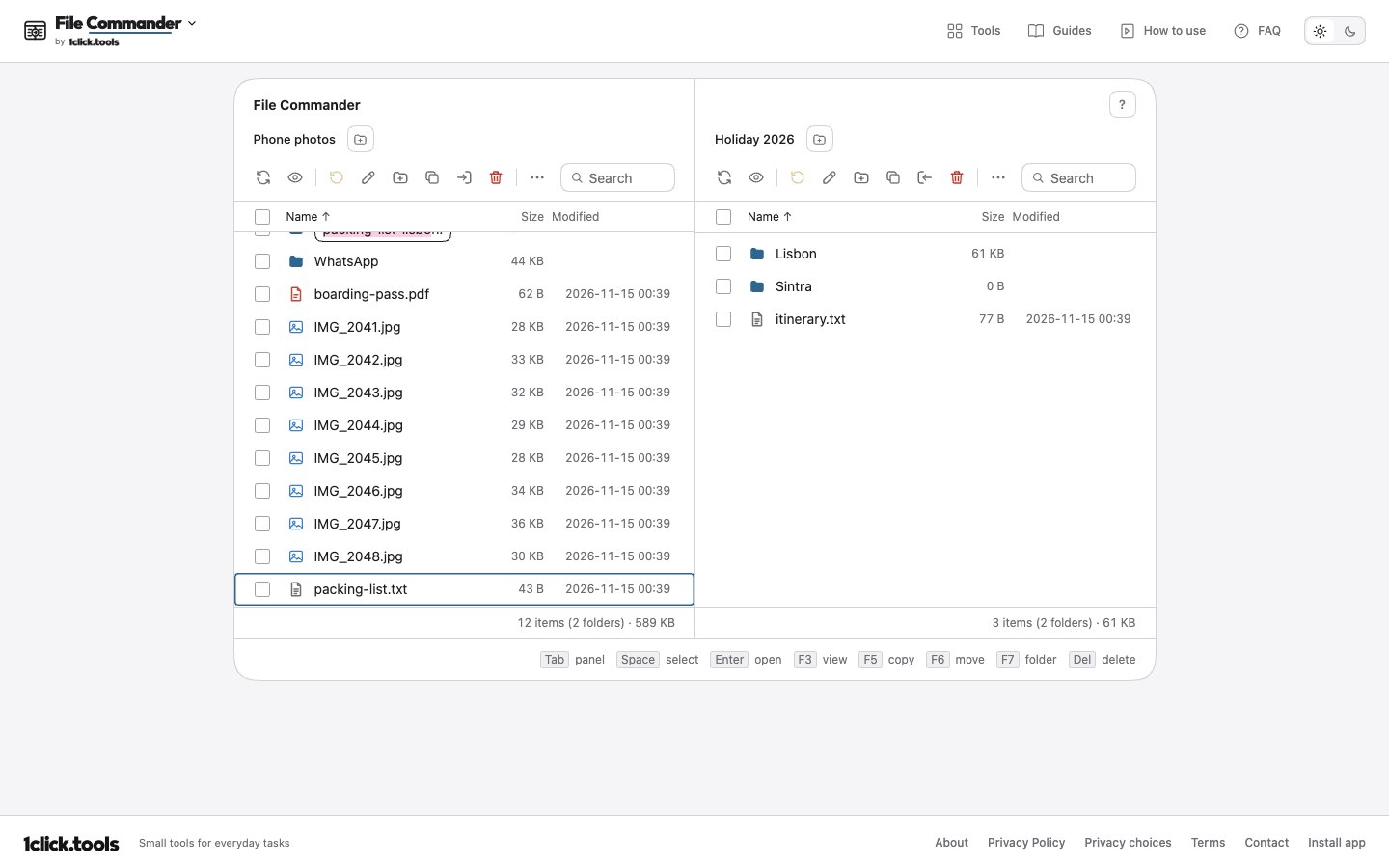
Rename packing-list.txt
We put the cursor on packing-list.txt and started renaming. The name before .txt is selected, so typing replaces it and keeps the extension.
| Start renaming | Save | Cancel |
|---|---|---|
| Click the selected name again after a pause | Enter | Escape |
| Pencil icon or F2 | Click elsewhere | — |
| Right-click › Rename | — | Undo afterwards |
Names can’t contain \ / : * ? " < > | and must be unique in the folder.
Repeat this example
- Click packing-list.txt.
- Click its name again after a short pause.
- Type the new name and press Enter.
Check the result
The list shows the new name, with the same size and date.
A common mistake
Clicking twice quickly is a double-click, which opens the preview; wait a moment between the two clicks, or use the pencil icon.
Open File CommanderSources and credits
Sample folders made for these guides. Phone photos and Holiday 2026 hold generated landscape pictures and short text files created for the screenshots. Every screenshot shows the real tool working on those files.
Start renaming
Click a name to put the cursor on it, then click it again after a short pause, as in Finder or Explorer. The pencil icon in the toolbar, F2 and the right-click menu start renaming too. A quick double-click opens the preview instead.
Type the new name
The name becomes a text field with everything before the extension selected, so typing replaces the name and keeps .jpg or .pdf. Names can’t contain \ / : * ? " < > |.
Save or cancel
Press Enter, or click anywhere else, to save. Escape cancels. If the name is already used in that folder, File Commander tells you and keeps the old one.
Undo a rename
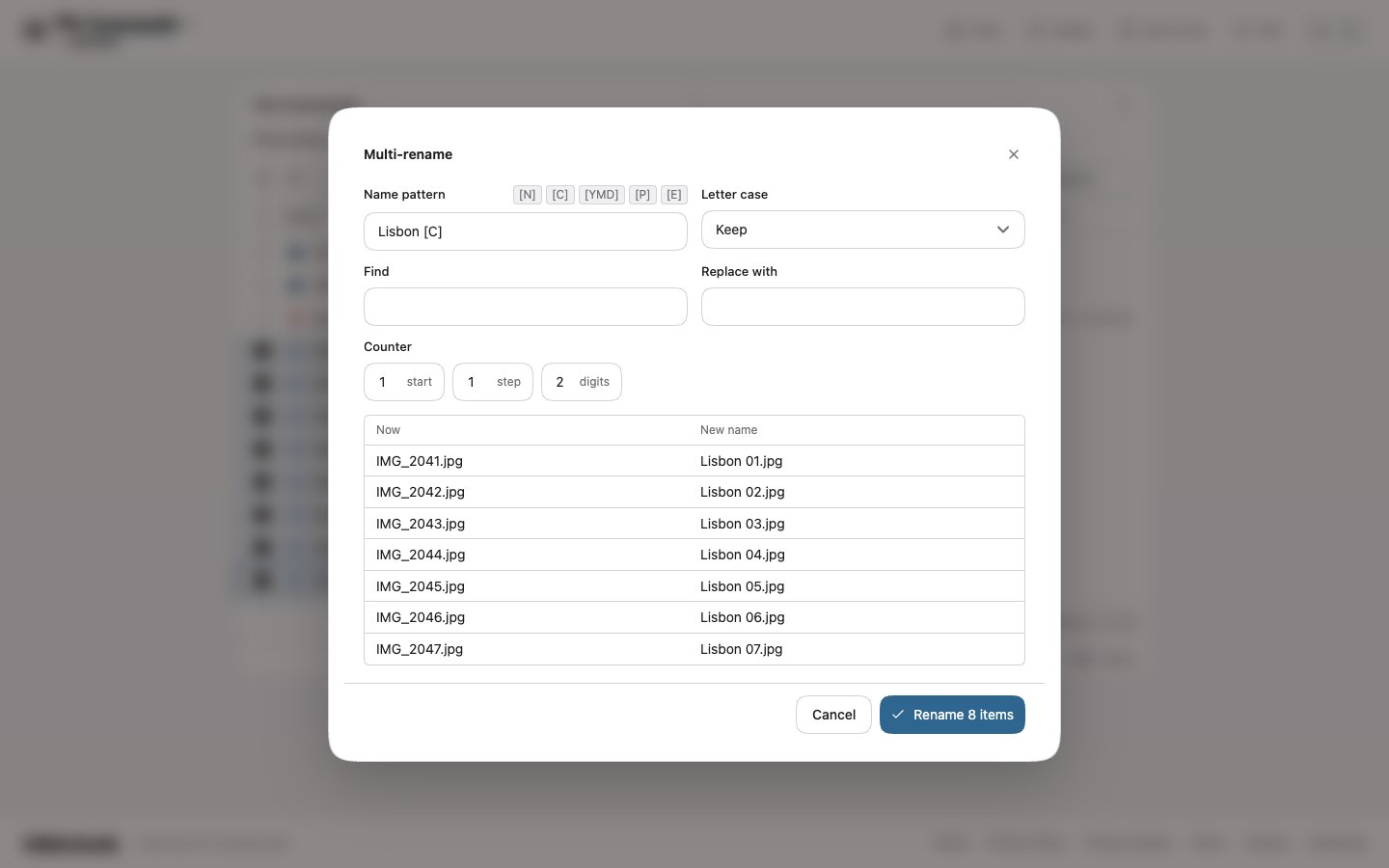
The Undo icon, or Ctrl/Cmd+Z, gives the file its old name back. For many files at once, use Multi-rename instead.
Renaming many files? Follow the multi-rename guide.