A little guidance
How to download your palette as Word, Excel and CSS
Use all three live previews and download each one in its own format. Compare real DOCX, edited XLSX and CSS files from the same six-color palette.
Real example: one palette, three exported formats
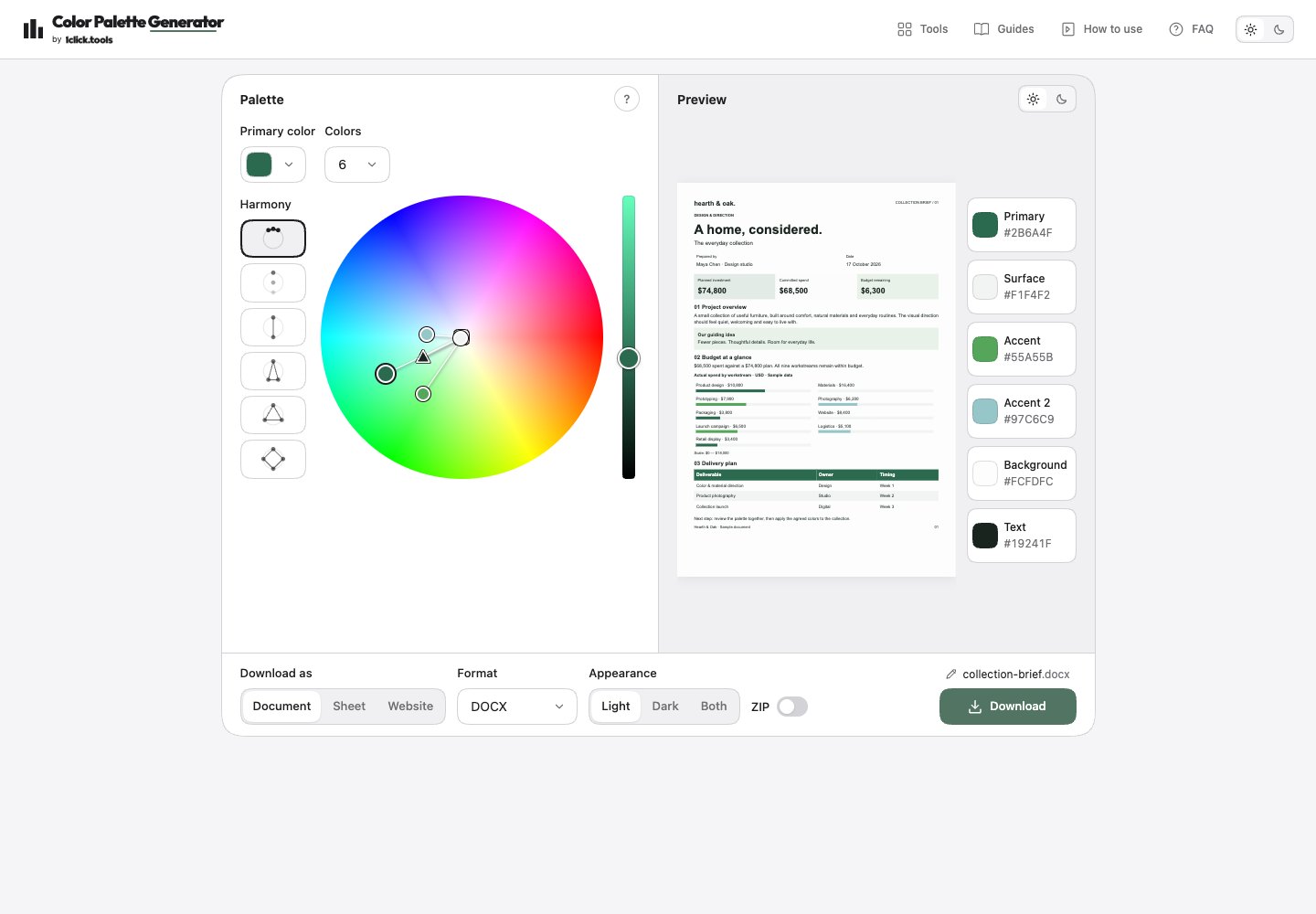
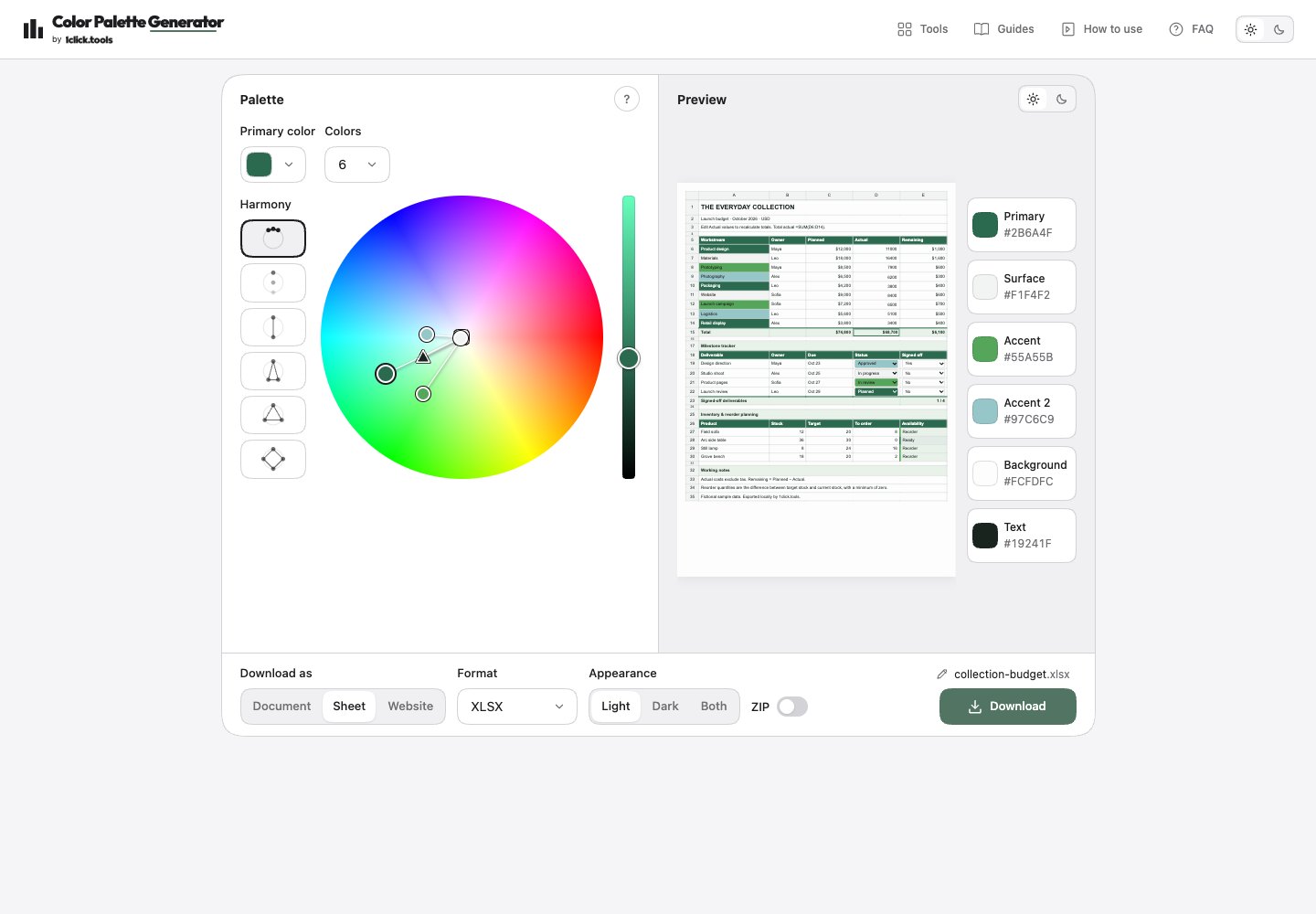
We kept Primary #2B6A4F, Analogous and six total colors for all three exports. In Sheet only, we changed Product design actual cost from 10800 to 11000 before downloading.
Compare the actual downloads
- Download the actual Word report11.7 KiB
- Download the edited Excel workbook9.1 KiB
- Download the Website CSS542 bytes
| Preview / download | Verified contents | Actual file size |
|---|---|---|
| Document / DOCX | Sample report with title A home, considered. | 11,984 bytes |
| Sheet / XLSX | D6 = 11000 · total actual 68700 · remaining 6100 | 9,280 bytes |
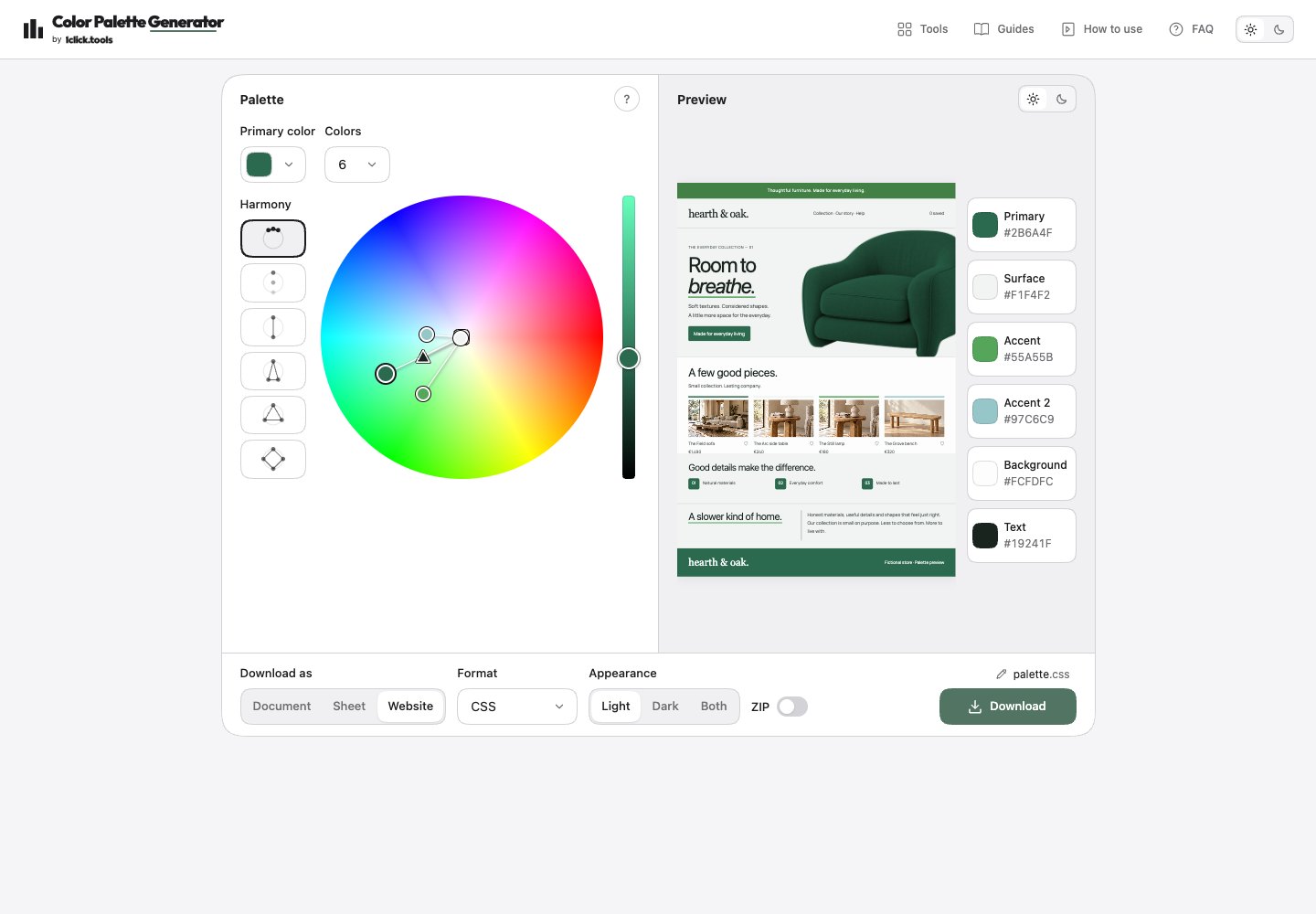
| Website / CSS | Six palette tokens, two helper foregrounds and starter rules | 542 bytes |
The XLSX was reopened to verify the edited value and cached totals, including the SUM(D6:D14) formula. The DOCX package was reopened to check its report text. File sizes can vary between export runs.
Repeat this example
- Select Primary and enter #2B6A4F. Choose Analogous and choose 6 colors under Colors.
- Choose Document under Download as and select Download. Then choose Sheet, enter 11000 for Product design actual cost in USD and select Download again.
- Select Website under Download as, then Download. Reopen each file: check the report, spreadsheet values/formulas and exact CSS tokens.
Check your download
The workbook contains D6 = 11000, D15 = SUM(D6:D14) with cached value 68700, and E15 with value 6100. The Word report is separate and retains its original sample figures. CSS contains --primary: #2B6A4F.
A common mistake
Each preview has its own file type. Downloading CSS does not save the storefront HTML or photographs, and editing the Sheet does not update the separate sample Word report.
Export each preview yourselfSources and credits
Actual Color Palette Generator session. Fictional Hearth & Oak sample designs supplied by 1click.tools. The downloads were generated in the browser and reopened to verify their contents.
Choose the palette before exporting
Set Primary to #2B6A4F, choose Analogous and choose 6 colors to follow the example. Document, Sheet and Website share the active palette but each has a different download. Choose one under Download as, in the bottom bar: the preview switches and your palette stays in place. With the default formats on 22 November 2026, the automatic filenames are ColorPalette_Document_Analogous_22.11.2026.docx, ColorPalette_Sheet_Analogous_22.11.2026.xlsx and ColorPalette_Website_Analogous_22.11.2026.css. Select the pencil to rename the file.
For the starting setup, see how to create the six-color palette.
Download the Document as a Word file
Choose Document under Download as, then select Download. The file is a sample collection brief with headings, a chart and a table styled using the active palette. Open it in Word or another compatible application to check the layout. Office applications can reflow it differently from the browser preview. This is a formatted sample report, not a screenshot or a PDF export.
Edit the Sheet and download an Excel workbook
Choose Sheet and edit Product design actual cost in USD from 10800 to 11000. The sample’s total actual spend becomes $68,700 and remaining budget becomes $6,100. Select Download and inspect cell D6, the total formulas and palette formatting. Sheet edits belong to the spreadsheet; they do not rewrite the separate sample Document report. Other interactive sheet fields can also be included in the workbook.
Download Website styles as CSS
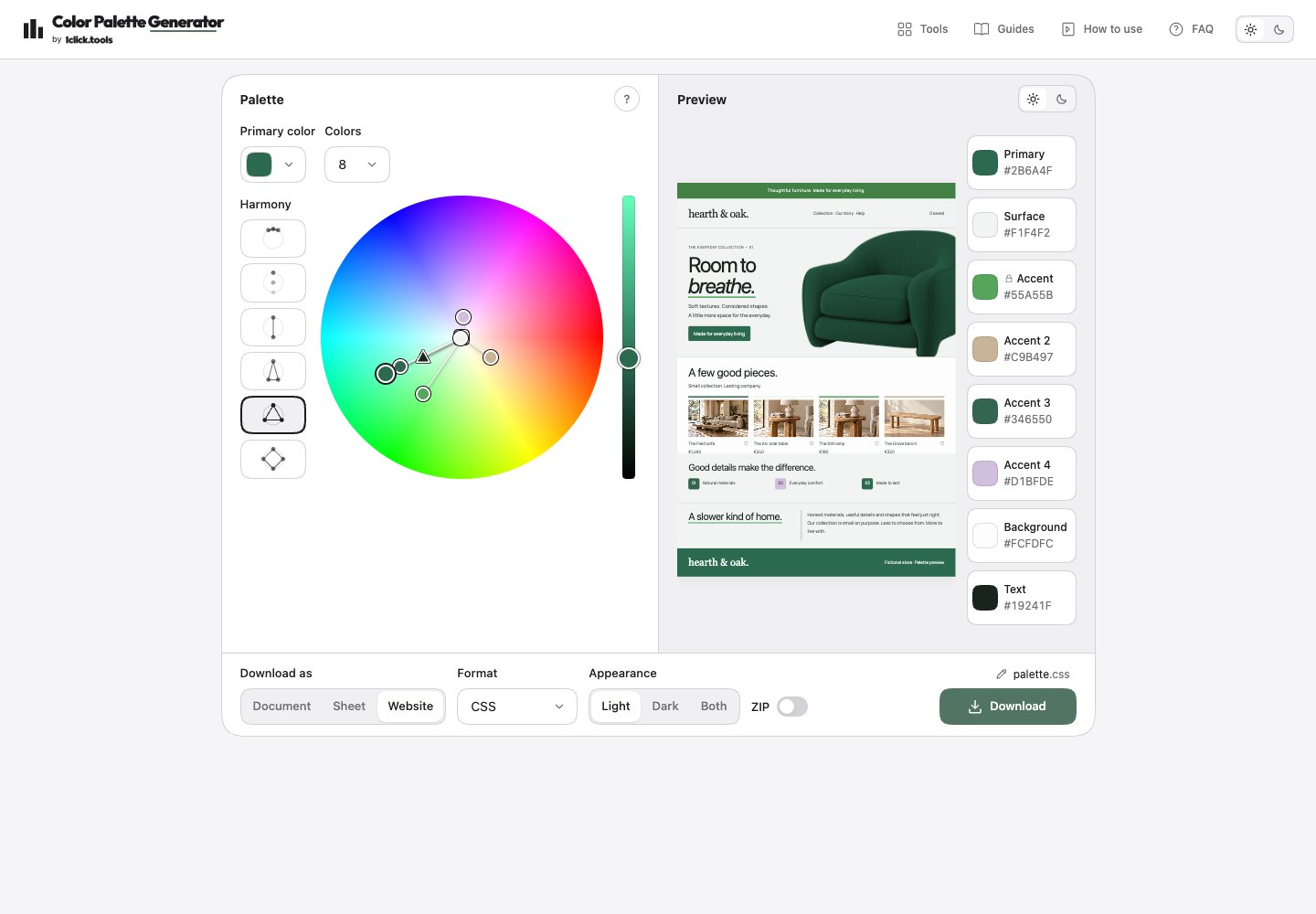
Choose Website under Download as, then Download. The file contains the active palette as CSS custom properties plus starter rules for the body, cards and buttons. It is not the storefront HTML, product photos or a complete website. Apply the tokens to a layout you control and check how your own content looks. The A4-shaped storefront is a visual composition, not an exported fixed website size.
Can I apply this palette to an existing Word or Excel file?
The DOCX and XLSX downloads are new sample documents styled with your colors. They do not recolor a file you already have, and the tool does not import your documents. To use the palette in an existing report or workbook, copy the HEX values and apply them through that application’s color controls. Choose Website under Download as and download it when you need a text record of the exported color tokens. Check your actual headings, cells and backgrounds together; the sample previews cannot establish readability for a different document.
Compare appearance and keep the files
The header theme switch affects the tool interface. The sun and moon switch at the top right of Preview changes the palette’s neutral colors. To keep both versions, choose Both under Appearance in the bottom bar: one ZIP holds a light and a dark file. Save each preview you need; a reload keeps your palette. Office files are editable outputs; CSS keeps the exact exported HEX tokens, while sample designs may adapt displayed foregrounds for readability.
Want to keep one accent while exploring alternatives? Read how harmony changes and locks work together.