A little guidance
How to compare color harmonies and lock a color
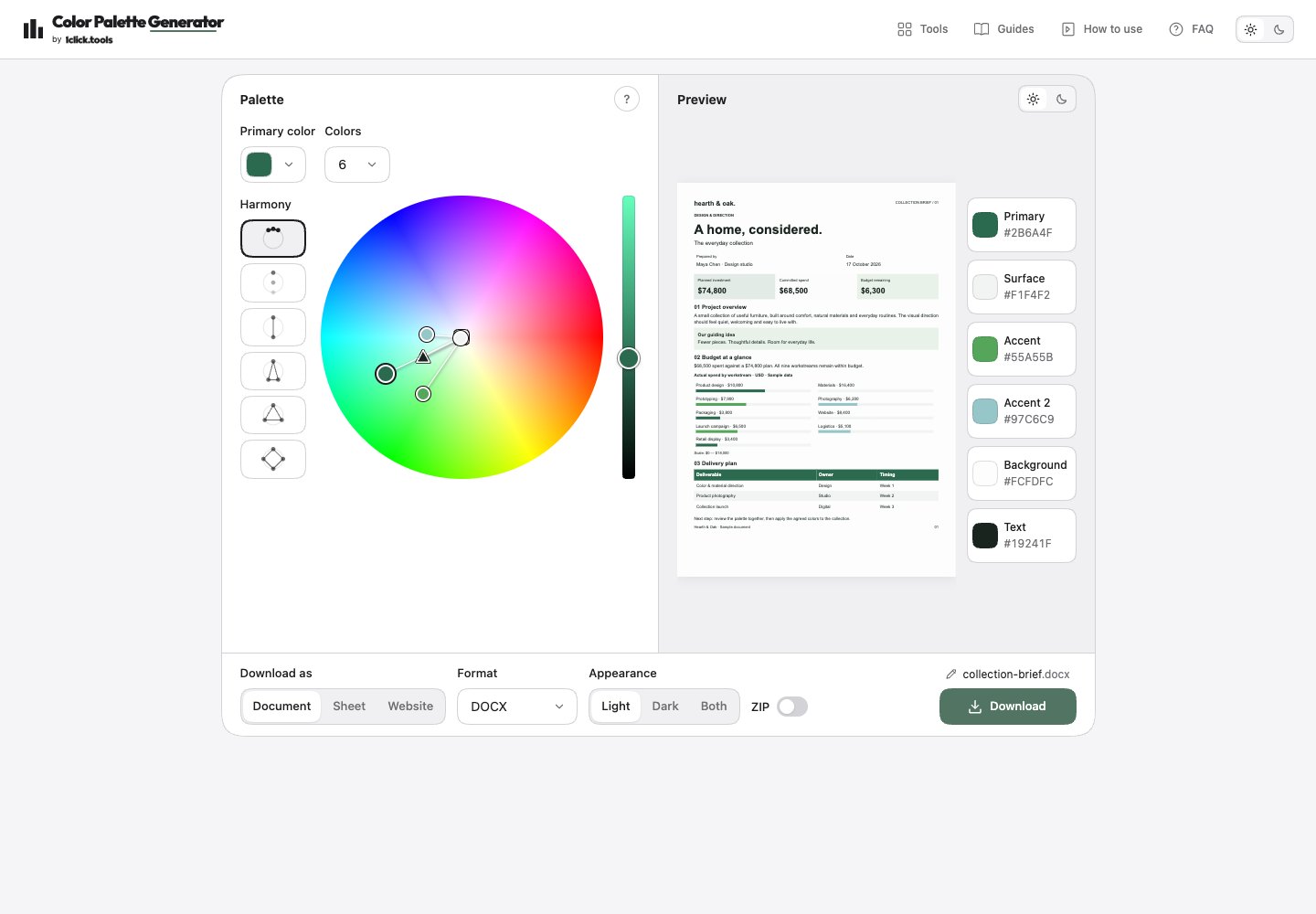
Explore six harmony options while protecting a color you want to keep. See an actual change from six Analogous colors to eight Triadic colors.
Real example: the accent stays fixed as the harmony changes
From the six-color Analogous palette, we locked Accent #55A55B, selected Triadic and increased the total to eight. The locked accent survived both changes.
Compare the actual downloads
- Download the starting Analogous CSS542 bytes
- Download the eight-color Triadic CSS588 bytes
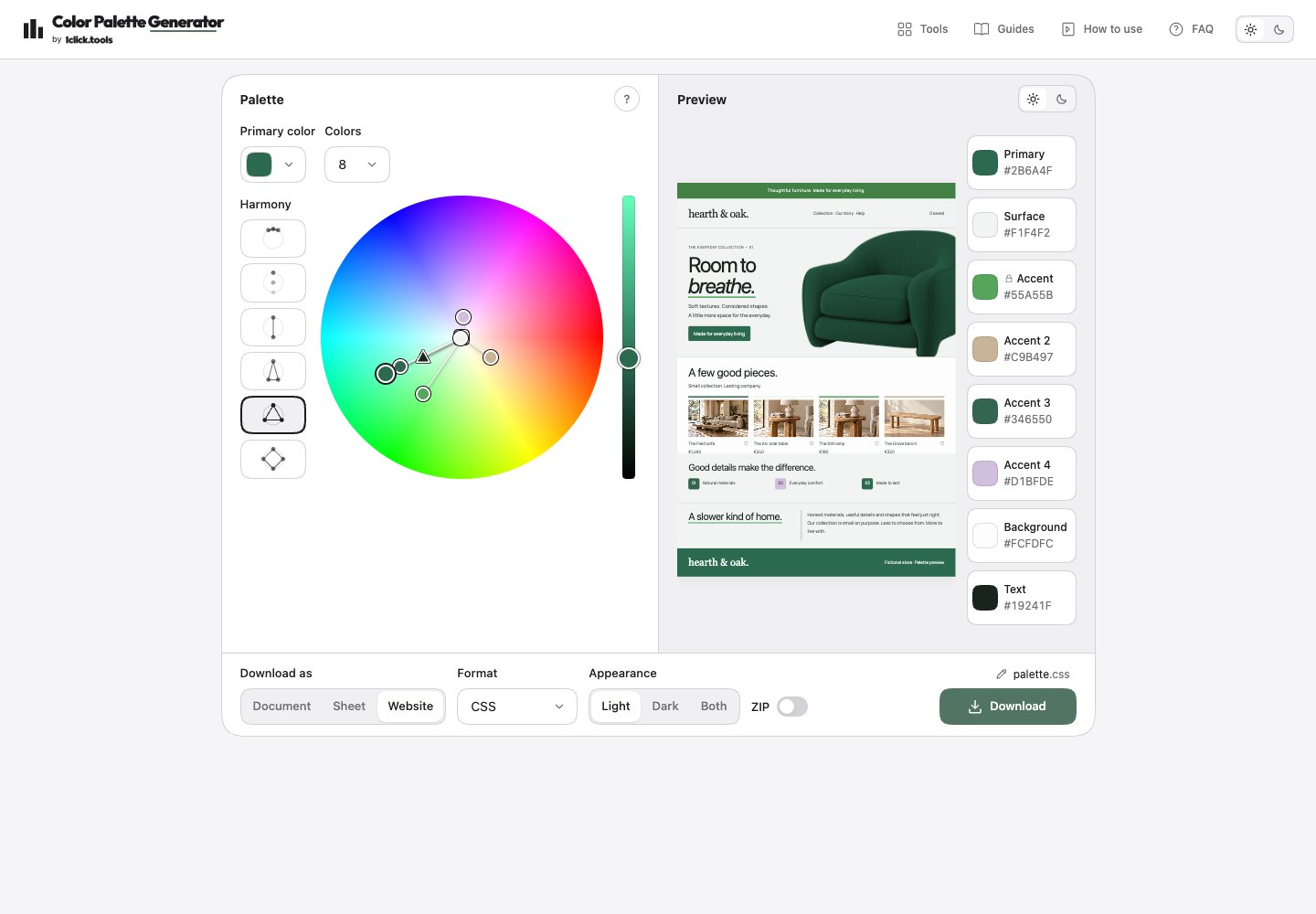
| Setting or color | Before | After |
|---|---|---|
| Harmony / total | Analogous / 6 | Triadic / 8 |
| Primary | #2B6A4F | #2B6A4F |
| Locked Accent | #55A55B | #55A55B |
| Accent 2 | #97C6C9 | #C9B497 |
| Additional accents | None | Accent 3 #346550 · Accent 4 #D1BFDE |
A lock can retain a color outside the new harmony. It is a deliberate exception to generation, not a claim that every resulting hue follows the Triadic pattern.
Repeat this example
- Select Primary and enter #2B6A4F. Choose Analogous and choose 6 colors under Colors.
- Hover or focus Accent, then use Lock Accent. Select Triadic and change Colors to 8.
- Select Website under Download as, then Download. Compare the starting and resulting files, checking that --accent remains #55A55B.
Check your download
Both downloaded stylesheets contain --accent: #55A55B. The Triadic file adds --accent-3: #346550 and --accent-4: #D1BFDE.
A common mistake
Locks protect colors during regeneration. They do not promise that every color follows a newly selected harmony or that every text/background pair is readable.
Try a locked-color comparisonSources and credits
Actual Color Palette Generator session. Fictional Hearth & Oak sample designs supplied by 1click.tools. The downloads were generated in the browser and reopened to verify their contents.
Understand the six harmony choices
Analogous uses neighboring hues for a softer combination. Mono is the compact label for Monochromatic, which varies one hue. Complement places hues opposite each other. Split uses two hues beside the opposite color. Triadic uses three evenly spaced hue families, while Square uses four. These are HSL hue relationships, not a guarantee of readable text or a complete brand identity.
Build a starting palette
Set the Primary color to #2B6A4F with the color picker, choose Analogous and choose 6 under Colors. Our run generated Accent #55A55B. Compare the actual initial values in the table above. If you begin from a different state, use your own displayed Accent as the value to protect.
New to the controls? Begin with the six-color HEX palette walkthrough.
Lock the color you want to keep
Hover or keyboard-focus the Accent swatch to reveal its controls, then select its lock. The HEX briefly reads Locked, and a lock icon stays on the swatch while the value is protected during generation. Locked swatches cannot be edited until you unlock them. Locking applies to regeneration; the sun and moon switch at the top right of Preview can still adapt Background, Surface and Text. Light and Dark under Appearance only choose the download appearance.
Change harmony and add colors
Choose Triadic, then change Colors from 6 to 8. In our run, Accent remained #55A55B while the resulting palette included tan, deep green and lavender accents. A locked color can fall outside the newly selected harmony, which is expected: preserving your chosen value takes priority. Background and Text still count toward the total.
Check before removing or exporting colors
Reducing the count asks before removing colors that were edited or locked. Cancel if you still need them. Choose Website under Download as and select Download to save the current values, or unlock Accent to let it participate in later generation. Review the actual previews and final text/background pairs; hue spacing by itself does not establish accessibility.
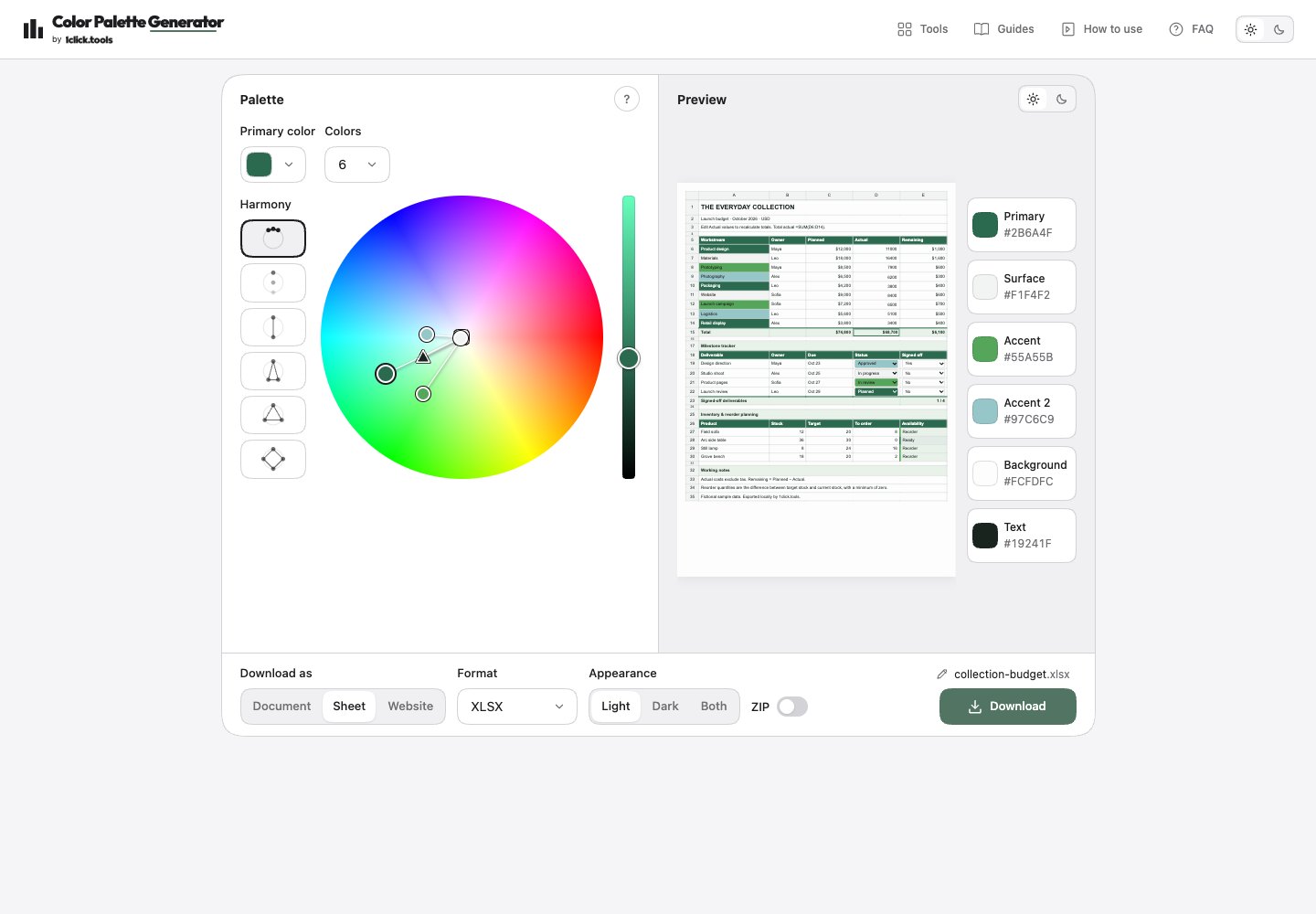
To use your colors in a document or spreadsheet, follow the three preview exports.