A little guidance
How to remove ** and ## from ChatGPT and Claude text
Turn an AI answer into clean plain text for forms, messages and social posts. Strip Markdown symbols while keeping lists and tables readable.
The same itinerary as clean plain text
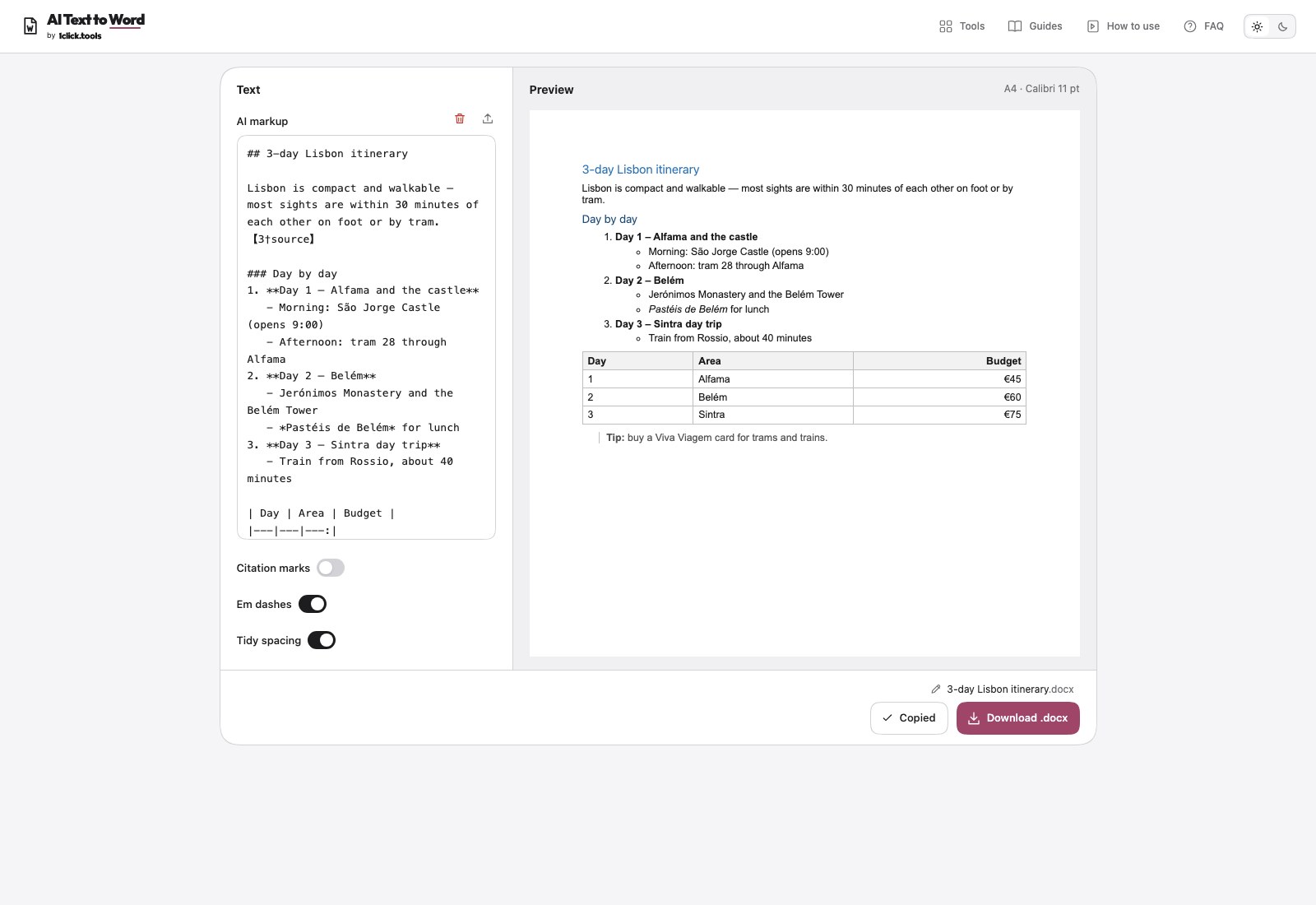
We pasted the ChatGPT itinerary and selected Copy plain text, then saved exactly what was copied.
Start with these files
Compare the actual downloads
| Markdown | Plain text |
|---|---|
| ## 3-day Lisbon itinerary | 3-day Lisbon itinerary |
| 1. **Day 1 – Alfama and the castle** | 1. Day 1 – Alfama and the castle |
| - Morning: São Jorge Castle | • Morning: São Jorge Castle |
| | 1 | Alfama | €45 | | 1 Alfama €45 |
Plain text keeps line breaks, list numbers, • bullets and aligned table columns.
Repeat this example
- Delete the example with the bin and paste the answer into AI markup.
- Select Copy plain text in the bottom bar.
- Paste into a form, message or post.
Check the result
The downloaded .txt file contains no *, #, | or 【 characters.
A common mistake
Deleting asterisks by hand often misses a pair or removes a real asterisk. Let the converter remove the formatting.
Paste your own answer into AI Text to WordSources and credits
Sample answers written for these guides. The example texts were written in the Markdown format that ChatGPT and Claude use for their answers; they are not real chat transcripts. Screenshots, Word documents and text files come from actual AI Text to Word sessions using these files.
Why the symbols appear
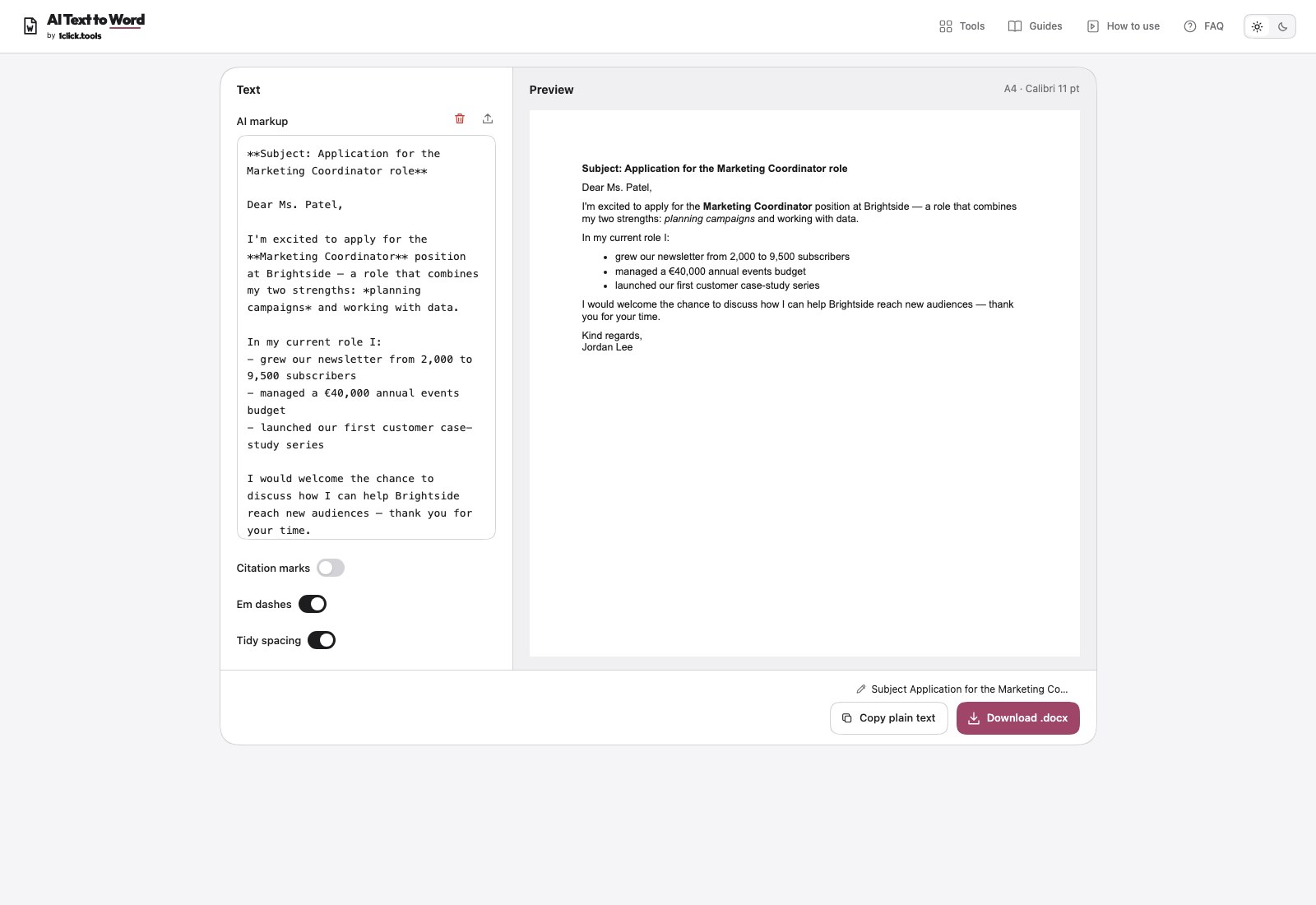
ChatGPT and Claude write in Markdown. In the chat window **two asterisks** show as bold and ## as a heading, but text fields in forms, text messages, LinkedIn and many apps do not understand Markdown and show the symbols instead.
Paste the answer
Delete the example text with the bin at the top right of AI markup and paste the answer. Below the editor, leave Citation marks off to drop leftovers such as 【3†source】, and Tidy spacing on to remove extra blank lines.
Copy the text
Select Copy plain text in the bottom bar, next to Download .docx. Bold and italic markers, # signs, backticks and link brackets are removed. Headings become their own lines, bulleted lists use • and nested items are indented, numbered lists keep their numbers, and tables become aligned columns of text.
Want fewer em dashes too? Read how to replace em dashes.
Paste where formatting is not supported
Paste into the form, message or post. Line breaks are kept, so paragraphs and list items stay separate. Where formatting is supported, such as Word or Google Docs, download the .docx instead to keep bold text and headings.