A little guidance
How to remove em dashes from ChatGPT and Claude text
Replace the em dashes (—) that AI answers use a lot with commas, colons or en dashes. See a cover letter before and after, and what to reread.
A cover letter before and after replacing em dashes
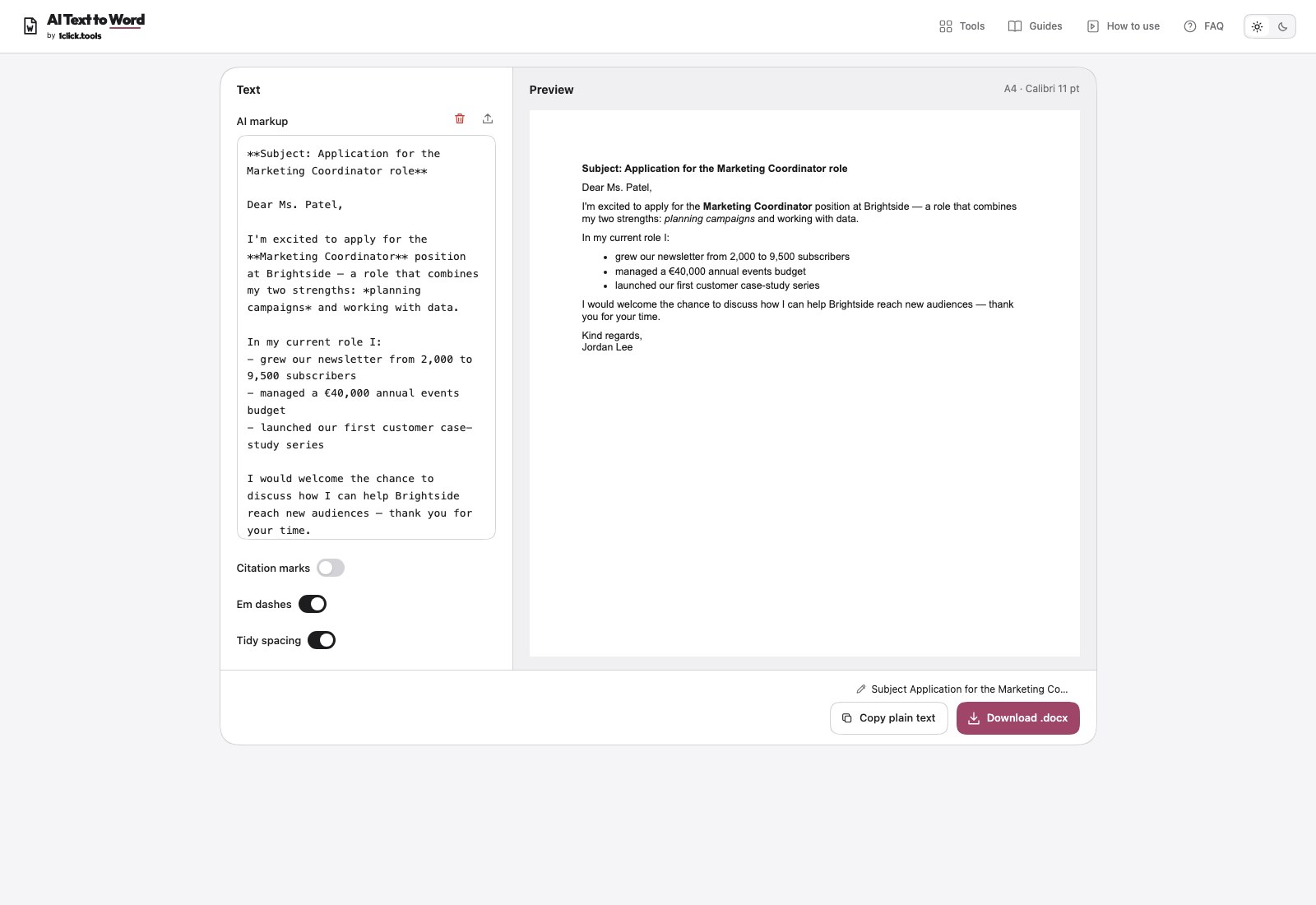
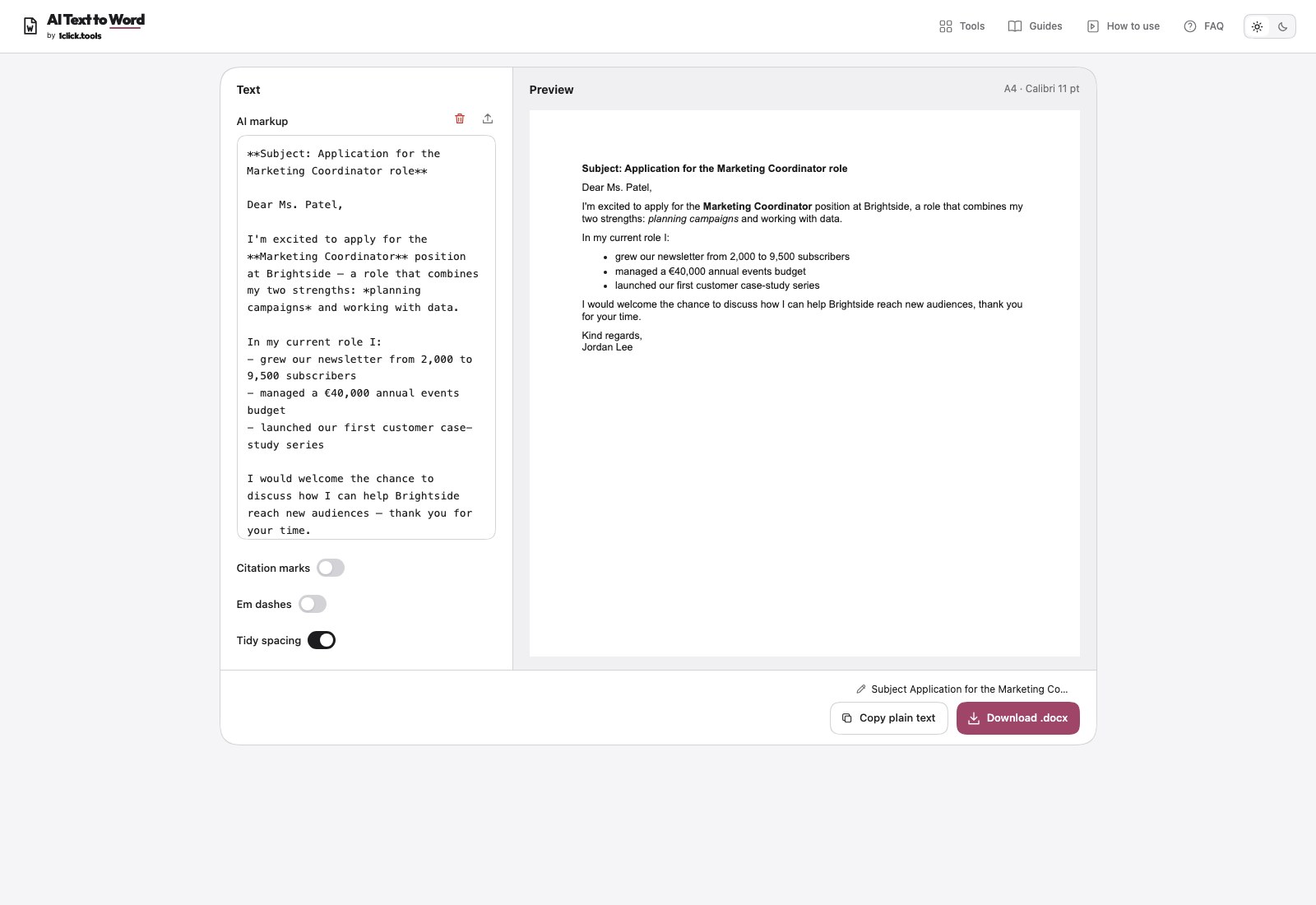
We pasted a ChatGPT-style cover letter with two em dashes, turned off Em dashes and selected Copy plain text.
Start with these files
Compare the actual downloads
| Before | After |
|---|---|
| at Brightside — a role that combines | at Brightside, a role that combines |
| new audiences — thank you for your time | new audiences, thank you for your time |
| pages 10—20 | pages 10–20 |
The last row shows the number-range rule; that example is not in the letter.
Repeat this example
- Delete the example with the bin and paste the letter into AI markup.
- Turn off Em dashes, below the editor.
- Reread the changed sentences, then copy or download.
Check the result
No — characters remain. The second change is better as two sentences: “audiences. Thank you for your time.”
A common mistake
Replacing every dash with a hyphen gives “Brightside - a role”, which is still a dash in disguise.
Paste your own answer into AI Text to WordSources and credits
Sample answers written for these guides. The example texts were written in the Markdown format that ChatGPT and Claude use for their answers; they are not real chat transcripts. Screenshots, Word documents and text files come from actual AI Text to Word sessions using these files.
Paste the text
Delete the example text with the bin at the top right of AI markup, then paste the answer, letter or post. Em dashes are kept until you turn Em dashes off, so the preview first shows the text unchanged.
Turn off Em dashes
Switch off Em dashes below the editor. A dash between words becomes a comma, so “Brightside — a role that combines” becomes “Brightside, a role that combines”. A dash before a capitalized word becomes a colon, and a dash between numbers becomes an en dash, so 10—20 reads 10–20. Unspaced en dashes such as old–new are left alone, and code is never changed.
Reread the changed sentences
Commas are the safest general replacement, but not every sentence reads best with one. In the example, “audiences — thank you for your time” becomes “audiences, thank you for your time”, which works better as two sentences: “audiences. Thank you for your time.” Edit the text box to make such changes before exporting.
Export the result
Both outputs use the replaced dashes: Download .docx and Copy plain text. Turn Em dashes on again to go back to the original punctuation; your pasted text is not changed until you edit it yourself.
For forms and messages, copy the result as plain text.