A little guidance
How to indent JSON with 2 spaces, 4 spaces or tabs
Switch JSON indentation between 2 spaces, 4 spaces and tabs with one click; what you copy and save uses it at once.
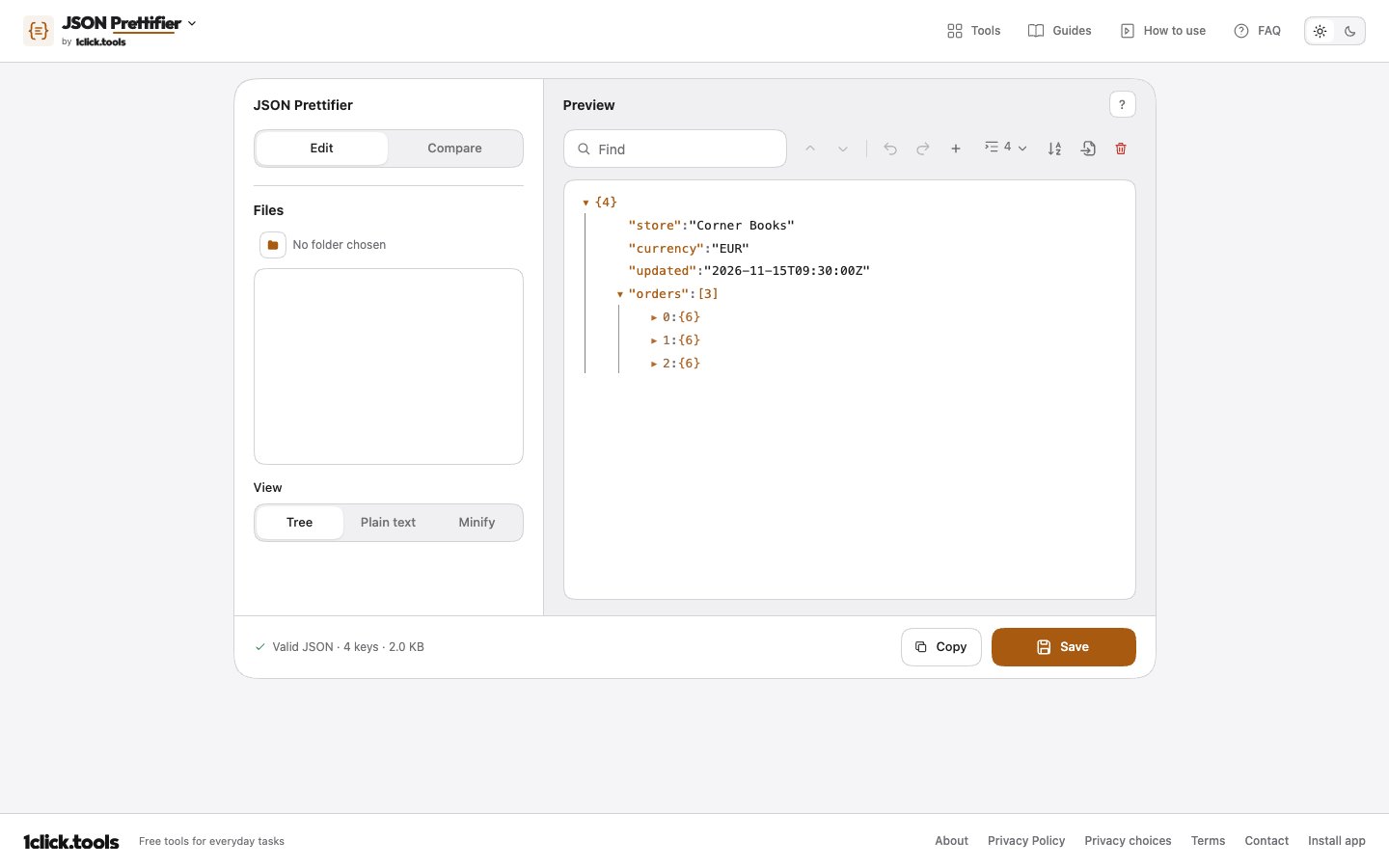
Switch the orders to 4-space indents
With the orders open in the Tree view, we chose 4 spaces in the indent menu in the toolbar. The JSON was re-indented at once; Copy and Save now write four spaces per level.
| Indent | First key line |
|---|---|
| 2 spaces | "store": "Corner Books", |
| 4 spaces | "store": "Corner Books", |
| Tab | ⇥"store": "Corner Books", |
The setting is remembered for your next visit.
Repeat this example
- Open the JSON in the Tree or Plain text view.
- Choose 4 spaces (or Tab) in the indent menu in the toolbar.
- Copy or save it.
Check the result
Pasting what you copied shows the first key indented by four spaces and the second level by eight.
A common mistake
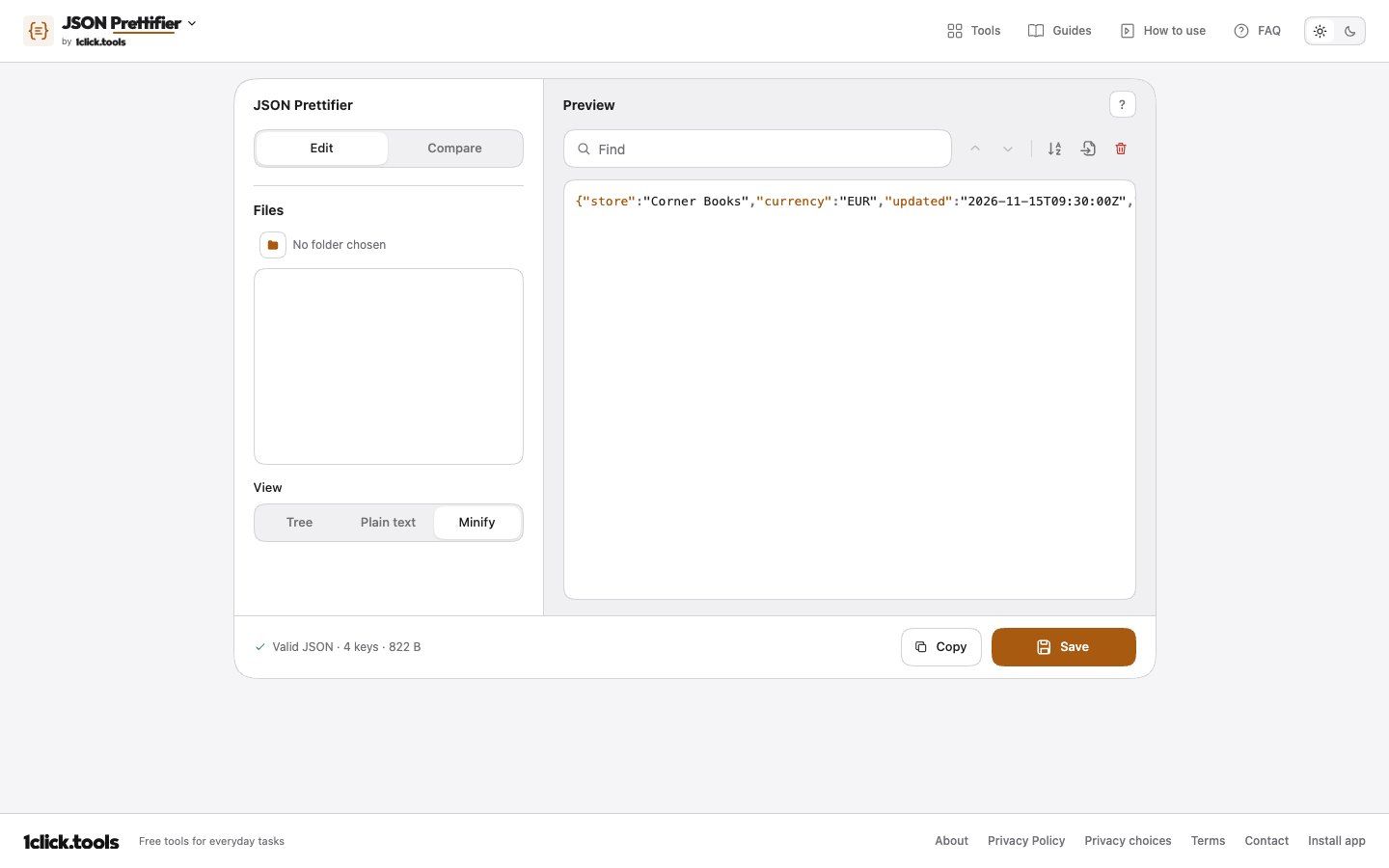
Indent is greyed out in the Minify view; switch View back to File first.
Open JSON PrettifierSources and credits
Sample JSON made for these guides. The bookshop orders, names and emails are invented. Every screenshot shows the real tool working on that JSON.
Open the JSON
Paste or open the JSON with Edit chosen at the top and View set to Tree or Plain text.
Pick the indent
The indent menu in the Preview toolbar (an indent icon with 2, 4 or Tab) offers 2 spaces, 4 spaces and Tab. The JSON is re-indented the moment you click, without changing anything else. The tree steps in by the same width, and Copy and Save write that indent.
Match your project
Use the indent your code style expects: many JavaScript projects use 2 spaces, Python’s json.tool command-line utility defaults to 4, and some teams prefer tabs.
Copy or save the result
Copy and Save use exactly that indent. The choice is remembered for next time.
Need the smallest version instead? Minify it.