A little guidance
How to minify JSON into one line
Remove every space and line break from JSON to make it as small as possible, for an API request, a config value or a URL.
Shrink the orders to a single line
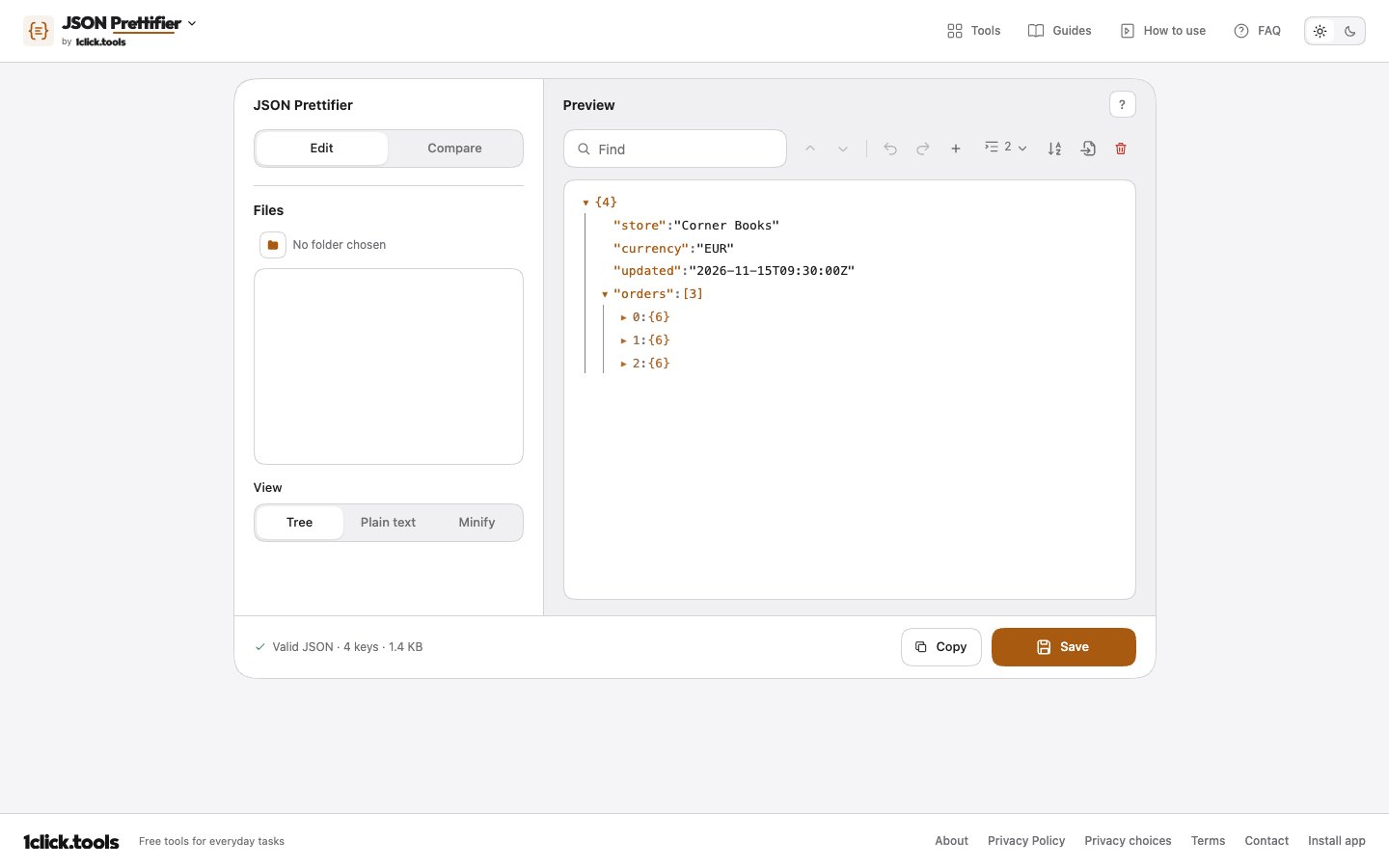
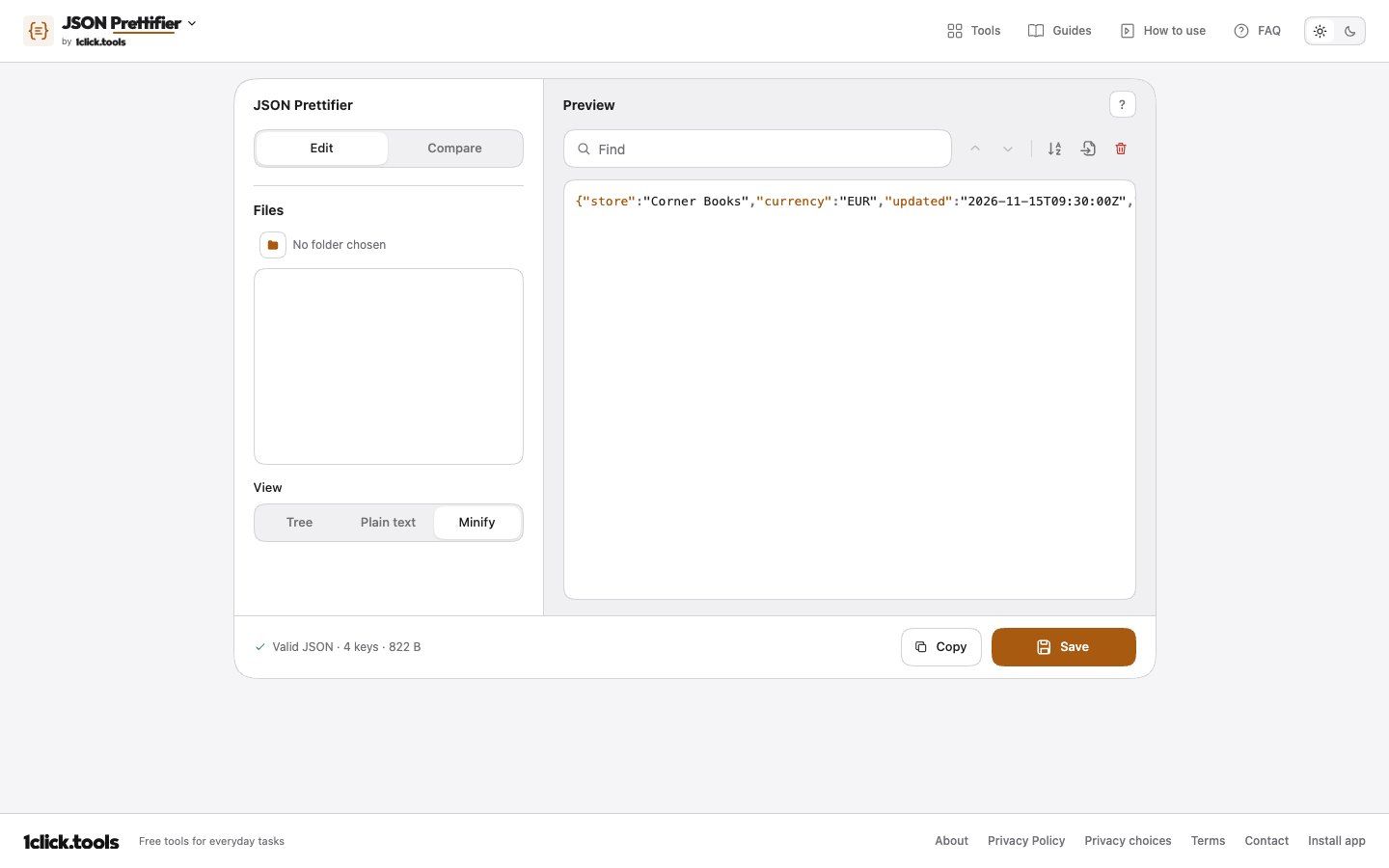
We switched View to Minify. The 76 lines became one line and the size dropped from 1.4 KB to 0.8 KB.
| View | Lines | Size |
|---|---|---|
| File, 2 spaces | 76 | 1.4 KB |
| Minify | 1 | 0.8 KB |
Minified JSON is exactly what most APIs send.
Repeat this example
- Open the JSON.
- Choose Minify under View.
- Copy the single line, or Save it.
Check the result
The Preview shows one line and the bottom line still says Valid JSON.
A common mistake
Expecting smaller numbers or shorter keys: minifying never changes the data itself.
Open JSON PrettifierSources and credits
Sample JSON made for these guides. The bookshop orders, names and emails are invented. Every screenshot shows the real tool working on that JSON.
Open the JSON
Paste it into the editor, or drop or choose a .json file.
Choose Minify
Set View to Minify. The JSON becomes a single line with no extra spaces, shown as text you can still edit; Indent is greyed out because it doesn’t apply. It keeps the same colours as the tree.
Compare the size
The line at the bottom shows the new size. Minifying only removes whitespace, so the data is exactly the same.
Switch back any time
Choose Tree or Plain text to spread it over lines again; both directions are lossless. Copy and Save write what the view shows.
To make it readable again, follow the prettify guide.