A little guidance
How to convert a Markdown (.md) file to Word
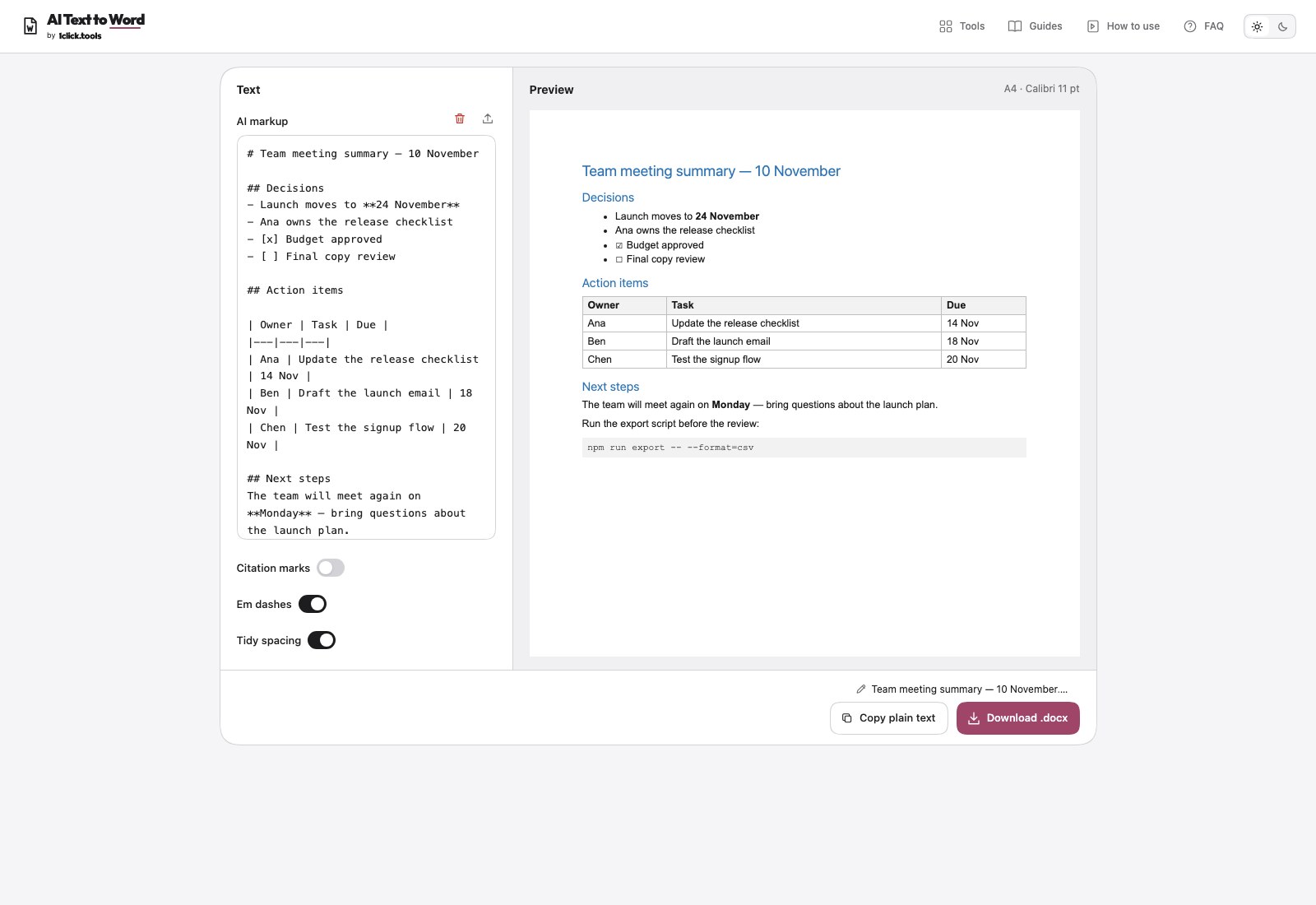
Open a README or other .md file and save it as a Word document. Headings, lists, tables, links and code blocks keep their structure.
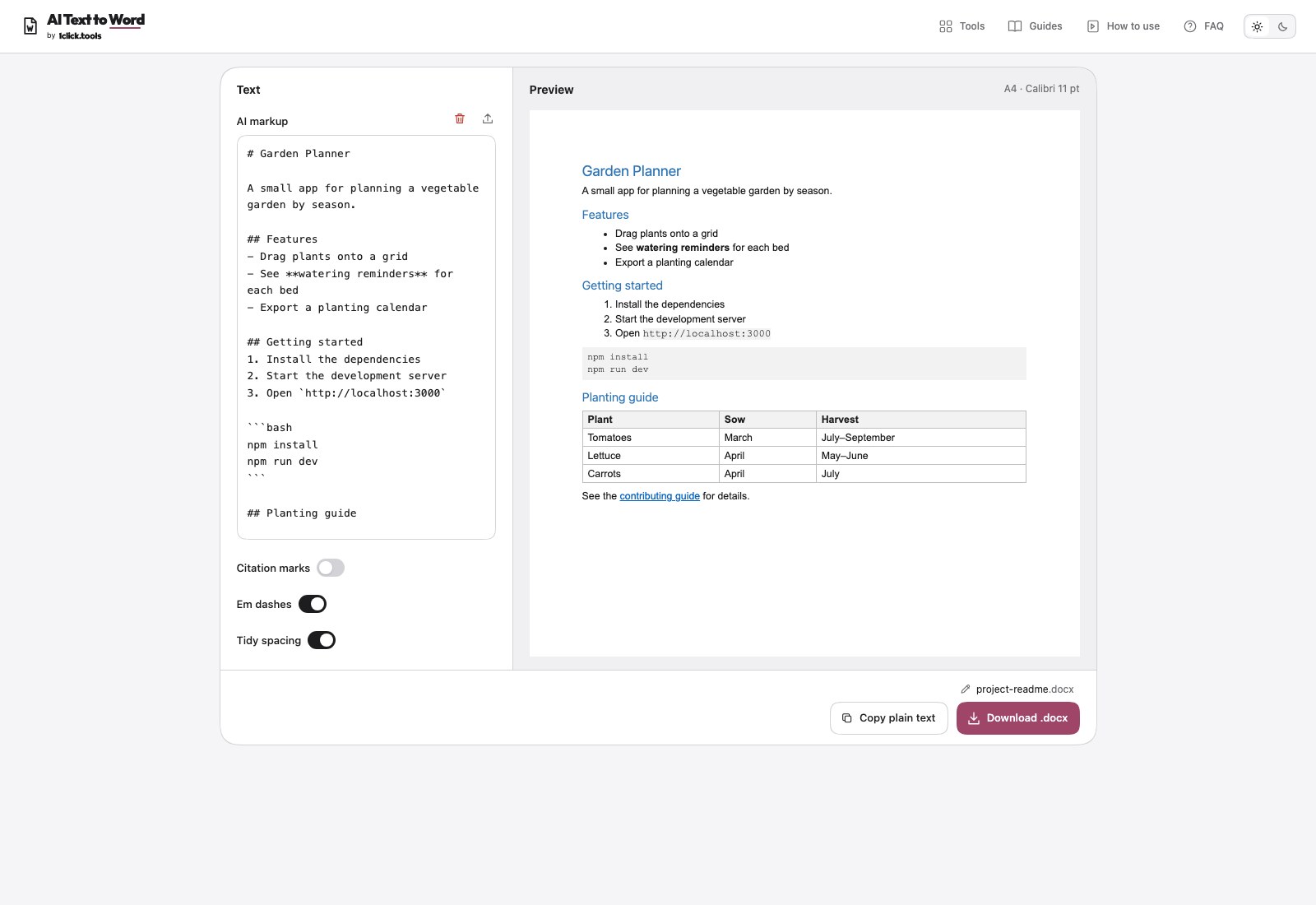
A project README converted to a Word document
We opened a README.md with headings, lists, a code block, a table and a link using the Upload icon at the top right of AI markup, then downloaded the Word document.
Start with these files
- Download the Markdown file (.md)569 bytes
Compare the actual downloads
| In the .md file | In the Word document |
|---|---|
| # Garden Planner | Heading 1 style |
| ```bash code block | Consolas on a grey background |
| [contributing guide](https://…) | Clickable link |
| File name project-readme.md | project-readme.docx |
Files under 2 MB are read in your browser. Images and LaTeX math stay as plain text.
Repeat this example
- Select the Upload icon at the top right of AI markup and choose project-readme.md.
- Check the preview.
- Select Download .docx to save project-readme.docx.
Check the result
The planting table has three columns and the contributing guide link opens from the Word document.
A common mistake
Renaming a .md file to .docx does not convert it; Word will report the file as damaged.
Open your .md file in AI Text to WordSources and credits
Sample README written for this guide. The README describes a fictional project. The screenshot and Word document come from an actual AI Text to Word session that opened this file.
Open the .md file
Select the Upload icon, at the top right of AI markup next to the bin, and choose a .md, .markdown or .txt file under 2 MB. The file is read in your browser and its text replaces the current contents. The Word file name is set from the Markdown file’s name, such as project-readme.docx.
Check the structure
The preview shows headings, bulleted and numbered lists, tables with their column alignment, links and fenced code blocks. Images and LaTeX math are kept as plain text, and raw HTML in the file is shown as text rather than run.
Download the Word document
Select Download .docx in the bottom bar. Links remain clickable, code blocks use a monospace font on a light grey background, and tables span the page width with a shaded header row. Use the pencil next to the file name to rename it first.
Working in Google Docs? See how to open the .docx with Google Docs.
Copy instead of downloading
For a quick text-only version, such as a release note in a chat app, select Copy plain text. Markdown symbols are removed, while lists, numbers and table columns stay readable.