A little guidance
File Commander keyboard shortcuts
Every key in File Commander, from moving between panels to copying, renaming and undoing, plus where to find the full list in the tool.
All keys in one place
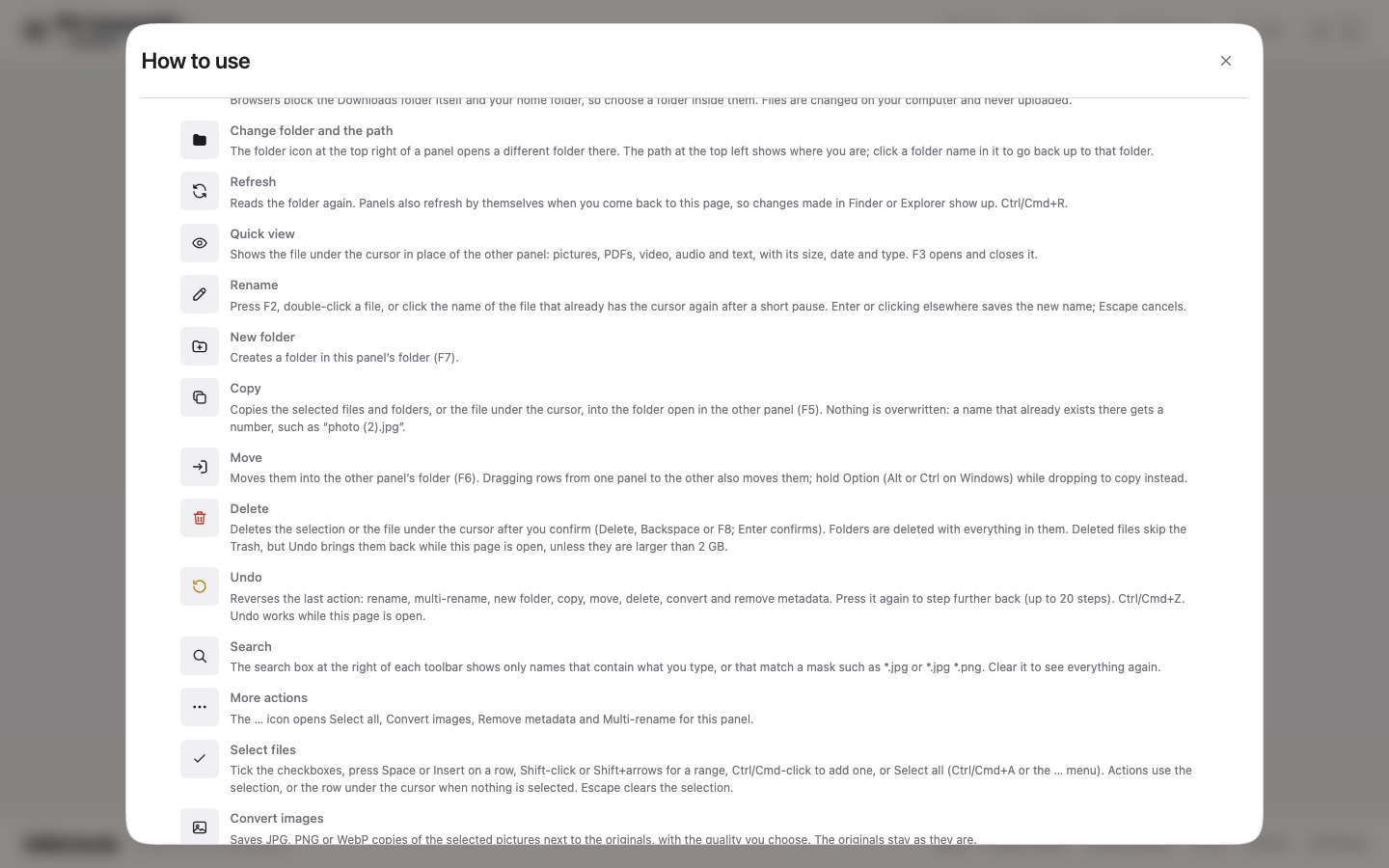
We opened the ? help in File Commander. It lists every icon and key; the bottom of the tool shows the most used ones.
| Key | Action |
|---|---|
| Tab | Switch panel |
| Enter / Alt+↑ | Open folder / go up |
| Space, Shift+arrows, Ctrl/Cmd+A | Select |
| F2 | Rename |
| F3 | Quick view |
| F5 / F6 | Copy / move |
| F7 | New folder |
| Delete, Backspace, F8 | Delete |
| Ctrl/Cmd+Z | Undo |
| Shift+F10 | Right-click menu |
On many laptops the F-keys need the Fn key.
Repeat this example
- Click ? at the top right of the right panel.
- Scroll to Controls and shortcuts.
- Hover over any toolbar icon to see its key.
Check the result
Each toolbar icon’s tooltip shows the same key as the list.
A common mistake
Pressing keys while the search box has focus types into it; click the file list first.
Open File CommanderSources and credits
Sample folders made for these guides. Phone photos and Holiday 2026 hold generated landscape pictures and short text files created for the screenshots. Every screenshot shows the real tool working on those files.
Moving around
Tab switches between the left and right panel. Arrow keys, Page Up/Down, Home and End move the cursor. Enter opens a folder; Alt+↑, Ctrl/Cmd+↑ or Enter on “..” goes up one folder.
Selecting
Space or Insert selects the file under the cursor and moves down. Shift with the arrows selects a range, Ctrl/Cmd+A selects everything, Escape clears the selection.
Actions
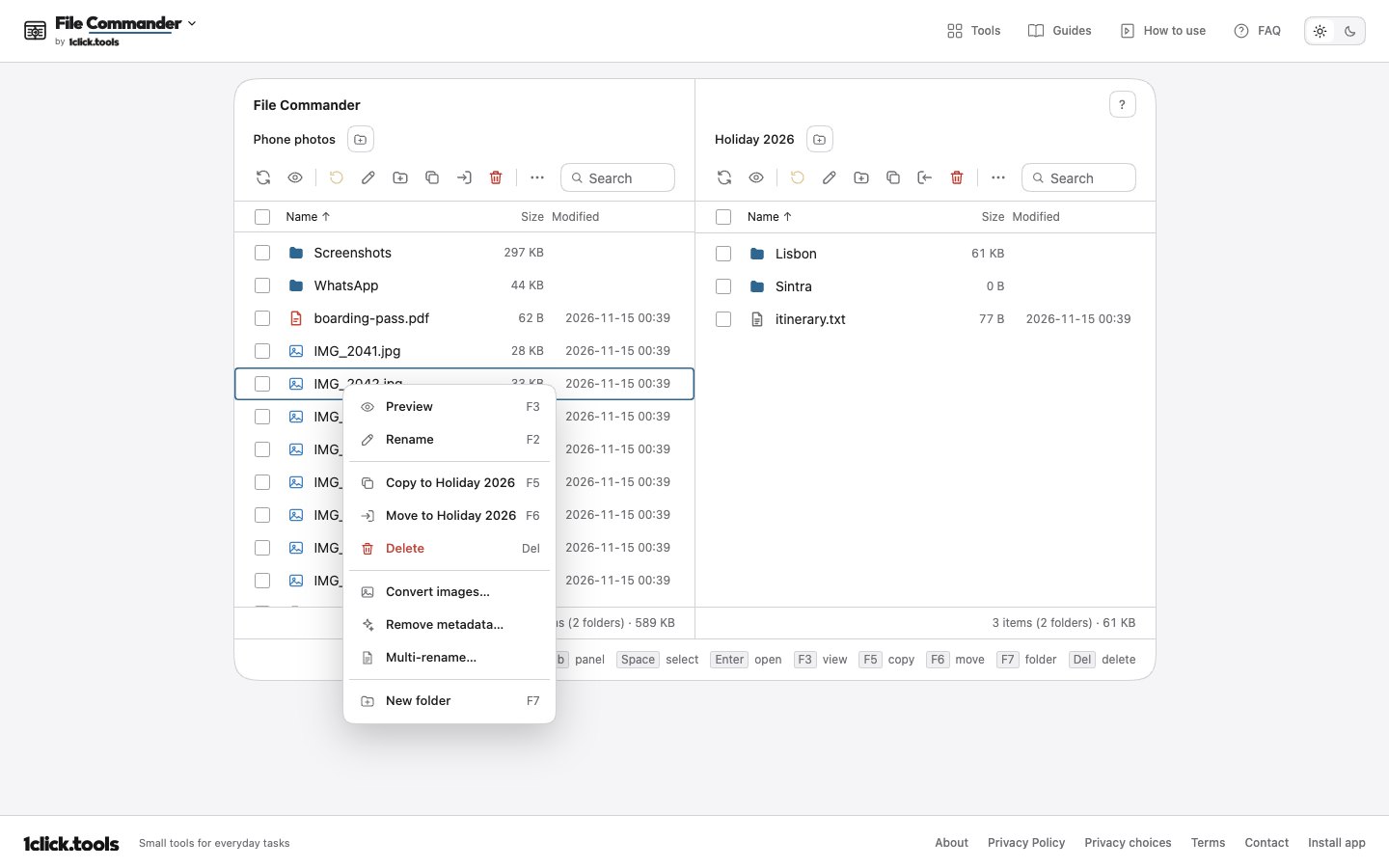
F2 renames, F3 opens quick view, F5 copies, F6 moves, F7 creates a folder, Delete, Backspace or F8 deletes (Enter confirms), Ctrl/Cmd+Z undoes, Ctrl/Cmd+R refreshes, Shift+F10 opens the right-click menu. On some laptops the F-keys need the Fn key.
Prefer the mouse? Read how the right-click menu works.
See them in the tool
The bottom of the tool lists the most used keys. The ? button explains every icon, key and option, and each toolbar icon shows its name and key when you hover over it.