A little guidance
How to make a quote image
Turn your words into a JPG or PNG. Choose a style, add an optional author and follow a real quote-image example with downloadable results.
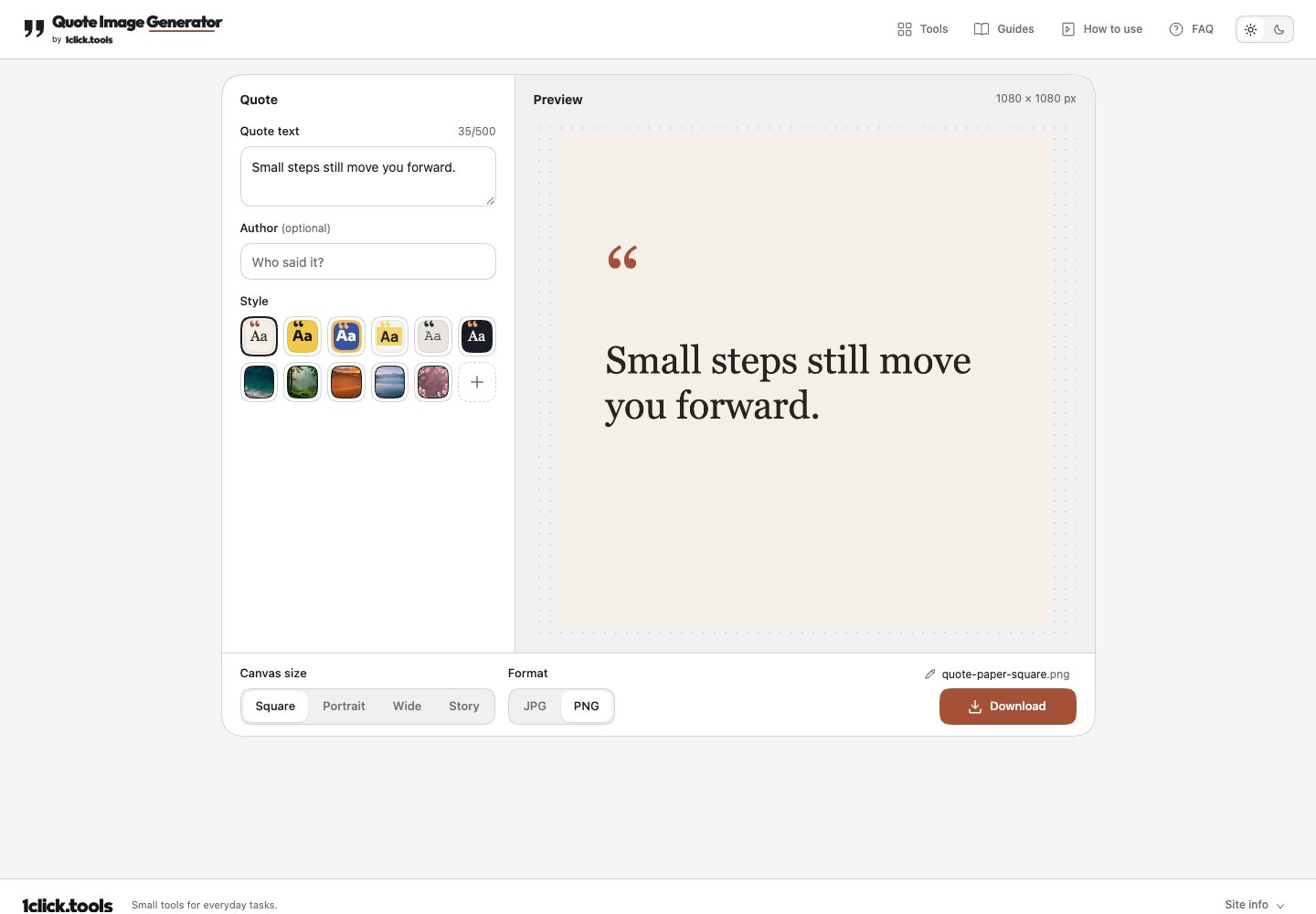
Real example: one Paper quote, two file formats
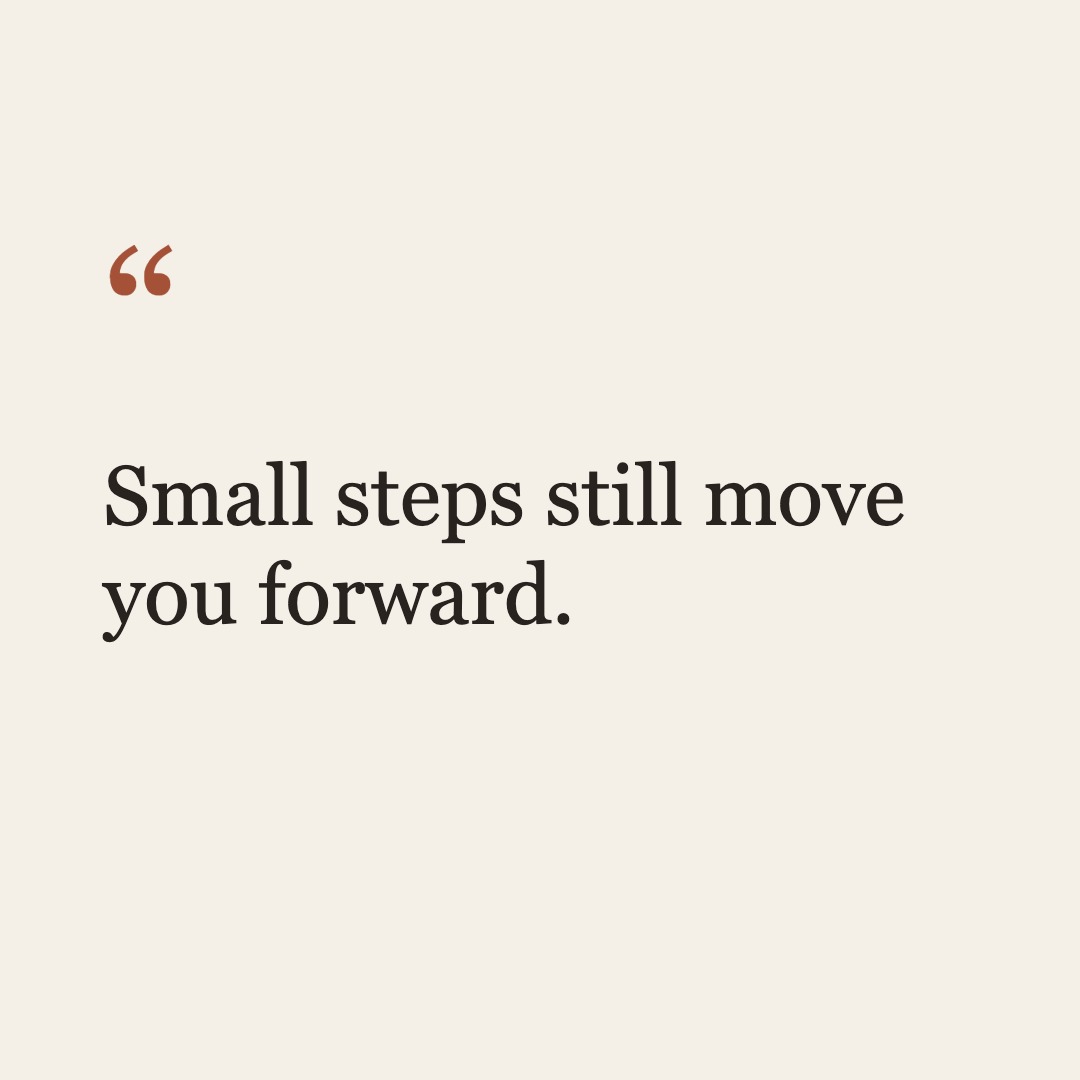
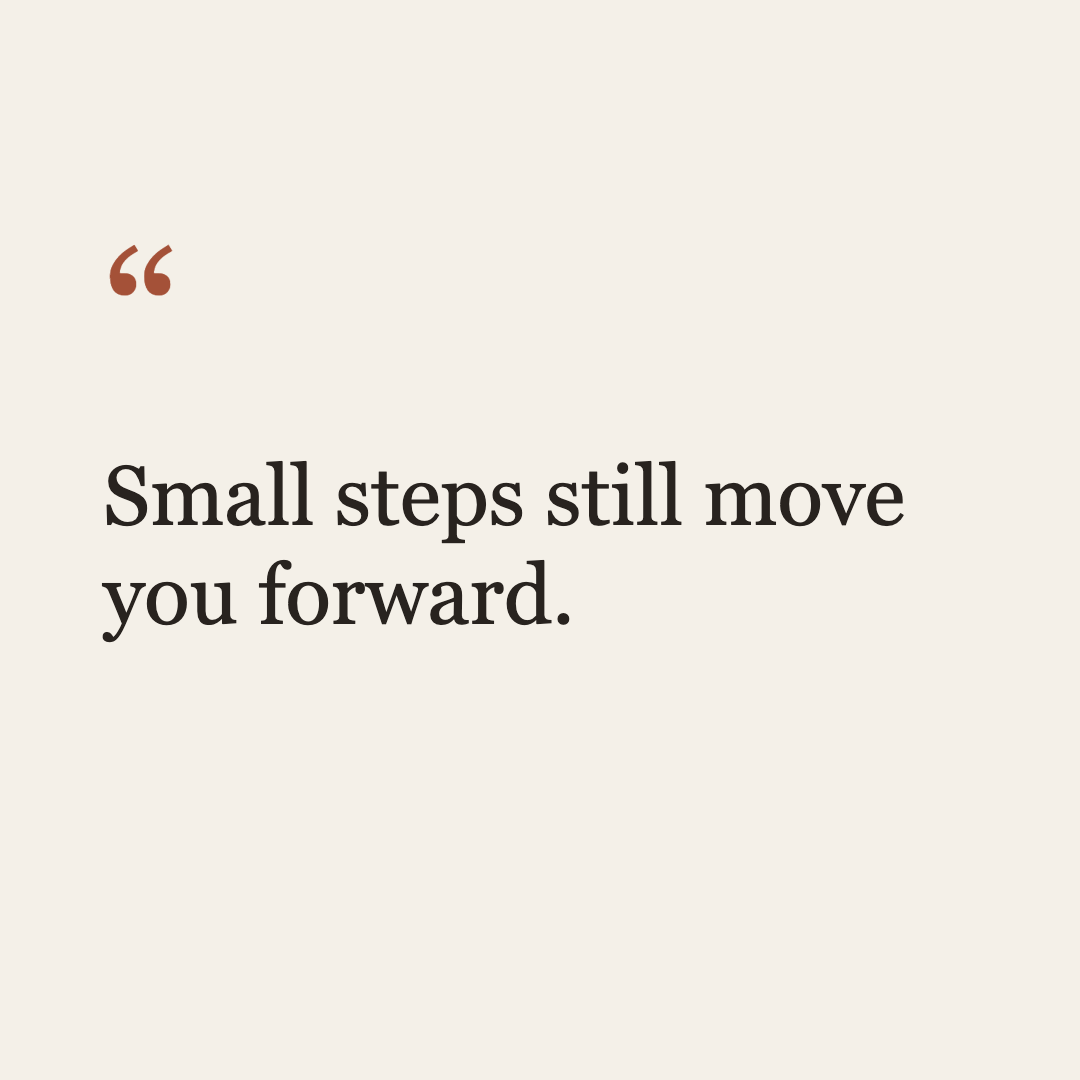
We entered “Small steps still move you forward.”, left Author empty and chose Paper with a Square canvas. We downloaded JPG and PNG without changing the words, design or size.
Compare the actual downloads
- Download the real Square JPG39.3 KiB
- Download the matching Square PNG64.0 KiB
| Download | Fixed settings | Measured result |
|---|---|---|
| JPG | Paper · Square · Author empty | 1080 × 1080 · 40,248 bytes |
| PNG | Paper · Square · Author empty | 1080 × 1080 · 65,493 bytes |
These are actual browser downloads, reopened to verify their pixel dimensions. JPG is smaller in this example; other designs and browsers can produce different file sizes.
Repeat this example
- Open Quote Image Generator, enter “Small steps still move you forward.” and clear Author.
- Select Paper, the first light thumbnail, and choose Square.
- Download JPG, then switch to PNG and download again. Open both files and check their dimensions.
Check your download
Both images are 1080 × 1080 and show the complete sentence without an author line. Both have the same solid Paper background; PNG does not make it transparent.
A common mistake
Changing the filename extension does not choose the encoder. Select JPG or PNG in Format before downloading.
Make your own quote imageSources and credits
Demonstration quote. “Small steps still move you forward.” was entered without an author.
Paper design. Rendered and downloaded with 1click.tools Quote Image Generator.
Write the quote and optional author
Open Quote Image Generator and replace the sample sentence. The Quote text field accepts up to 500 characters and preserves your line breaks. Author is optional and accepts up to 100 characters; leave it empty when you do not need an attribution. Check the wording and attribution yourself. A blank or whitespace-only quote cannot be downloaded.
Choose a style from the thumbnails
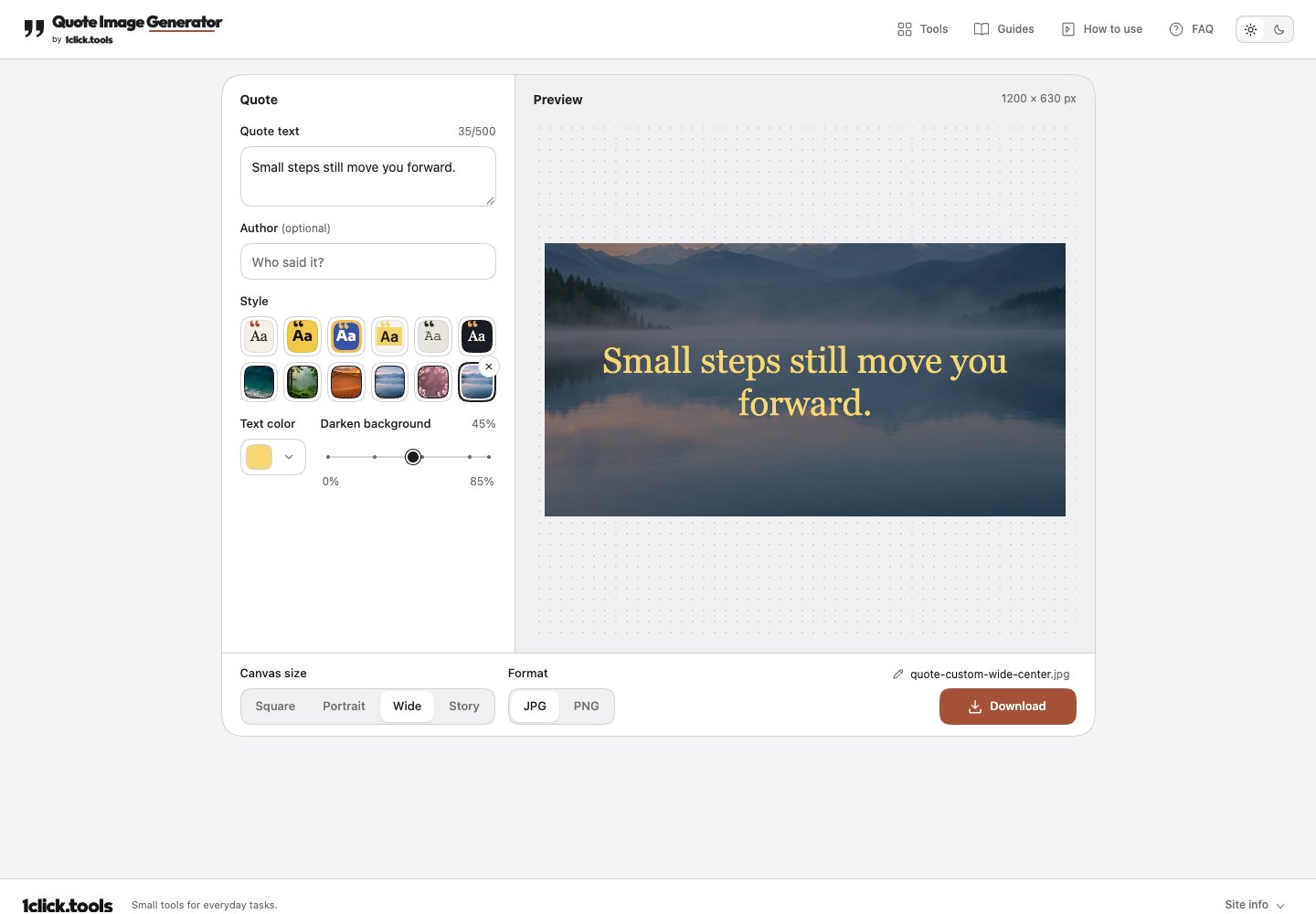
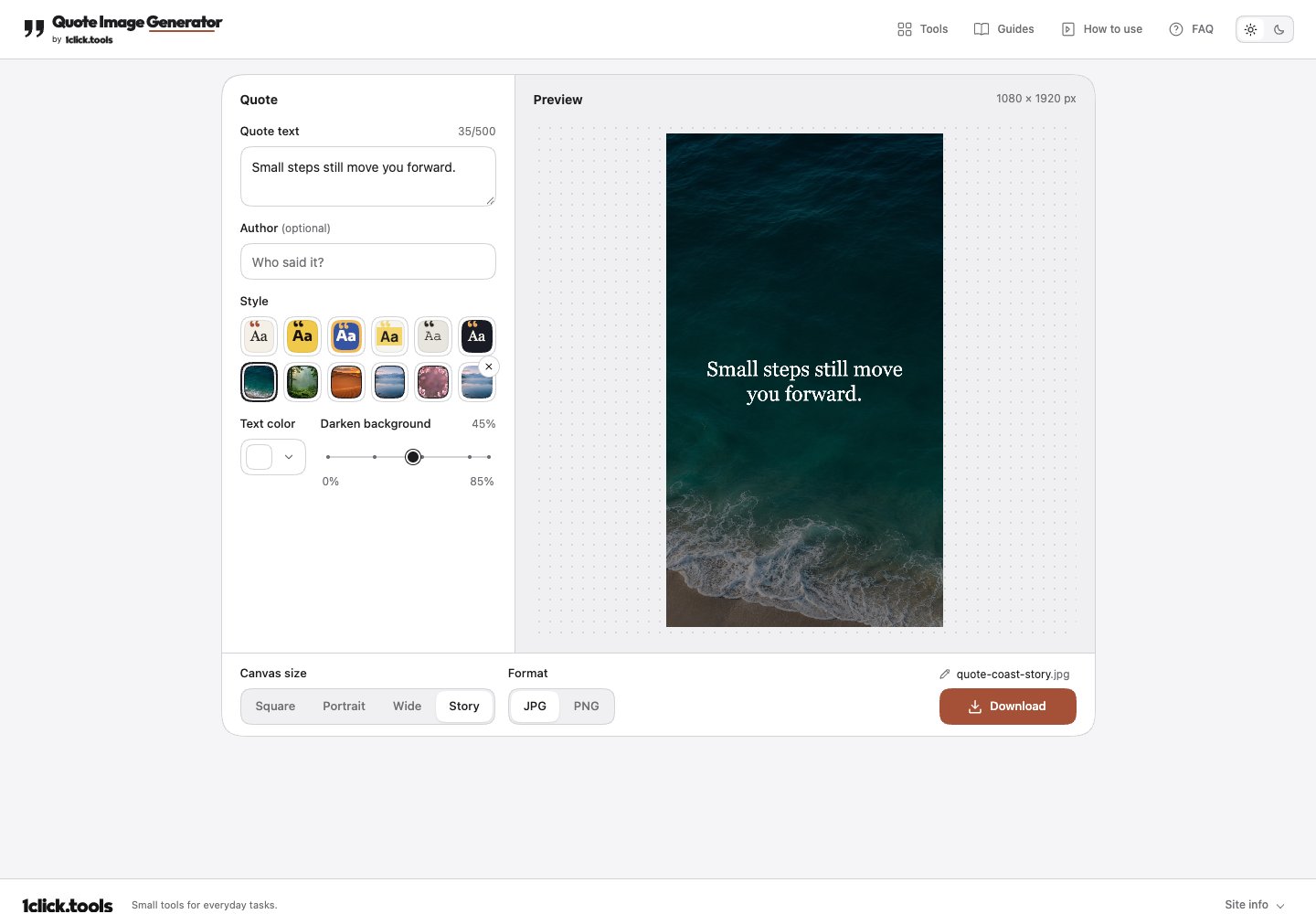
Select a thumbnail under Style and watch the live preview. Paper, the first light thumbnail, uses a quiet serif layout. Ink, Poster, Highlight, Mono and Midnight offer other solid-background treatments. The photo thumbnails use Coast, Forest, Dunes, Alpine and Blossom backgrounds. Hover a thumbnail to see its name. The plus lets you use your own image, and How to use opens the tool instructions without clearing your work.
Want to use your own picture? Follow the custom photo background example to check the centered crop and text colors.
Pick a canvas size
Square exports 1080 × 1080 pixels, Portrait 1080 × 1350, Wide 1200 × 630 and Story 1080 × 1920. Switching size changes the exported canvas, not just the preview zoom. Text wraps and shrinks to fit, so inspect the result after changing shape. Short quotes are easier to read when the finished image is displayed small.
Compare all four downloads in the quote image sizes and formats guide.
Choose JPG or PNG
JPG is the default and is often convenient for sharing. PNG uses lossless encoding and can keep text edges sharper. File size depends on the actual design and image; conversion does not promise a smaller file. Both formats contain the same chosen canvas and background. PNG does not make the background transparent. The worked example above includes both actual downloads.
Download and check your image
The automatic filename combines Quote, the opening words of the quote, the design, canvas size and current date, such as Quote_SmallStepsStillMove_Paper_Square_22.11.2026.png. Use the pencil beside File name for a manual name, then select Download. Manual names stay fixed when the quote changes. Open the downloaded image and check its dimensions, line breaks, spelling and attribution. For an image that will be viewed on a phone, inspect it at a comparable display size instead of judging only the large preview. You can keep editing and download another version.
Keep your words private
The quote, author and selected images are processed on your device and kept in your browser through a reload. Download your result before closing the tab; a reload keeps your work. The website still makes requests for hosting and, according to your choices, analytics and advertising. Local quote processing does not mean the entire website runs offline.