A little guidance
How to select several files at once
Use clicks, Shift, Ctrl/Cmd, checkboxes and Select all to pick exactly the files you want before copying, moving, deleting or converting them.
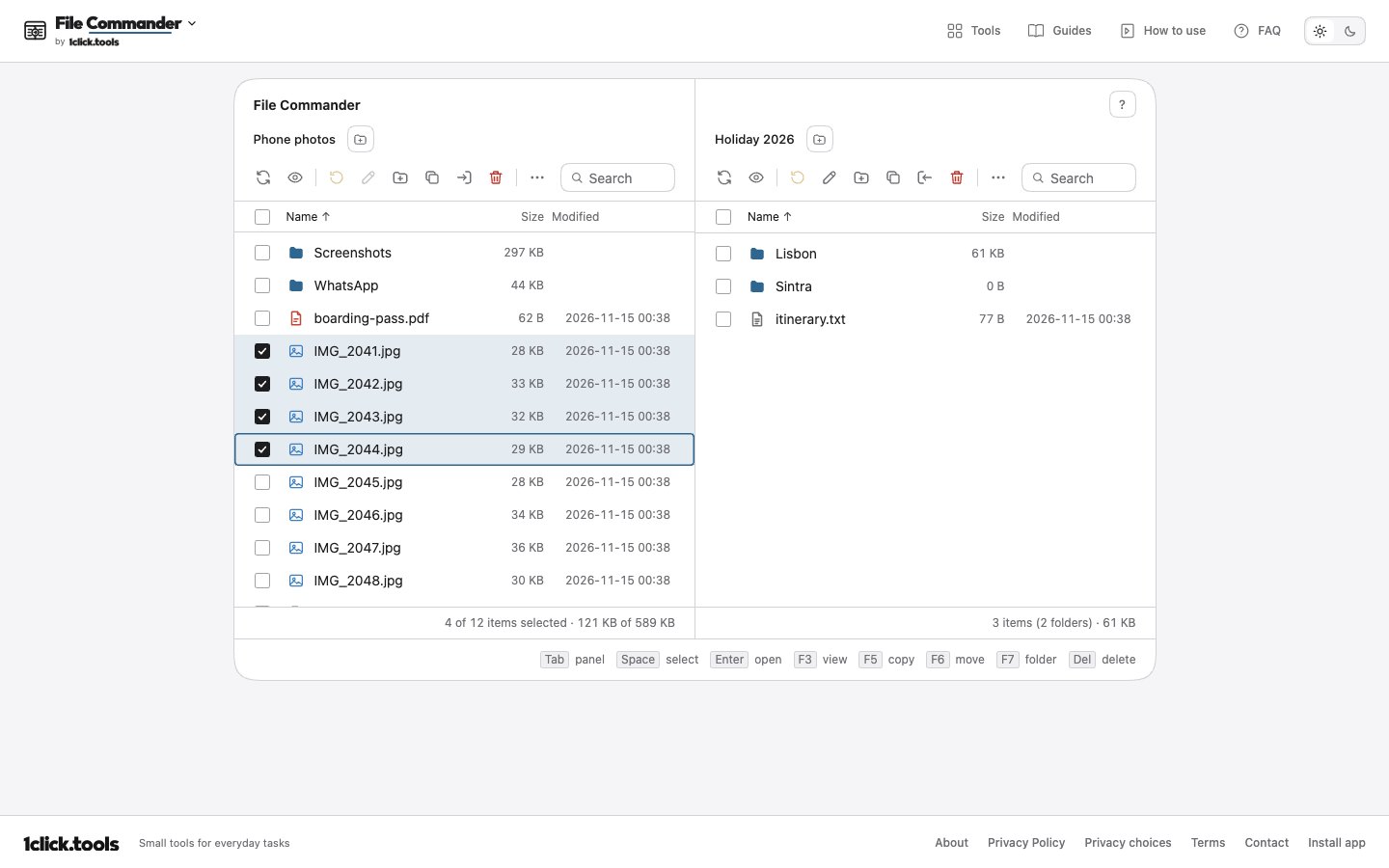
Select four photos with a click and a Shift-click
We clicked IMG_2041.jpg and Shift-clicked IMG_2044.jpg. The rows are tinted and the panel footer counts the selection.
| How | What it does | Keyboard |
|---|---|---|
| Click, then Shift-click | Selects the range | Shift + arrows |
| Ctrl/Cmd-click or checkbox | Adds or removes one file | Space or Insert |
| Header checkbox or … › Select all | Selects every visible row | Ctrl/Cmd+A |
| Clear | Removes the selection | Escape |
With nothing selected, actions use the file under the cursor.
Repeat this example
- Click the first file.
- Shift-click the last file.
- Ctrl/Cmd-click any file to add or remove it.
Check the result
The footer reads 4 of 12 items selected with their size.
A common mistake
A plain click on another file moves the cursor but keeps the selection; Escape clears it when you want to start over.
Open File CommanderSources and credits
Sample folders made for these guides. Phone photos and Holiday 2026 hold generated landscape pictures and short text files created for the screenshots. Every screenshot shows the real tool working on those files.
Click and Shift-click a range
Click the first file to put the cursor on it, then Shift-click the last one to select everything in between. Shift with the arrow keys does the same from the keyboard.
Add or remove single files
Ctrl-click on Windows or Cmd-click on a Mac adds or removes one file. Ticking a checkbox does the same. Space or Insert selects the file under the cursor and moves down, so you can select a list quickly.
Select everything
Select all is in the … menu of the toolbar, or press Ctrl/Cmd+A. The checkbox in the column header selects or clears every visible row. Combine it with search to select, for example, only the JPG files.
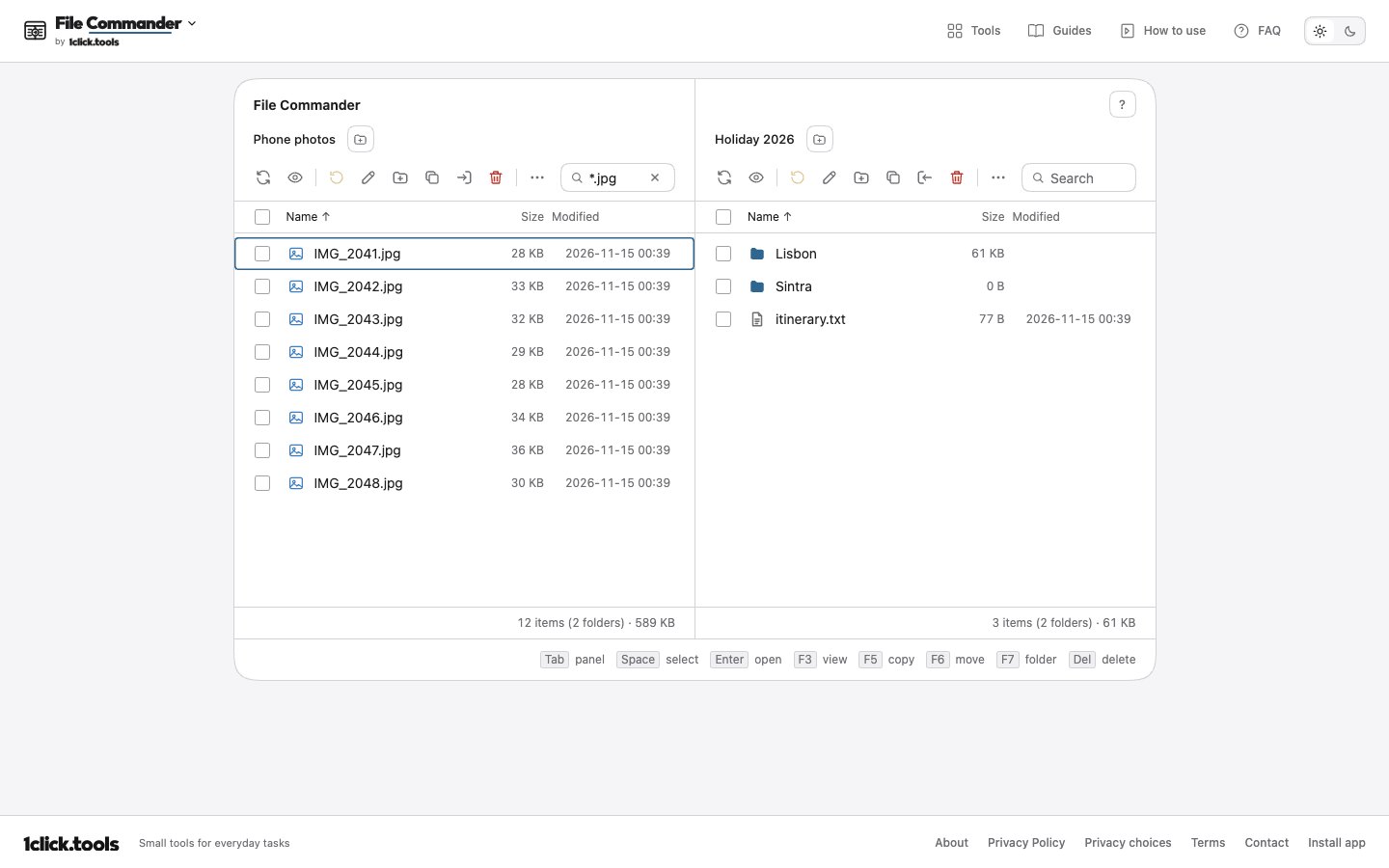
To narrow the list first, use search with masks like *.jpg.
See what is selected
Selected rows are tinted and the bottom of the panel shows “4 of 12 items selected” with their size. Escape clears the selection. Every action uses the selection, or the file under the cursor when nothing is selected.